Quick Answer
A mid-race disconnect usually comes from a loose USB connection, a power-starved USB port, or a failing cable. Start by reseating every cable connection and trying a different USB port on your PC. If the problem persists, test with a known-good USB cable before suspecting the wheel base itself.
Symptom: The Wheel Goes Dead Mid-Lap
You're deep into a race and the wheel suddenly loses all input—no force feedback, no button response, no LED telemetry. The base may still show a power light, or it might go dark entirely. This is different from a momentary glitch; the connection stays dead until you physically unplug and replug the USB or restart the base.
The symptom points to a break in the data or power path between the wheel base and your PC, not a software crash. If the wheel reconnects only after a full power cycle, the root cause is almost certainly hardware-related.
Likely Cause: USB Cable or Port Instability
The most common culprit is the USB cable. A cable that looks fine can have an internal break that only shows up under vibration or heat. A loose fit at the PC or base port can also cause intermittent contact. Less common but still possible: the USB port on your PC is not delivering enough power, especially if you're using a front-panel hub or a long extension cable.
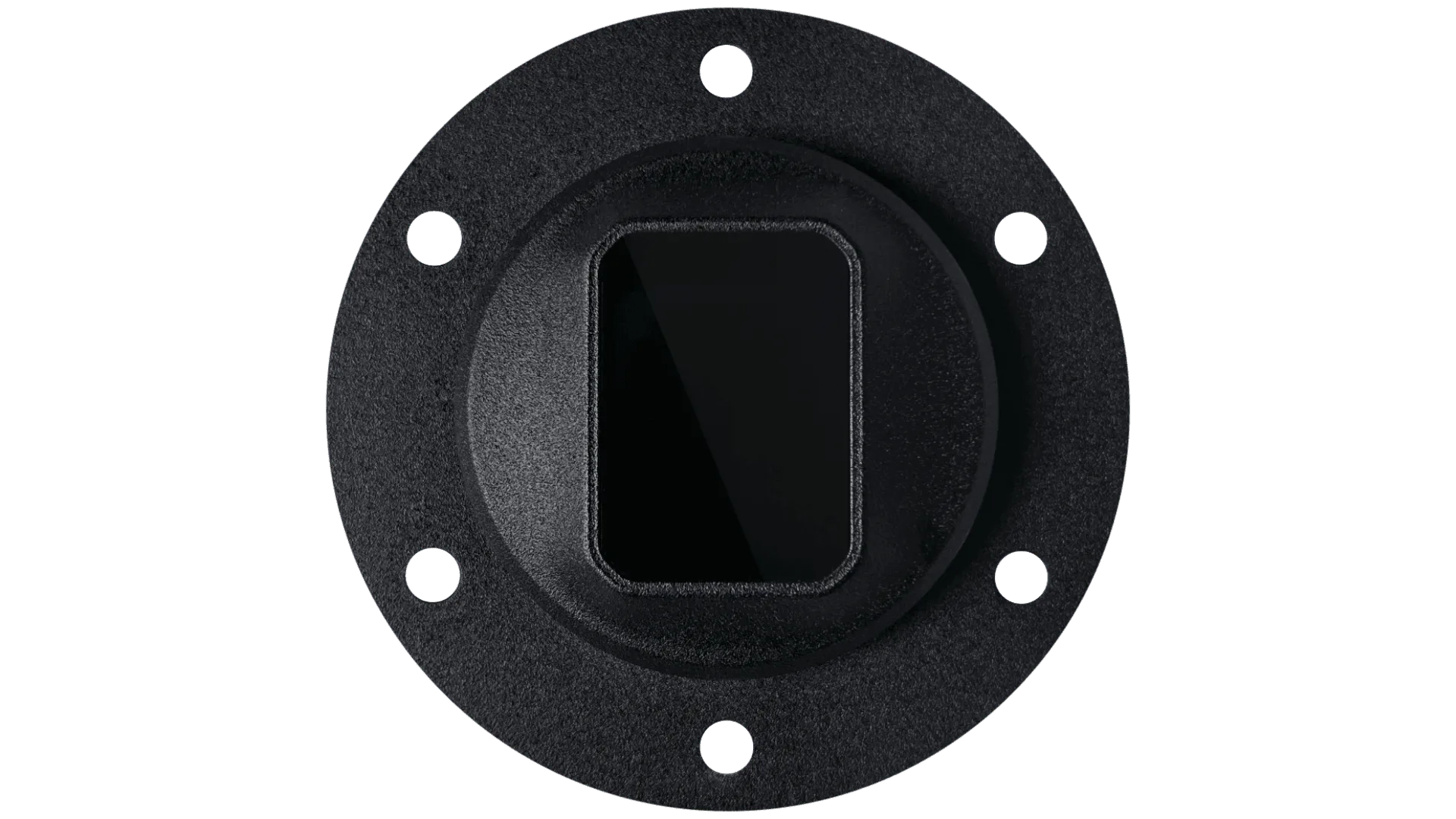
If you're using a direct-drive wheel like the Simucube 2 Pro, the base draws more power during heavy force-feedback moments. A marginal USB port can drop the connection under load. This is not a GSI-specific issue—it affects any high-power wheel base.
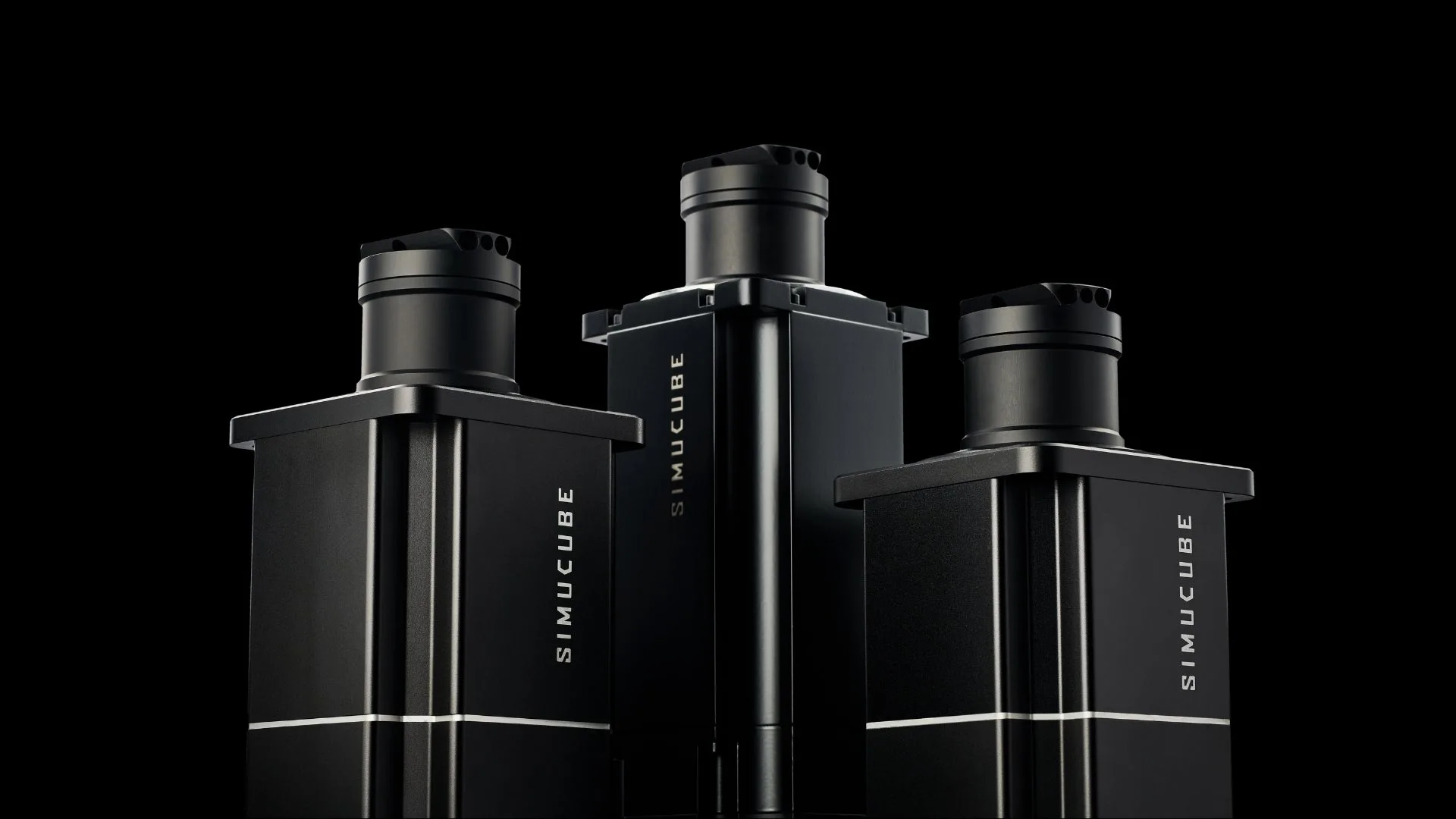
Simucube 2
Corrective Action: Step-by-Step Diagnosis
1. Reseat every connection: unplug the USB cable from both the wheel base and the PC, then plug it back in firmly. Do the same for the power cable. 2. Swap the USB cable with a known-good, shielded cable (ideally USB 2.0, which is more stable for sim racing wheels than USB 3.0). 3. Move the USB cable to a different port on your PC—prefer a rear motherboard port directly on the I/O panel. Avoid hubs, splitters, or extension cables. 4. If the wheel has a removable wheel rim (like the Interlock Base Module + Rim), check that the quick-release or connector ring is fully seated. A partial connection can cause intermittent dropout. 5. Test the wheel base on a different PC if possible. If the problem follows the base, the base may need service.
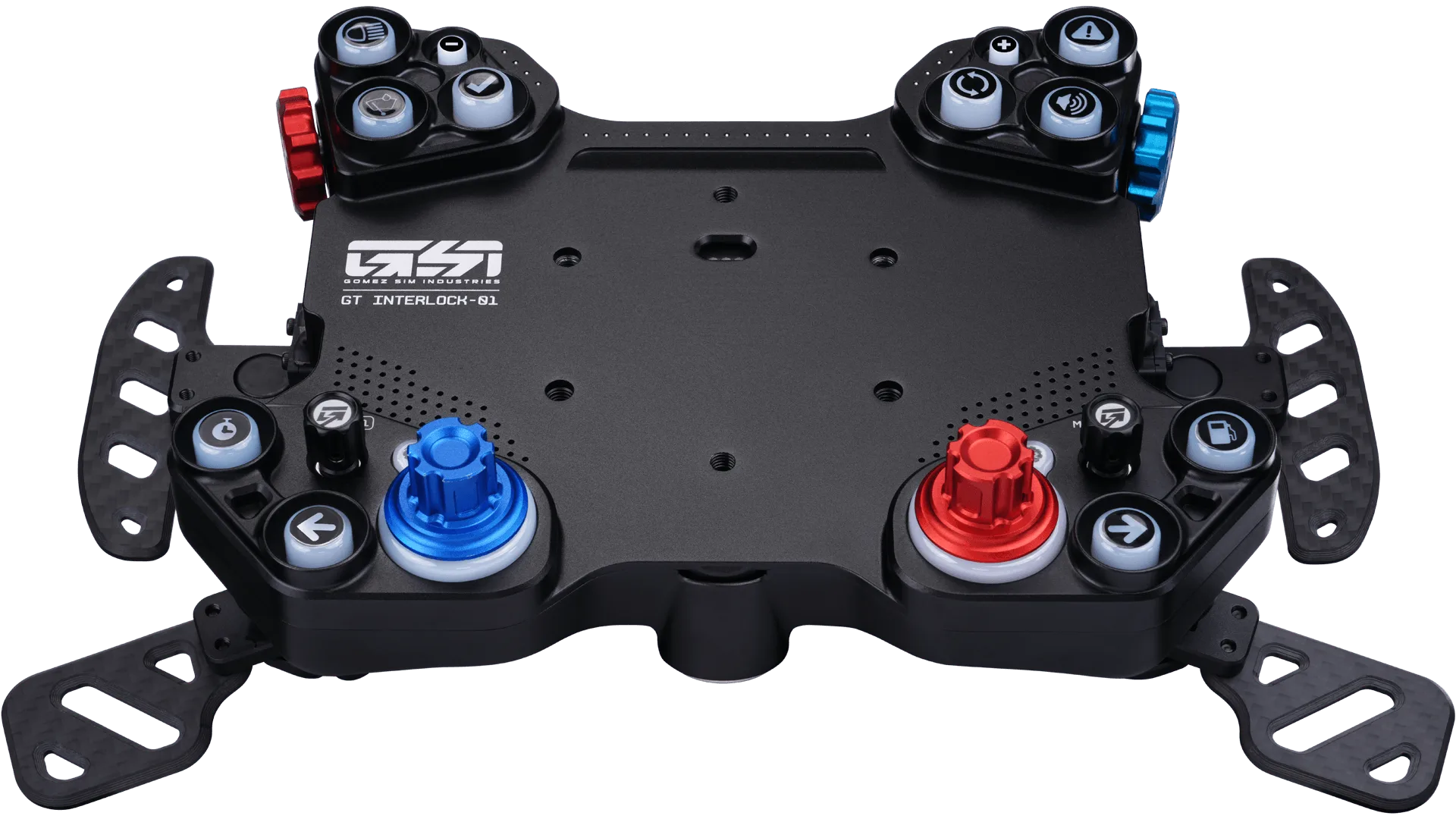
Interlock Base Module
When to Stop and Choose Another Option
If you've tried two different USB cables, multiple ports, and a second PC, and the wheel still drops out mid-race, the issue is likely inside the wheel base's USB controller or power supply. At this point, stop troubleshooting and contact GSI support or your wheel base manufacturer. Attempting to open the base yourself can void the warranty.
For modular systems like the Interlock Ultra, a faulty rim connector can also cause disconnects. If you have access to another rim or base module, swapping components can isolate the fault without opening anything.
Diagnosis at a Glance
- Symptom: Wheel loses all input mid-race, stays dead until USB is re-plugged or base is power-cycled. Not a software crash; hardware path is broken.
- Likely Cause: Faulty USB cable, loose connection, or underpowered USB port. Less common: failing base controller. Cable and port are the easiest to test first.
- Corrective Action: Reseat cables, swap USB cable, use rear motherboard port, test on second PC. If it works after cable swap, the old cable was the problem.
- Stop / Next Step: If two cables and two PCs fail, the base likely needs service. Do not open the base yourself. Contact GSI support or the wheel base manufacturer.
Relevant Products for a Stable Connection
- Interlock Base Module + Rim / Prime + Simucube 2 Pro Bundle: The Interlock Base Module + Rim is the most straightforward way to start with Interlock. You’ll get the modular core paired with a GSI rim, with the option to add paddle shifters, clutches, or the LED Matrix. Every piece is designed to work together, so your setup can grow over time. If you're building a new rig or replacing a problematic wheel, the Interlock system's modular design lets you isolate connection issues to a specific component (base, rim, or add-on) without replacing the whole wheel.
- Interlock Ultra + Simucube 2 Pro Bundle: The Interlock Ultra is the flagship of the system, featuring a unique rim design with the LED Matrix seamlessly built in. It delivers a clean, integrated experience right out of the box — distinct within the Interlock lineup and built to stand on its own. For racers who want a single-piece solution with fewer connection points to troubleshoot, the Interlock Ultra reduces the number of potential failure points compared to a fully modular setup.