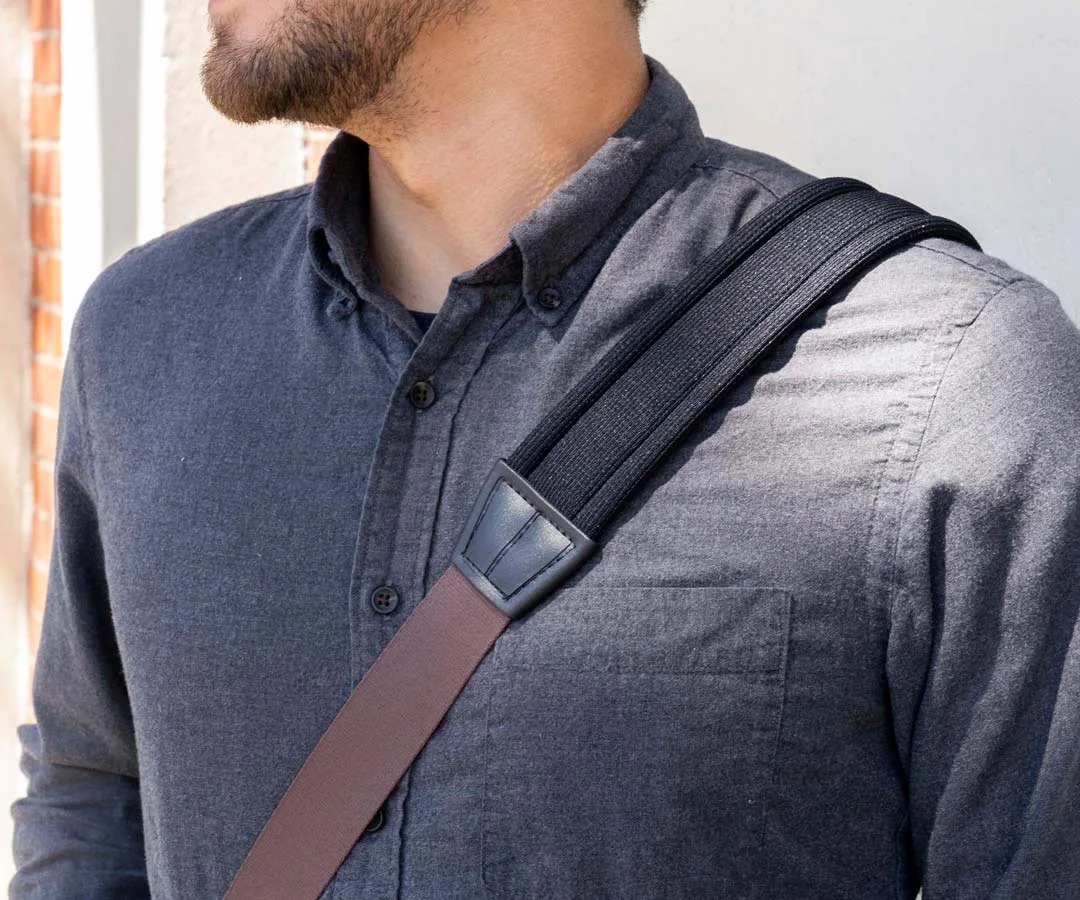
Quick answer
If your laptop bag strap keeps slipping, the quickest fix is to adjust the strap length so the bag sits higher on your back, and add a grippy shoulder pad if the strap is thin or smooth. For persistent slipping, upgrade to a padded strap with a non-slip surface.
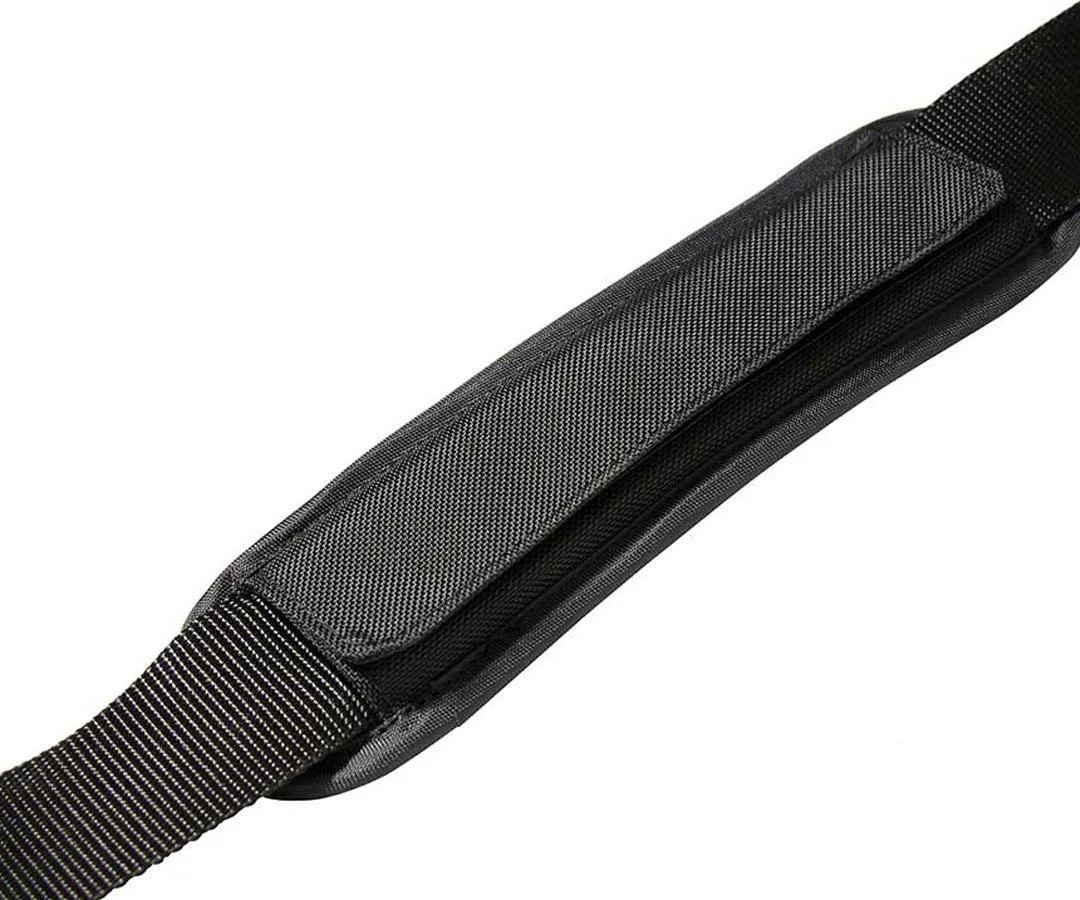
shoulder pad
Adjust the strap length first
A strap that is too long shifts the bag's weight low on your back, which tilts the strap and makes it slide off your shoulder. Shorten the strap so the bag rests near your lower back or hip, keeping the strap flat against your shoulder. This simple bag strap adjustment often solves the problem without any extra gear.
Add grip with a shoulder pad
If your strap still slips after adjusting, the fabric may be too smooth or the strap too narrow. A padded shoulder strap with a rubbery or textured underside adds friction and spreads the load, reducing both slipping and shoulder strain. Look for a pad that stays put and won't wrinkle your shirt.
Diagnose your slipping strap
- Symptom: Strap slides off your shoulder during walking or carrying. Notice when it slips—always, or only with a heavy load?
- Likely cause: Strap too long, too smooth, or too narrow for the weight. Check the strap length and fabric texture first.
- Corrective action: Shorten the strap and, if needed, add a grippy shoulder pad. Test the adjustment with your usual load.
- When to stop or upgrade: If slipping persists after adjustment and padding, replace the strap with a dedicated non-slip padded strap. Invest in a strap that matches your carry weight for long-term comfort.
Upgrade your strap for a secure fit
- Supreme Suspension Strap: The Supreme Suspension Strap uses 4mm-thick textured neoprene for stretch and a rubbery grip for hold. It stays put on your shoulders and won't wrinkle your shirt. Heavy-duty custom hardware attaches to your bag for a secure connection. This strap directly addresses slipping by adding grip and stability, and its padded design reduces shoulder pressure during daily commutes.