Quick answer
If your Scale75 Yellow Code paint appears translucent and fails to cover, the issue is usually over-thinning or insufficient pigment load. You can often fix it by applying multiple thin coats or using a white base coat.
Why yellow paints are tricky
Yellow pigments are naturally less opaque than darker colors. Even high-quality acrylics like Scale75's Warfront series may require more coats to achieve full coverage. This is not a defect—it's a property of the color itself.
Diagnosis & fix steps
- Symptom: Paint appears watery, transparent, or patchy after one coat on a dark surface.
- Likely cause: Over-thinning with water or medium, or shaking insufficiently before use. Yellow Code has a high pigment load but needs proper mixing.
- Corrective action: Shake the bottle thoroughly for 30 seconds. Apply 2–3 thin, even coats, allowing each to dry fully. For maximum opacity, prime the area with a light gray or white base coat. If coverage is still poor after three coats, consider switching to a different yellow shade or using an opaque primer.
- When to stop: If you've applied four coats and the underlayer still shows, the paint may be too thin for your application. Stop to avoid a thick, gloppy finish. Use the paint as a glaze or filter instead. Stop and reassess: the paint is still usable as a transparent wash.
Product facts
-
YELLOW CODE: Warfront acrylic paints are creamy and their opacity allows us to create glazes with ease, achieving excellent results. This creamy consistency means the paint is designed for layering; applying thin coats builds opacity without losing detail.
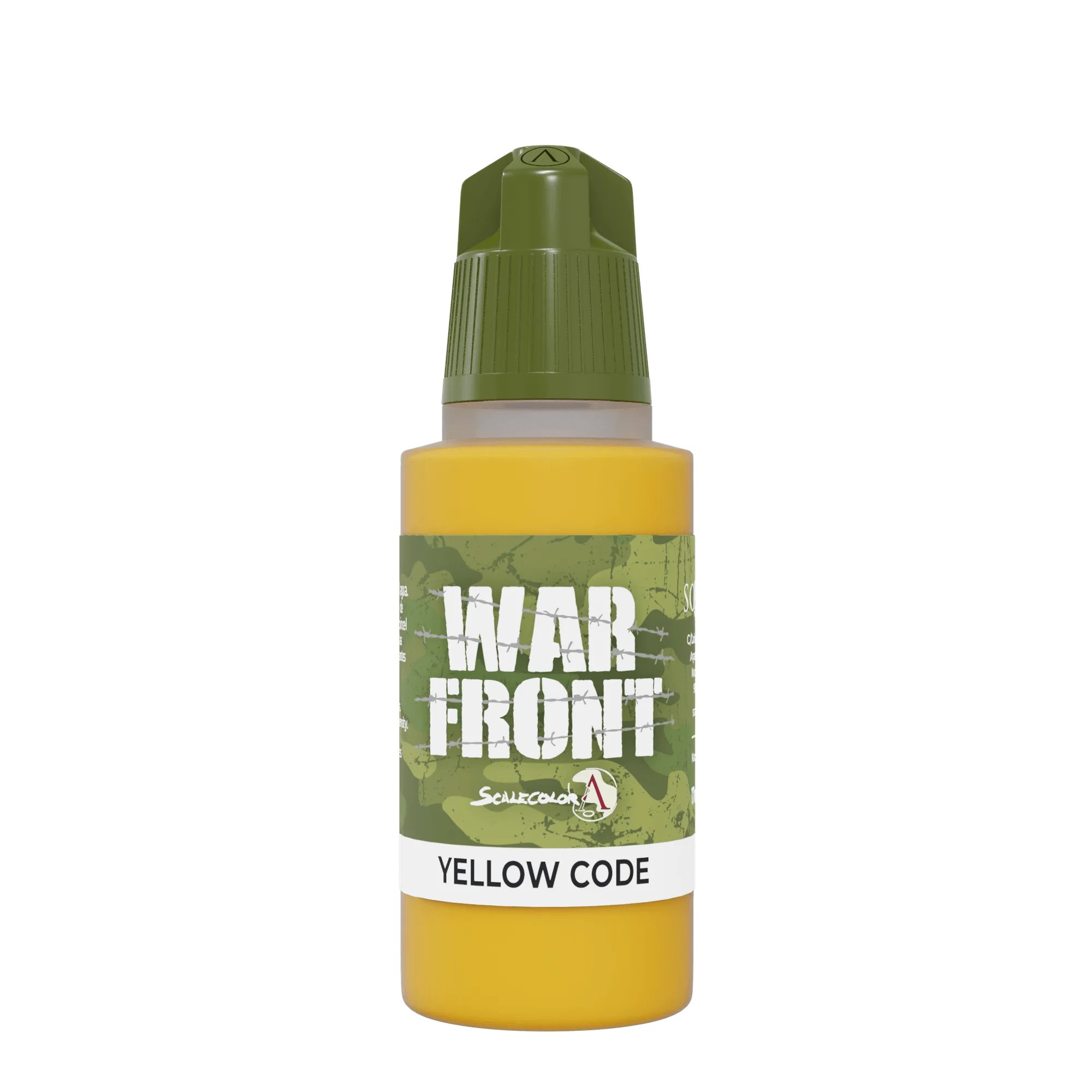
YELLOW CODE