Quick answer
Most Flare FX filter problems come from one of three things: no strong point-source highlight in frame, the filter rotated to a position that pushes the flare out of the shot, or a filter type that does not match the look you want. Rotate the filter while watching the flare move, then confirm you are using a Flare FX for anamorphic-style streaks or a Radiant FX for organic refractions. If the flare still looks wrong after both checks, the effect itself is the wrong choice for that shot.
Symptom: the flare is barely visible or missing
A Flare FX filter needs a bright point source to work on. Practical lights, bare bulbs, specular highlights on metal or water, and small hard light sources give the coating something to streak. A soft, diffused, or flatly lit scene gives it almost nothing, so the filter reads as a clear piece of glass.
The second suspect is rotation. The filter is designed to rotate so you can position the flare, and a quarter turn can move the streak from a strong diagonal across the frame to a thin edge you never notice. Rotate slowly with the camera rolling or the monitor live, and stop when the flare lands where you want it. Do not set it once and assume it is correct.
- Add or reveal a point source: a practical lamp, a bare bulb, a reflection, or a small hard backlight.
- Rotate the filter in small increments and watch the flare travel across the frame.
- Check that the flare is not hidden behind a subject, a matte box edge, or a crop.
Symptom: the flare is too strong, too blue, or too rainbow
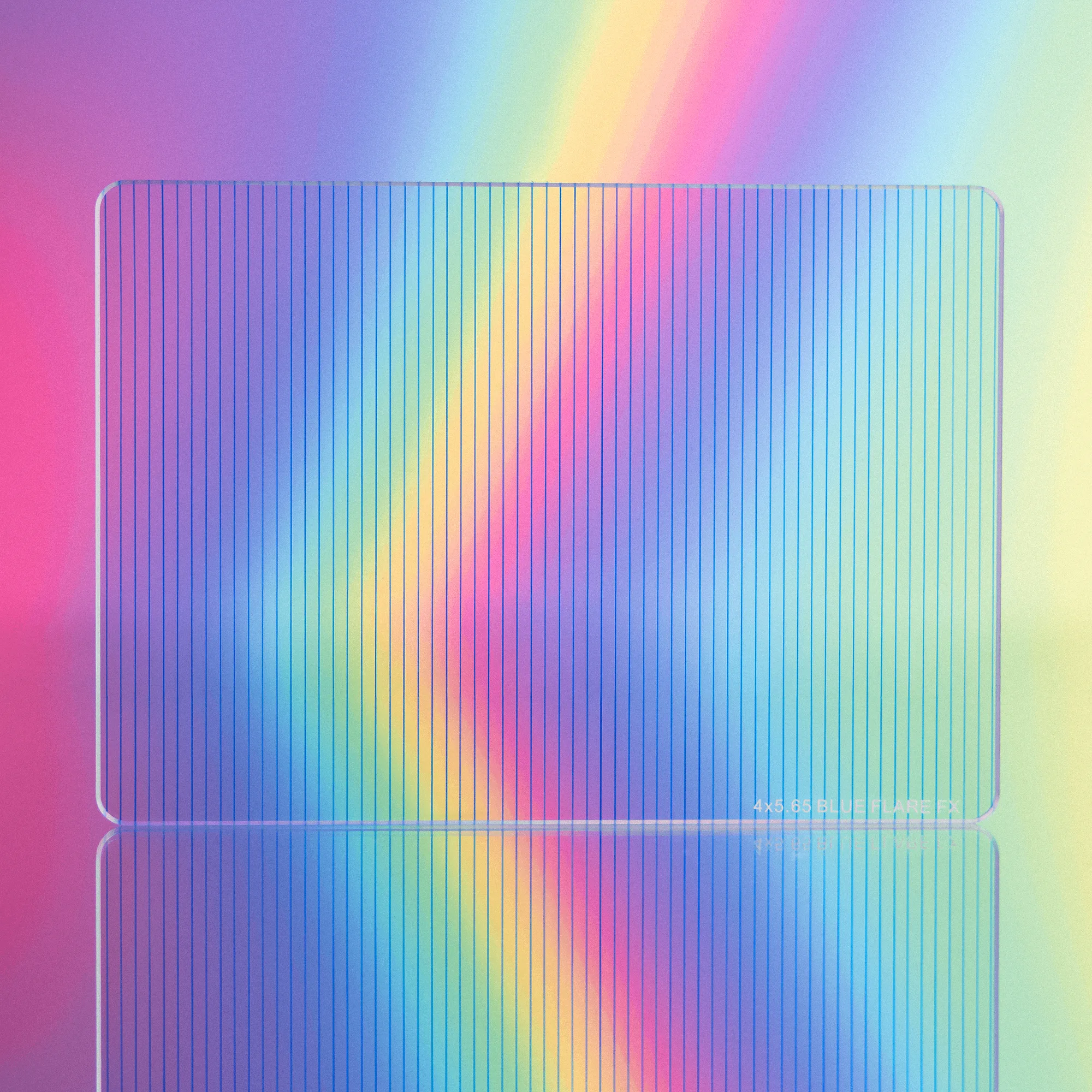
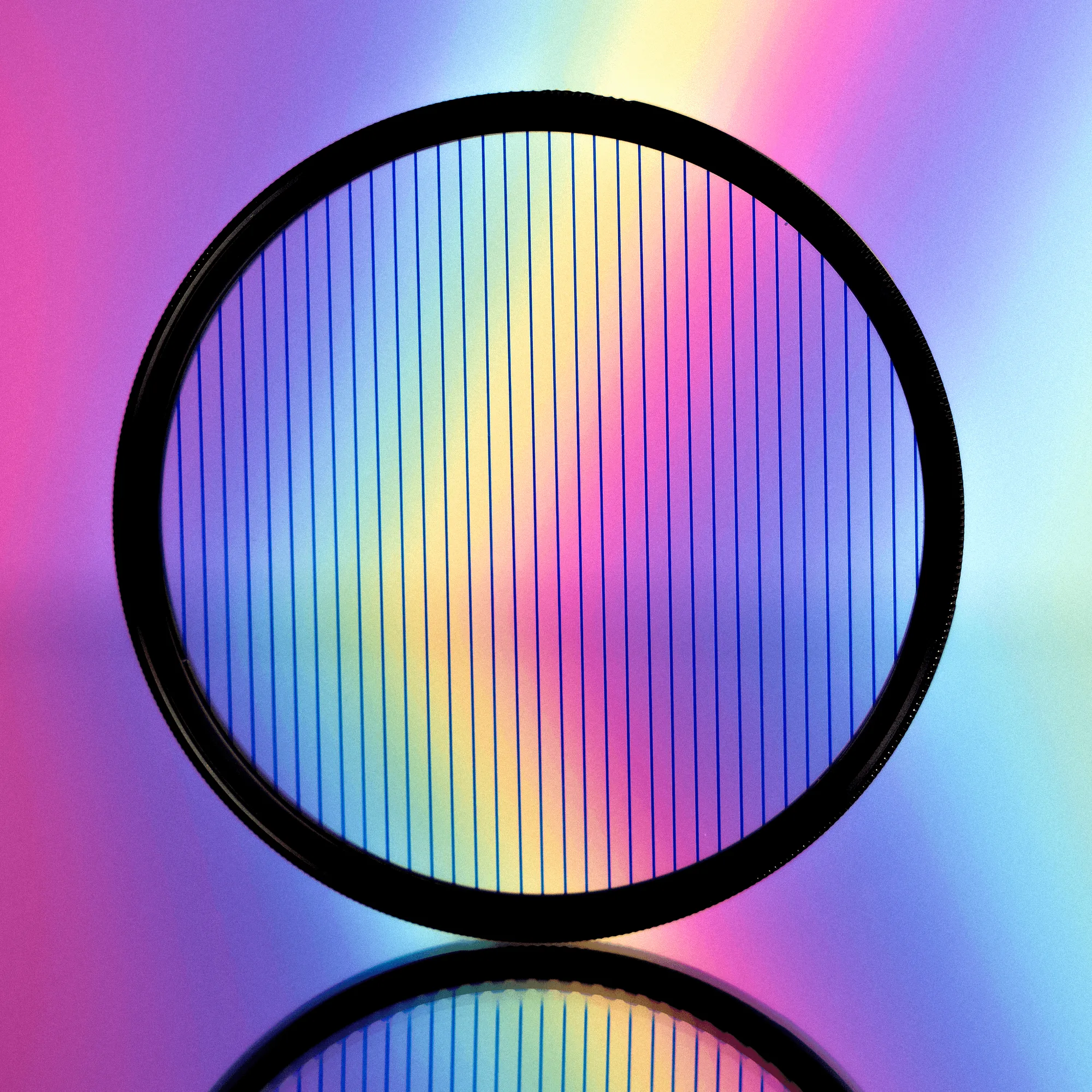
Flare FX comes in different color options, and each one behaves differently depending on what light hits it. A Blue Flare FX gives a classic anamorphic-style blue streak, while a Rainbow Flare FX shifts color with the light source, so the same filter can look restrained on one setup and loud on another. If the result feels like too much, the fix is usually the light, not the filter: dim the source, move it further back, or flag it so less of it hits the glass directly.
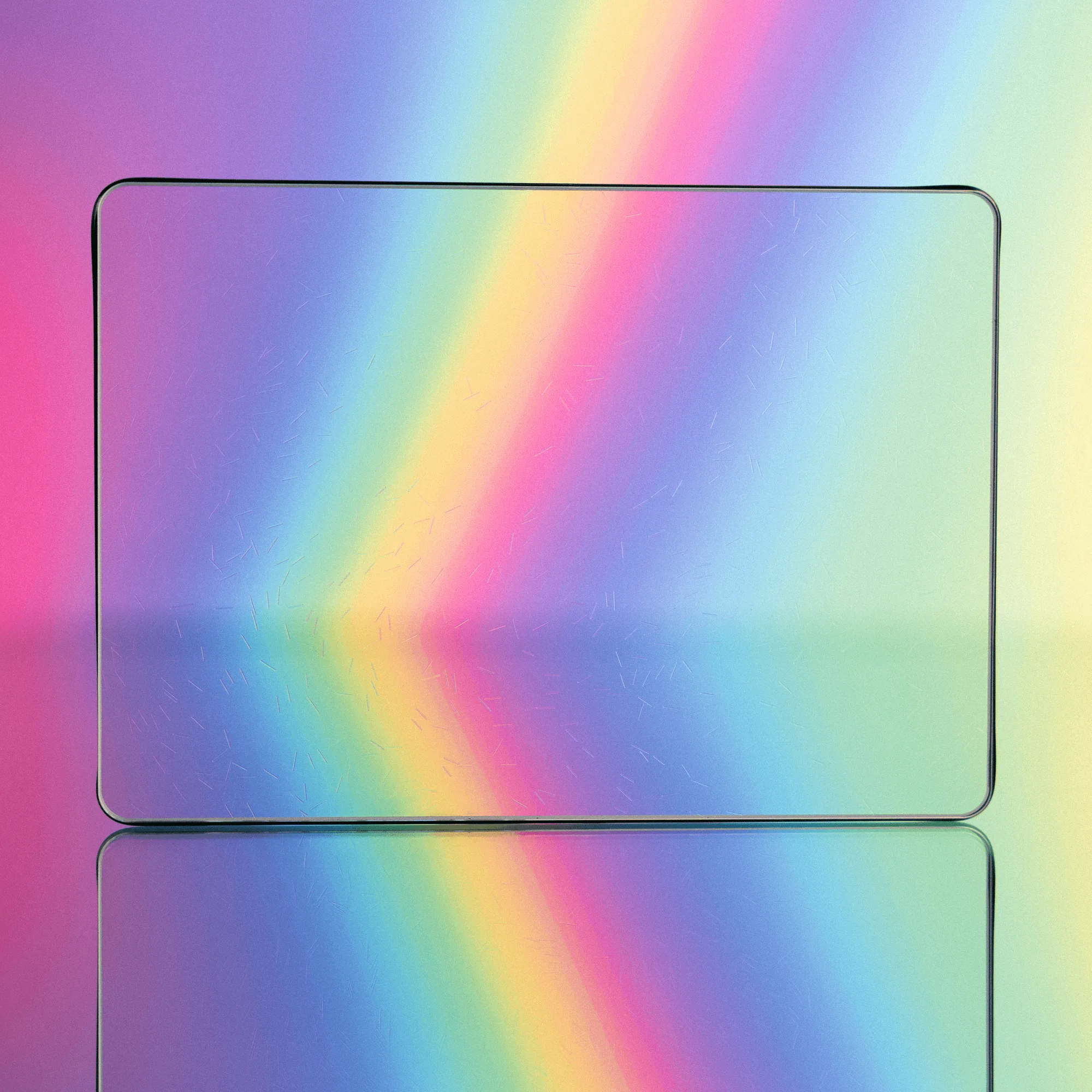
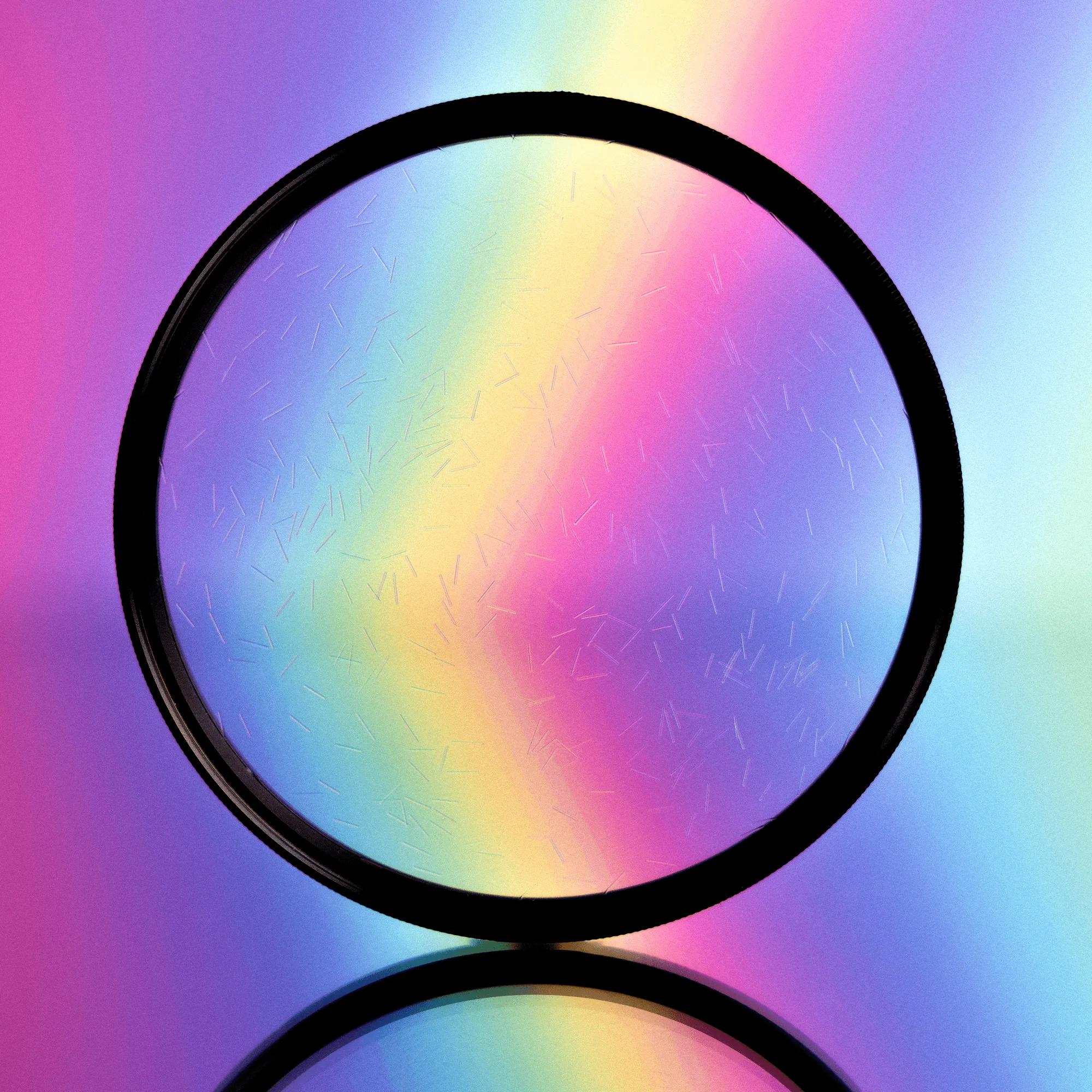
If you want a softer, more organic result instead of a hard streak, that is a different tool. The Radiant FX line creates flares and refractions off strong highlights rather than a single anamorphic-style line, and it rotates to change the effect, look, and movement. Choosing the wrong family for the mood is a common reason people think their filter is broken.
- Reduce the intensity or size of the brightest highlight before blaming the filter.
- Switch color options if the hue is the problem, not the strength.
- Move to a Radiant FX if you want refractions instead of an anamorphic-style streak.
Symptom: the flare looks right on the monitor but wrong in the edit
Flare position is easy to misjudge on a small monitor, especially when the flare sits near the frame edge. Play back the take at full size before moving on, and check the flare against the final crop or aspect ratio you plan to deliver. A flare that reads well in a wide frame can disappear entirely in a tighter crop.
Also confirm the filter is seated correctly and clean. A smudge, a fingerprint, or a filter that is not sitting flat can scatter light and turn a clean streak into a hazy wash. Clean the glass and reseat it before you change any creative decisions.
- Review the take at delivery size, not just the on-set monitor.
- Check the flare against your final crop or aspect ratio.
- Clean and reseat the filter if the effect looks hazy rather than streaked.
When to stop adjusting and choose a different filter
If you have added a real point source, rotated through the full range, cleaned the glass, and the look still does not match the shot, the effect is the wrong fit. That is not a defect. Flare FX is built for anamorphic-style streaks on point sources; Radiant FX is built for organic refractions off strong highlights. Neither one is designed to create a look that is not in the scene.
The 4x5.65 Flare FX Filter and the 4x5.65 Radiant FX Filter both fit standard 4x5.65 matte boxes, so swapping between them mid-shoot is straightforward. If you are working with a smaller rig, the Flare FX Filter is also available in additional sizes and color options, which makes it easier to test the effect before committing to a full set.
Radiant FX Filter
Diagnosis: match the symptom to the fix
- Flare is missing or very weak: No strong point source in frame, or the filter is rotated to a position that pushes the flare out of the shot. Add a practical or specular highlight, then rotate the filter in small increments until the flare lands where you want it.
- Flare is too strong or the color is wrong: The highlight is too bright or too large for the look, or the color option does not suit the scene. Dim or flag the source first. If the hue is still wrong, switch between Blue and Rainbow options.
- Effect looks hazy rather than streaked: A smudge or a filter that is not seated flat scatters light instead of forming a clean flare. Clean the glass and reseat the filter before changing any creative settings.
- Flare looks right on set but wrong in the edit: The flare sits near the frame edge or outside the final crop. Review at delivery size and reposition the flare for the final aspect ratio.
- Still wrong after all checks: The effect does not match the shot's needs, which is a fit problem rather than a fault. Stop adjusting and switch to a Radiant FX for organic refractions, or choose a different look entirely.
Filter facts that explain the symptoms
- 4x5.65 Flare FX Filter: Creates an anamorphic-style flare on point source highlights and uses a rotating design so you can adjust the flare's position. Rotation is the primary control for flare placement, so a flare that seems missing is often just rotated out of the frame.
- 4x5.65 Radiant FX Filter: Creates organic flare refractions off strong highlights and rotates to change the effect, look, and movement. If you want refractions rather than a single anamorphic-style streak, this is the correct family and no amount of adjustment on a Flare FX will replicate it.
- Flare FX Filter: Available in Blue Flare FX for a classic anamorphic-style blue flare and Rainbow Flare FX for a multicolored flare that changes color depending on the light that hits it. Color behavior depends on the light source, so the same filter can look subtle or intense across different setups.