Quick answer
Your camera is rarely the bottleneck. Most slowdowns come from using a card that doesn't match your shooting demands, letting the card fill up, or skipping basic care. Match the card to the job, format it in the camera, and treat it like the precision tool it is.
Myth: Any card works fine if it fits
A card that physically fits can still be wrong for your camera. Speed class ratings tell you the minimum sustained write speed, and if that number is lower than what your camera needs for burst shooting or 4K video, you get stuttering, dropped frames, and long save times. The fix is simple: check your camera manual for the recommended speed class, then buy a card that meets or exceeds it.
Myth: You can ignore card care once it's in the camera
Memory cards are sturdy but not indestructible. Heat, moisture, and physical stress all degrade performance over time. Leaving a card in a hot car, yanking it out while the camera is still writing, or letting the contacts get dirty can cause errors and slowdowns. Basic care tips: format the card in the camera after transferring files, store cards in a protective case, and avoid touching the gold contacts.
Myth: A full card writes as fast as an empty one
As a card fills up, the controller has fewer free blocks to write to, which can slow things down. Keeping 10–20% of the card free helps maintain consistent write speeds. If you routinely fill cards to the brim, consider carrying a spare and swapping early. This is especially important for trail cameras and other devices that write continuously.
Verdicts on common card claims
- Claim: A higher speed class always makes your camera faster.: Verdict: False. Your camera has a maximum write speed. If the card exceeds it, you won't see extra benefit. Match the card to the camera's spec rather than buying the fastest available. Check your camera manual for the recommended speed class.
- Claim: You should always format cards on your computer.: Verdict: False. Formatting in the camera ensures the card is set up with the correct file system and folder structure. Computer formatting can create compatibility issues. Format in-camera after every transfer.
- Claim: Memory cards last forever.: Verdict: False. Cards have a limited number of write cycles. Over time, they can become unreliable or slow. Replace cards every few years, especially if you shoot professionally. Retire cards that show errors or slowdowns.
Product facts that matter for card performance
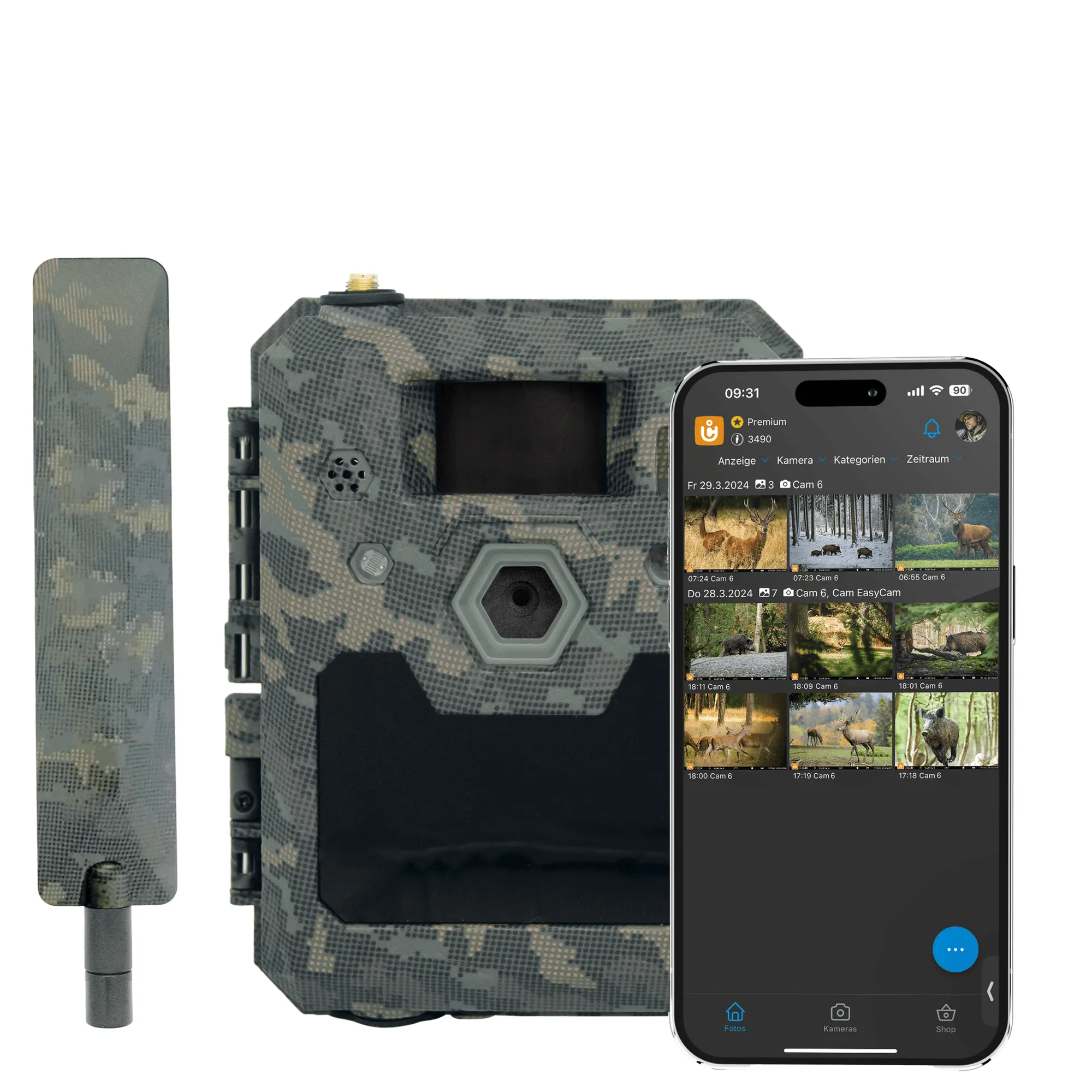
- ICU Clom Cam6 Trail Camera: 16GB SD card included (SDHC support) The included card gets you started, but for high-resolution video or frequent burst shooting you may want a faster, larger card that meets the camera's speed class requirements. SDHC support means the camera accepts cards up to 32GB, so plan accordingly.