Layout and switch questions
Which layout should I choose for the Flow Lite84?
The catalog lists ANSI, DE (QWERTZ), FR (AZERTY), and UK (ISO) layouts, so pick the one that matches the physical key arrangement you already touch-type on. ANSI is the common US-style layout; DE, FR, and UK variants change key legends and some key positions to match those regional conventions. If you regularly switch between operating systems, confirm that your preferred layout is available in your chosen color, because not every color ships in every layout.
What do Specter switches feel like for everyday typing?
The Flow Lite84 uses Specter switches, which the catalog describes as providing responsive and tactile feedback. That means you get a noticeable bump rather than a completely linear press. For long writing or coding sessions, a tactile switch can help you feel actuation without bottoming out hard, but personal preference varies. The low-profile form factor also means shorter key travel than a standard-height mechanical keyboard, which some typists find faster and others find less cushioned.
Is the low-profile height comfortable for all-day work?
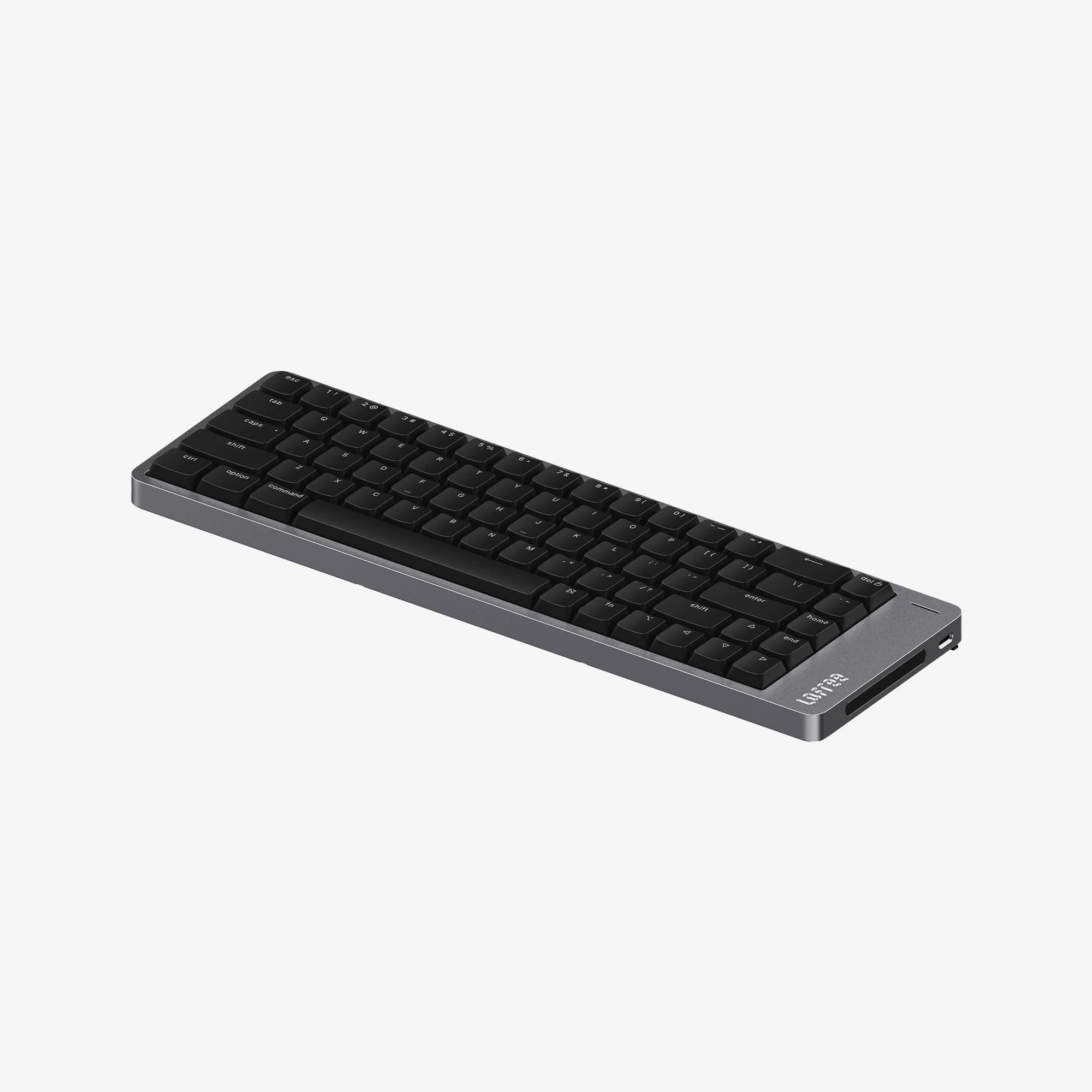
The Flow Lite84 is designed with a slim, low-profile form factor and an ergonomic typing angle. That generally suits desk setups where you want a flatter wrist position and less vertical reach. It is not a prescription for everyone: if you are used to a steep, high-profile board, give yourself a few days to adjust. The catalog does not specify exact height or angle measurements, so check the product page dimensions if those numbers matter for your wrist rest or keyboard tray.
Connectivity and battery questions
What does tri-mode connectivity mean on the Flow Lite84?
Tri-mode connectivity means the keyboard supports three connection methods, which the catalog describes as flexible use with multiple devices. The catalog does not list the specific modes or supported standards, so do not assume a particular combination of Bluetooth, 2.4 GHz wireless, or wired USB-C until you check the product page or manual. If you need to switch between a laptop, tablet, and desktop, confirm the exact modes and how pairing works before you rely on it for a multi-device workflow.
How long does the Flow Lite84 battery last?
The supplied catalog information does not state a battery capacity or runtime figure for the Flow Lite84. Rather than guess, treat battery life as something to verify from the manufacturer's specifications or your own use. Practical factors like backlight brightness, polling rate, and how often you switch between devices can all affect real-world runtime. If you plan to use it wirelessly for full workdays, look for a confirmed runtime figure before you buy.
Can I use it wired while it charges?
The catalog does not confirm a wired mode or charging behavior, so this is not something to assume. Check the product documentation for whether a cable connection is supported and what it does. If uninterrupted use matters for your work, confirm that detail first rather than planning around an unverified feature.
What the catalog confirms about the Flow Lite84
-
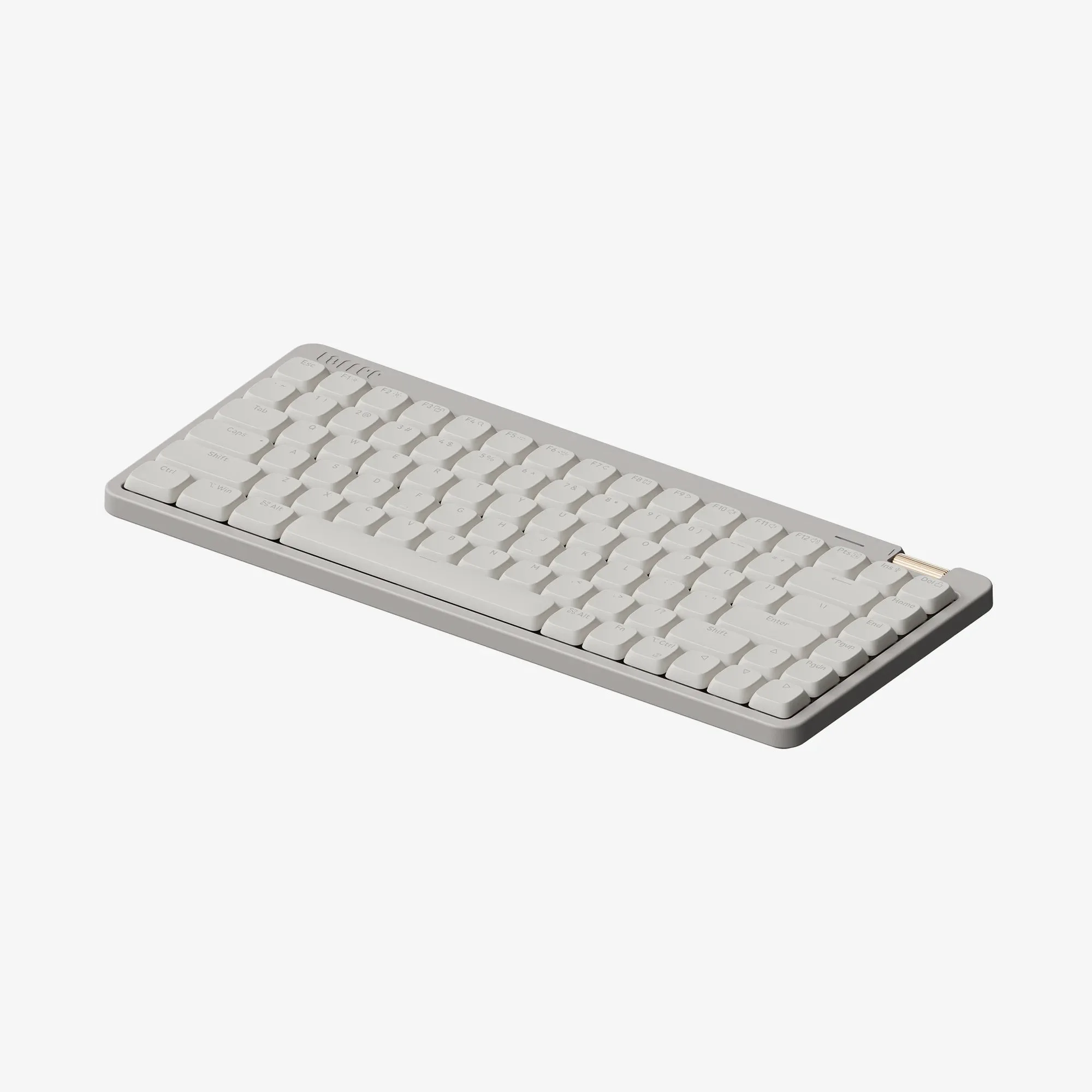
Flow Lite84 Low-profile Mechanical Keyboard: Low-profile mechanical design with a slim, ergonomic typing angle This is the core reason to choose the Lite84 over a standard-height board: a flatter, lower typing position for desk work.
Flow Lite84 Low-profile Mechanical Keyboard
-
Flow Lite84 Low-profile Mechanical Keyboard: Specter switches provide responsive and tactile feedback Tactile feedback helps you sense actuation during long typing sessions without needing to bottom out each key.
-
Flow Lite84 Low-profile Mechanical Keyboard: Tri-mode wireless connectivity for flexible use with multiple devices Useful if you move between devices, but confirm the exact modes on the product page because the catalog does not list them.
-
Flow Lite84 Low-profile Mechanical Keyboard: Available in Marble, Off-White, and Flamingo color options Color availability varies by layout, so check that your preferred combination exists before ordering.
Buying and setup questions
Which color and layout combinations are actually available?
The variant list shows Marble and Off-White in ANSI, DE, FR, and UK layouts, while Flamingo is listed only in ANSI. If you want Flamingo, plan for an ANSI layout. If you need DE, FR, or UK, choose Marble or Off-White. This is a catalog availability detail, not a permanent statement about future stock, so verify at checkout.
Is the Flow Lite84 a good fit for office work?
For office work, the low-profile design and tactile Specter switches are the main draws: a slimmer footprint on the desk and feedback you can feel. The tri-mode connectivity is useful if you split time between a work laptop and a personal machine, provided the modes match your devices. The catalog does not confirm noise levels, so if you share a quiet office, check whether the switch sound suits your environment.
What should I verify before ordering?
Confirm four things: your layout (ANSI, DE, FR, or UK), your color availability, the exact connectivity modes your devices support, and the return policy for your region. The catalog gives you the layout and color options but not the detailed connection standards or battery runtime. A quick check of the product page manual or spec sheet closes those gaps before you commit.