Quick answer
Charge the printer, load a pack of Instax Square film, install the Instax app, and pair the Square Link over Bluetooth before printing. Do a single test print first to confirm exposure and framing.
Why film loading and pairing order matter
The Instax Square Link prints from your phone, so the printer and phone must stay paired while you print. Pairing before you load film is fine, but loading film before the battery has enough charge risks a jam or a wasted first frame. Charge fully first, then load film, then pair.
The printer uses square-format Instax film, not the Mini film used by the Instax Mini 13. Check the film box says Square before you open it; Mini film will not fit.
When the app and printer won't connect
If pairing fails, turn Bluetooth off and on again on your phone, close other camera or printer apps, and keep the printer within a metre of the phone. Avoid pairing in a crowded Wi-Fi or Bluetooth area, which can slow the initial handshake.
The Square Link is a portable photo printer, so it relies on your phone's battery and its own. If either device is low, charge both before troubleshooting the app.
Step-by-step: set up and print
- Charge the printer fully: Use the supplied charging cable and charge until the indicator shows full. A partial charge can cause the printer to stall mid-print. Don't load film until the battery is charged.
- Load Instax Square film: Slide the film pack in with the yellow marker aligned, close the door, and let the protective cover sheet eject automatically. Never pull the sheet out by hand. Check the box says Square, not Mini.
- Install the Instax app and pair: Download the free Instax app, open it, and follow the on-screen pairing prompt. Keep the printer within a metre of your phone during pairing. If pairing fails, toggle Bluetooth and close other apps.
- Choose a photo and crop for square: Select a photo in the app and use the square crop guide so the subject sits inside the frame. Square film crops the sides of landscape shots. Preview the crop before you print.
- Print one test photo: Send a single print and check exposure and framing before printing a batch. Adjust brightness in the app if the test looks too dark or too bright. One test print saves film on a batch.
Product facts
-
Fujifilm Instax Square Link Midnight Green Portable Photo Printer: The Fujifilm Instax Square Link prints square-format photos straight from a smartphone and comes in a Midnight Green finish. Square prints suit social-media crops and album layouts better than wide or Mini formats, and the colour makes it easy to spot in a bag.
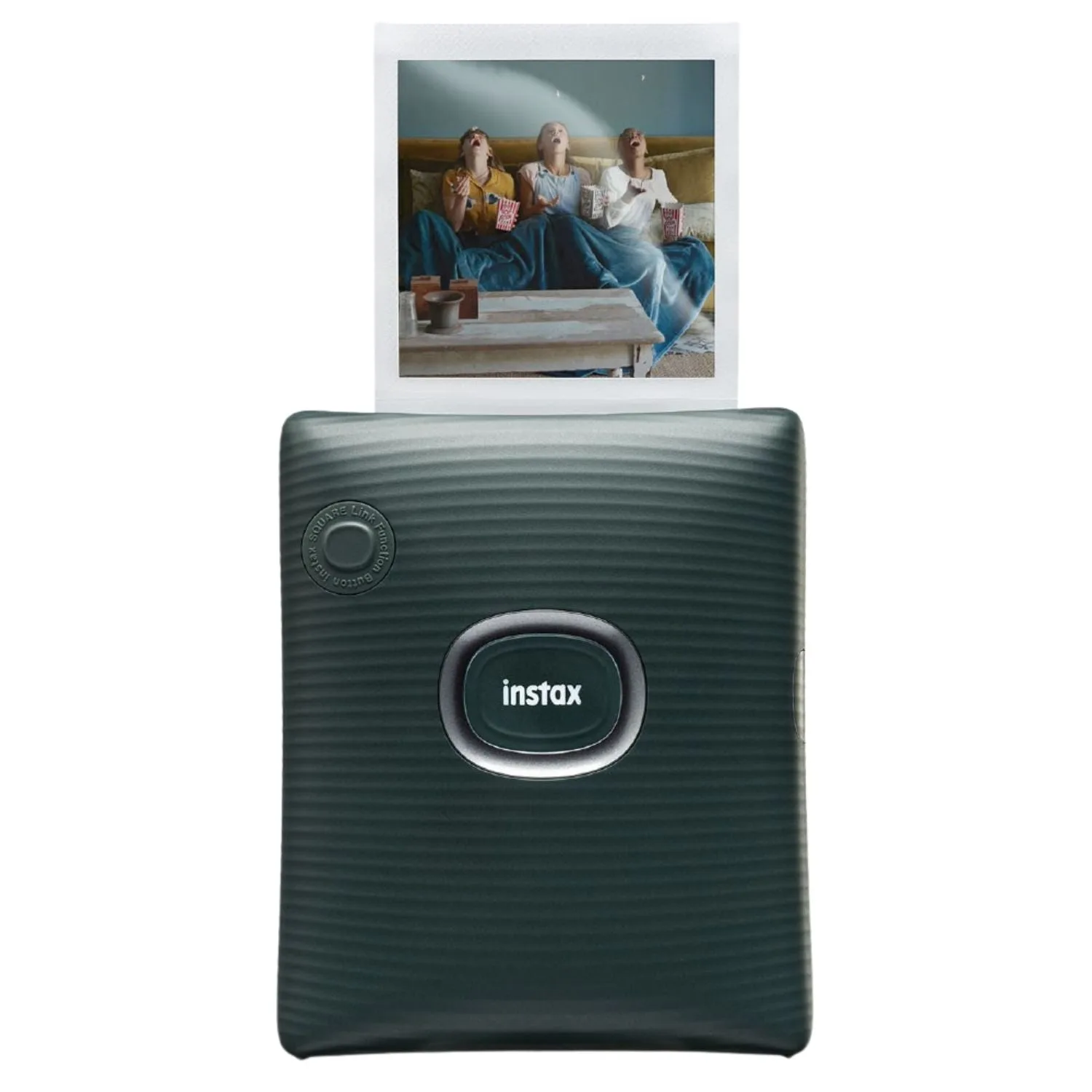
Fujifilm Instax Square Link Midnight Green Portable Photo Printer