Your X-T30 III Out of the Box
The Fujifilm X-T30 III is a lightweight mirrorless camera that weighs only 378 g, making it easy to carry wherever you go. Whether you purchased the body alone or the kit that includes the Fujinon XC13-33mm F3.5-6.3 OIS lens, the first few steps are straightforward. This guide walks you through the essential setup so you can start capturing images quickly.
Unpacking and Initial Checks
When you open the box, you'll find the camera body (and the lens if you bought the kit), a battery, a charger, a strap, and a USB cable. Before you attach any lens, inspect the camera body and lens contacts for dust or debris. If you have the kit, the XC13-33mm f3.5-6.3 OIS is a compact, versatile zoom that covers wide to standard focal lengths.
Attaching the Lens (Kit Version)
If you purchased the Fujifilm X-T30 III Schwarz + XC13-33mm f3,5-6,3 OIS kit, follow these steps to attach the lens.
- Remove the body cap: Turn the camera so the lens mount faces you. Press the lens release button and twist the body cap counterclockwise to remove it.
- Align the lens: Take the XC13-33mm lens and align the red dot on the lens barrel with the red dot on the camera body.
- Lock the lens: Gently place the lens onto the mount and rotate it clockwise until you hear a click. The lens is now securely attached.
- Remove the rear lens cap: If the lens came with a rear cap, twist it off before mounting. The kit lens is ready to use.
Powering On and Basic Settings
Insert a fully charged battery and a memory card (SD card recommended). Slide the power switch on the top plate to ON. The camera will prompt you to set the date, time, and language. Use the touchscreen or the directional pad to make your selections. The X-T30 III features a 26.1-megapixel X-Trans CMOS 4 sensor and a powerful image processor, so you can expect excellent image quality right out of the box.
Exploring the Films Simulations
One of the standout features of the X-T30 III is its 20 Film Simulations. These let you achieve specific color and tone looks straight from the camera, without post-processing. To access them, press the Q button (Quick Menu) and navigate to the Film Simulation option. Try PROVIA for natural colors, Velvia for vivid landscapes, or Classic Chrome for muted, film-like tones. You can also save custom Film Simulation recipes for quick recall.
What the Kit Lens Offers
-
Fujifilm X-T30 III Schwarz + XC13-33mm f3,5-6,3 OIS: Im Set inkl. kompakten und vielseitigen Fujinon XC13-33mm F3.5-6.3 OIS Objektiv. The XC13-33mm f3.5-6.3 OIS is a compact, versatile zoom lens with optical image stabilization, making it ideal for handheld shooting and everyday photography.
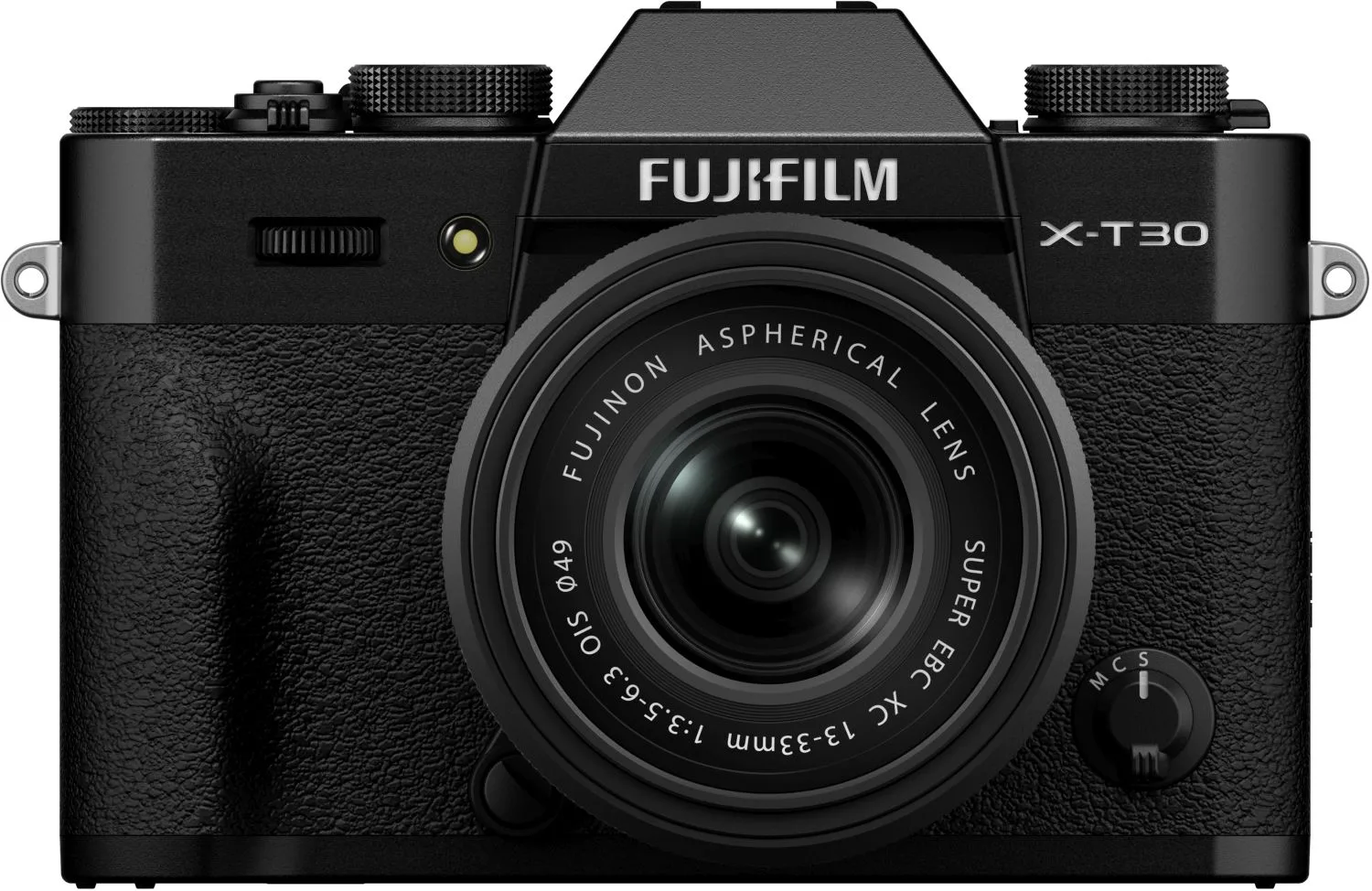
Fujifilm X-T30 III Schwarz + XC13-33mm f3,5-6,3 OIS
Choosing Between Body and Kit
If you already own Fujifilm X-mount lenses, the body-only option (Fujifilm X-T30 III Gehäuse Schwarz) may be the more economical choice. If you are new to the system, the kit lens provides a practical all-in-one solution for travel, street, and general photography. The XC13-33mm covers a useful range from wide-angle to standard telephoto, and the built-in OIS helps reduce blur in low light.
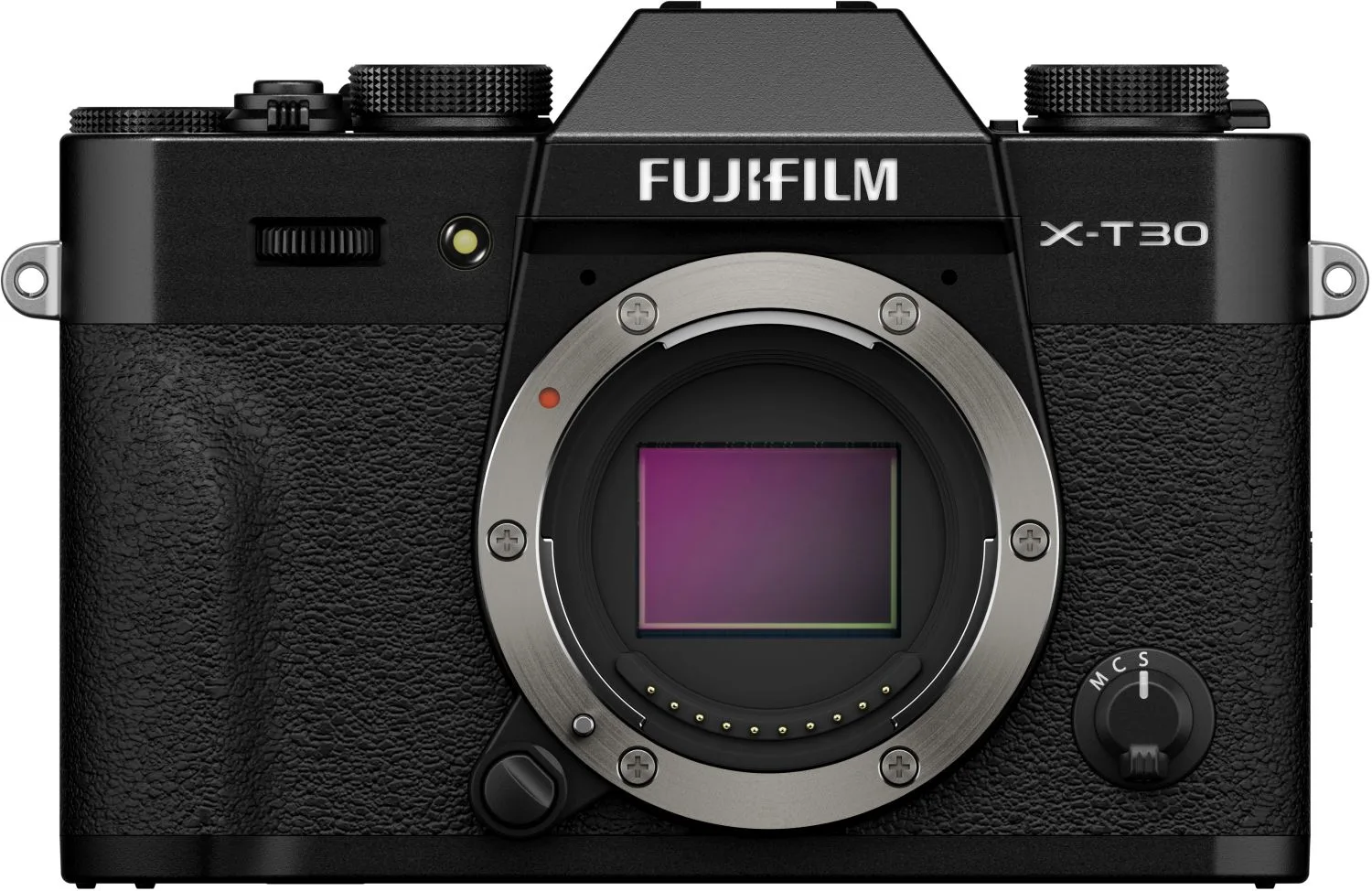
Fujifilm X-T30 III Gehäuse Schwarz
Final Tips for First-Time Users
The X-T30 III is designed to be beginner-friendly while still offering depth for experienced photographers. Start with the Auto mode to learn the camera's behavior, then gradually explore the PASM modes (Program, Aperture Priority, Shutter Priority, Manual). The camera's intuitive controls and classic design make it a joy to use. For the best results, take time to experiment with the Film Simulations and autofocus settings.