Quick answer
Installing the OtterBox Glass screen protector on your Galaxy S26+ is straightforward if you prepare your workspace and align the protector carefully. Follow these steps to avoid bubbles and dust.
Why proper installation matters
A screen protector only works well if installed correctly. Dust or misalignment can cause bubbles, reduce touch sensitivity, or leave edges exposed. The OtterBox Glass is designed for easy installation, but taking your time ensures the best protection and clarity.
Step-by-step installation
- Clean your screen thoroughly: Use the included wet and dry wipes to remove all dust, oil, and fingerprints. Follow with the dust removal sticker to lift any remaining particles. Work in a low-dust environment like a bathroom after a hot shower. Skipping the dust sticker is the most common cause of bubbles.
- Align the protector before peeling: Hold the OtterBox Glass over your Galaxy S26+ screen without removing the backing. Use the alignment frame or the speaker cutouts to position it evenly. Make sure the edges are parallel to the phone. Once the adhesive touches the screen, you cannot reposition it without risking bubbles.
- Apply from the center outward: Peel the backing and lower the protector onto the screen starting from the center. Let the glass settle naturally; it will push air to the edges. Use the included squeegee to press out any remaining air pockets. Do not press too hard on the edges — that can cause lifting later.
- Remove the top film and check for bubbles: Peel off the protective top layer. If you see small bubbles, use the squeegee to push them toward the nearest edge. For stubborn bubbles, lift the nearest corner slightly and reapply. Small bubbles often disappear within 24 hours as the adhesive cures.
Product facts
-
Galaxy S26+ OtterBox Glass: The OtterBox Glass Screen Protector for Galaxy S26+ installs easily and helps protect your display against drops, breaks and scratches. You get reliable drop and scratch protection without needing professional help, as long as you follow the installation steps.
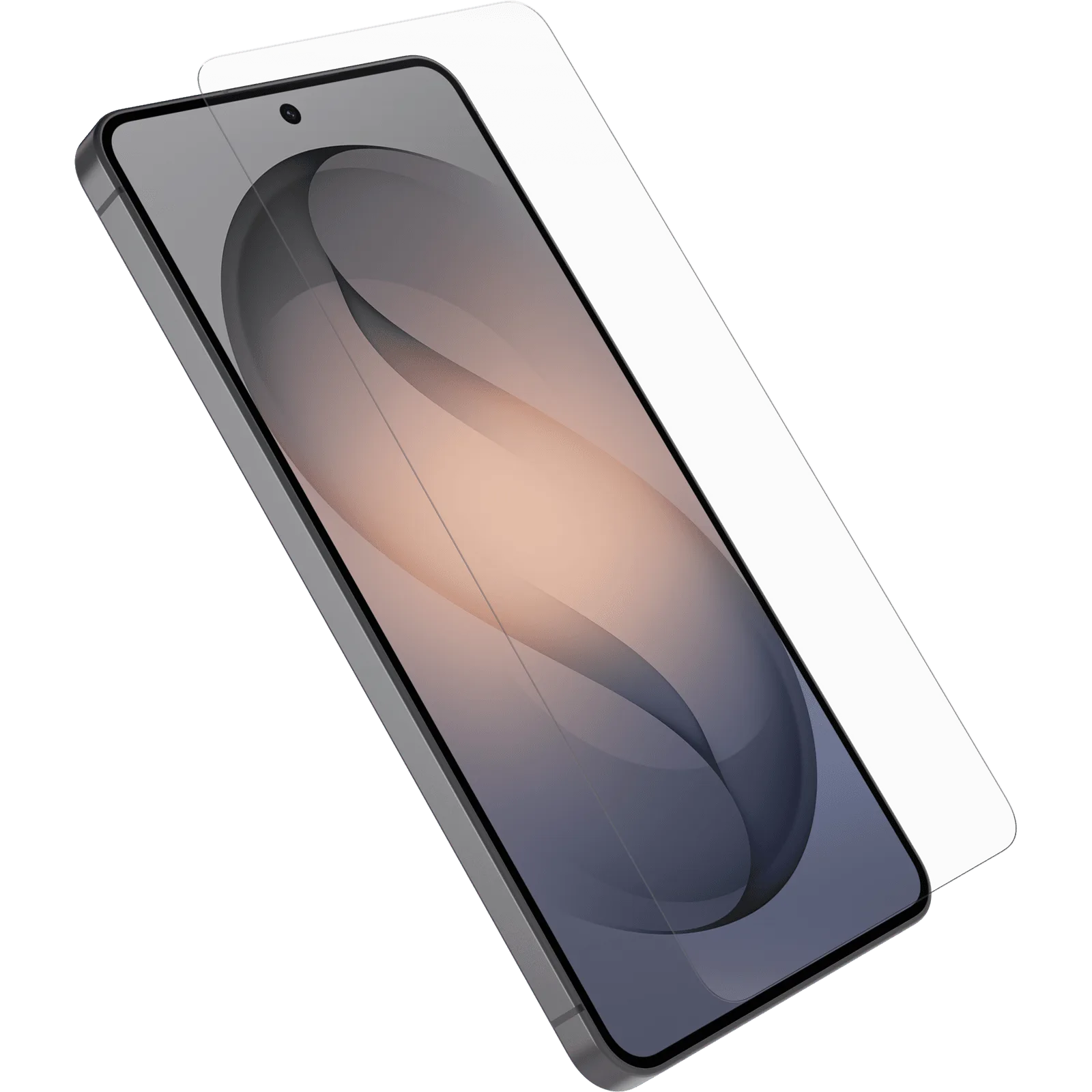
Galaxy S26+ OtterBox Glass