Quick answer
A lid that won't close is usually a stacking problem, not a storage problem. Take everything out, rebuild the layers from the bottom up, and check whether any one tray, manual, or loose component sits above the box rim. If the insert itself is the tallest item, no amount of rearranging will fix it and you need a lower-profile organizer or a deeper box.
Start by measuring the gap, not the box
Before you move anything, set the lid on top and look at the gap from the side. A gap of a few millimeters usually means one component is sitting proud of the rim. A gap of a centimeter or more usually means the whole stack is too tall, which points to the insert or the manual rather than a single stray piece.
Measure the inside depth of the box from the base to the rim with a ruler, then measure your tallest loaded tray. The difference is the headroom you actually have. Most inserts are designed to sit just under that line, so if your tallest tray is above it, you have found the cause.
The four things that actually push a lid up
In practice, lid lift comes from a short list of culprits. Work through them in this order because each one is easier to test than the next.
First, trays that are overfilled. A tray that holds cards or tokens to the brim can sit several millimeters higher than intended once the lid presses down. Second, manuals and player aids laid on top of the insert instead of underneath it or in their own slot. Third, bagged components that add bulk in the wrong place. Fourth, and least fixable, an insert whose tallest section simply exceeds the box depth.
- Overfilled trays: remove a few components and re-test the lid before assuming the insert is wrong.
- Manuals on top: move them below the insert or into a dedicated slot if one exists.
- Bagged components: flat bags stack better than bulging ones; squeeze the air out or repack.
- Insert too tall: measure it against the box depth to confirm before buying anything.
How to test a fix in under two minutes
Empty the box completely. Put the insert back in with nothing in it and set the lid on. If the lid sits flush now, the insert height is fine and the problem is how you loaded it. If the lid still floats, the insert is the issue.
When the empty insert passes, add components back one layer at a time, checking the lid after each layer. The layer where the lid stops closing is your problem layer. This is faster than guessing and it tells you whether you need to remove a tray, move a manual, or repack bags.
When rearranging stops working
If the empty insert already lifts the lid, stop rearranging. You have two honest options: switch to a lower-profile organizer designed for that box, or store the game in a deeper box. Shaving trays, forcing the lid, or leaving it unlatched will eventually bow the box and can crack the lid corners.
Some organizers are built with expansion content in mind, which changes how the layers stack. If you have added expansions, check whether the organizer was designed to hold them and whether the manual is meant to sit on top or underneath. That detail is often the difference between a flush lid and a permanent bulge.
Lid lift diagnosis
- Lid floats a few millimeters, box feels heavy: One or more trays are overfilled, or bagged components are bulging above the rim. Remove a handful of components from the tallest tray and re-test. If the lid closes, keep the load lighter.
- Lid floats only after you added an expansion: Expansion cards, boards, or manuals are sitting on top of the insert rather than in a dedicated layer. Check whether your organizer was designed to hold that expansion. If it was not, the extra content needs its own box.
- Lid floats even with an empty insert: The insert itself is taller than the box interior, so no rearrangement will help. Stop here. Choose a lower-profile organizer or a deeper box instead of forcing the lid.
Organizers built with lid clearance in mind
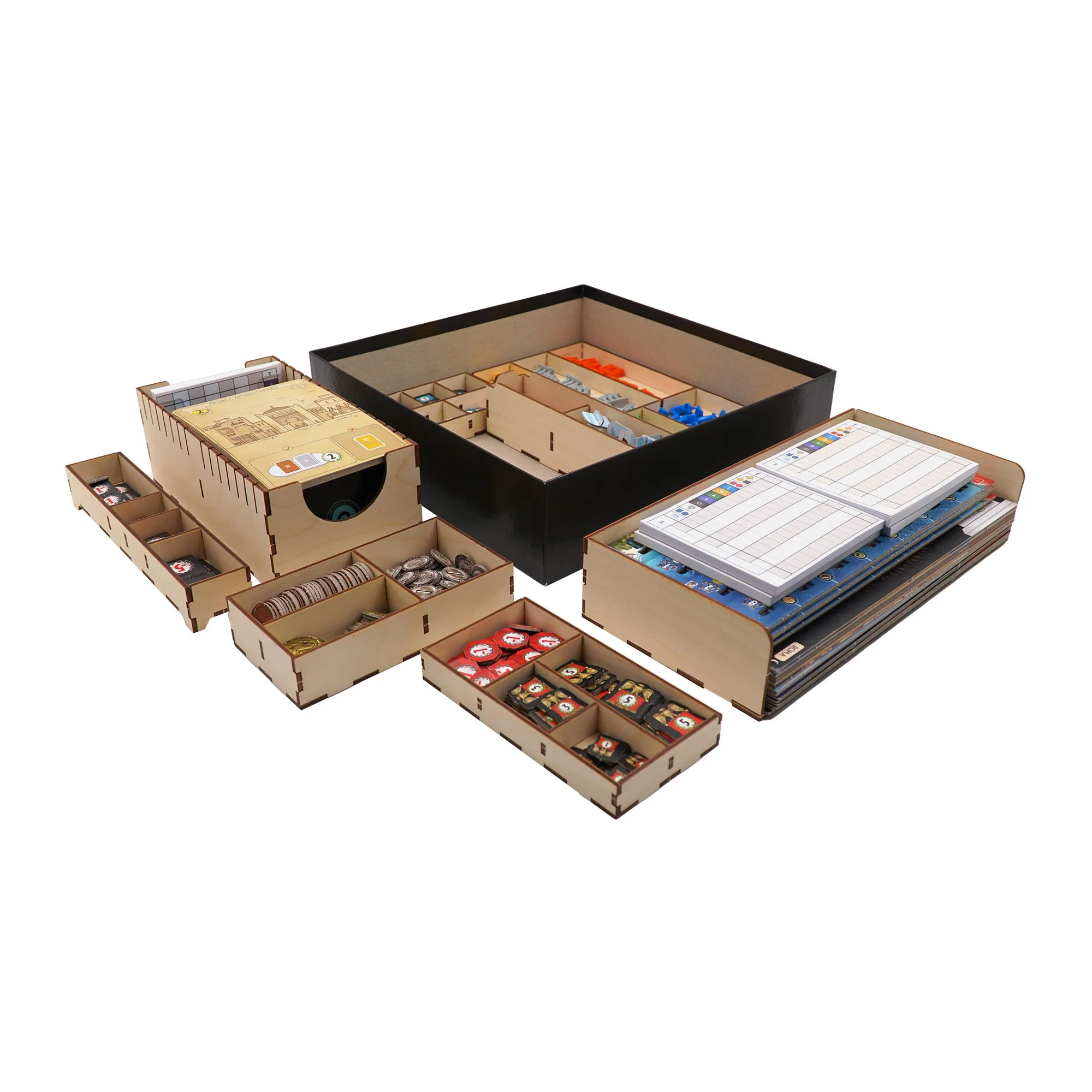
- Arkham Horror 3rd Edition Compatible Expansion Organizer: This Arkham Horror 3rd Edition compatible expansion organizer uses numerous trays to hold the game and its expansion content, made from laser-cut baltic birch. If your lid lift started after adding expansions, a tray layout designed around that content is more likely to stack under the rim than loose bags and manuals.
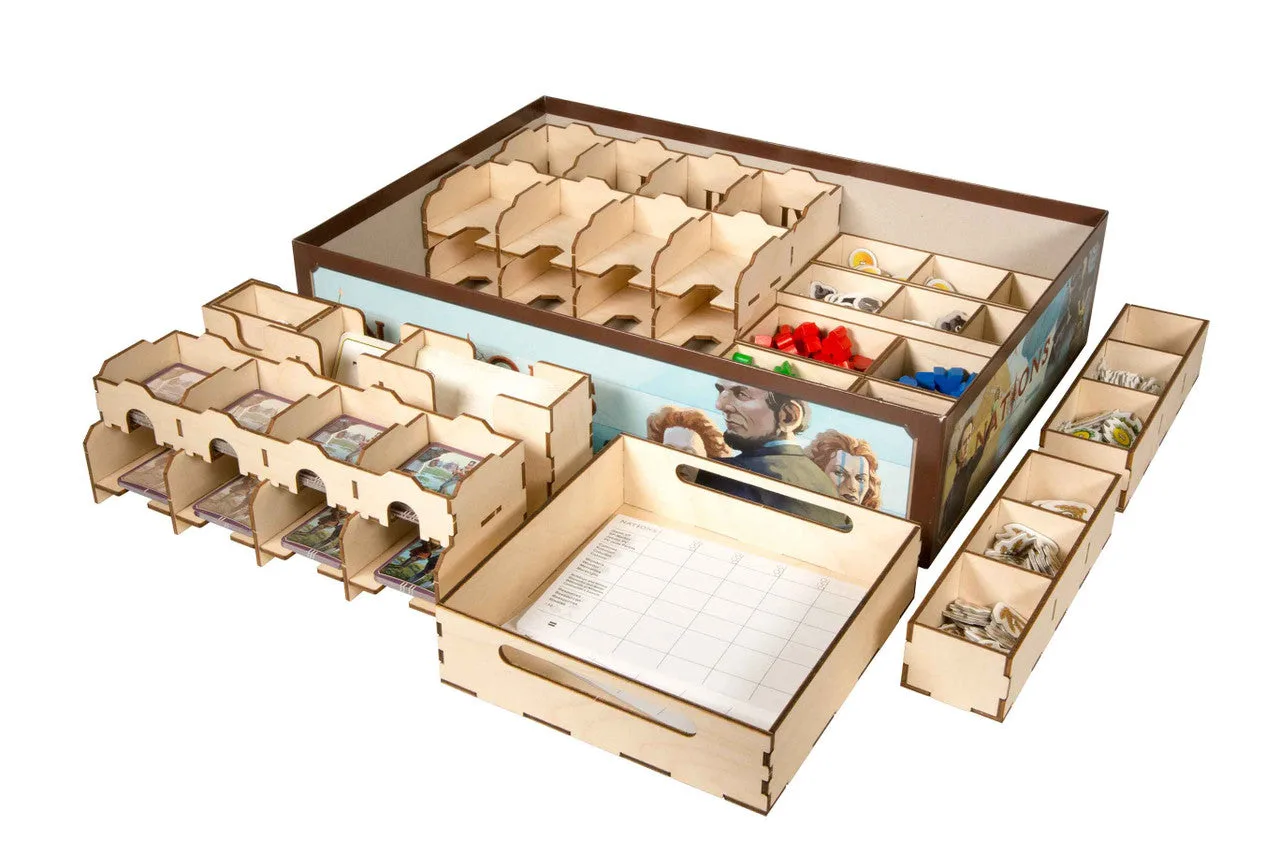
- Marvel Legendary Compatible Game Organizer: The Marvel Legendary compatible organizer uses a pinwheel design for maximum card storage while saving room for the game board and manuals, with cards stored horizontally and six wooden dividers included. Reserving a defined space for the board and manuals is what keeps them from being piled on top of the insert, which is one of the most common causes of a lid that won't close.
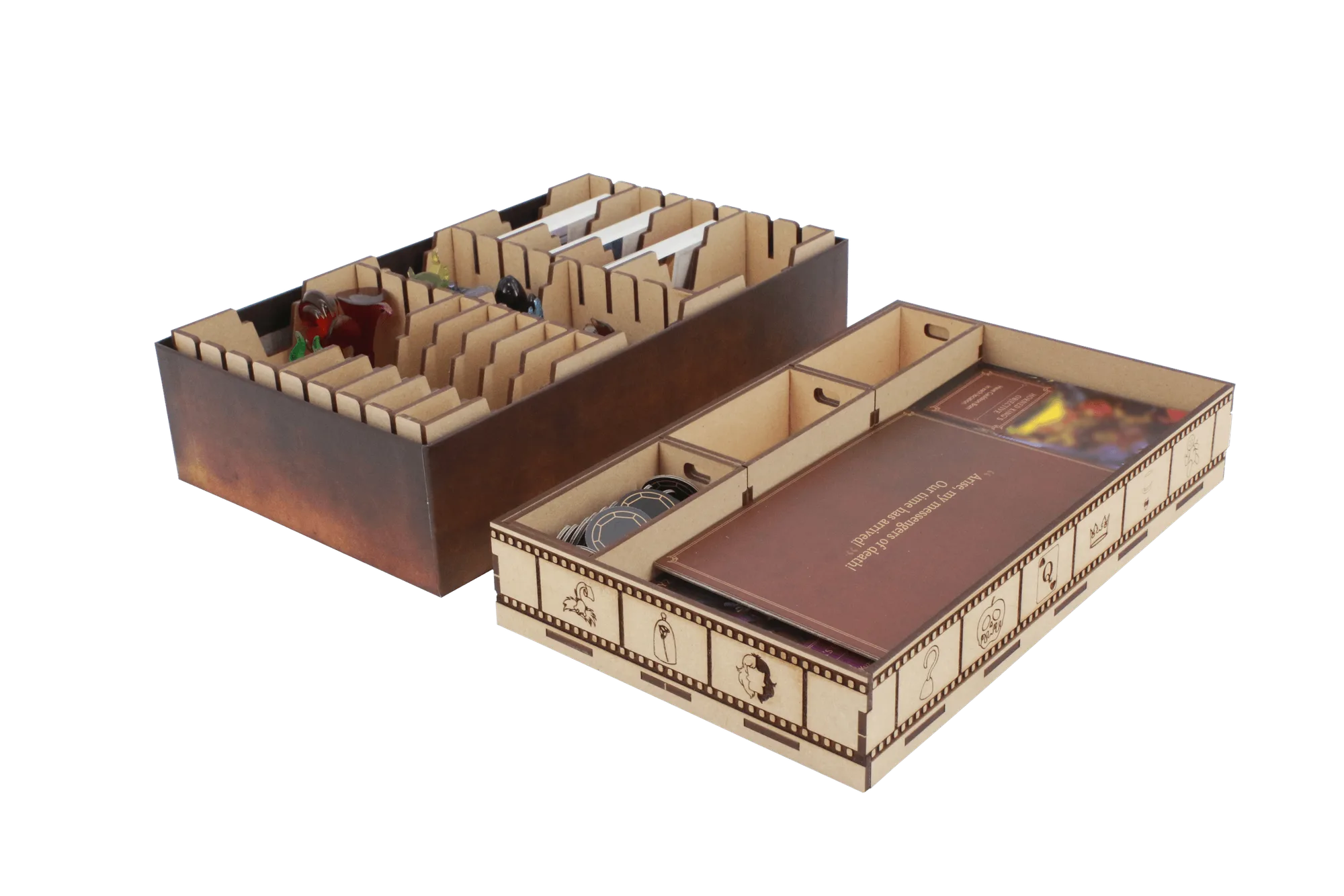
- Mice and Mystics Compatible Game Organizer: The Mice and Mystics compatible organizer accommodates the base game and the Heart of Glorm expansion, with cheese and wounds stored in table-ready hinged-lid boxes plus a spare hinged box for extra components. Hinged boxes keep small components contained without loose bags, so the stack height stays predictable instead of growing every time you repack.