Quick answer
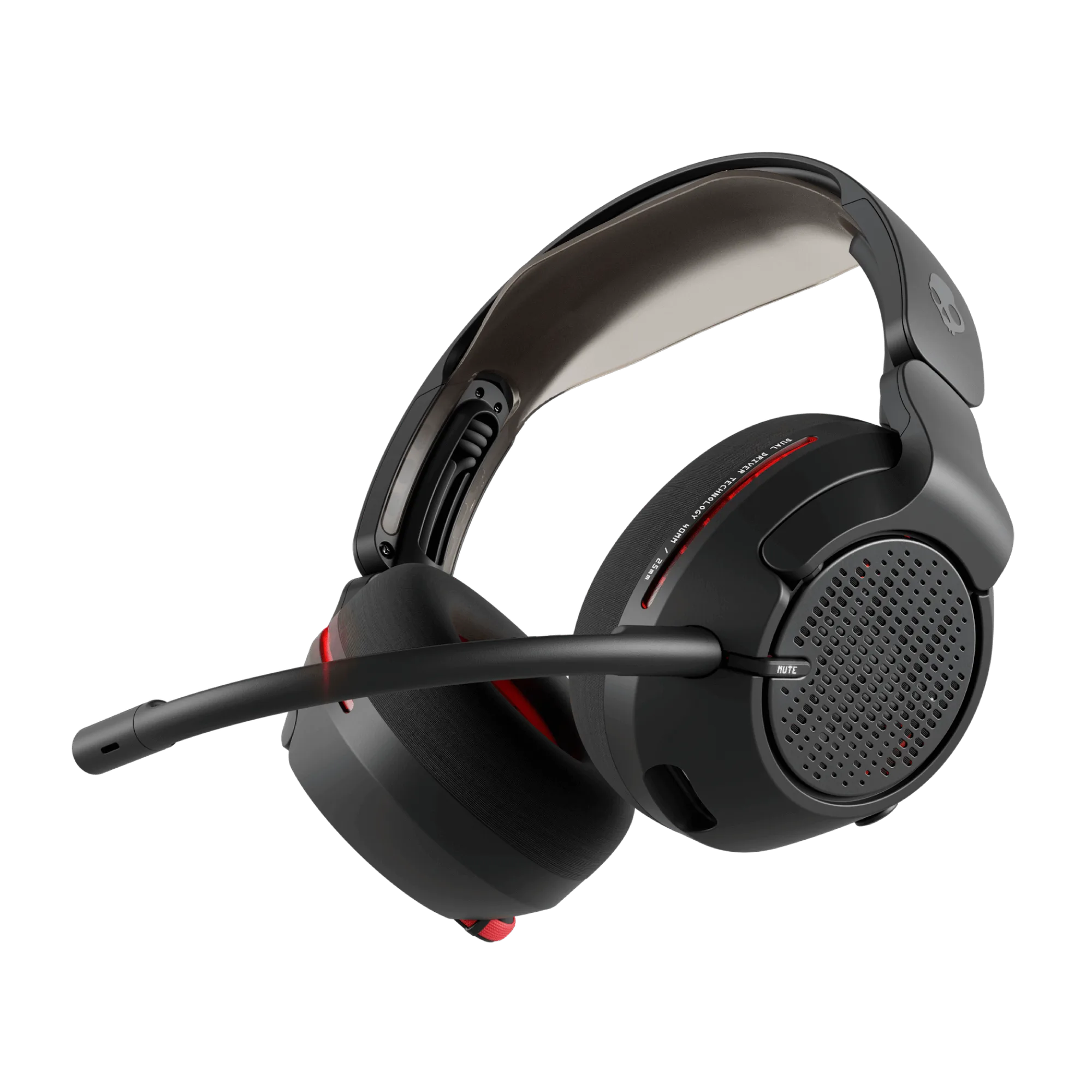
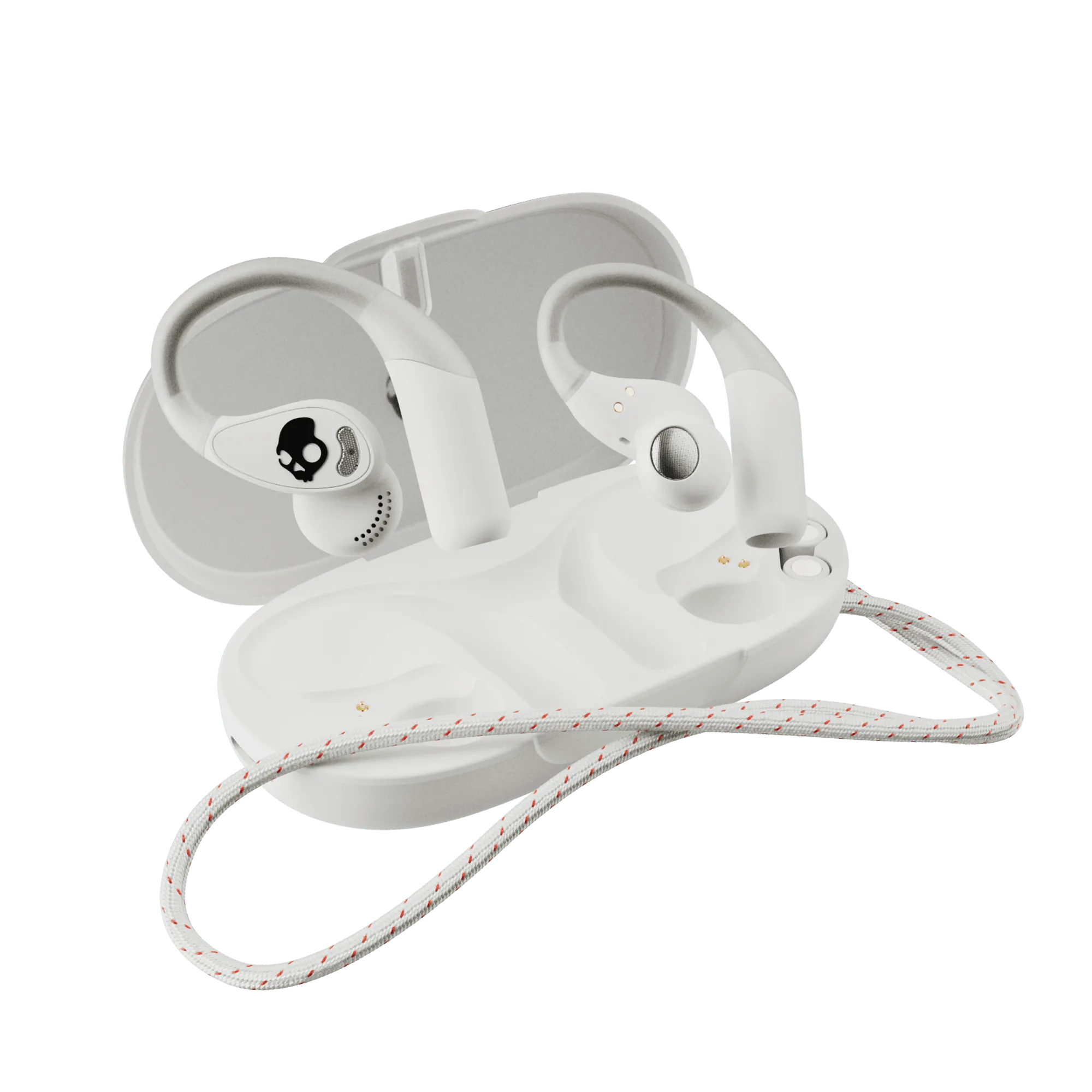
Buy accessories in this order: the headset or earbuds you'll actually wear, then a charger that clears your desk, then cables and a stand. For most players, the Crusher PLYR 720 handles immersive gaming, while Push 540 Open keeps you aware during workouts and calls. Add Fuelbase Max 2 only if you're tired of juggling two charging bricks.
Start With the Audio, Not the Extras
Accessories can't fix a headset that fights your ears or your routine. Decide whether you want sealed immersion or open awareness before you spend a dollar on stands and cables. Open-back acoustics like those on the Crusher PLYR 720 push sound outward and feel airier, which suits long sessions and spatial audio. Open-ear earbuds like Push 540 Open leave your ear canal clear so you hear traffic, teammates in the room, or a doorbell. Neither is better; they solve different problems.
The Accessories That Earn Their Place
Most gaming accessories fall into three jobs: power, connection, and storage. Power means a charger that handles your phone, earbuds, or controller without a second wall plug. Connection means the cable or adapter that gets audio from your console or PC to your ears reliably. Storage means a stand or case that keeps the headset off your desk and away from pets and chair wheels. If an accessory doesn't do one of those three jobs, it's decoration.
- Power: a dual-device charger removes one brick and one cable from your surge protector.
- Connection: match the cable to your source before buying; a USB-C cable won't help a 3.5 mm-only port.
- Storage: a stand protects the headband and keeps the mic from resting on crumbs.
What to Skip
Skip anything that promises to change the sound of a headset you already dislike. Skip decorative RGB stands if your desk is already crowded. Skip replacement parts unless you know the exact model and connector, because headset parts are rarely universal. And skip buying a second charger if your current one already has a free port and enough output for your devices.
Decision Rules for Buying Headset Accessories
- If you game for hours and want immersion: Choose an open-back headset with spatial audio and add a stand so the headband isn't crushed between sessions. Prioritize comfort and soundstage over portability.
- If you move between work, workouts, and calls: Choose open-ear earbuds with secure hooks and a detachable neckband, then add a small dual charger for your phone and buds. Prioritize awareness and stability over isolation.
- If your desk has one free outlet: Replace two single-device chargers with one dual-device charger that fits the space of a single pad. Fewer plugs, fewer cables, less clutter.
- If you're buying cables or replacement parts: Confirm the connector on your headset and source before ordering, because parts are model-specific and rarely interchangeable. Match the connector first, then buy.
Products Worth Building Around
- Crusher® PLYR® 720: Crusher PLYR 720 features Crusher Bass, open-back acoustics, and THX Spatial Audio. Open-back design and spatial audio suit players who want a wide, immersive soundstage for long sessions rather than total isolation.
- Push® 540 Open: Push 540 Open uses secure over-ear hooks, open-ear sound, and a detachable neckband. The hooks and neckband keep the earbuds stable during movement, while open-ear sound keeps you aware of your surroundings.
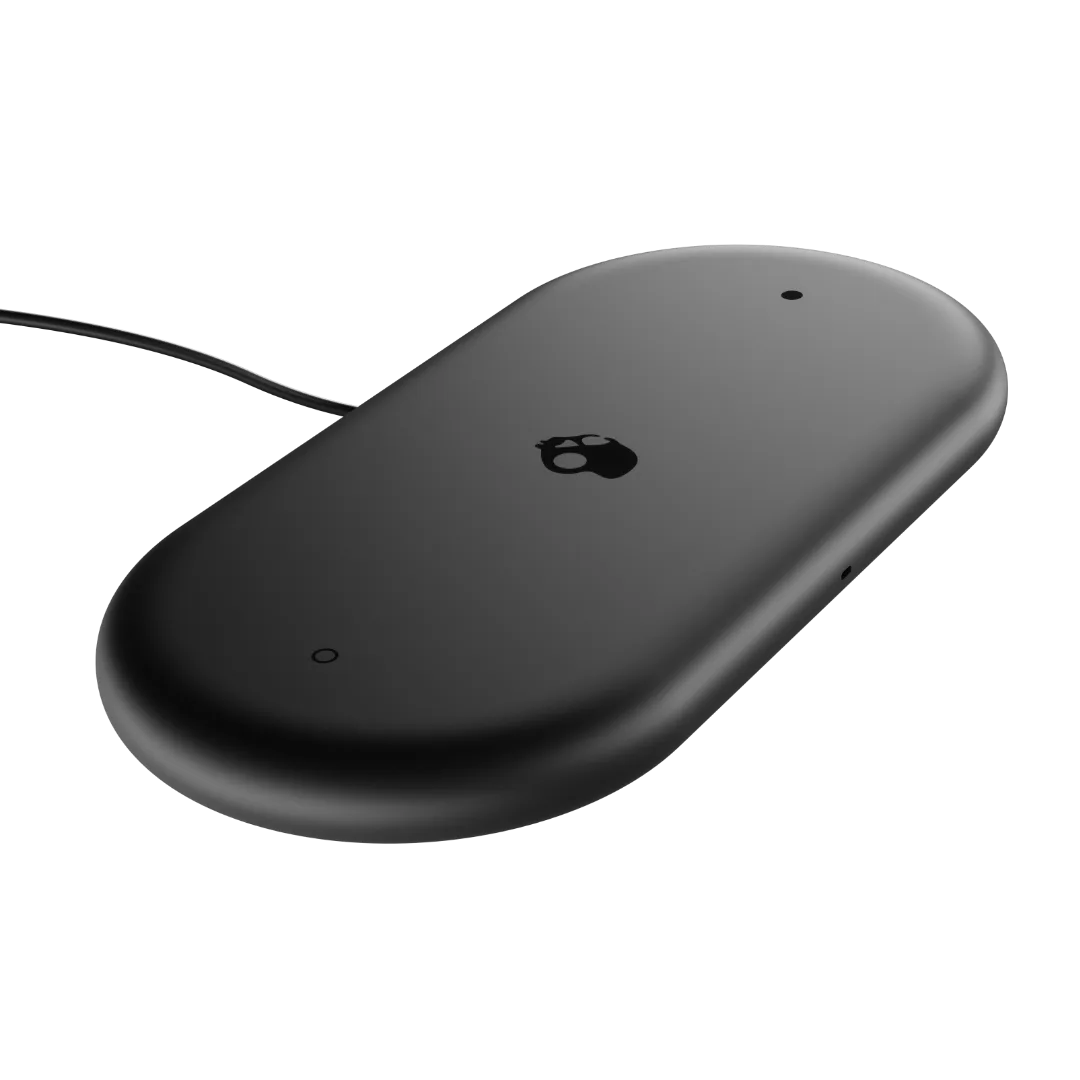
- Fuelbase™ Max 2: Fuelbase Max 2 charges two devices at once from one plug with 15 watts of total output. One plug and one pad footprint replace two chargers, which clears desk space and reduces cable clutter.
Who This Setup Fits
Best for
- Players who want an immersive open-back headset for long sessions
- Commuters and athletes who need open-ear awareness and a secure fit
- Desk setups limited to one wall outlet or one charging pad of space
Not for
- Players who need total noise isolation in loud rooms
- Buyers who want a single sealed headset for every activity
- Anyone replacing parts without confirming the exact model and connector