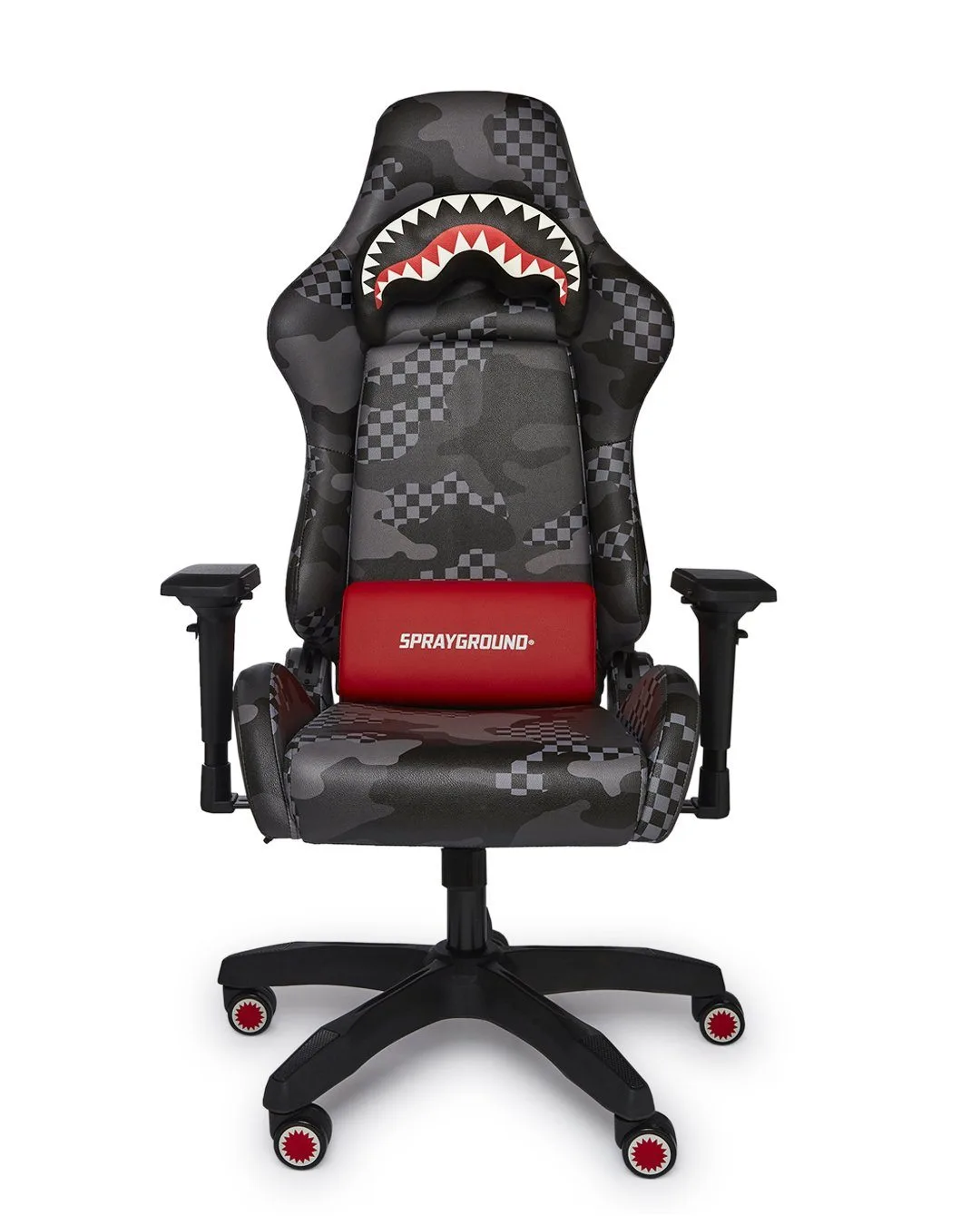
Long gaming sessions can take a toll on your body if you’re not sitting properly. Poor posture while gaming often leads to back pain, neck strain, and reduced focus. That’s where gaming chair ergonomics comes in—a science-backed approach to seating that supports your spine and keeps you comfortable for hours. Whether you’re a competitive esports player or a casual gamer, understanding how ergonomics affects your health and performance is a game-changer.
In this article, we’ll explore why posture matters during extended play, the key benefits of an ergonomic gaming chair, and practical tips to improve your setup. We’ll also highlight how brands like SPRAYGROUND® are redefining comfort with innovative designs. Ready to level up your gaming experience? Let’s dive in.
Why Posture Matters During Long Gaming Sessions
Sitting for hours in a slouched position compresses your spine, weakens core muscles, and restricts blood flow. Over time, this can lead to chronic back pain, headaches, and even reduced reaction times. Proper posture—keeping your ears, shoulders, and hips aligned—distributes weight evenly and minimizes stress on your vertebrae. For gamers, maintaining this alignment is vital because even small shifts can affect hand-eye coordination and endurance.
Ergonomic gaming chairs are designed to encourage neutral posture. Features like adjustable lumbar support, armrests, and seat height help you customize your position. When your chair aligns with your body, you reduce fatigue and stay sharper during intense matches. This is especially important for marathon sessions where comfort directly impacts performance.
- Keep your feet flat on the floor and knees at a 90-degree angle.
- Position your monitor at eye level to avoid craning your neck.
- Take short breaks every 30-60 minutes to stretch and reset your posture.
Key Benefits of Ergonomic Gaming Chairs
Ergonomic gaming chairs offer more than just comfort—they actively support your health. First, they reduce the risk of musculoskeletal disorders by promoting proper spinal alignment. Second, they improve circulation by preventing pressure points on your thighs and lower back. Third, they enhance focus by minimizing discomfort that distracts you from gameplay. Studies show that ergonomic seating can boost productivity by up to 17% in office settings, and the same applies to gaming.
Beyond health, these chairs often include durable materials and stylish aesthetics that match your gaming setup. For example, SPRAYGROUND®’s lineup combines cutting-edge ergonomics with bold design. While you’re upgrading your gear, don’t forget other essentials like the CLEARCUT SAVAGE BACKPACK (BLACK) for storing your peripherals or the 100% CLEAR BACKPACK SHARK for quick venue access.
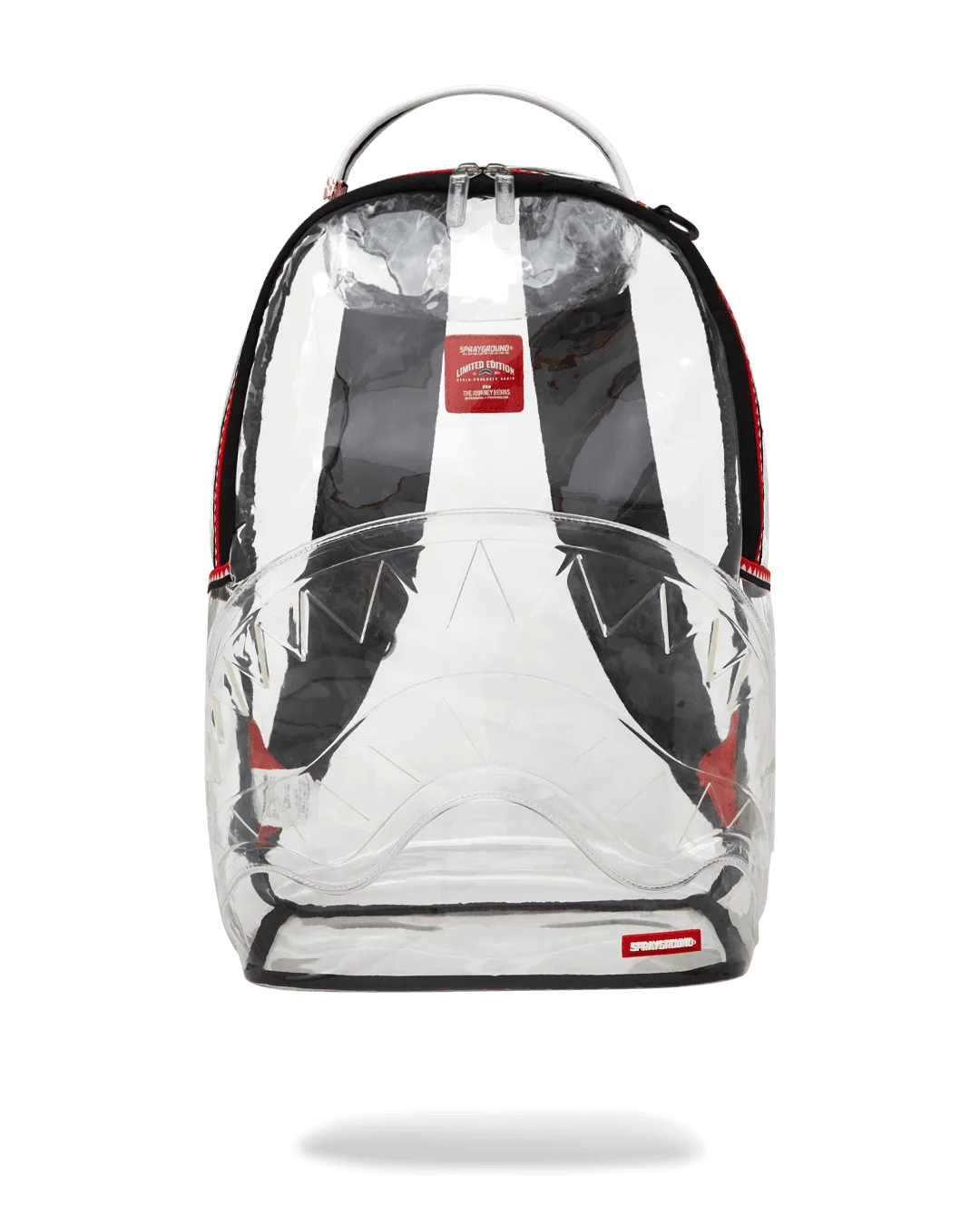
100% CLEAR BACKPACK SHARK
- Adjustable lumbar support prevents lower back strain.
- Breathable mesh or leather materials reduce sweating during long sessions.
- High-density foam cushions maintain shape and support over time.
How to Choose the Right Ergonomic Gaming Chair
Selecting the perfect chair involves evaluating several factors. Start with adjustability—look for chairs that allow you to modify seat height, backrest angle, armrest position, and lumbar depth. Next, consider the material: leather is easy to clean but can get hot, while mesh offers better airflow. Weight capacity and base stability are also critical for safety and longevity.
Your body type matters too. Taller gamers need a chair with a higher backrest and deeper seat, while shorter players benefit from adjustable seat depth. Test the chair’s recline mechanism to ensure it locks securely at your preferred angle. Finally, read reviews about build quality and warranty. A good ergonomic chair is an investment in your health and gaming performance.
- Check for a 5-star base for stability.
- Ensure armrests are 4D adjustable (height, width, depth, and rotation).
- Look for a warranty of at least 2-3 years.
Posture Tips for Gamers: Beyond the Chair
Even the best chair won’t fix your posture if your desk setup is off. Your monitor should be at arm’s length, with the top of the screen at or slightly below eye level. Keep your keyboard and mouse close to avoid reaching. Use a footrest if your feet don’t touch the floor. Also, incorporate micro-movements—shift your weight, roll your shoulders, and stretch your wrists between rounds.
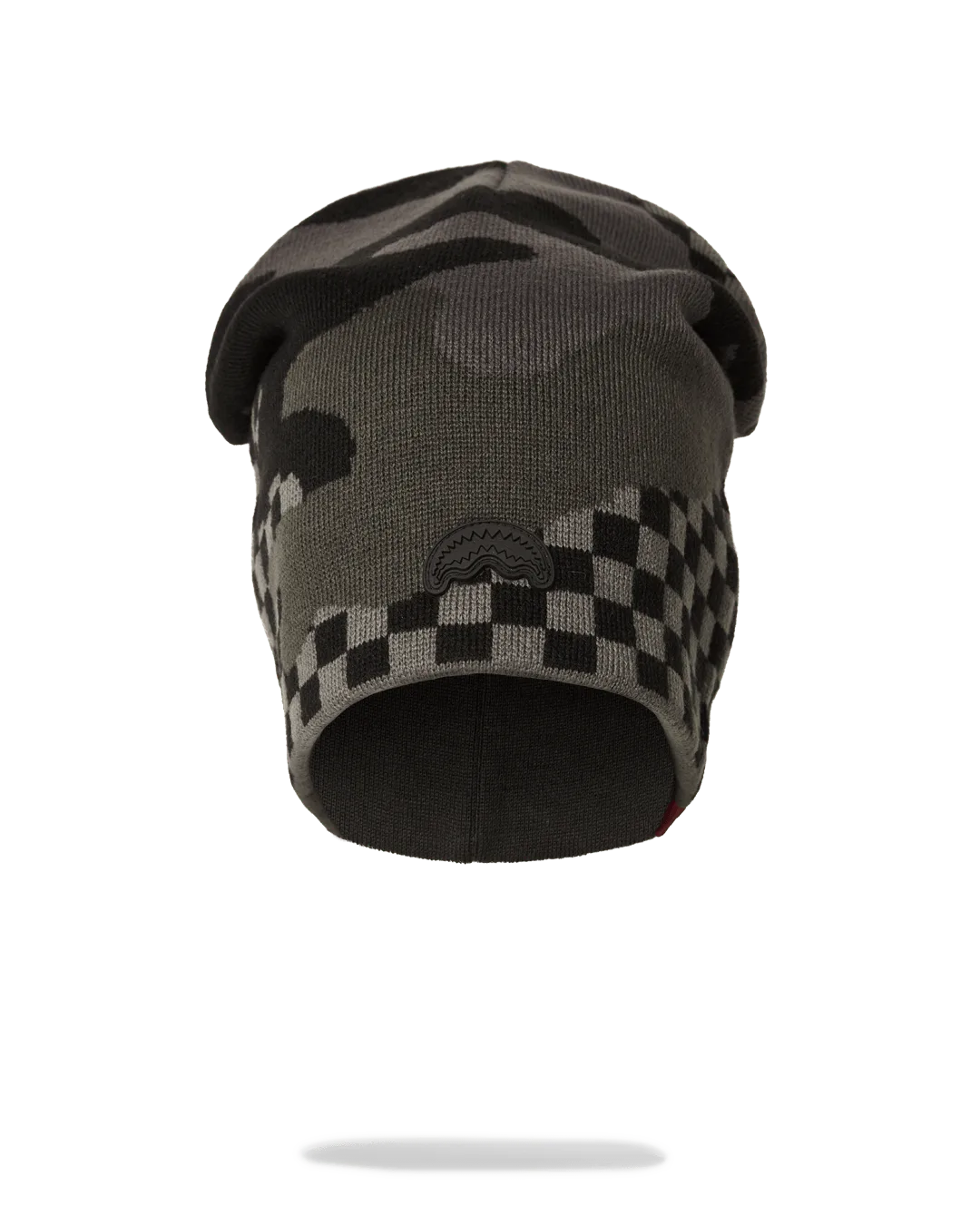
Hydration and lighting also play a role. Drink water to stay alert, and reduce glare on your screen to prevent eye strain. For added convenience, consider accessories like the A.I. 12 CELESTIAL POWERS AERIAL HAT - SANDFLOWER COLLAB to keep your head warm during late-night sessions or the BACKSTAGE BACKPACK to carry your gear to LAN parties.
- Use a wrist rest to keep your hands in a neutral position.
- Set a timer to remind you to stand and stretch every hour.
- Adjust chair tilt so your thighs are parallel to the floor.
Common Mistakes to Avoid with Gaming Chairs
Many gamers overlook simple adjustments that make a big difference. One common mistake is sitting too far from the desk, causing you to lean forward. Another is ignoring armrest height—if they’re too high, they push your shoulders up; too low, and you slouch. Also, avoid crossing your legs for long periods, as it restricts blood flow and misaligns your hips.
Don’t assume all gaming chairs are ergonomic. Some prioritize style over support. Always check for adjustable lumbar support and a waterfall seat edge to reduce pressure on your legs. If you’re on a budget, focus on chairs with at least basic adjustability. Remember, your chair is a tool—use it correctly to maximize its benefits.
- Avoid chairs with fixed armrests that can’t be adjusted.
- Don’t recline too far back; a 100-110 degree angle is ideal.
- Never sit on the edge of the seat—use the full seat pan.
Investing in gaming chair ergonomics isn’t just about comfort—it’s about protecting your health and enhancing your performance. By choosing a chair with proper support and following simple posture tips, you can game longer and feel better. Ready to upgrade your setup? Explore SPRAYGROUND®’s collection of gear, including the CLEARCUT SAVAGE BACKPACK (BLACK), to complement your ergonomic throne. Your body will thank you.