Quick answer
Choose a gaming headset when you want immersive sound, a boom mic, and all-day comfort for PC or console sessions. Choose gaming earbuds when you need portability, a lower profile, or mobile-friendly listening. If you play across PC, console, and mobile, a dual-wireless headset like the HyperX Cloud Jet gives you the most flexibility from one device.
Picking audio gear for gaming is less about which category is better and more about how you play. A headset and a set of earbuds solve different problems: one prioritizes immersion and communication, the other prioritizes portability and a low profile.
This guide gives you concrete decision rules for PC, console, and mobile, plus fit guidance so you can choose without second-guessing. We will also look at real HyperX options, including the CloudX and CloudX Stinger 3, to show how those rules play out in practice.
The core trade-offs: headset vs earbuds
A gaming headset typically wraps around your ears with larger drivers, a boom microphone, and often a more secure fit for long sessions. That makes it the natural pick for PC gaming audio and console gaming, where you want clear chat and directional sound without constantly adjusting your gear.
Earbuds sit inside your ear canal, which makes them lighter and easier to carry. They are ideal for mobile gaming earbuds use, travel, and quick sessions. The trade-off is that battery life, microphone quality, and passive noise isolation vary a lot between models, and some people find in-ear pressure uncomfortable after a few hours.
- Headsets: better immersion, built-in boom mic, usually more comfortable for marathon sessions.
- Earbuds: more portable, lower profile, easier to use with a phone or handheld.
- If you wear glasses or have a larger head, headset fit matters more than driver size.
Decision rules for PC, console, and mobile
For PC, start with a wired or wireless headset if you use voice chat or play competitive shooters. The HyperX CloudX Stinger 3 Gaming Headset Xbox offers 50 mm drivers, leatherette earpads, memory foam earcups, and a flip-to-mute boom mic, so it covers chat and immersion in one package. If you also play on Xbox, its adjustable headband and rotatable earcups help it fit a wider range of head sizes.
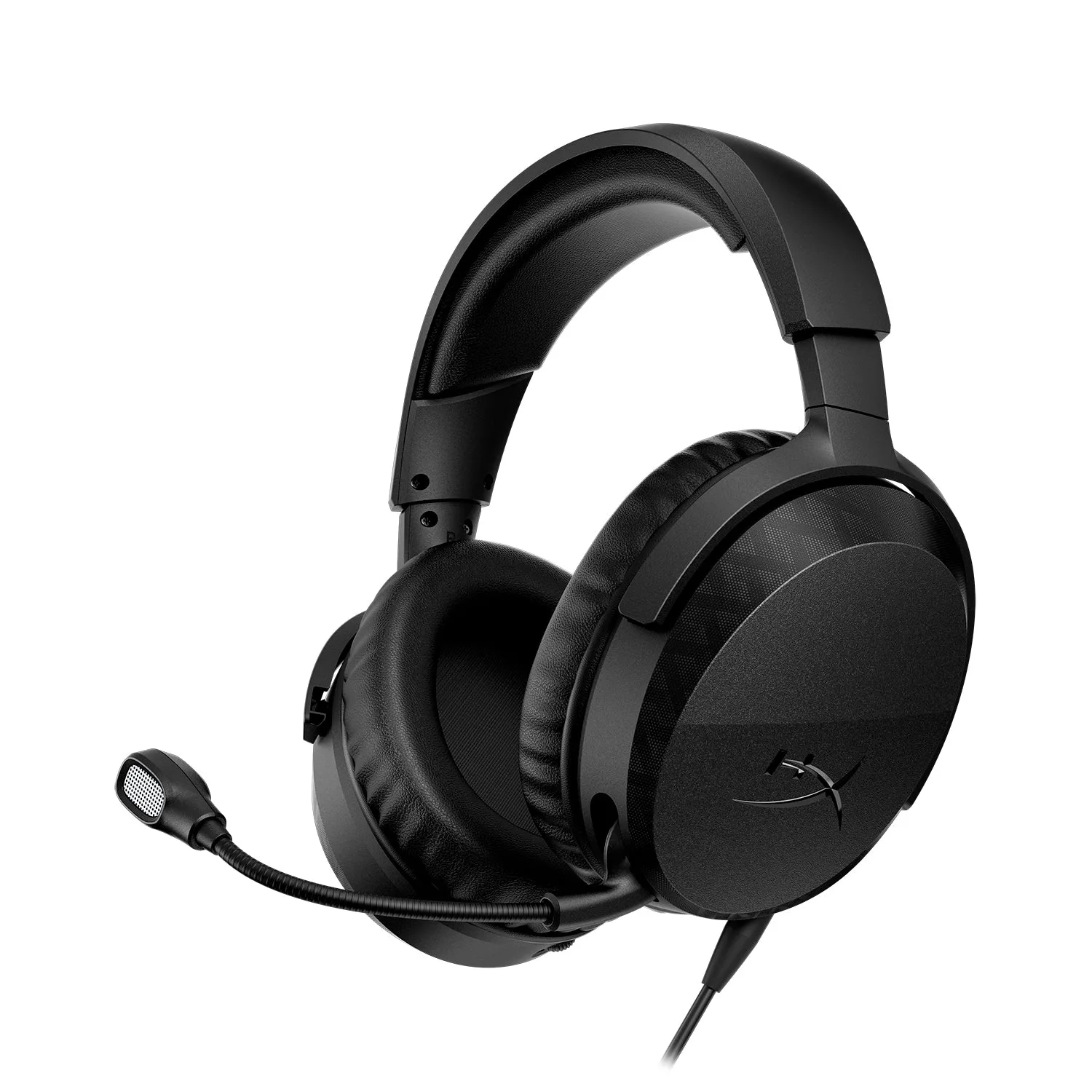
HyperX CloudX Stinger 3 Gaming Headset Xbox
For console, check compatibility first. The HyperX CloudX - Gaming Headset - Xbox is tested and approved by Microsoft, with in-line audio controls that let you adjust volume without digging through system menus. That is a meaningful convenience if you share a living-room setup.
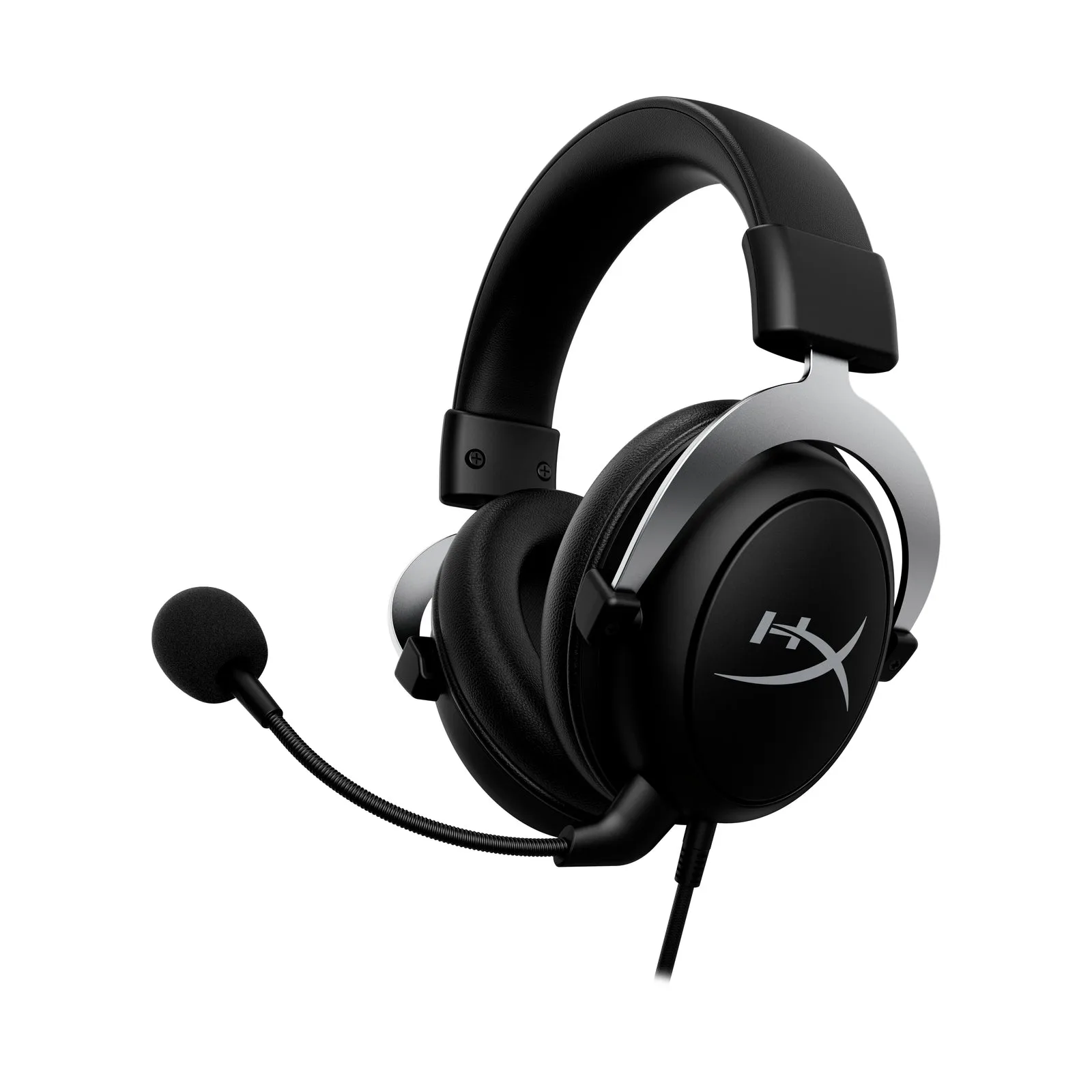
HyperX CloudX - Gaming Headset - Xbox
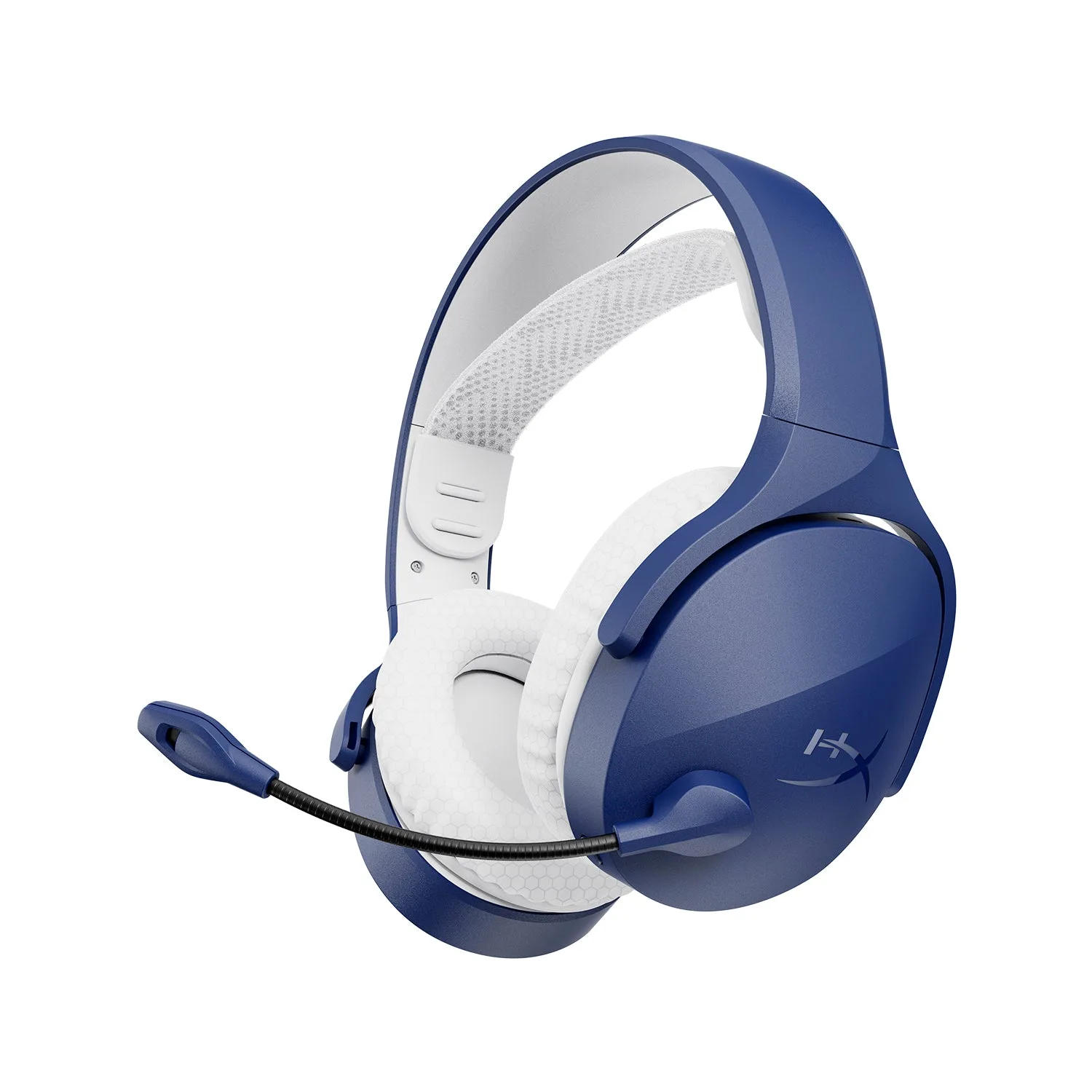
For mobile, earbuds usually win on convenience. If you split time between PC, console, and mobile, a dual-wireless headset such as the HyperX Cloud Jet - Wireless Gaming Headset supports 2.4GHz and Bluetooth 5.3, so you can switch between devices without carrying two products.
- PC-first and voice chat: prioritize a headset with a boom mic.
- Console-first: confirm the headset is approved or compatible with your console.
- Mobile-first: prioritize earbuds or a Bluetooth-capable headset.
- Multi-device: look for dual wireless (2.4GHz plus Bluetooth).
Fit guidance: what actually matters on your head
Fit is the most common reason people abandon a headset. Look for an adjustable headband and rotatable earcups if you have a larger head or wear glasses. The CloudX Stinger 3 includes both, which helps reduce pressure points during long sessions.
For earbuds, tip size and shape determine comfort and seal. A poor seal weakens bass and lets outside noise in, so try the included tip sizes before deciding the earbuds are not for you. If you often game for more than three hours at a time, over-ear headsets generally distribute weight better than in-ear models.
- Glasses wearers: choose softer earpads and a headband that adjusts widely.
- Small heads: avoid heavy headsets; lightweight frames reduce slipping.
- Earbud users: test every tip size and consider foam tips for a better seal.
Microphone and connectivity checks before you buy
If you talk to teammates, the microphone is not a bonus feature, it is the point. Boom mics on headsets like the CloudX and CloudX Stinger 3 are positioned near your mouth for clearer pickup, and flip-to-mute or in-line controls let you cut audio fast. Earbud mics are usually fine for calls but can pick up more background noise.
Connectivity decides how many devices you can use. Wired headsets are simple and lag-free. 2.4GHz wireless is low-latency and good for PC and console. Bluetooth is convenient for mobile but can add latency, so use it for casual play rather than competitive timing.
- Competitive play: prefer wired or 2.4GHz over Bluetooth.
- Chat-heavy sessions: prioritize a boom mic over an inline mic.
- Travel and mobile: Bluetooth is usually the better trade-off.
Decision rules: pick in under a minute
- You mostly play PC and use voice chat: Choose a headset with a boom mic. The HyperX CloudX Stinger 3 covers chat, comfort, and 50 mm drivers for immersion. Headset wins for PC-first players.
- You mostly play console in a shared room: Prioritize console-approved gear and easy volume control. The HyperX CloudX is tested and approved by Microsoft and has in-line controls. Check compatibility before buying.
- You split time between PC, console, and mobile: Look for dual wireless. The HyperX Cloud Jet supports 2.4GHz and Bluetooth 5.3 so you can switch devices without swapping gear. One device, fewer cables.
- You mostly play mobile or travel often: Choose gaming earbuds for portability and a low profile. Test tip sizes for a proper seal before judging the sound. Earbuds win on convenience.
- You wear glasses or have a larger head: Check for an adjustable headband and rotatable earcups. The CloudX Stinger 3 includes both to reduce pressure points. Fit first, features second.
HyperX options that match these rules
- HyperX CloudX - Gaming Headset - Xbox: Tested and approved by Microsoft, with in-line audio controls and a sturdy aluminum frame. A safe console gaming headset choice if you want volume control without opening system menus.
- HyperX CloudX Stinger 3 Gaming Headset Xbox: 50 mm drivers, leatherette earpads, memory foam earcups, adjustable headband, rotatable earcups, and a flip-to-mute boom mic. Good fit flexibility and clear chat make it a strong pick for long Xbox sessions.
- HyperX Cloud Jet - Wireless Gaming Headset: Dual wireless with 2.4GHz and Bluetooth 5.3, 40mm drivers, and a swivel-to-mute boom mic. One headset that moves between PC, console, and mobile, useful if you do not want separate gear.
Who should choose which
Best for
- PC and console players who want immersive sound and a boom mic
- Multi-device gamers who need 2.4GHz and Bluetooth in one headset
- Long-session players who prefer over-ear comfort
Not for
- Mobile-first players who want the smallest possible carry setup
- People who dislike in-ear pressure and only play on a phone
- Competitive players who need the lowest possible latency and should use wired or 2.4GHz instead of Bluetooth
There is no single winner in the gaming earbuds vs headset debate. Match the gear to how you actually play: a headset for PC and console immersion, earbuds for mobile and portability, and a dual-wireless model if you refuse to choose. Check fit and microphone quality before price, and you will get more out of whatever you buy.