Quick answer
Buy a gaming laptop backpack only after you confirm the laptop compartment is rated for your exact screen size, not just "fits most laptops." For a 17-inch gaming laptop, look for a dedicated padded compartment, a separate spot for a headset or controller, and a body that still fits your daily route. If you carry a 17-inch machine plus tools or travel gear, choose a larger pack with a structured compartment instead of squeezing everything into a slim commuter bag.
A gaming laptop is heavier, thicker, and hotter than the ultrabook most backpack listings are designed around. That is why a bag that looks roomy online can still leave your 17-inch machine wedged against a water bottle, with the charger pressing into the lid. The fix is to shop by compartment dimensions and carry layout, not by how many pockets the product photos show.
This guide gives you decision rules for choosing a gaming laptop backpack, from sleeve fit and padding to how you separate a headset, controller, and cables. It also covers when a large gaming backpack is the right call and when a smaller, more structured pack will serve you better.
Start With the Laptop Compartment, Not the Pocket Count
The single most important spec is the padded laptop compartment size. A true 17 inch laptop backpack will state that it fits a 17-inch device, and the compartment should be wide enough that the corners do not rub when you slide the machine in. If the listing only says "fits most laptops" without a size, treat that as a limitation and measure your laptop before buying. A gaming backpack with laptop sleeve protection should hold the device off the bottom of the bag, ideally with a felt or anti-scratch lining.
Thickness matters as much as screen size. Gaming laptops often have larger cooling vents and a thicker chassis, so a compartment that fits a 17-inch ultrabook may still be tight on a 17-inch gaming model. Check the depth of the compartment and whether the zipper opens wide enough to load the laptop without forcing it. If you cannot find a stated fit, choose a pack with an oversized compartment rather than a snug one.
- Measure your laptop's width, depth, and thickness before comparing bags.
- Prefer a compartment with a padded base so the laptop never rests on the floor of the bag.
- A separate tablet sleeve is useful, but it should not steal space from the laptop compartment.
Protection Rules for a Heavy Gaming Laptop
A gaming laptop can weigh twice what a standard laptop does, so padding quality and strap design matter more than they do on a light commuter bag. Look for a padded back panel and shoulder straps that distribute weight across your shoulders rather than digging in. A structured back panel also keeps the laptop from pressing into your spine when the bag is loaded with a charger and headset.
The compartment lining should be soft enough to avoid scuffs but firm enough to hold the laptop in place. Anti-scratch lining is a genuine benefit here because gaming laptops often have glossy lids and decorative finishes that show wear quickly. If the bag has no laptop compartment at all, a padded laptop sleeve can work as a secondary layer, but it does not replace a dedicated compartment for daily carry.
- Set the laptop down gently even in a padded bag; repeated drops still stress the chassis.
- Keep the charger in a separate pocket so its weight never presses on the laptop lid.
- If you bike or take crowded transit, a bag with a stable back panel reduces shifting.
How Much Gear Do You Actually Carry?
Gaming gear adds bulk fast: a headset, a controller, a mouse, a charging brick, and a cable pouch can easily fill a main compartment. A large gaming backpack earns its size when it gives each of those items a defined home. Look for a main compartment with enough depth for a headset case, plus an organizer panel for cables and small accessories. If you only carry a laptop and a mouse, a smaller pack will be easier to manage and less likely to swing around on a commute.
For students and commuters who carry only the essentials, a compact pack with a felt-lined laptop pocket and a discreet accessory pocket can be enough. The trade-off is that a compact bag leaves little room for a headset or a second controller, so decide which gear travels with you every day versus which stays at home.
- Count your daily gear before choosing a size: laptop, charger, headset, controller, mouse, cables.
- Use a small pouch for cables so they do not scratch the laptop lid.
- If you carry tools as well as a gaming laptop, choose a pack with a dedicated tool organizer.
Fit Guidance: Matching the Bag to Your Body and Route
A gaming laptop backpack is only comfortable if it fits your torso and your commute. A 21.5-inch travel-style pack can swallow a 17-inch laptop and a weekend of clothing, but it will feel bulky on a packed train. A slimcase or compact laptop backpack is easier to maneuver but may not fit a 17-inch gaming machine at all. The right answer depends on whether your priority is maximum capacity or easy carrying.
Check the bag's overall dimensions against your daily environment: locker size, under-seat space, and whether you need to carry it for long walks. If you regularly carry a heavy load, a pack with a padded back panel and wide straps will feel better than a fashion-forward slim bag. If you mostly drive to a desk, a larger, more structured pack is a reasonable trade for extra capacity.
- Choose a larger pack if you carry a 17-inch laptop plus a headset and charger daily.
- Choose a compact pack if your laptop is 15 inches or smaller and you carry light gear.
- Test the bag with your actual laptop before committing to a daily routine.
Decision rules for buying a gaming laptop backpack
- Rule 1: Match the compartment to your exact screen size: If your laptop is 17 inches, buy a bag that explicitly states a 17-inch laptop compartment. A 15-inch sleeve is a hard limit, not a suggestion. Checkpoint: measure your laptop and compare it to the stated compartment size before buying.
- Rule 2: Prioritize padding and structure for heavy machines: A gaming laptop is heavier than a standard laptop, so choose a pack with a padded back panel, padded base, and anti-scratch lining rather than a thin fashion bag. Checkpoint: if the bag has no dedicated padded laptop compartment, keep looking.
- Rule 3: Size the bag to your daily gear, not your occasional gear: A large gaming backpack is worth it if you carry a headset, controller, and charger every day. If you carry only a laptop and mouse, a compact pack is easier to manage. Checkpoint: list your daily gear and choose the smallest bag that holds all of it.
- Rule 4: Decide between travel capacity and commuter maneuverability: A 21.5-inch travel-style pack holds more but feels bulky on crowded transit. A slimcase or compact backpack is easier to carry but may not fit a 17-inch gaming laptop at all. Checkpoint: match the bag's overall size to your commute, not just your laptop.
Product facts that matter for gaming carry
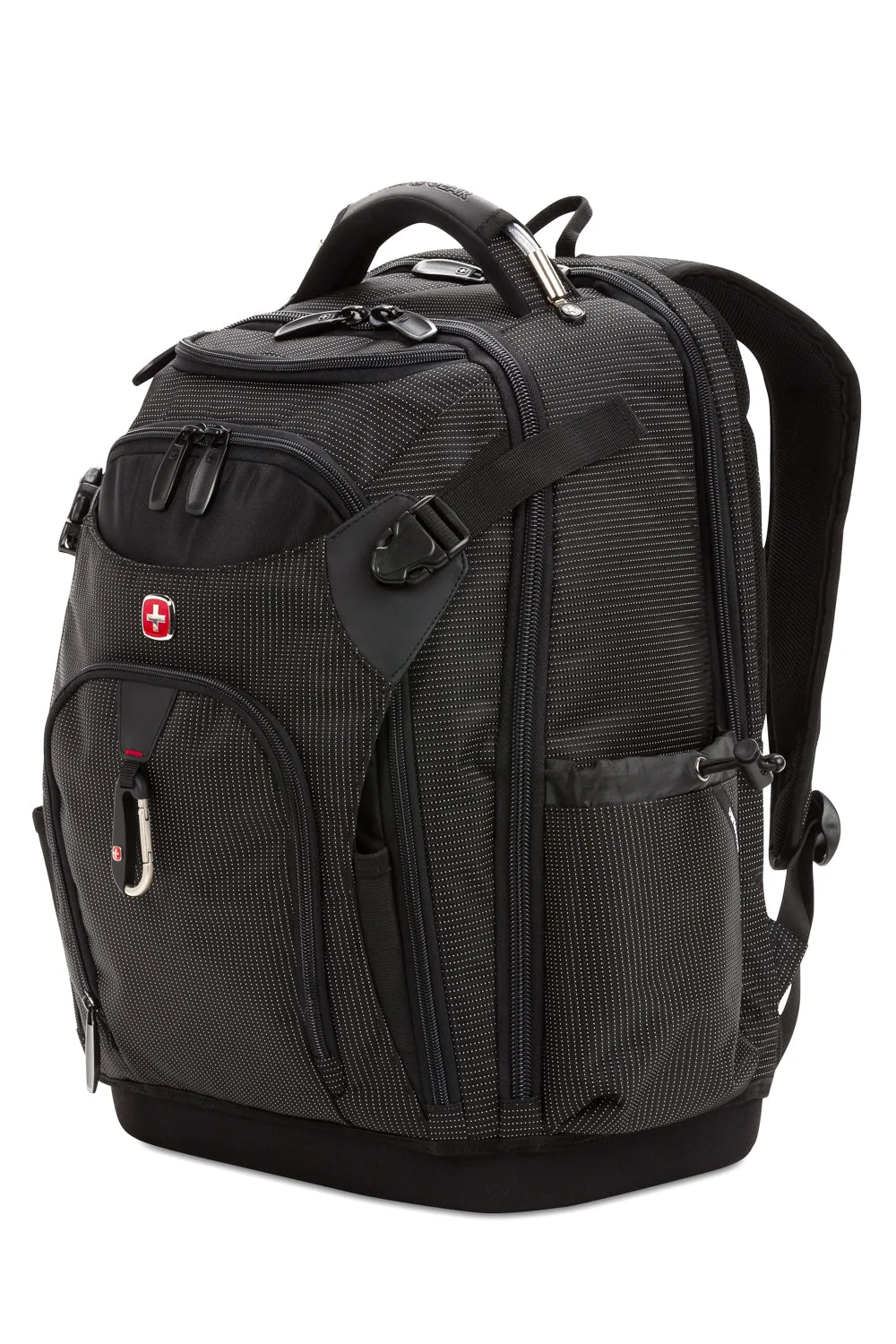
- SWISSGEAR Work Pack Pro Tool Backpack: Its rugged construct features a designated 17” laptop compartment, a built-in USB port, and three zip compartments with more than 60 organizer slots for hand tools, nails, hammers, and drills. If you need one bag for a 17-inch laptop and a full set of tools or gear, this is the clearest 17-inch option in the catalog; the trade-off is a heavier, more structured build than a slim commuter pack.
- SWISSGEAR Voyager USB 21.5" Travel Laptop Backpack: Designed with the versatility of a carry-on luggage, its spacious and expandable clothing compartment boasts clothing straps, as well as an oversized, zippered mesh side compartment, plus two removable zippered accessory bags for impeccable organization. In the back, a dedicated padded laptop compartment easily... This is the large gaming backpack choice when you want to carry a laptop plus clothing or bulky gear; the expandable compartment adds capacity, but the 21.5-inch size is more than many daily commuters need.
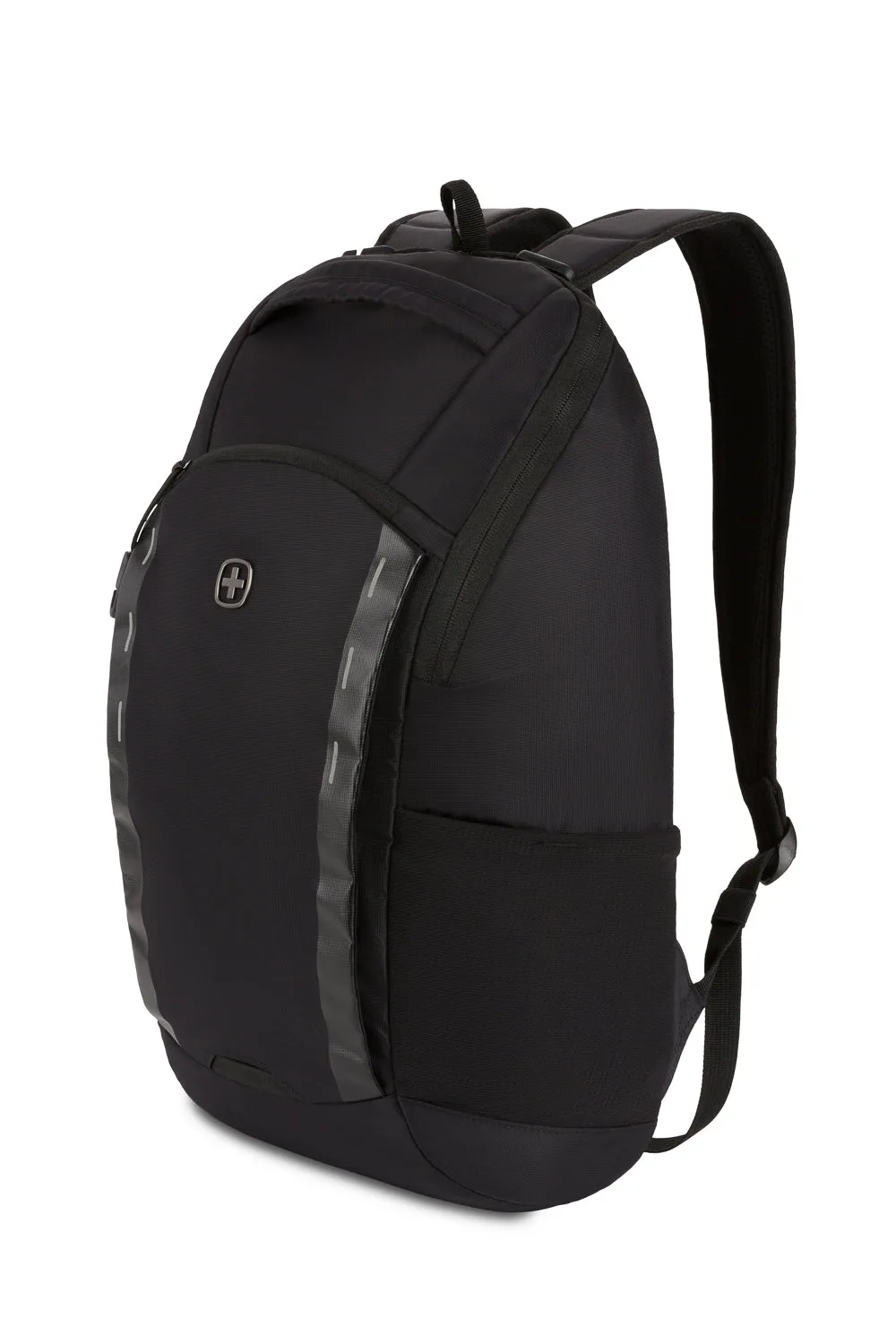
- SWISSGEAR Viibe Core Laptop Backpack: Designed for students who carry only the essentials for the day, this backpack features a felt lined laptop pocket for devices up to 15 inches and a discreet, felt... A good fit for a 15-inch gaming laptop and light gear, but the stated 15-inch limit means it is not the right bag for a 17-inch machine.
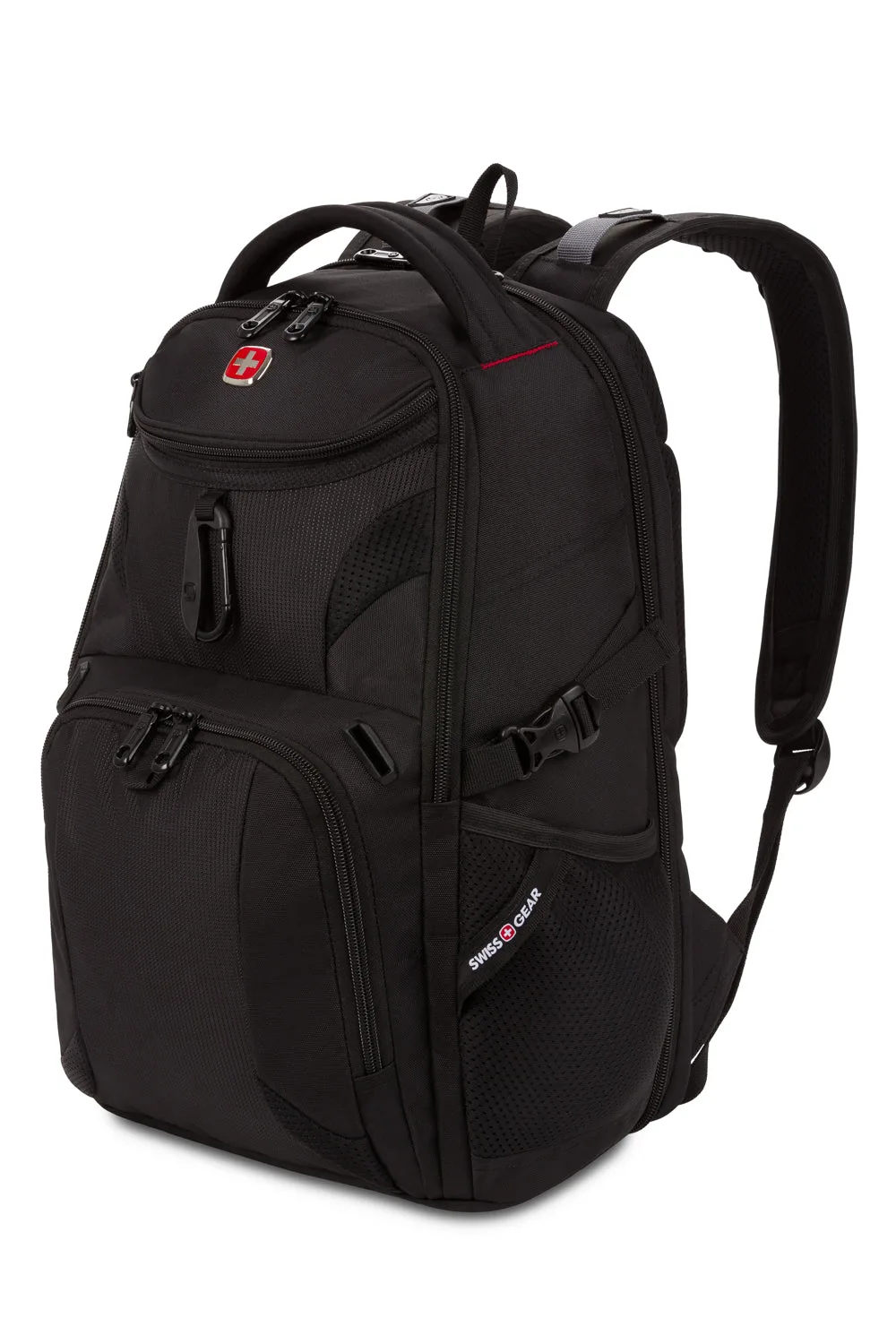
- SWISSGEAR Mini 1900 ScanSmart Laptop Backpack: Its back ScanSmart compartment fully unzips and lays flat, allowing you to clear TSA without removing your laptop or tablet. Useful if you fly with a gaming laptop and want a faster security check, but you still need to confirm the compartment fits your specific 17-inch model before relying on it.
Who should buy which gaming laptop backpack
Best for
- Gamers who carry a 17-inch laptop plus a headset, controller, and charger every day
- Students or commuters who need one bag for a gaming laptop and heavy daily gear
- Travelers who want a large gaming backpack that can also hold clothing for a short trip
Not for
- Gamers with a 15-inch or smaller laptop who want a light, compact daily bag
- Commuters who mostly carry a laptop and a mouse and want minimal bulk
- Anyone who needs a slim, dressy bag for an office environment
Pick your gaming laptop backpack by compartment fit first, then by how much gear you actually carry. A 17-inch machine demands a bag that states 17-inch support and backs it with real padding. If you carry a full load, a large gaming backpack with a structured compartment earns its size; if you travel light, a compact pack with a felt-lined sleeve is easier to live with. Measure your laptop, count your gear, and choose the bag that matches your daily route.