Quick answer
Buy a GaN charger by matching total wattage to your hungriest device, then count the ports you actually use at once. A 67W three-port GaN wall charger is the practical sweet spot for a laptop plus phone and earbuds; step up to 140W only if you charge a high-power laptop. GaN mainly buys you smaller size and less heat than a standard charger of the same wattage, not more power.
What GaN actually changes (and what it doesn't)
Gallium nitride replaces silicon in the charger's internal switching components. That lets the charger run cooler and more efficiently, so the same wattage fits in a smaller shell. The practical result is a brick that travels better and sheds heat instead of cooking your bag. What GaN does not do is raise the wattage your laptop will accept, add ports for free, or guarantee faster charging than a silicon charger rated for the same output and protocol.
- Choose GaN for size and heat, not for a wattage boost.
- Match the charger's supported protocols to your device; GaN alone doesn't set speed.
- A heavier standard charger can still be fine if it stays on your desk.
How to choose a GaN charger by wattage
Start with the highest-wattage device you will charge. A thin-and-light laptop usually needs 45W to 67W to charge at full speed, while a larger laptop may want 100W or more. Add roughly 20W for a phone and 5W to 10W for earbuds or a watch if you plan to charge them at the same time. Total wattage is shared across ports, so a 67W charger running a 45W laptop leaves about 22W for everything else.
- 45W to 67W: phones, tablets, and most thin-and-light laptops.
- 100W and up: larger laptops and multi-device desk setups.
- If two devices need full speed at once, buy more total wattage than either device needs alone.
Port count: buy for your busiest moment
Count the devices you plug in on your worst day, not your average day. Two USB-C ports cover a laptop and phone; three ports let you add earbuds or a second phone without unplugging. More ports usually mean a larger brick and a higher price, and some multi-port chargers split power unevenly, so check how the total is distributed before you commit.
chargers
- One port: a single laptop or a dedicated desk charger.
- Two ports: laptop plus phone, the most common travel setup.
- Three or more ports: shared desks, families, and multi-device bags.
Travel and desk trade-offs to weigh
For travel, prioritize a folding plug, low weight, and a wattage that covers your laptop so you can leave the original brick at home. For a desk, you can accept a larger charger with more ports because it rarely moves. If you charge in a car, a separate dual-port car charger is usually more practical than hauling your wall charger, since it fits the vehicle's socket and keeps two devices topped up on the road.
- Travel: folding prongs, compact body, one cable per device.
- Desk: more ports, longer reach, no need to unplug between devices.
- Car: a dedicated car charger avoids adapters and keeps the wall charger packed.
Decision rules for buying a GaN charger
- Rule 1: Size the wattage to your laptop: Find your laptop's recommended charger wattage and buy at or above it. A 67W GaN wall charger covers most thin-and-light laptops; a 140W charger is the safer call for larger laptops and docking setups. If you are unsure, go one step up in wattage rather than one step down.
- Rule 2: Count simultaneous devices, not total devices: List what you charge at the same time. Two ports handle a laptop and phone; three ports add earbuds or a second phone. Remember that total wattage is shared, so more ports do not mean full speed on every port. Buy for your busiest charging moment, not your lightest.
- Rule 3: Choose GaN for portability, not speed: If the charger stays on a desk, a standard charger of the same wattage can do the job. If it goes in a bag, GaN's smaller, cooler design earns its place. For the car, use a car charger instead of an adapter. Let where you charge decide the form factor, and let your devices decide the wattage.
Products that match these rules
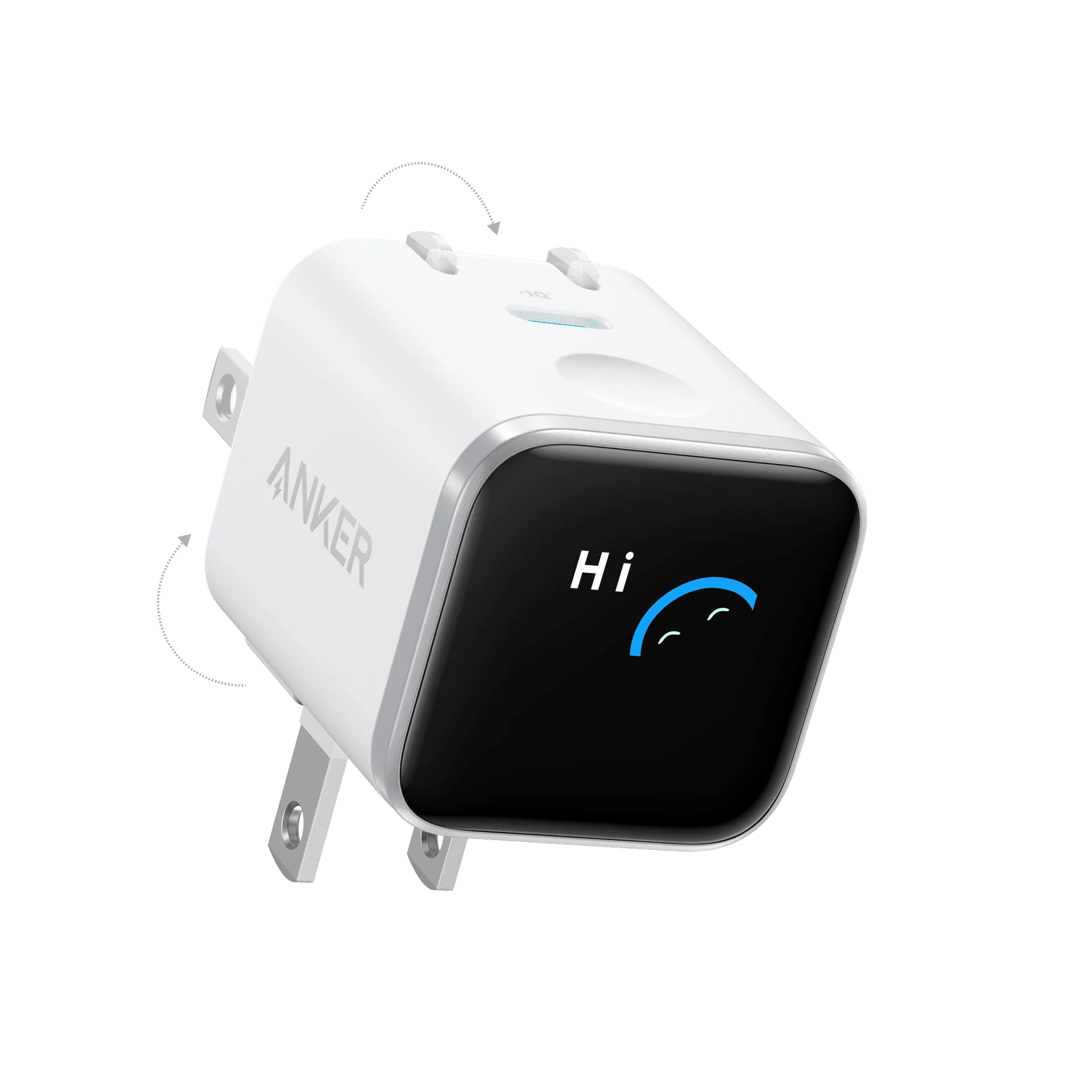
- Anker Prime 67W GaN Wall Charger (3 Ports): 67W of total power output with three ports for a smartphone, tablet, and other USB-powered devices at once. A strong default for a laptop plus phone and earbuds, and the three ports mean you rarely unplug to add a device.
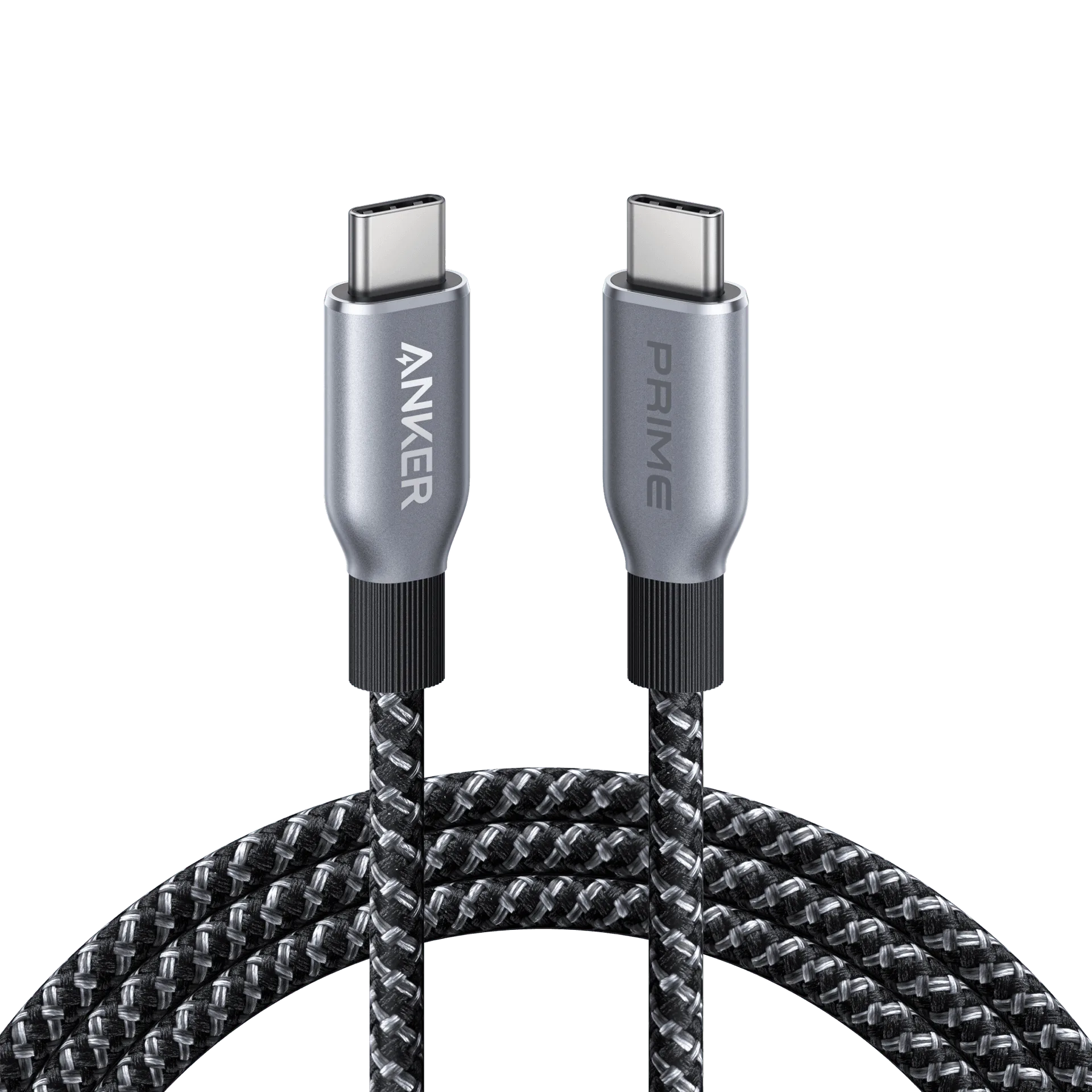
- Anker Laptop Charger (140W, 4-Port, PD 3.1) with USB-C Cable: 140W total power output across four ports with PD 3.1 and a USB-C cable included. The pick when a high-power laptop needs full-speed charging while other devices stay connected, and the bundled cable removes one purchase.
- PowerDrive III Duo USB-C Car Charger: Dual USB-C ports charge two devices at the same time, and the compact body fits a vehicle's cigarette lighter socket. A low-cost way to keep two phones or a phone and tablet charged on the road without repacking your wall charger.
Who should buy which GaN charger
Best for
- Commuters and students who carry a laptop, phone, and earbuds in one bag and want one compact charger.
- Home desks that power a laptop plus a phone and a tablet without swapping cables.
- Travelers who want to leave the original laptop brick at home and charge everything from one outlet.
Not for
- Buyers who only charge a single phone overnight and never travel; a small standard charger costs less.
- Owners of high-power laptops who need 100W or more to a single port; choose a higher-wattage model instead.
- Anyone expecting GaN alone to speed up a device that does not support the charger's fast-charging protocol.