Quick answer
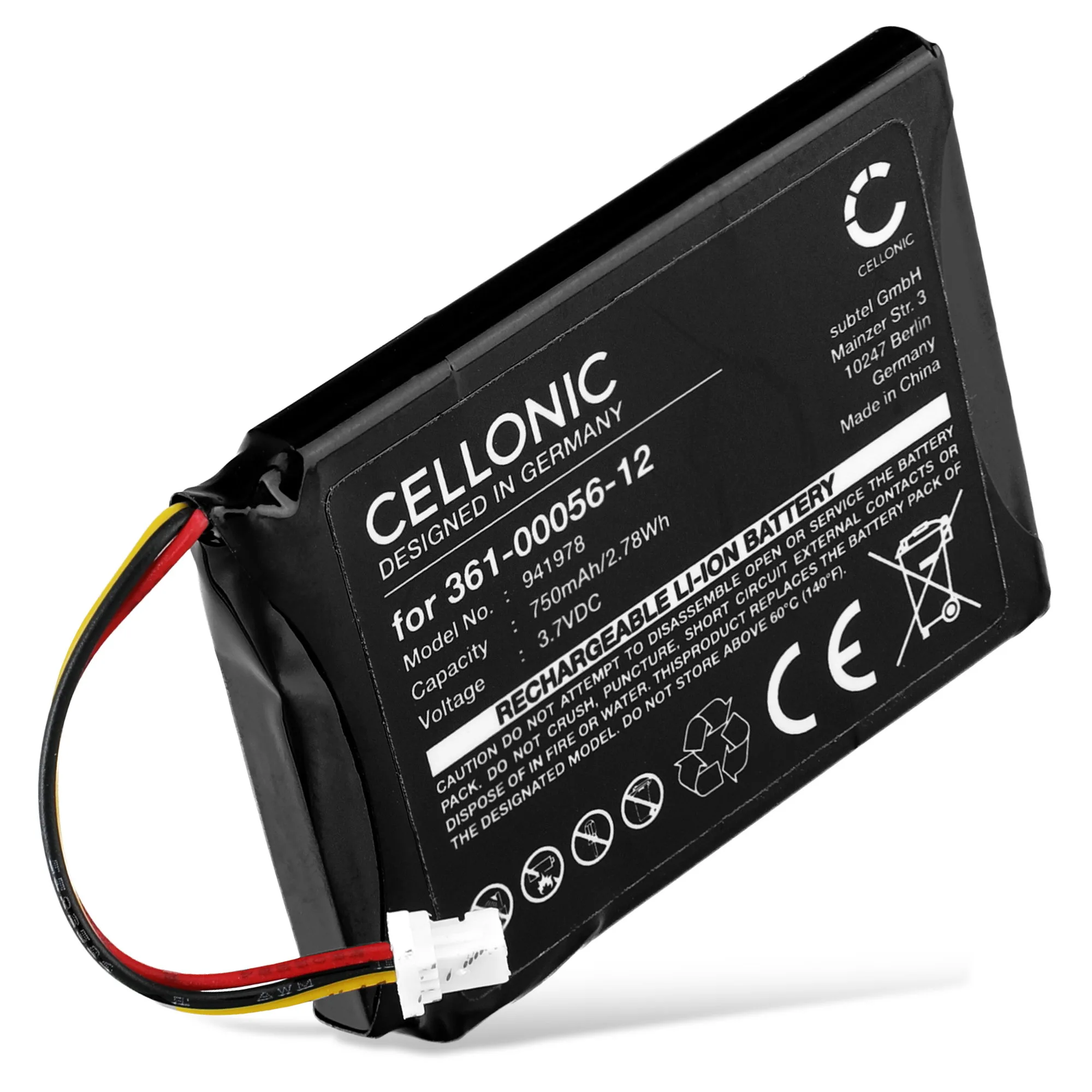
Most Garmin Edge Explore 2 battery drain is caused by settings and firmware, not a dead cell. First lower screen brightness, disable always-on display and unnecessary sensors, and install the latest software. If the battery still falls faster than usual after those steps, a tired cell is the likely cause, and a 361-00056-12 battery replacement (750mAh, 3.7V) is the part to look for. Stop and reassess if the device also overheats, shuts down randomly, or shows swelling.
Confirm it is real battery drain, not just a demanding ride
A cycling computer battery life claim is only meaningful for a given setup. Long rides with navigation, backlight on, a paired heart-rate strap, power meter, and phone notifications will always use more power than a short commute with the screen dimmed. Before assuming a fault, note your actual runtime over two or three rides with similar settings, and compare it to what you normally get. If runtime has dropped sharply with the same setup, you have a real change to diagnose. If it was never as long as you hoped, the fix is settings, not hardware.
- Record start and end battery percentage plus ride duration for three rides.
- Keep brightness, sensors, and navigation the same across those rides.
- Compare against your own baseline, not a marketing figure.
Settings and software causes to rule out first
Always-on display, high brightness, and constant backlight are the biggest drains on a Garmin GPS battery not holding charge as long as it used to. Turn brightness down, shorten the backlight timeout, and disable always-on mode if you do not need it. Bluetooth and Wi-Fi left on while riding, frequent phone notifications, and sensors you are not using all add load. Then update the firmware through Garmin Express or the device's own update path, because power-management fixes arrive that way. After each change, repeat one comparable ride so you can tell whether it helped rather than guessing.
- Lower brightness and shorten the backlight timeout.
- Turn off always-on display and unused sensors.
- Disable Bluetooth or Wi-Fi when you are not syncing.
- Install the latest firmware before judging the battery.
Charging habits that shorten cell life
Rechargeable cells age faster when they are kept at 100 percent and hot for long periods, or run to zero repeatedly. Leaving the Edge Explore 2 plugged in on a sunny dashboard, or storing it fully charged in a warm car, accelerates capacity loss. For everyday use, charge to full before a ride and avoid leaving it on the charger for days. For off-season storage, keep it around half charge in a cool, dry place and top it up every few months. These habits will not revive a worn cell, but they slow the decline and make runtime more predictable.
When the cell itself is the problem
If settings and firmware are ruled out and runtime is still much shorter than your baseline, the battery has likely lost capacity through normal cycling. That is the point to consider a replacement rather than more troubleshooting. Match the part number, capacity, and voltage to what the device expects. For the Edge Explore 2, the relevant reference is the 361-00056-12 battery, a 750mAh 3.7V pack that also fits devices such as the Garmin Dezl OTR700. Choosing the correct reference matters more than any brand claim, because a physically similar battery with the wrong connector or voltage will not work safely.
Stop troubleshooting and get the device checked when
Some symptoms point to more than a tired cell, and continuing to ride with them risks damage. If the Edge Explore 2 becomes unusually hot while charging or riding, shuts down without warning, shows a swollen case or screen lift, or refuses to charge at all, stop using it and have it inspected. Battery swelling in particular is not a settings issue and should never be pressed back into service. In those cases, replacement or professional repair is the sensible route, not further calibration attempts.
Symptom-to-cause diagnosis
- Runtime drops only on long navigation rides: Backlight, always-on display, and active sensors are the likely load. Dim the screen, shorten the backlight timeout, and switch off sensors you are not using. Re-test on one comparable ride before assuming hardware failure.
- Battery percentage falls quickly even on short rides: Firmware and charging habits are the next checks. Update the software, avoid leaving the device plugged in for days, and stop storing it fully charged in heat. If two or three comparable rides still show a sharp drop, the cell has likely aged.
- Device gets hot, shuts down, or the case looks swollen: This is beyond settings. Stop riding with it and have it inspected rather than continuing to charge or discharge it. Do not attempt further calibration; arrange repair or replacement.
- Runtime still short after settings, firmware, and charging fixes: Replace with a battery matching the 361-00056-12 reference at 750mAh and 3.7V, and confirm the connector and fit before installing. If the replacement behaves the same, the fault is elsewhere and the device needs service.
Replacement battery facts worth checking
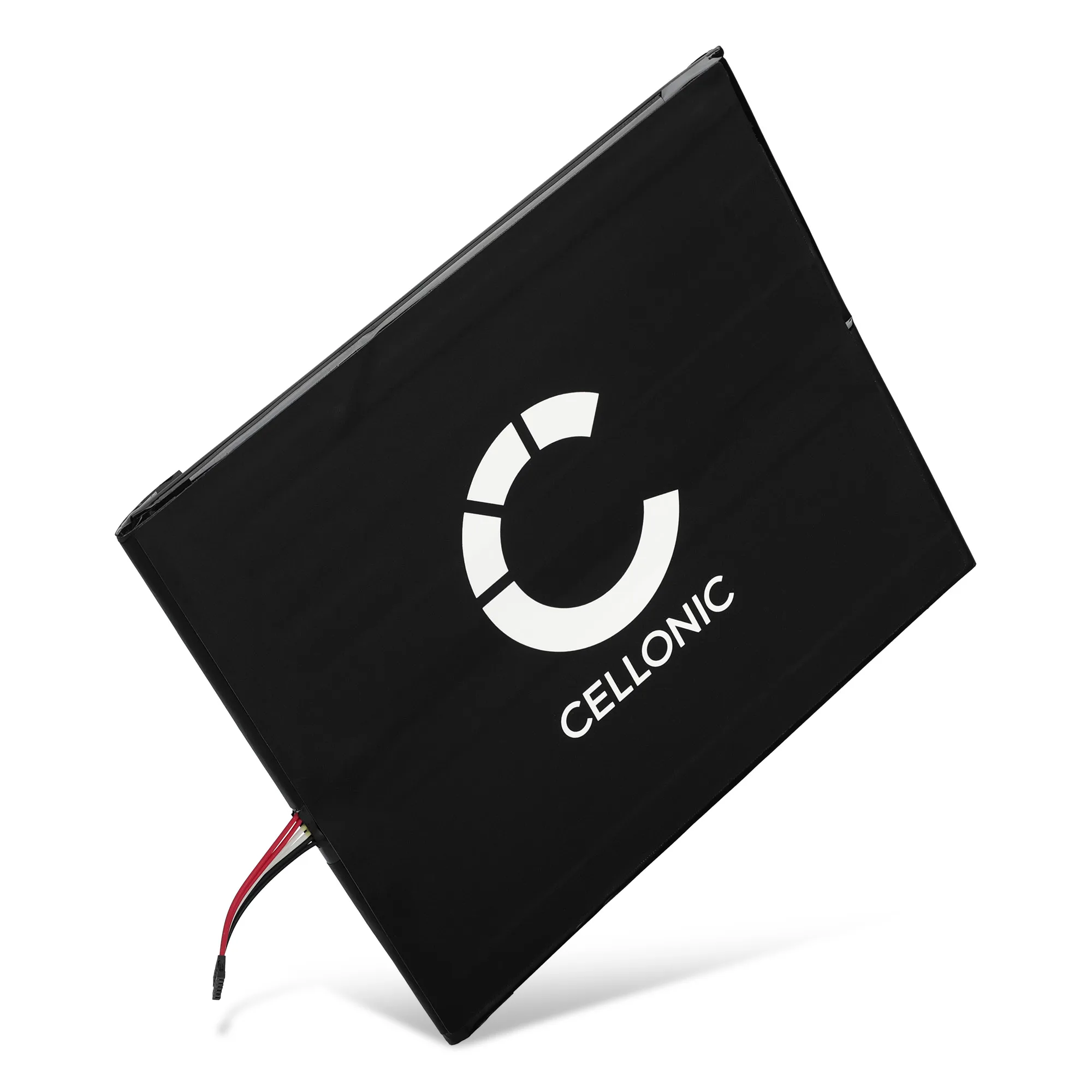
- Batterij voor Garmin Edge Explore 2, Dezl OTR700, 361-00056-12 (750mAh, 3.7V) van CELLONIC: CELLONIC replacement battery with 750 mAh capacity and 3.7 V nominal voltage, matching the 361-00056-12 part reference and fitting the Garmin Edge Explore 2 and Dezl OTR700. This is the reference to compare against when your own battery no longer holds enough charge for your typical ride, and the stated capacity and voltage let you confirm it matches the original specification before ordering.
- 58-000187, 26S1015-A Battery for Amazon Fire HD 10 (2017) SL056ZE Tablet Battery Replacement - 6200mAh: CELLONIC replacement battery for the Amazon Fire HD 10 (2017) SL056ZE tablet, part reference 58-000187 and 26S1015-A, with a stated capacity of 6200mAh. Listed here only to show how part-specific replacement batteries are: this one does not fit a Garmin device, which is why matching the part number rather than the physical size is the safe approach.
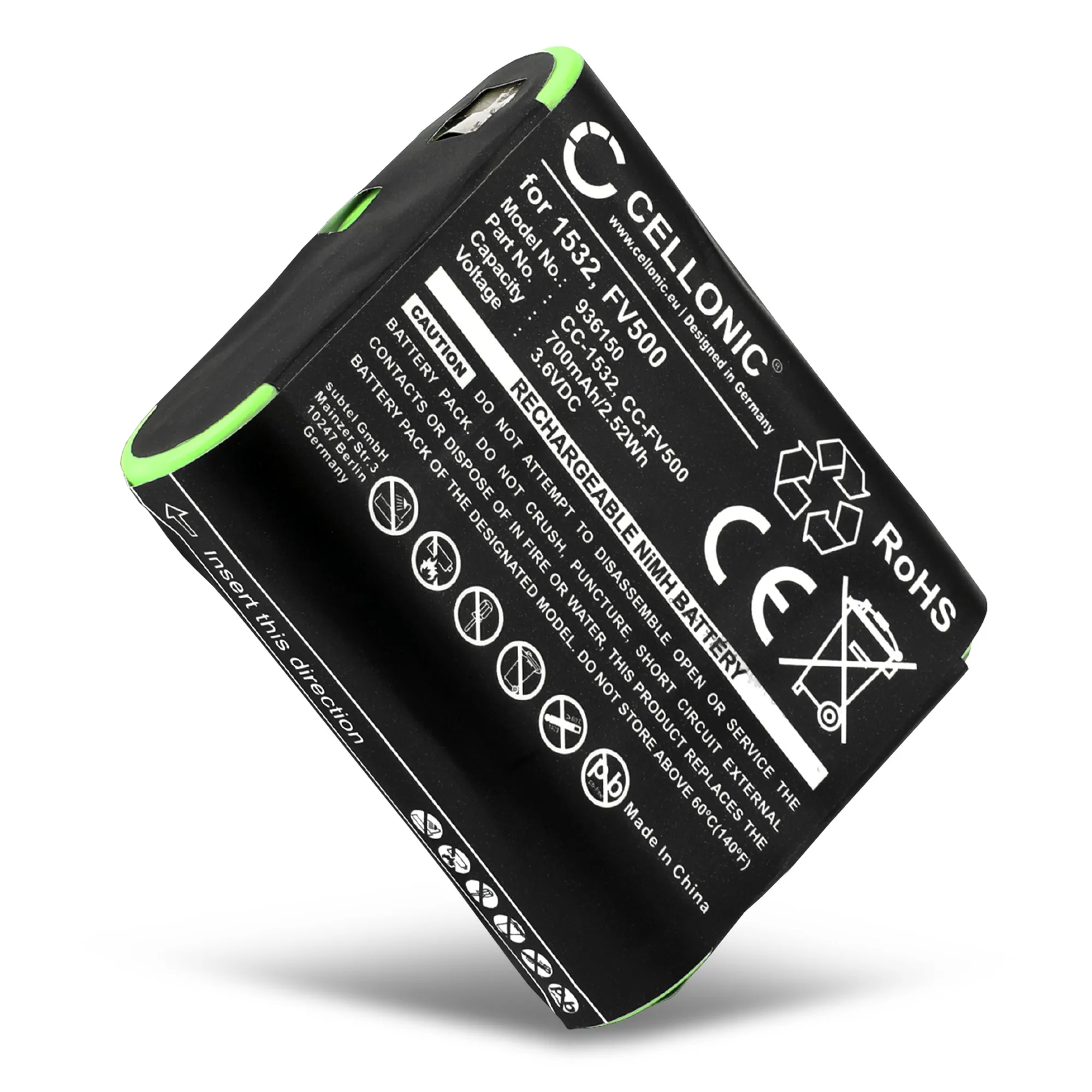
- Battery for Motorola Talkabout T82 EXTREME, T82, T92 H2O, T800, T200, T600 H20, T260, T460 - PMNN4477A (AAA Version) 3.6V 700mAh NiMH from CELLONIC: CELLONIC 3.6V 700mAh NiMH replacement battery for Motorola Talkabout T82, T82 EXTREME, T92 H2O, T800, T200, T600 H20, T260 and T460 radios, part PMNN4477A (AAA version). A useful contrast in chemistry and voltage: NiMH at 3.6V is built for those radios, not for a Garmin GPS, so never substitute across device families even when capacity looks close.