What the Godsword Desk Mat Is For
The Godsword Desk Mat is a large-format surface that works as both a desk cover and an extra-large mousepad. Featuring artwork from one of the most recognizable IPs in gaming, it fits neatly into a themed setup without needing to match every accessory. At 900x400mm, it covers the typical desk work area while leaving room for a keyboard, mouse, and other peripherals.
If you are building a gaming room around a specific aesthetic, the Godsword mat can serve as a foundation piece. The printed design is meant to complement existing art or become the focal point of your desk.
Godsword Desk Mat at a Glance
-
Godsword - Desk Mat: 900x400mm dimensions This size fits most standard desks and provides enough space for a full keyboard and mouse without the mousepad sliding off the edge.
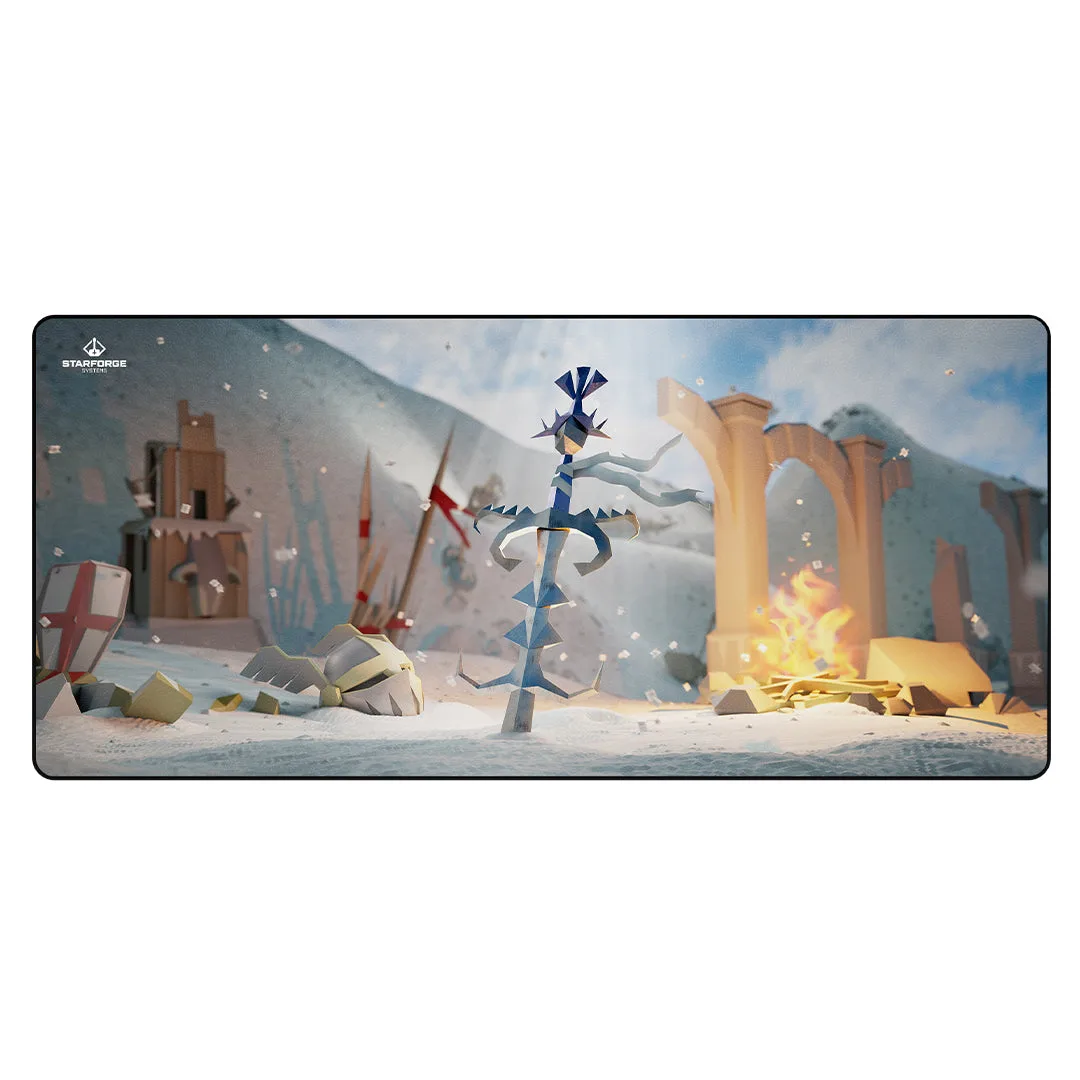
Godsword - Desk Mat
-
Godsword - Desk Mat: Featuring artwork from our favorite IPs and artists, our desk mats are a perfect compliment to existing art, or a phenomenal foundation to start your own gaming room's aesthetic. The printed surface is designed to match a variety of decor styles, not just one theme, making it a versatile choice for personalizing your desk.
Size and Desk Compatibility
The Godsword Desk Mat measures 900x400mm. Before placing it, measure your desk surface to ensure the mat fits without overhang. A typical 1200x600mm desk leaves generous border space; smaller desks may have the mat extending to the edges. The mat is intended as a cover for your desk or as an extra-large mousepad, so it works best on a flat, clean surface.
Because the mat is larger than a standard mousepad, it can replace both a mousepad and a desk protector. Keep in mind that the printed design is full-surface, so any clutter on the mat will cover part of the artwork. If you want the design to remain visible, consider keeping only essential peripherals on the mat.
Daily Care for the Printed Surface
The Godsword mat has a printed fabric surface that benefits from regular but gentle cleaning. Dust and crumbs can be removed with a soft brush or a lint roller. For light stains, a slightly damp microfiber cloth with mild soap works well—avoid soaking the mat or using harsh chemicals, as they may damage the print.
Let the mat air dry completely before placing it back on your desk. Do not machine wash or put the mat in a dryer. The catalog does not specify a cleaning interval, so use your judgment based on how often you eat or drink at your desk. A quick weekly wipe-down is usually enough to keep the surface looking fresh.
What the Catalog Does Not Confirm
The supplied product information does not include details about the mat's backing material, thickness, or water resistance. If you are concerned about the mat sliding on a glossy desk or spilling liquids, consider testing it on your specific surface before committing to a full setup. The mat is sold as a desk cover and mousepad, not a waterproof or non-slip mat, so treat it accordingly.