Quick answer
A hall effect keyboard uses magnetic switches and a magnetic sensor instead of metal contact leaves. That lets you set the actuation point, use rapid trigger, and avoid the fixed reset distance of a mechanical switch. If you play competitive shooters or fighting games and want faster repeated inputs, it is worth considering. If you mostly type or want the widest switch and keycap choice, a mechanical board is still the smarter buy.
Hall effect keyboards have moved from niche to normal in competitive gaming, but the marketing around them is still fuzzy. The core idea is simple: a magnet in the switch moves past a sensor, and the board measures how far it has traveled. Because there is no metal contact to wear out, the board can decide exactly when a press starts and stops.
That difference matters most when you tap the same key over and over. In this guide I will explain what hall effect actually does, where it beats a mechanical keyboard, where it does not, and which supporting gear on your desk makes the most of it.
What is hall effect, in plain terms
A hall effect switch contains a small magnet and a sensor on the PCB. As you press the key, the magnet moves and the sensor reads the change in magnetic field. The keyboard converts that reading into a keypress. There is no physical metal contact closing, so nothing wears out from repeated presses and the board can measure partial travel.
That measurement is the whole point. You can set the actuation point anywhere within the switch's range, and you can set the reset point separately. On a mechanical switch, both are fixed by the spring and the contact leaf. This is why hall effect boards can offer adjustable actuation and rapid trigger, while most mechanical boards cannot.
- Adjustable actuation: choose how far you press before the key registers.
- Rapid trigger: the key resets as soon as you release, not at a fixed distance.
- No contact wear: the sensing is magnetic, so the switch does not rely on metal touching metal.
Hall effect vs mechanical: the real trade-offs
The practical win is repeated inputs. In a shooter, strafing left and right becomes faster because the key re-arms the moment you let go. In a fighting game, rapid trigger can make directional inputs feel snappier. If your game rewards quick taps and counter-strafing, hall effect has a clear edge.
The trade-offs are real too. Hall effect boards usually cost more, and switch choices are limited compared with the huge mechanical aftermarket. Many hall effect switches are also linear only, so if you love a tactile bump or a loud click, you may miss it. Firmware and software quality vary a lot between brands, and a poorly tuned board can feel worse than a good mechanical one.
- Choose hall effect if repeated taps and fast resets decide your matches.
- Stay mechanical if you want broad switch variety, clicky feedback, or a lower price.
- Check whether the board lets you tune per-key actuation and rapid trigger without buggy software.
How to judge a hall effect keyboard before you buy
Start with the tuning controls, not the switch name. A good board lets you set actuation per key and adjust rapid trigger sensitivity in small steps. If the software is confusing or the settings reset, the hardware advantage disappears. Look for clear documentation and a stable firmware update history.
Next, check the physical build. A hall effect board still needs a solid case, a stable plate, and keycaps that feel right for your fingers. The switch technology does not fix a flexy chassis or a hollow sound. Finally, confirm the layout you actually use. A smaller board saves desk space, but losing dedicated keys can slow you down if you rely on them.
- Prioritize per-key actuation and rapid trigger controls over raw specs.
- Match the layout to your game and desk, not to a trend.
- Budget for keycaps and a mousepad if you want the full benefit.
Supporting gear that makes the difference
A fast keyboard only helps if the rest of your setup keeps up. Your mouse skates control how smoothly the mouse moves, and your mousepad controls how consistently it stops. If the pad is worn or the skates are scratchy, you will fight the desk instead of the opponent.
For hall effect players who tap and strafe constantly, a balanced pad and fresh skates reduce the small inconsistencies that add up over a long session. You do not need to spend a lot. You need parts that match your surface and your grip.
- Replace worn mouse skates before blaming your aim.
- Match skate material to your pad surface for consistent glide.
- Keep a spare set of skates so a worn pair never costs you a match.
Decision rules for buying a hall effect keyboard
- You play shooters or fighting games and tap the same keys constantly: Prioritize a board with per-key actuation and adjustable rapid trigger. These features directly reduce the time between release and re-press. Buy hall effect if repeated inputs decide your rounds.
- You want clicky or tactile feedback and a huge switch selection: Hall effect switches are mostly linear and the aftermarket is smaller. A mechanical board gives you more feel options and usually costs less. Stay mechanical if switch variety matters more than rapid trigger.
- You are unsure about the software: Look for clear documentation and a recent firmware history. If tuning per-key actuation is confusing or unstable, the hardware advantage is wasted. A well-tuned board beats a spec sheet every time.
- Your mouse skates are old and your pad is worn: Replace the skates and consider a balanced pad before spending more on the keyboard. Smooth glide and consistent stopping power support the same fast inputs. Fix the desk before upgrading the board.
Desk gear that pairs well with a hall effect board
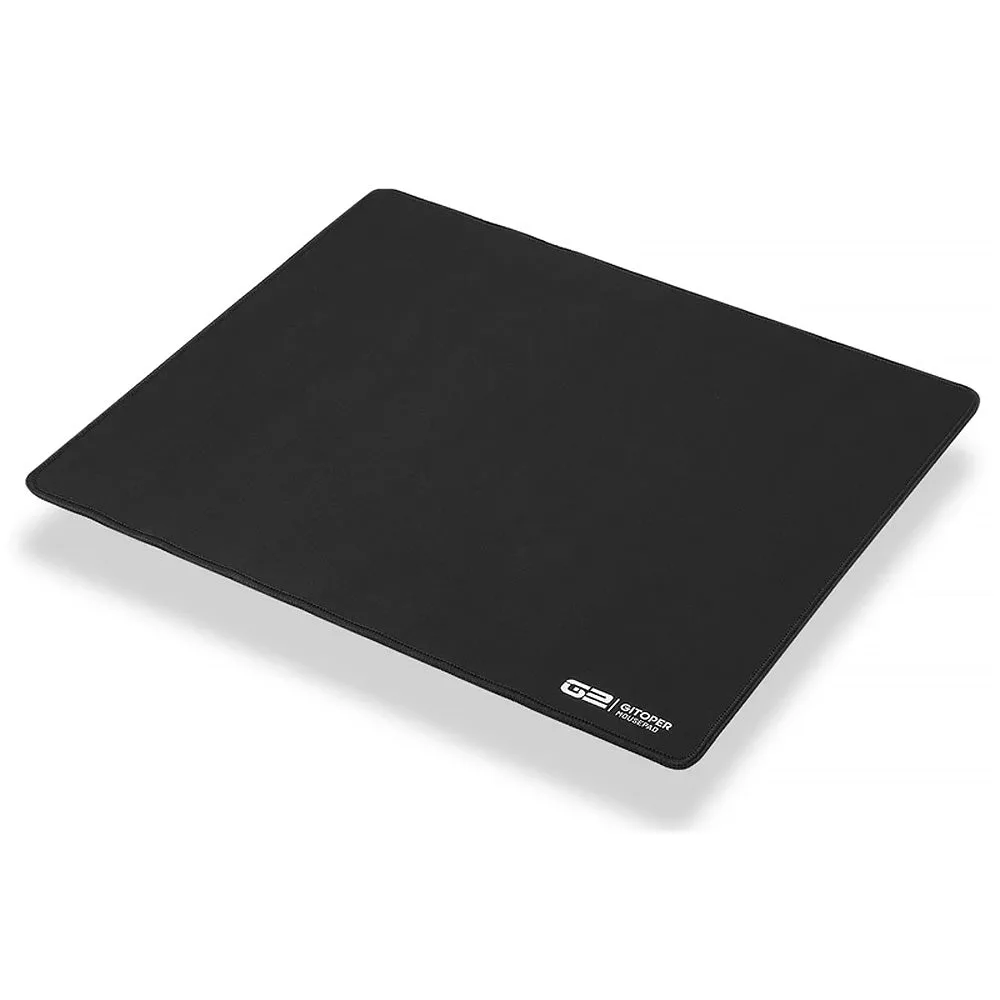
- GITOPER G2 eSports Gaming Mousepad: The GITOPER G2 eSports Gaming Mousepad is offered in a Black color option and is listed under the mousepads category. A straightforward, low-distraction pad gives you a consistent surface for the fast taps and strafes a hall effect keyboard encourages.
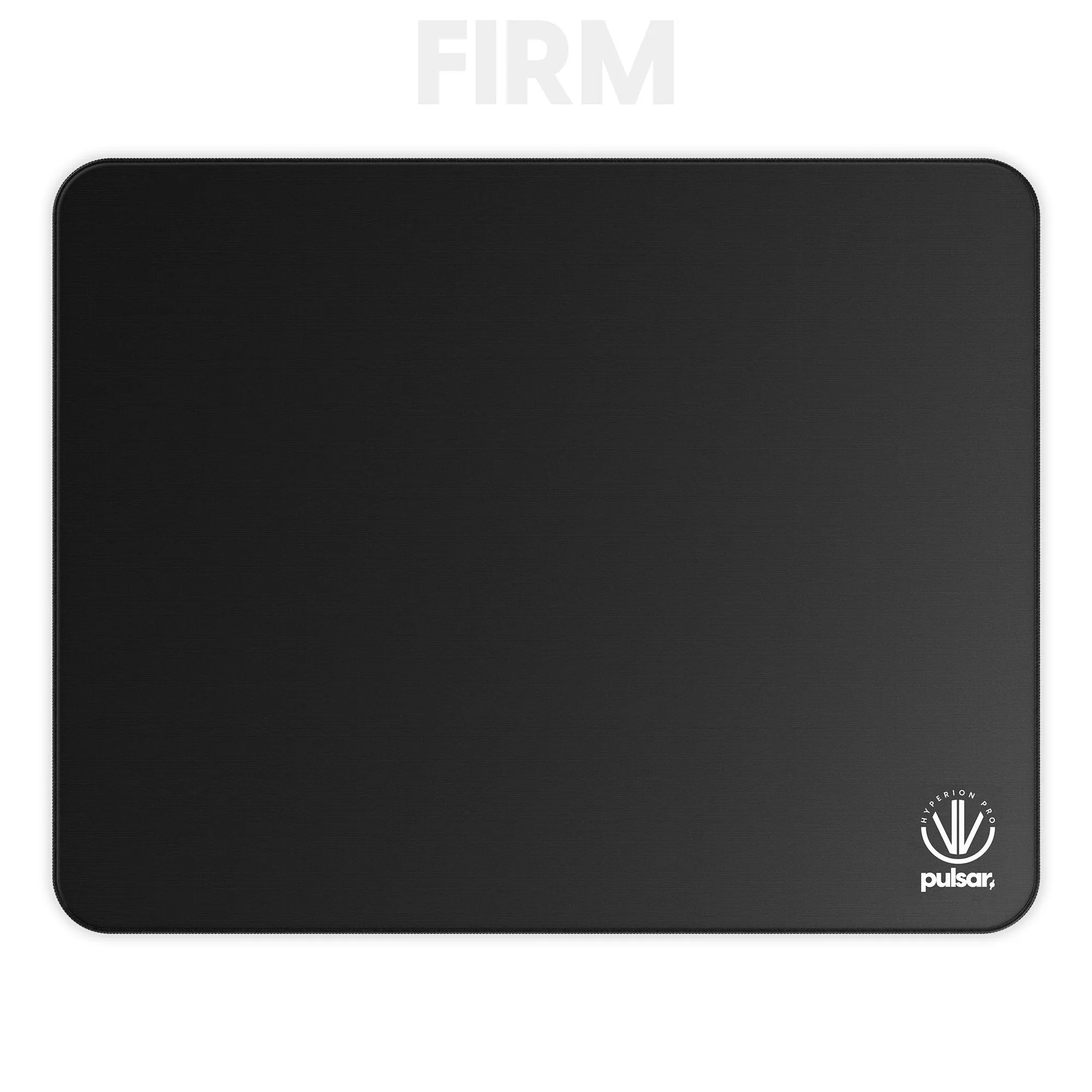
- eS Hyperion Pro Gaming Mousepad FIRM: The Hyperion Pro uses Interlock Knit Fabric with a SlimFlex base and is engineered for a balance of fast glide and precise control. If you want speed without losing stopping power, a balanced pad like this suits the quick direction changes hall effect play rewards.
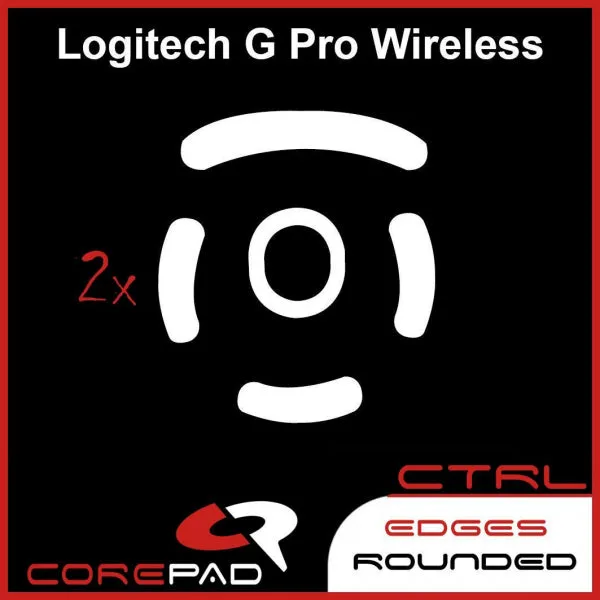
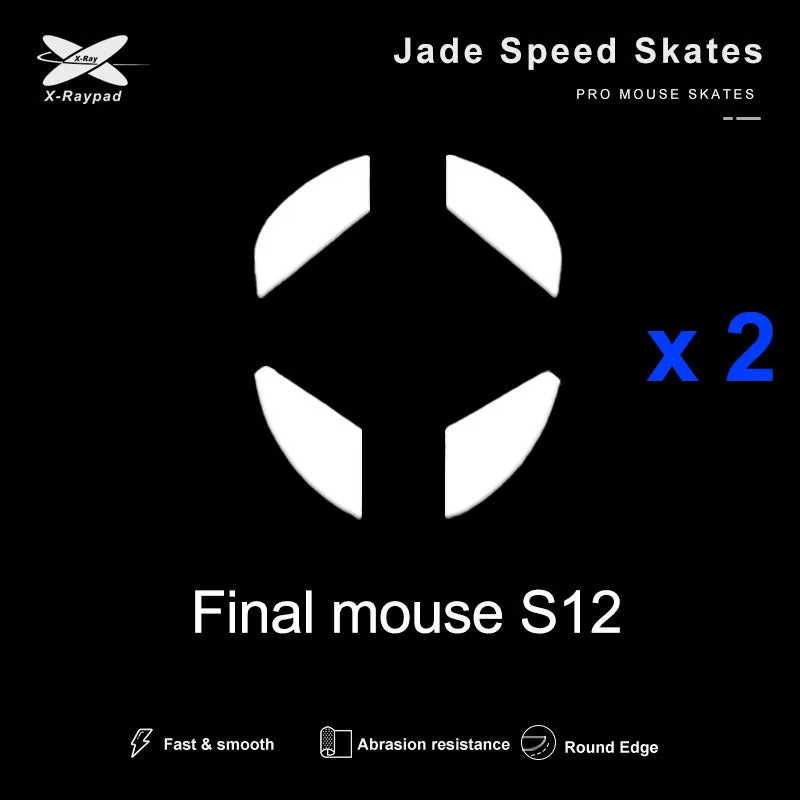
- Jade Speed Skates - Finalmouse Ultralight 2 / Starlight-12 / Ultralight X / Ultralight X: Jade Speed Skates are made of pure PTFE with a one-piece molding process and are suitable for cloth and plastic mouse pads, but not for glass mouse pads. Two sets are included. Fresh PTFE skates keep your mouse glide smooth and predictable, and the two-set pack means you have a replacement ready when the first pair wears down.
- Jelly R2 Translucent MDA 122 Keycap Set [Blue]: The Jelly R2 Translucent MDA 122 Keycap Set from XVX includes 122 keycaps in an MDA profile with translucent styling. If you want to change the feel and look of your board without replacing switches, a full keycap set is the simplest upgrade, and the MDA profile changes the typing surface.
Who should buy a hall effect keyboard
Best for
- Competitive shooter and fighting game players who rely on fast repeated taps
- Players who want to tune actuation distance and rapid trigger per key
- Anyone who wants a keyboard that does not wear out from heavy key spamming
Not for
- Typists who prefer tactile or clicky switches and do not need rapid trigger
- Buyers who want the widest possible switch and keycap aftermarket
- Shoppers on a tight budget who can get a solid mechanical board for less
Hall effect keyboards are a genuine advantage for a specific kind of player: someone who taps, strafes, and re-presses keys faster than a mechanical switch can reset. If that is you, buy for tuning controls and build quality, then make sure your pad and skates keep up. If you mostly type or love tactile switches, a good mechanical board is still the better call.
![Jelly R2 Translucent MDA 122 Keycap Set [Blue]](https://xilands.com/api/media/sync/37/376d35c97539a0358808c8f7307d027224a8ab91a8d16edc50a681fcb8ea54aa.webp)