Quick answer
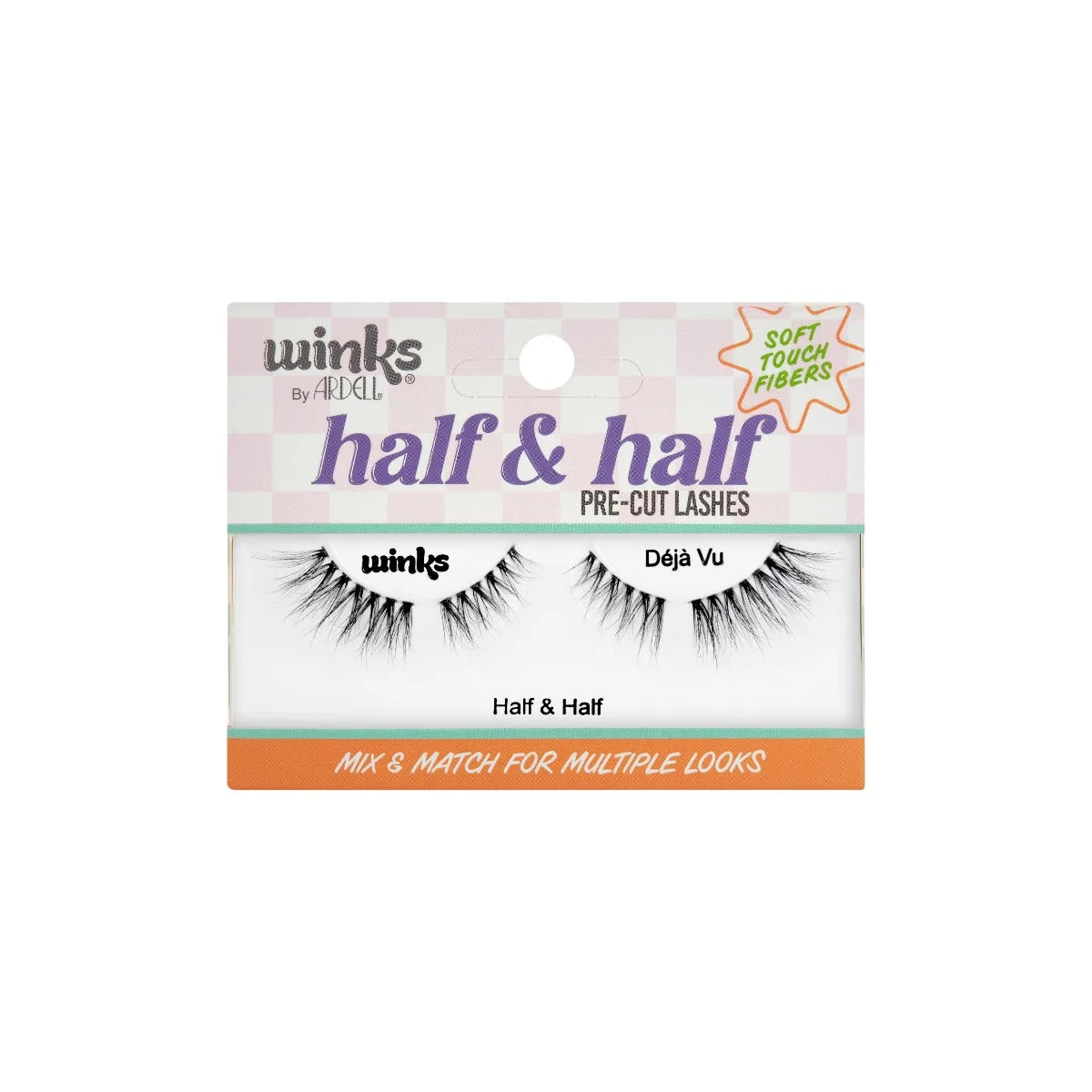
Choose the Handheld Halo FX if you want a distinctive halo look and prefer a simpler size-based decision (100mm or 150mm). Choose the Handheld Ghost FX Filter if you need adjustable ghosting, motion blur, or long-exposure-style effects and want to dial in the exact intensity. Both are handheld, so you control the effect by moving the filter in front of the lens.
How the two effects actually differ
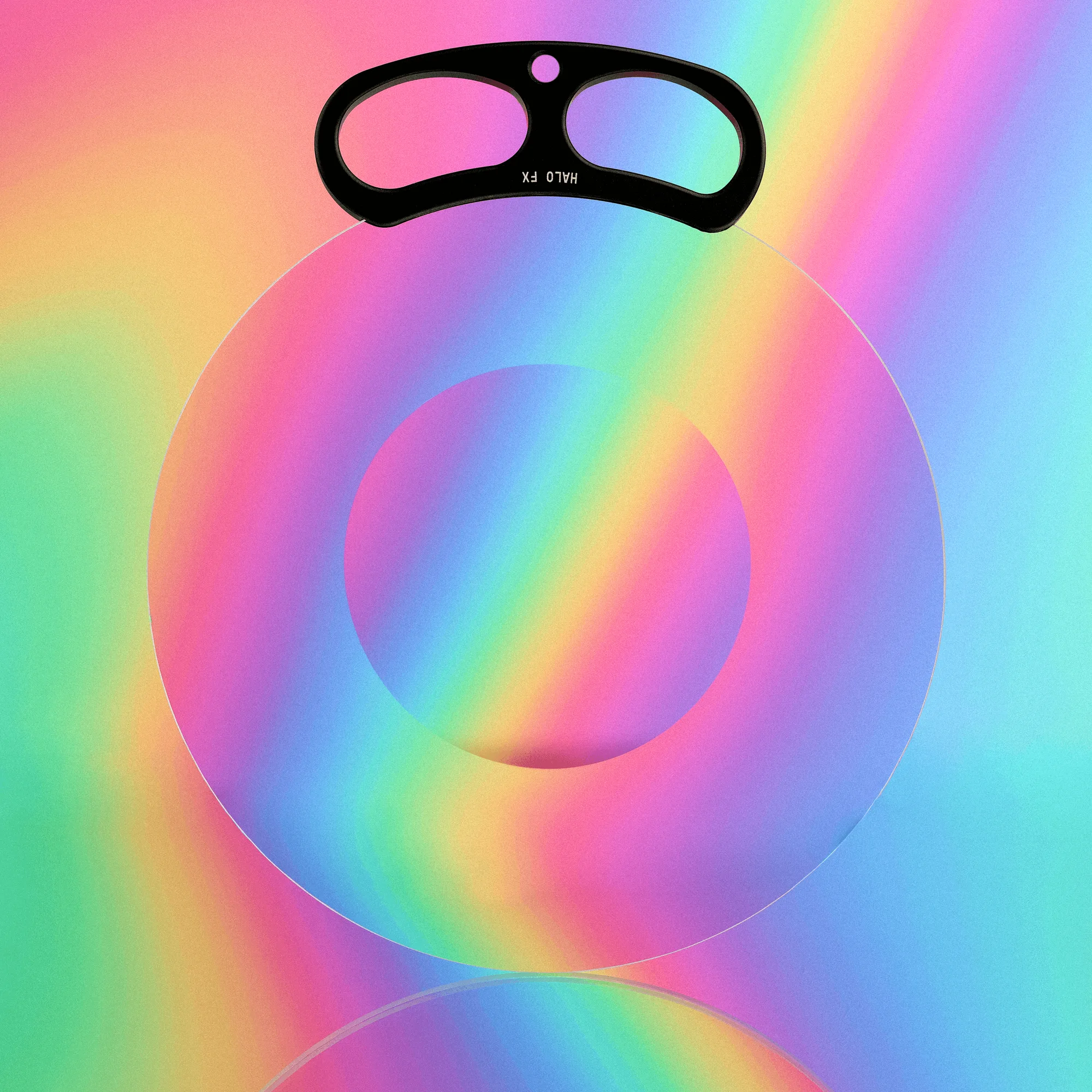
The Handheld Halo FX is built around a halo effect, as its name suggests. It produces a distinct ring or glow around highlights. The catalog does not detail the exact optical mechanism, so treat the halo as a signature look rather than a customizable parameter. Your main choice is size: 100mm or 150mm.
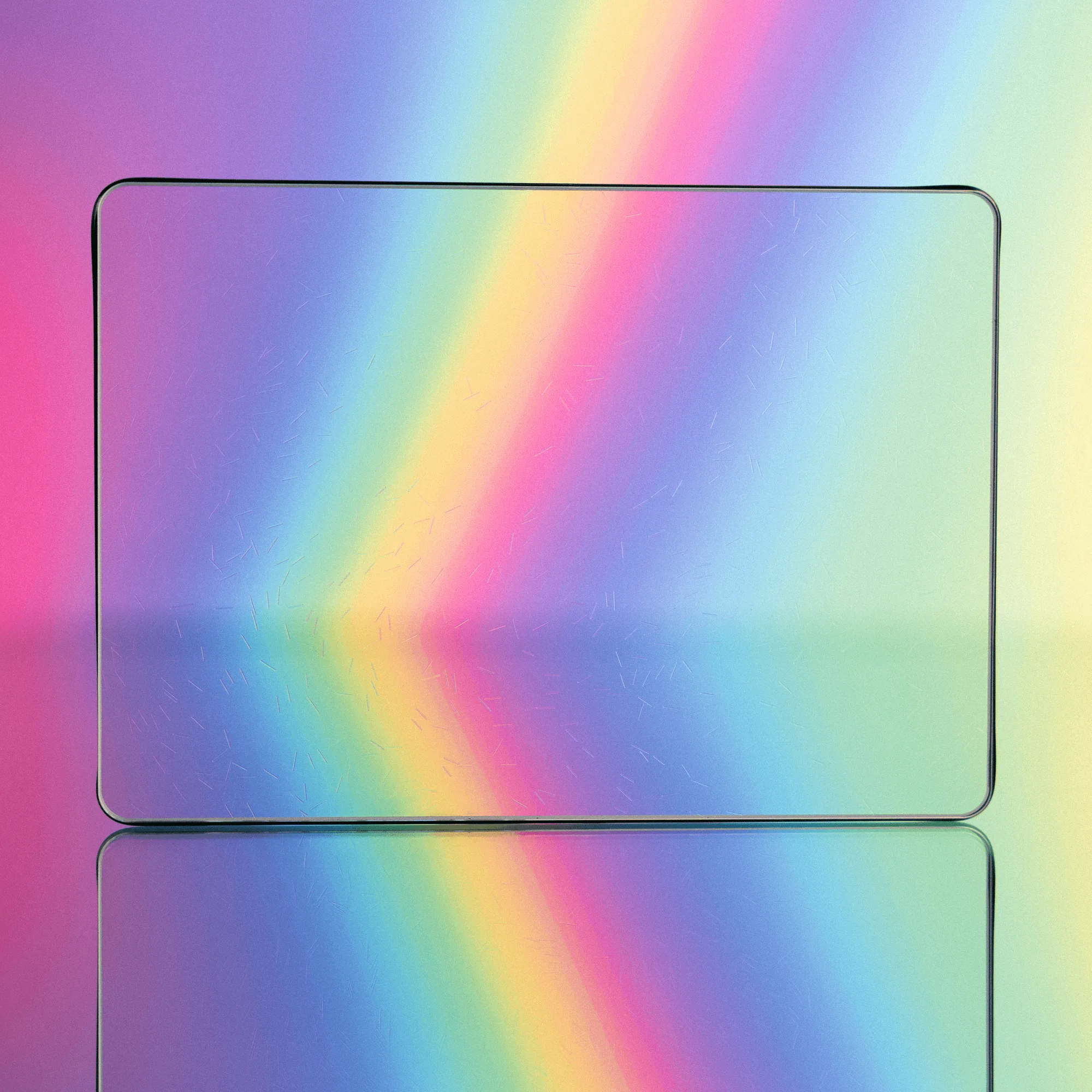
The Handheld Ghost FX Filter is designed to recreate ghosting, motion blur, and a replicating style effect commonly associated with long exposure and shutter lag. Unlike the Halo, it offers a Strength option, so you can dial in how pronounced the ghosting is. That adjustability makes it more versatile across different shot types.
Control and handling: what changes on set
Both filters are handheld, which means you move them in front of the lens to place the effect. The Ghost FX's Strength option lets you choose a starting intensity, but the final look still depends on your hand movement and angle. The Halo FX relies on its fixed halo design; you control placement and distance, but not the intensity of the effect itself.
If you often need to match a specific look across multiple takes, the Ghost FX's Strength option gives you a repeatable baseline. If you prefer a consistent signature flare that you simply position, the Halo FX is more straightforward.
Size and compatibility: what to check before buying
The Handheld Halo FX comes in 100mm and 150mm sizes. Pick the size that matches your setup and the amount of coverage you need. The catalog does not list filter thread sizes or mounting options for either product, so if you plan to use them with a matte box or filter holder, verify compatibility directly with the store before ordering.
The Handheld Ghost FX Filter lists Size and Strength as available options, but the specific sizes are not supplied in the catalog. If size is critical for your rig, confirm the available dimensions with customer service. Neither product includes a handle in the supplied facts; they are designed to be held by hand.
handle
Combining with existing filters and accessories
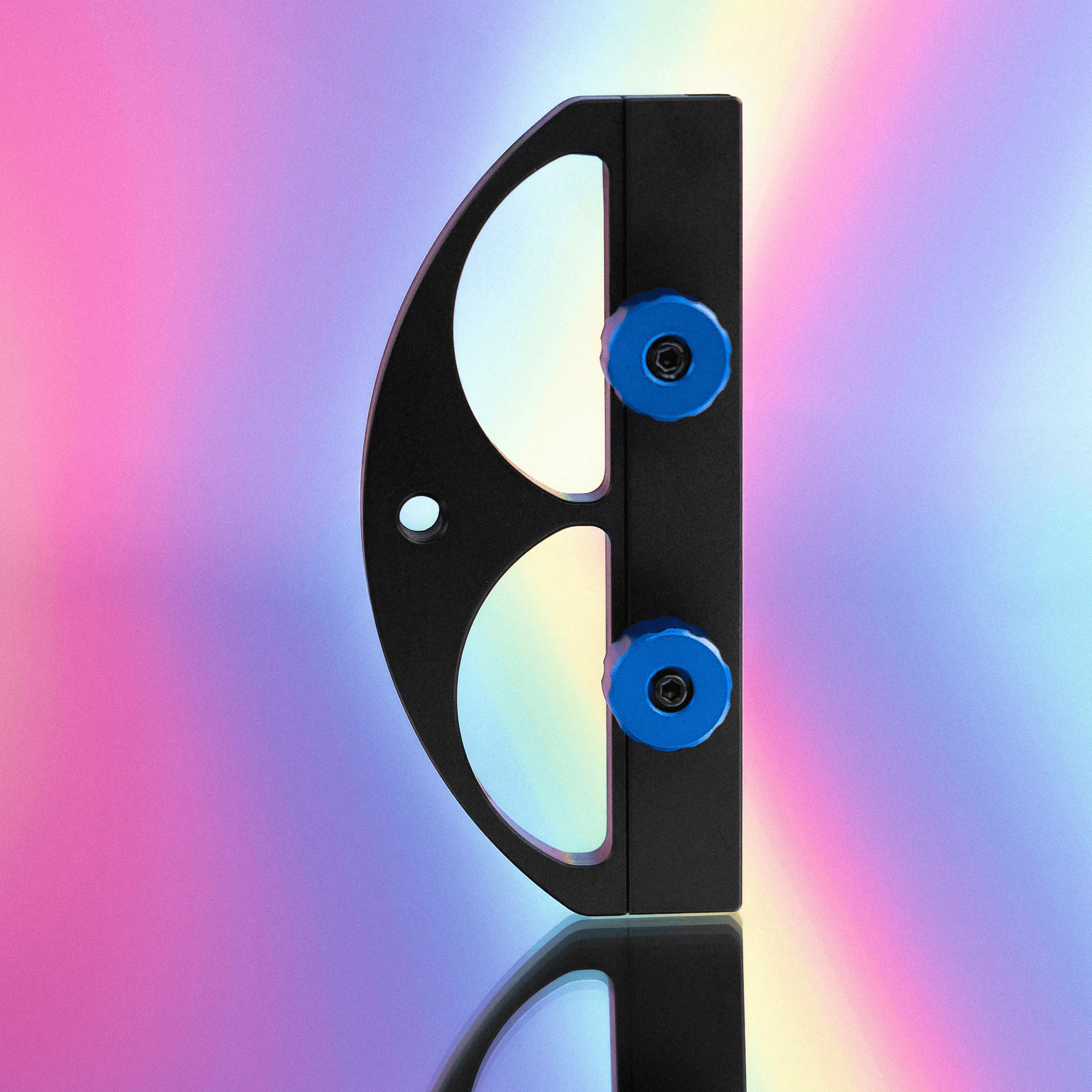
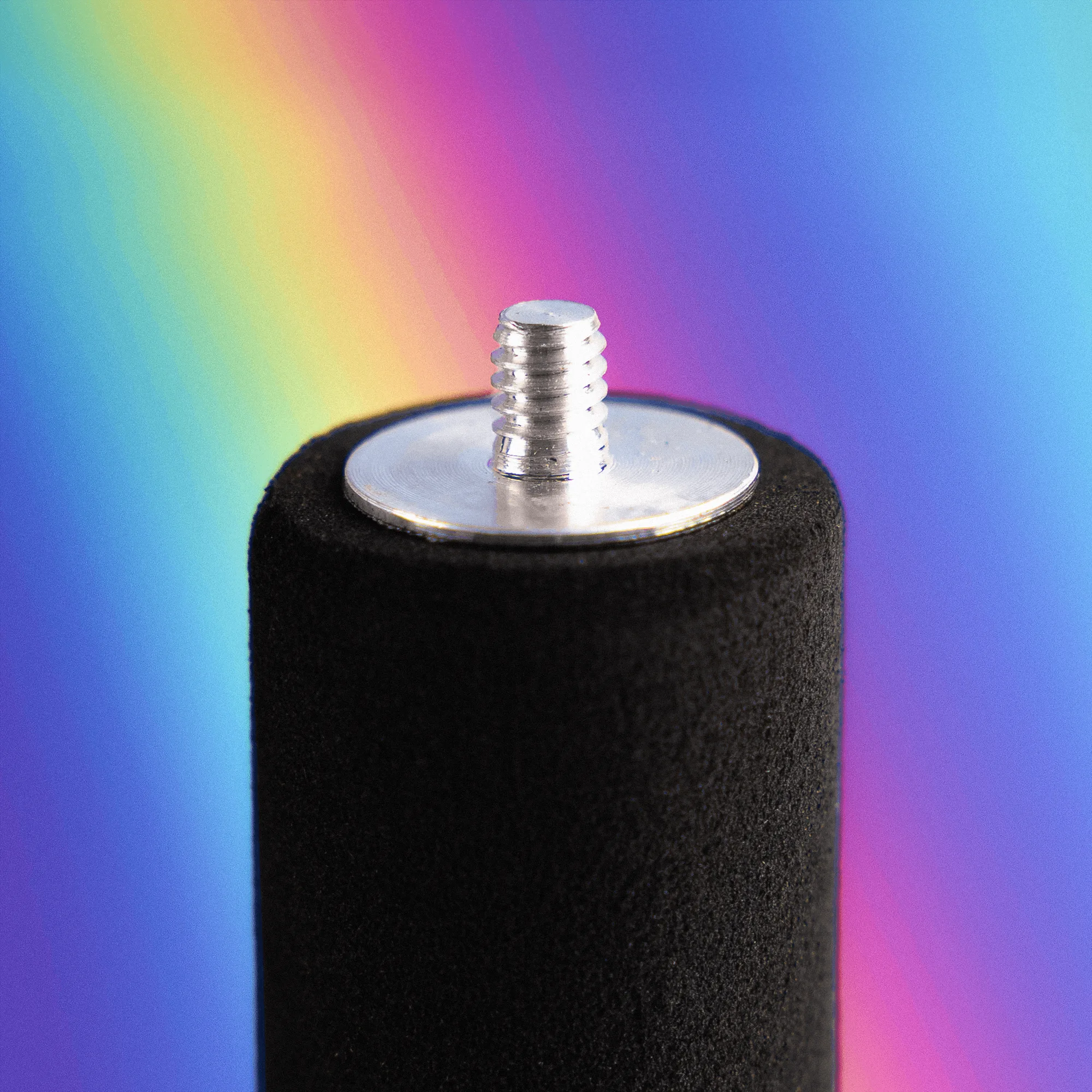
If you already own 4x5.65 filters, the Freeform Filter Handle turns them into handheld filters. That is a separate accessory, not a replacement for the Halo or Ghost FX, but it can expand your handheld toolkit. The handle has threaded knobs to secure a 4x5.65 filter and a 1/4-20 threaded hole for mounting.
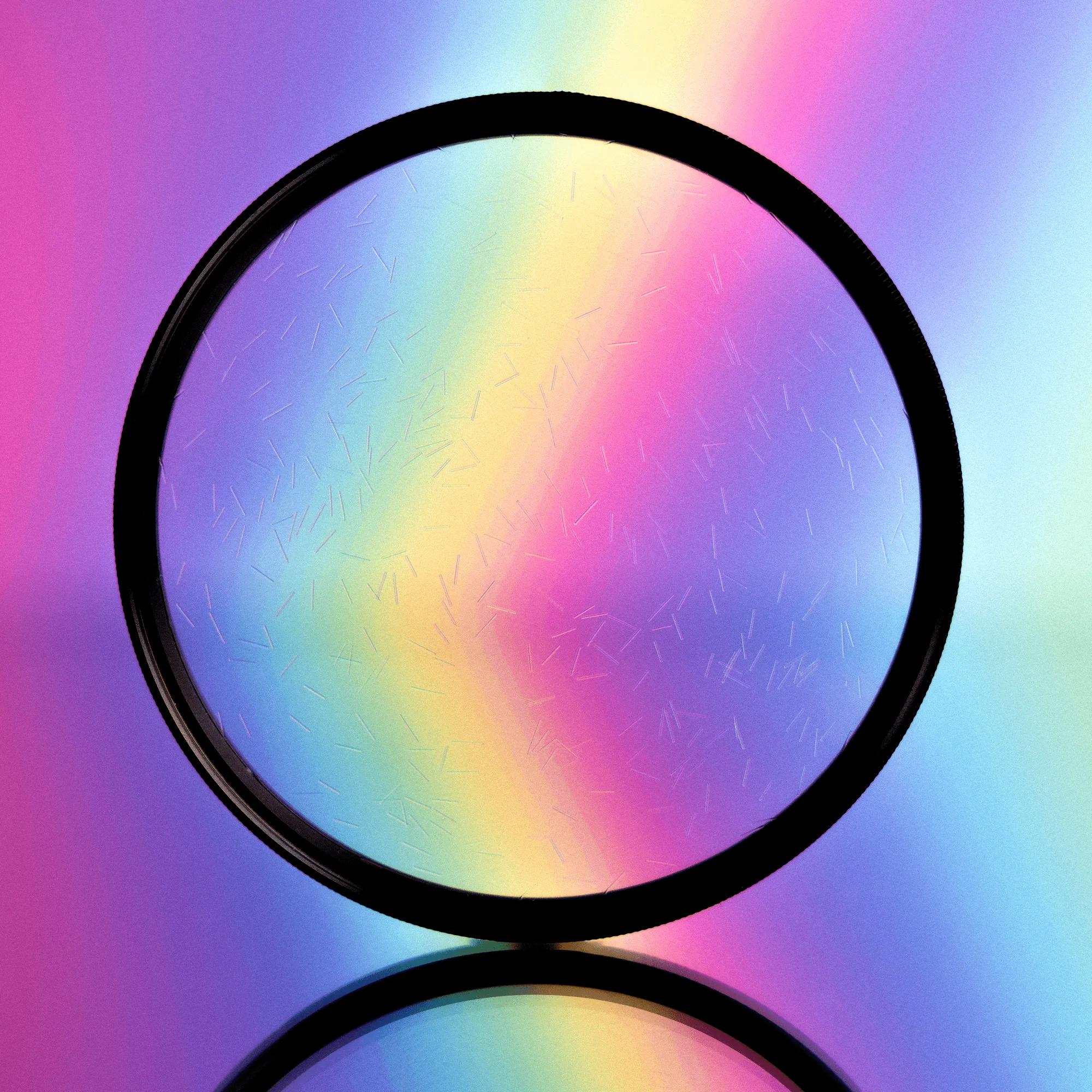
The 4x5.65 Radiant FX Filter is another option for creating flares and refractions from highlights. It rotates to adjust the effect and comes in three types (Magnet Mount, Threaded, and 4x5.65). If your goal is organic flare refractions rather than ghosting or halos, the Radiant FX is worth considering. However, it is not handheld by default; you would need the Freeform Filter Handle to use it that way.
Radiant FX Filter
Trade-offs at a glance
- Effect adjustability: Ghost FX offers a Strength option to dial in the intensity of ghosting. Halo FX has a fixed halo effect with no intensity adjustment. Choose Ghost FX if you need variable intensity; choose Halo FX if you want a consistent signature look.
- Size selection: Halo FX comes in 100mm and 150mm. Ghost FX lists Size and Strength options, but specific sizes are not provided in the catalog. If size is critical, confirm Ghost FX dimensions with the store before buying.
- Creative control: Both are handheld, so you control placement by moving the filter. Ghost FX adds intensity control; Halo FX relies on positioning alone. Ghost FX suits shooters who want repeatable control; Halo FX suits those who prefer to work by feel.
Key product facts
- Handheld Ghost FX Filter™: The Handheld Ghost FX Filter is designed to recreate a ghosting, motion blur, or replicating style effect commonly found in long exposure and shutter lag. It offers Size and Strength options. The Strength option lets you adjust the intensity of the ghosting, which is useful when you need to match a specific look or tone down the effect for subtle shots.
- Handheld Halo FX: The Handheld Halo FX is offered in two size options, 100mm and 150mm, and is designed for a distinctive halo look. The two sizes let you choose based on your camera setup and desired coverage. The effect itself is fixed, so your creative control comes from positioning and distance.
- Freeform Filter Handle: The Freeform Filter Handle lets you mount a 4x5.65 filter into a handle using threaded knobs, with a 1/4-20 threaded hole for mounting. If you already own 4x5.65 filters, this accessory turns them into handheld tools, giving you more flexibility without buying a dedicated handheld filter.
- 4x5.65 Radiant FX Filter: The 4x5.65 Radiant FX Filter creates organic flare refractions from highlights and is available in three types: Magnet Mount, Threaded, and 4x5.65. It rotates to adjust the effect. This is a different effect from ghosting or halos. It is useful if you want colorful, rotating flare refractions, but it requires a compatible mount or the Freeform Filter Handle for handheld use.
Which should you choose?
Best for
- Shooters who want a distinctive halo look and prefer a simple size-based decision (100mm or 150mm).
- Those who want a handheld effect that is easy to position and does not require intensity adjustments.
- Creatives who already know they want a halo signature and do not need to vary the effect strength.
Not for
- Shooters who need to adjust the intensity of the effect; choose the Handheld Ghost FX Filter instead.
- Those who need specific size options beyond 100mm and 150mm; the Halo FX only lists those two sizes.
- Anyone who wants ghosting, motion blur, or long-exposure-style effects rather than a halo.