Quick answer
For most 4K TV owners, a certified HDMI 2.1 cable is worth buying only if you actually use 4K 120Hz, VRR, or eARC from a capable source like a PS5 or a modern console. If your TV and devices top out at 4K 60Hz, a well-made High Speed HDMI cable is enough, and spending more will not add picture quality. Match the cable to the ports and features you use, not to the biggest number on the box.
Myth: Any HDMI 2.1 cable unlocks 4K 120Hz on your TV
The cable is only one link in the chain. Your TV, the source device, and the specific HDMI input all need to support the higher bandwidth features. Many 4K TVs label only one or two inputs as full-bandwidth HDMI 2.1, while the rest are limited. Before buying a new cable, check the TV's input labels and the source device's output specs. If either end caps at 4K 60Hz, a 4K 120Hz HDMI cable cannot create performance that is not there.
Myth: HDMI 2.0 vs 2.1 cable is a simple picture-quality upgrade
Cables do not improve color, contrast, or sharpness on a digital signal. They either carry the required bandwidth reliably or they do not. The practical difference between an HDMI 2.0 vs 2.1 cable shows up in supported resolution and refresh rate combinations, not in how good a 4K movie looks. If you are happy with 4K 60Hz, a standard High Speed cable with Ethernet is usually sufficient.
What to check before you buy for a PS5 or 4K 120Hz setup
Start with the ports on your TV and console. Confirm that the TV input you plan to use supports 4K 120Hz and that your console or PC can output it. Then look for a cable explicitly rated for the bandwidth you need, and keep the run short if possible. Long passive cables are more likely to struggle with high-bandwidth signals, so avoid unnecessary length. If you use a soundbar or receiver with eARC, that feature also depends on the cable and port supporting it.
- Check the TV's HDMI input labels for 4K 120Hz or high-bandwidth support.
- Confirm your console or graphics card can output 4K 120Hz.
- Choose a cable rated for the bandwidth you actually need, not just the highest number.
- Keep the cable run as short as practical for reliable high-bandwidth performance.
Common HDMI cable buying mistakes to avoid
One frequent mistake is paying for features your devices cannot use. Another is assuming every HDMI port on a TV is identical. A third is ignoring cable length and routing, which matters more than brand claims for high-bandwidth signals. Finally, do not assume an old cable in a drawer will handle 4K 120Hz just because it fits. If you are unsure, test the specific input and device combination before committing to a long or expensive cable.
HDMI cable verdicts
- Do I need HDMI 2.1?: Only if you use 4K 120Hz, VRR, or eARC from a compatible source and your TV has a matching input. Otherwise, a standard High Speed HDMI cable is enough. Verdict: feature-dependent, not automatic.
- Best HDMI cable for PS5: Look for a cable rated for the bandwidth your PS5 and TV can actually use. The cable that comes with the console is often sufficient for 4K 120Hz if your TV supports it. Verdict: match the cable to the console and TV ports.
- 4K 120Hz HDMI cable: You need a cable explicitly rated for the bandwidth required by 4K 120Hz, and both the TV input and source must support it. A higher-rated cable cannot add support that a device lacks. Verdict: check all three links before buying.
Product facts that affect your cable choice
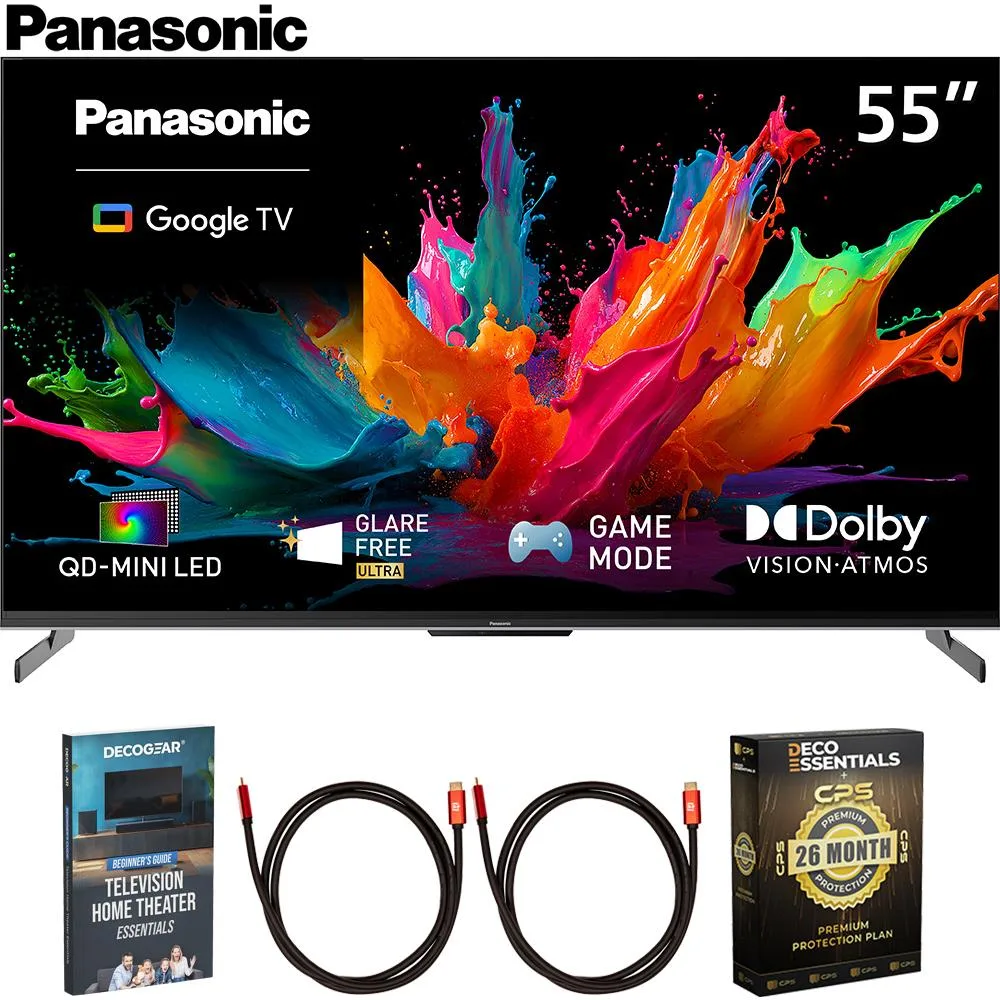
- Panasonic 55" W85C 4K QD-Mini LED Google TV 2026 with 26 Month Protection Bundle: Panasonic 55" W85C 4K QD-Mini LED Google TV 2026 with 26 Month Protection Bundle features QD-Mini LED, Glare Free Ultra, Dolby Vision & Atmos, AI 4K Colour Engine, and Google TV. A TV with these display and audio features benefits from a cable that can carry the formats you use, but the cable itself does not change the panel's contrast or color performance. Check the TV's HDMI inputs for the features you need.
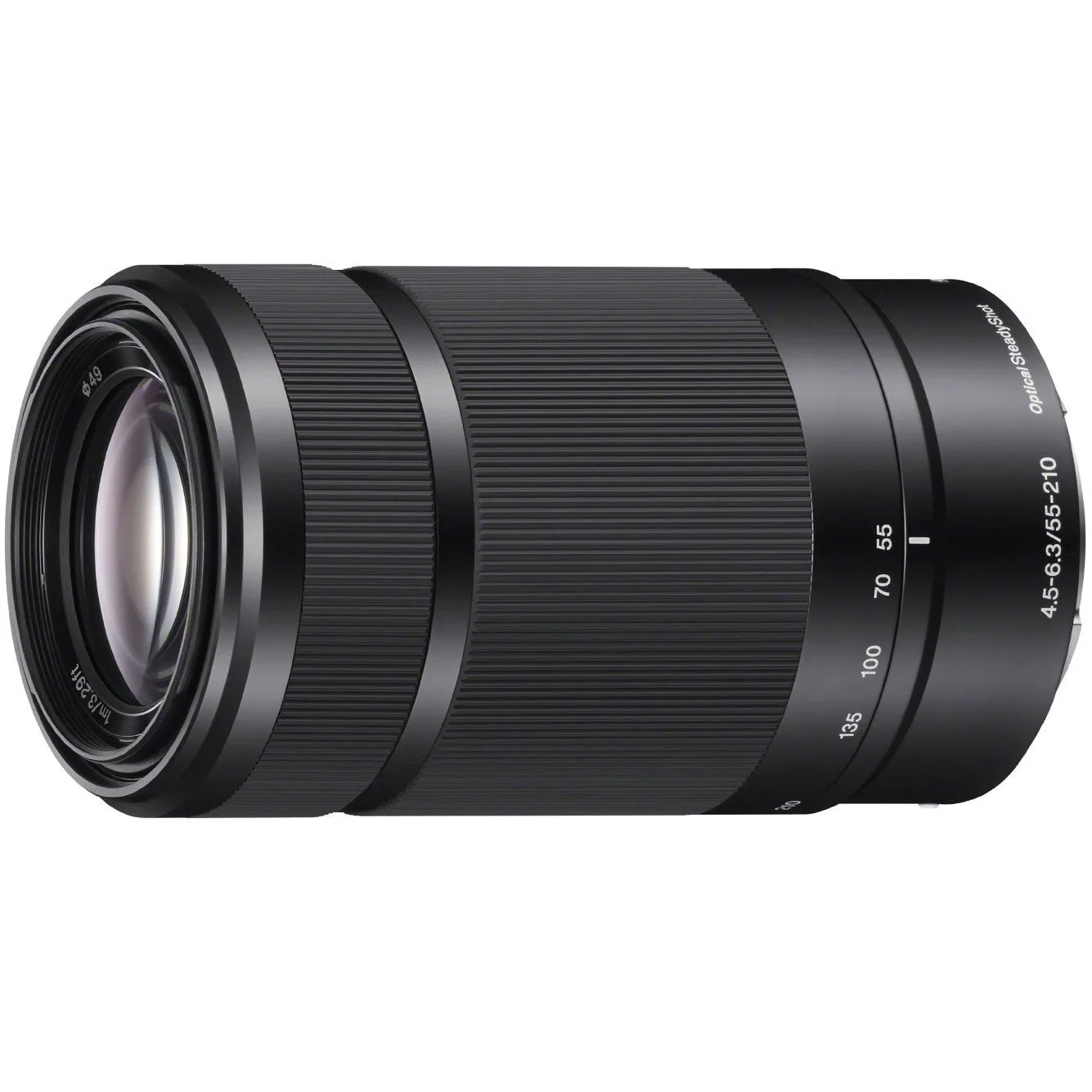
- Sony SEL55210 55-210mm Zoom E-Mount Lens, Black (Open Box): Sony SEL55210 55-210mm Zoom E-Mount Lens, Black (Open Box) offers a wide focal range up to 315mm equivalent, internal focusing for smooth quiet AF, Optical SteadyShot image stabilization, and two ED glass elements. This is a camera lens, not an HDMI accessory, so it does not affect your TV cable decision. It is listed here only to avoid confusing it with AV cables when browsing the store.