Quick answer
Focus on a solid desk, an adjustable monitor arm, and a supportive chair to build a productive home office bundle. The GT Omega Home Office Bundle Builder lets you configure these components together, saving time and ensuring compatibility.
Why bundle your home office components
Buying a desk, monitor arm, and chair separately can lead to mismatched heights, incompatible mounts, and extra shipping costs. A bundle builder simplifies the process by grouping compatible items in one order, so you can focus on your workspace layout instead of hunting for individual parts.
Trade-offs to consider
A bundle builder offers convenience but limits your choices to the options available in the builder. You may not find every brand or color variation. If you have very specific ergonomic needs or a non-standard desk size, a custom piece-by-piece approach might serve you better.
Decision rules for your home office bundle
- Start with the desk size: Measure your available floor space and decide on a desk width that fits your monitor, keyboard, and paperwork. In the bundle builder, choose a desk that leaves room for your chair and movement. A desk that is too small forces clutter; one that is too large may crowd your room.
- Add an adjustable monitor arm: A monitor arm lifts your screen to eye level, reducing neck strain. In the bundle, select an arm that matches your monitor's VESA pattern and weight. This is a key ergonomic upgrade. If you switch between sitting and standing, look for a gas-spring arm that allows easy height changes.
- Choose a supportive chair: Your chair should offer lumbar support and adjustable armrests. In the bundle builder, pick a model that fits your height and desk height. A chair with mesh back can improve airflow during long work sessions. Test the chair's seat depth: you should be able to sit with your back against the backrest and have 2-3 inches between the seat edge and your knees.
- Consider cable management: Plan where cables from your monitor, computer, and peripherals will run. Some desks include cable trays or grommets. If your chosen desk lacks them, add a simple cable sleeve to your bundle. Good cable management keeps your setup tidy and reduces the risk of tripping or disconnecting something accidentally.
Product facts
-
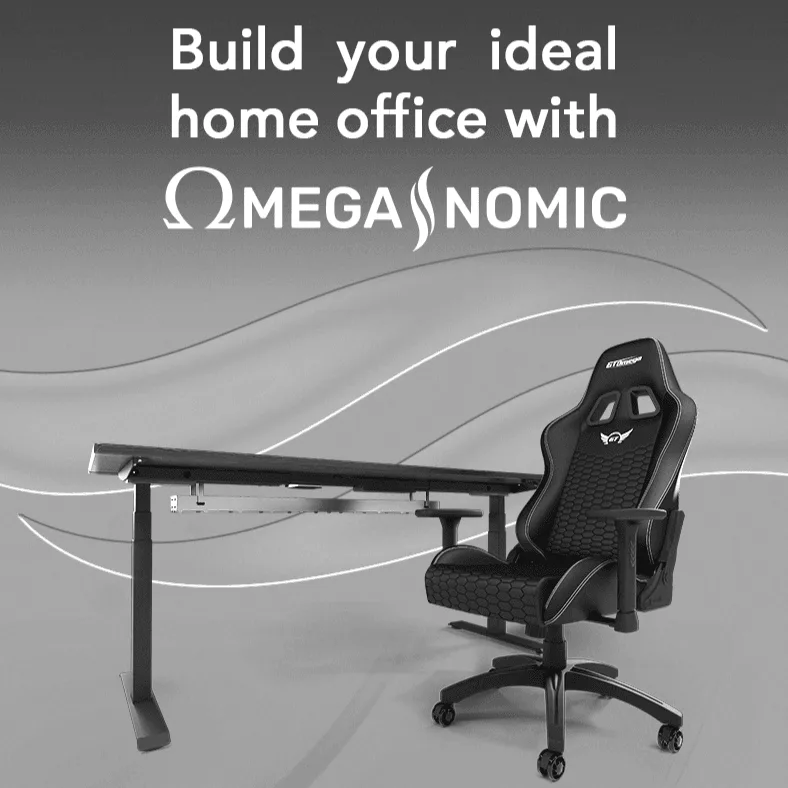
Home Office Bundle Builder: The GT Omega Home Office Bundle Builder lets you put together a home office selection in one place, with a Standard option available to choose as you configure your bundle. This means you can select a baseline setup and then adjust components to match your space and budget, all from a single checkout.
Home Office Bundle Builder
Who should use this bundle builder
Best for
- People setting up a new home office and wanting a coordinated desk, monitor arm, and chair without researching each component separately.
- Sim racers who need a workspace that also accommodates a racing wheel and pedals when not working.
Not for
- Users who need very specific ergonomic adjustments (e.g., a sit-stand desk with custom height range) not offered in the builder's options.
- Those who prefer to mix brands or want a purely aesthetic match with existing furniture.