Quick Answer
A hot-swappable keyboard uses sockets on the PCB so you can pull switches out and push new ones in without soldering. Buy one if you want to change keyboard switches, try different feels, or repair a dead key yourself. If you already love your current switch and never plan to change it, a soldered board is fine and often cheaper.
Most people buy a keyboard for how it feels on day one, then live with that decision for years. Hot-swap sockets change that math: they turn switch feel into something you can revise instead of something you commit to at checkout.
This guide explains what is hot swap, how hot swap vs soldered boards actually differ in daily use, and which buyers should pay for the flexibility. It also covers the compatibility rules that trip people up, so you can pick a board that accepts the switches you want later.
What Is Hot Swap, Exactly?
A hot-swappable keyboard has sockets soldered to the PCB, and each switch presses into a socket instead of being soldered directly. To change keyboard switches, you pull the old switch with a switch puller and press a new one in until it seats. No soldering iron, no desoldering pump, no risk of lifting a pad.
The tradeoff is mechanical. Sockets add a small amount of height and cost, and they only accept switches whose pin layout matches the socket type. That compatibility detail matters more than any marketing claim, so check it before you buy.
- You still need a switch puller and a keycap puller; both are cheap and reusable.
- Swap with the keyboard unplugged to avoid accidental key presses during removal.
Hot Swap vs Soldered: The Real Differences
Soldered switches are permanently attached. That is not automatically bad: soldered joints are rigid, the board can be thinner, and manufacturers can hit lower prices. If you have found your forever switch, a soldered board delivers the same typing experience for less money.
Hot swap wins on change and repair. A worn or chattering switch becomes a two-minute fix instead of a repair project. You can also test a full set of tactile switches for a week, then switch to linear or clicky without buying a second keyboard. The cost is usually a modest price premium and slightly stricter switch compatibility.
- Choose soldered if you never plan to change switches and want the lowest price.
- Choose hot swap if you are still exploring feel, sound, or weight.
Socket Types and Switch Compatibility
Most hot-swap boards use either 3-pin or 5-pin sockets. A 5-pin socket accepts both 3-pin and 5-pin switches, so it is the safer buy if you want maximum choice. A 3-pin socket only takes 3-pin switches unless you clip the two extra plastic legs off a 5-pin switch, which is permanent and voids nothing but your ability to use that switch elsewhere.
Pin count is not the only variable. Switch brands vary in housing tolerances, and some sockets grip certain switches more tightly than others. If a switch feels loose or does not register, reseat it before assuming the board is faulty.
- When in doubt, buy a 5-pin socket board; it accepts more switches.
- Never force a switch in; if it will not seat, check pin alignment first.
How to Choose a Hot-Swappable Keyboard
Start with layout, because no amount of switch swapping fixes a size you dislike. Then confirm the socket type, the switch pin count it accepts, and whether the board supports the switch weight you want. A board that only takes 3-pin switches is a poor fit if your shortlist is full of 5-pin options.
Next, decide whether you want to swap switches only or also customize keycaps and lighting. A hot-swap board with a standard keycap layout gives you more room to change the look later. Finally, check the plate material and mounting style if sound matters to you, since those affect acoustics as much as the switch does.
- Write down your must-have layout before comparing any other spec.
- Verify socket pin count against the exact switches you plan to buy.
Practical Swap Tips and Mistakes to Avoid
Pull straight up with a switch puller rather than wiggling side to side, which can bend pins. Before installing a new switch, look at its pins and straighten any that are bent. Press the switch in until you feel it seat flush with the plate, then test the key before reinstalling the keycap.
Do not swap switches while the keyboard is plugged in, and do not assume every hot-swap board supports every switch. If a key does not register after a swap, remove and reseat that switch first. Most issues are seating problems, not dead sockets.
- Keep a spare switch or two on hand for quick troubleshooting.
- Test each row after a swap before closing everything up.
Decision Rules for Buying Hot-Swappable
- You are still exploring switch feel: Buy hot swap. Being able to change keyboard switches lets you test tactile, linear, and clicky options on one board instead of buying three keyboards. Flexibility pays for itself if you expect to swap more than once.
- You found your forever switch: A soldered board is often cheaper and equally good for typing. Hot swap adds cost and socket height you may not need. Only pay for hot swap if you value change or repair.
- You want maximum switch choice: Choose a 5-pin socket board. It accepts both 3-pin and 5-pin switches, so you are not limited by pin count later. Check socket type before layout if switch variety is your priority.
- You need a repair-friendly board: Hot swap turns a dead or chattering switch into a quick replacement instead of a soldering job or a new keyboard. For heavy daily use, repair access is a real long-term saving.
Where Hot-Swap Fits in a Full Setup
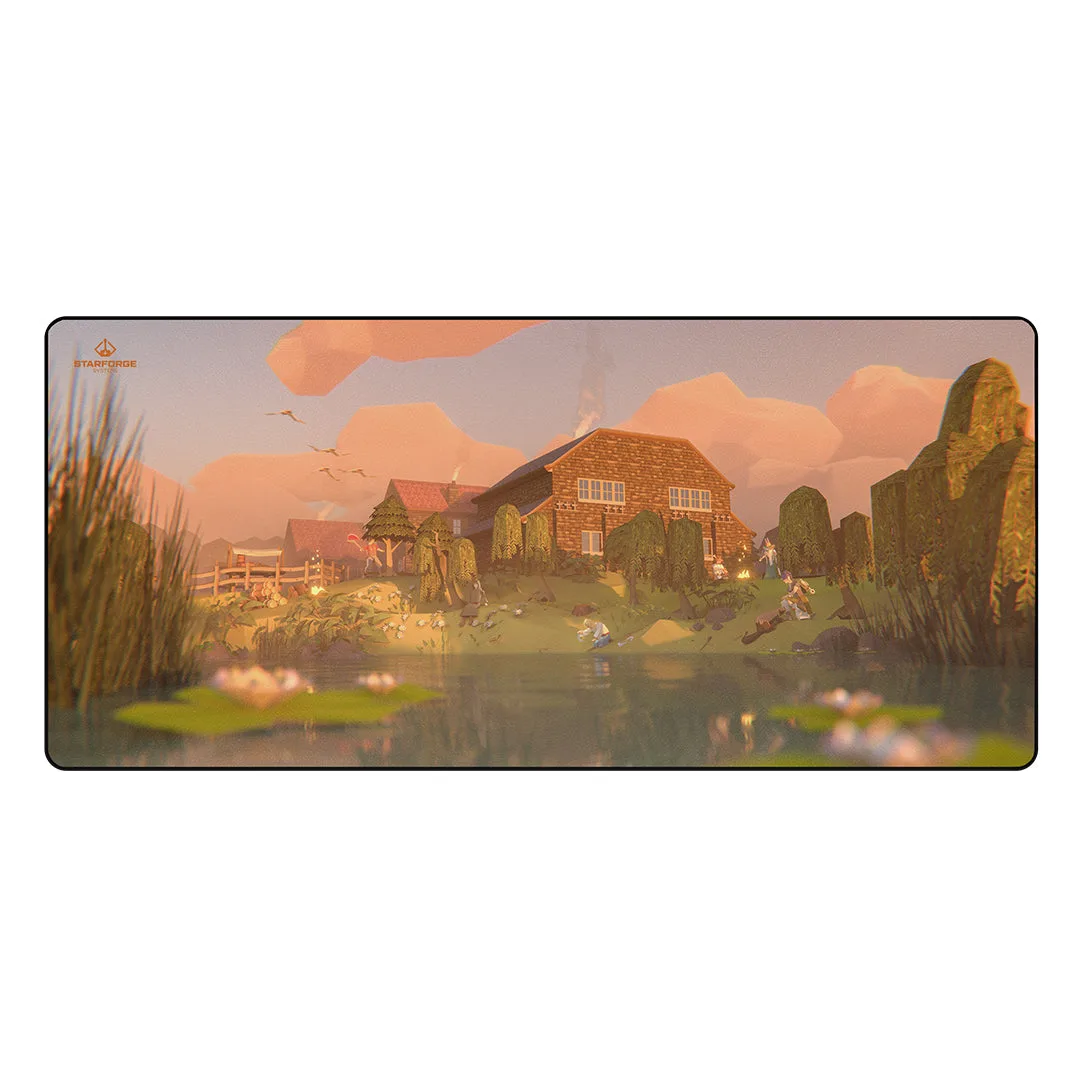
- stark-desk-mat-3a5ce0955f2fadc1896c1de2-1738211">Stark - Desk Mat: Featuring artwork from our favorite IPs and artists, our desk mats are a perfect compliment to existing art, or a phenomenal foundation to start your own gaming room's aesthetic. Excellent as a cover for your desk or as an extra-large mousepad. 900x400mm A 900x400mm desk mat gives your keyboard a stable, consistent surface, which matters when you are pulling switches and pressing keys back in.
- Nightmare Bear - Wall Art: Collectible and swappable, our acrylic wall art panels are high quality with excellent detail and finish. Complete the set or mix and match various themes and from your favorite IPs. If you treat your keyboard as a centerpiece, swappable wall art lets you change the room's look without replacing the whole setup.
Who Should Buy a Hot-Swappable Keyboard
Best for
- Buyers who want to change keyboard switches without soldering
- People still deciding between tactile, linear, and clicky feel
- Anyone who wants to repair a single worn switch instead of replacing the board
Not for
- Buyers who already know their preferred switch and never plan to change it
- Shoppers prioritizing the lowest possible price over flexibility
- Users who want a sealed, maintenance-free keyboard and never intend to open it
Hot swap is not automatically better, it is better for people who want options. If you expect to change keyboard switches, repair a key, or keep experimenting, a hot-swappable board earns its premium. If you already love your switch, buy the board that feels right and save the difference.