Quick Answer
The EPOMAKER G84 HE stands out with its Hall Effect magnetic switches, offering adjustable actuation as fine as 0.01mm and zero dead zone, unlike standard keyboards. This provides faster, more precise keystrokes and unique features like Snap Key for gaming.
Why Hall Effect Switches Matter
Standard mechanical keyboards rely on physical contact for actuation, which can lead to wear and inconsistency over time. The G84 HE uses magnetic sensors, eliminating physical contact for longer lifespan and consistent performance. This also enables features like adjustable actuation points, which standard switches can't offer.
Who Benefits Most from the G84 HE
Gamers, especially in fast-paced genres like FPS or fighting games, gain the most from the zero dead zone and Snap Key (SOCD) features. Typists who prefer a customizable feel may also appreciate the adjustable trigger and release travel. However, if you prefer a traditional typing feel without software tweaks, a standard mechanical keyboard might be more straightforward.
FAQ: EPOMAKER G84 HE vs. Standard Keyboards
What makes the G84 HE different from a standard mechanical keyboard?
It uses Hall Effect magnetic switches instead of physical metal contacts. This allows for adjustable actuation points (0.1 to 3.3mm), zero dead zone, and features like Snap Key (SOCD) that are not possible on standard keyboards. The core difference is the switch technology enabling customization and gaming features.
What are the benefits of a Hall Effect keyboard like the G84 HE?
Benefits include faster response times due to adjustable actuation, longer switch lifespan (no physical wear), and advanced gaming features like Snap Key for precise inputs. The zero dead zone also means no accidental double-registrations. Key benefits are speed, durability, and gaming-specific features.
Is the G84 HE suitable for typing as well as gaming?
Yes. The adjustable travel range (0.1 to 3.3mm) lets you set a lighter or heavier actuation point to suit your typing style. However, the linear Hall Effect switches may not provide the tactile bump some typists prefer, so it's best for those who like smooth, customizable keystrokes. It's versatile for typing, but best for users who prefer linear switches.
Does the G84 HE require software for setup?
Yes, to adjust actuation points, Snap Key, and other settings, you'll need the EPOMAKER software. This allows you to fine-tune the keyboard to your preferences. The keyboard works out of the box with default settings, but customization requires software. Software is needed for full customization; it works plug-and-play otherwise.
Product Facts
-
EPOMAKER G84 HE: Fast Trigger & Zero Dead Zone with actuation as sensitive as per 0.01mm, with trigger and release travel adjustable from 0.1 to 3.3mm. This allows you to fine-tune how much key travel is needed for a press, enabling faster reactions in games and personalized typing feel.
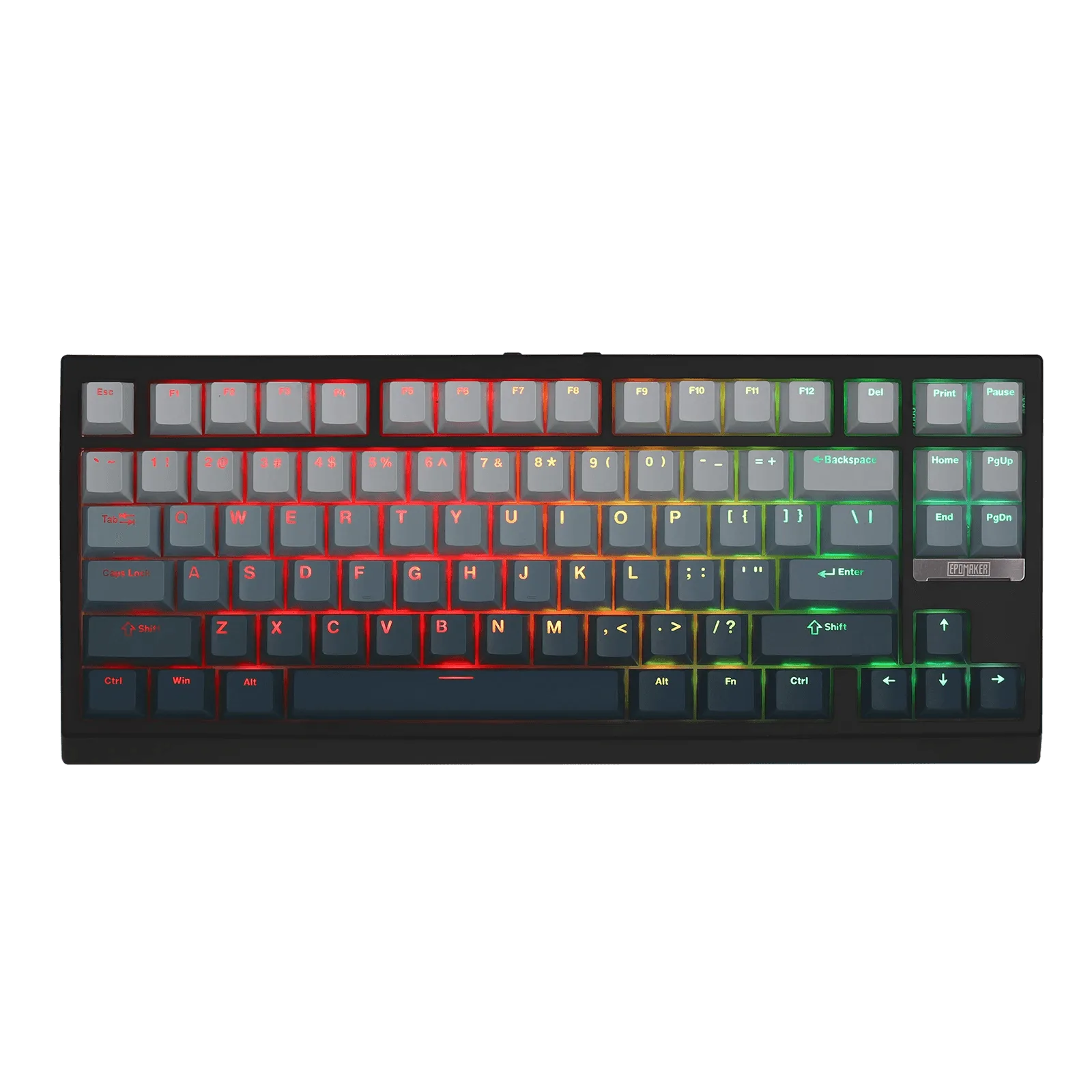
EPOMAKER G84 HE
-
EPOMAKER G84 HE: Snap Key (SOCD) & DKS eliminate neutral blocks and accidental stops in games. In competitive gaming, this prevents input conflicts, giving you more control over character movement and actions.