Quick Answer
To adjust a handwoven Explore carrier, start with the waistband at your natural waist, then set the panel height, tighten the shoulder straps, and finish with the chest clip for a secure, comfortable fit.
Why handwoven carriers need a different adjustment approach
Handwoven fabrics have a distinct structure that can feel different from standard carriers. The weave is often less stretchy and more supportive, so you may need to fine-tune the straps more carefully to avoid pressure points.
The Signature Explore design combines a woven front panel with a soft brushed canvas back, which means the fit adjustments affect the front and back differently. Take your time with each buckle to get the support where you need it.
What to check before you start
Before adjusting, make sure your baby is in a safe position: knees higher than bottom, chin off the chest, and back supported. A well-adjusted carrier should feel snug, not tight, and allow you to kiss the top of your baby's head.
If you're new to woven carriers, practice with a spotter or over a soft surface until you're confident with the buckles.
Step-by-Step Adjustment for a Handwoven Explore Carrier
- 1. Position the waistband: Place the waistband at your natural waist or just above your hips. Tighten it snugly but not so tight that it digs in. The carrier's weight should rest on your hips, not your shoulders. Check that you can slide two fingers between the waistband and your body—any looser and the carrier will sag.
- 2. Secure the panel height: Adjust the panel so the top edge sits just below your baby's ears. This supports the neck while keeping the airway clear. For newborns, use the infant insert if included; for older babies, the panel should reach the nape of the neck. If the panel rides too high, it can press on your baby's chin; too low and head support is lost.
- 3. Set the seat width: Spread the carrier's seat panel from knee to knee so your baby's knees are bent and slightly higher than the hips (M-position). Adjust the waistband height to achieve this. Check that the fabric is not bunched under the knees; a flat seat prevents pressure points.
- 4. Tighten the waistband: Position the waistband at your natural waist or hips and pull the straps evenly. The carrier should feel snug but allow you to breathe and move comfortably. A loose waistband shifts baby's weight; re-tighten after a few minutes of wear.
- 5. Adjust shoulder straps: Pull the shoulder straps to remove slack while keeping the panel snug against your baby's back. Check that the straps lie flat and do not dig into your shoulders. If the straps slip, tighten the chest clip or adjust the strap angle.
- 6. Check baby's position and visibility: Ensure your baby's knees are above their hips, the panel supports from knee to knee, and you can see their face clearly. The carrier should be snug enough that you can hug your baby, but not so tight that it restricts breathing. If the panel is too low or high, rethread the shoulder straps and re-check the seat.
Product facts
-
Flutter - Signature Handwoven Explore Baby Carrier: The Flutter - Signature Handwoven Explore Baby Carrier features a Stewed Rhubarb Flutter in a purple weft, with a 100% cotton half-signature construction—luxurious woven fabric on the front and soft brushed canvas on the back. The handwoven front panel is less stretchy than knit carriers, so precise strap adjustment matters more to avoid pressure points and ensure a snug, supportive fit.
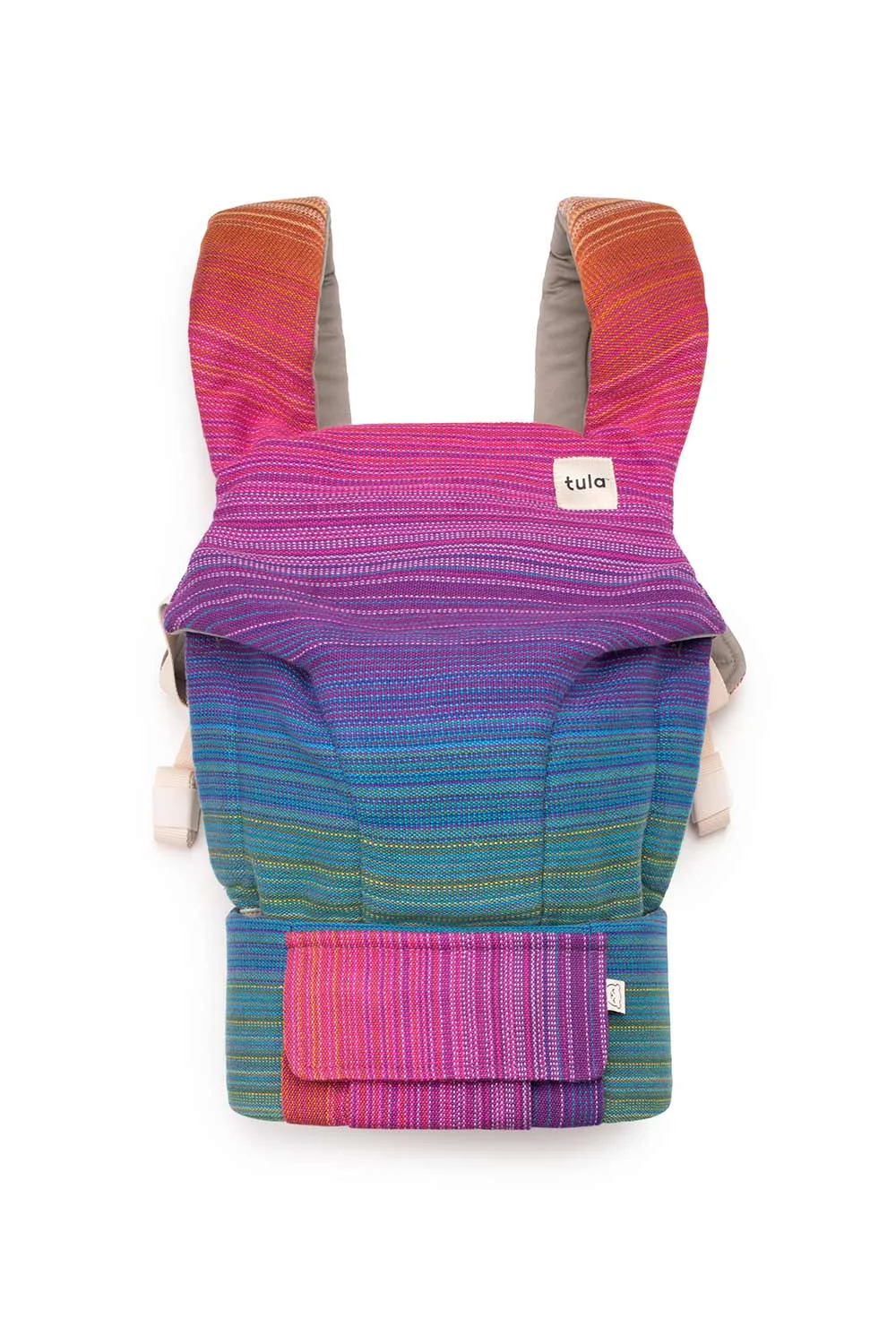
Flutter - Signature Handwoven Explore Baby Carrier