Quick answer
The hinge method is the most reliable way to apply stickers on a laptop without trapping air bubbles. It lets you position the sticker perfectly before pressing it down.
Why bubbles happen and how to avoid them
Air bubbles form when a sticker is pressed down too quickly, trapping air between the adhesive and the surface. Laptop lids are often slightly textured or curved, which makes smooth application trickier than on a flat glass or plastic surface. Cleaning the area thoroughly and using a slow, controlled motion are the two biggest factors in a bubble-free result.
Step-by-step bubble-free sticker application
- Clean the laptop surface: Wipe the area with a microfiber cloth and a small amount of rubbing alcohol to remove dust, oil, and residue. Let it dry completely. Even a tiny speck of dust can cause a bubble, so inspect the surface under good light.
- Position the sticker using the hinge method: Peel one corner of the backing paper and place it on the laptop. Hold the rest of the backing paper in place like a hinge. Adjust the sticker's position while only that corner is stuck. Do not peel the entire backing at once—this is the most common cause of misalignment.
- Press from the center outward: Once the position is perfect, slowly peel away the backing while pressing the sticker down with a credit card or soft squeegee. Work from the center toward the edges to push air out. If you see a bubble forming, lift the sticker back slightly and re-press rather than trying to push the bubble out after it's fully stuck.
- Smooth the edges and let it set: Run your finger or a squeegee along the edges to ensure full adhesion. Avoid opening or closing the laptop vigorously for about 30 minutes so the adhesive bonds fully. Matte vinyl stickers, like the Spread Love Not Germs Sticker, bond best when left undisturbed after application.
Product recommendation
-
Spread Love Not Germs Sticker: Size: 3" x 1.6". Material: High quality, matte vinyl, waterproof sticker paper. The compact size and matte finish reduce glare and make it easier to align on a laptop lid without creasing.
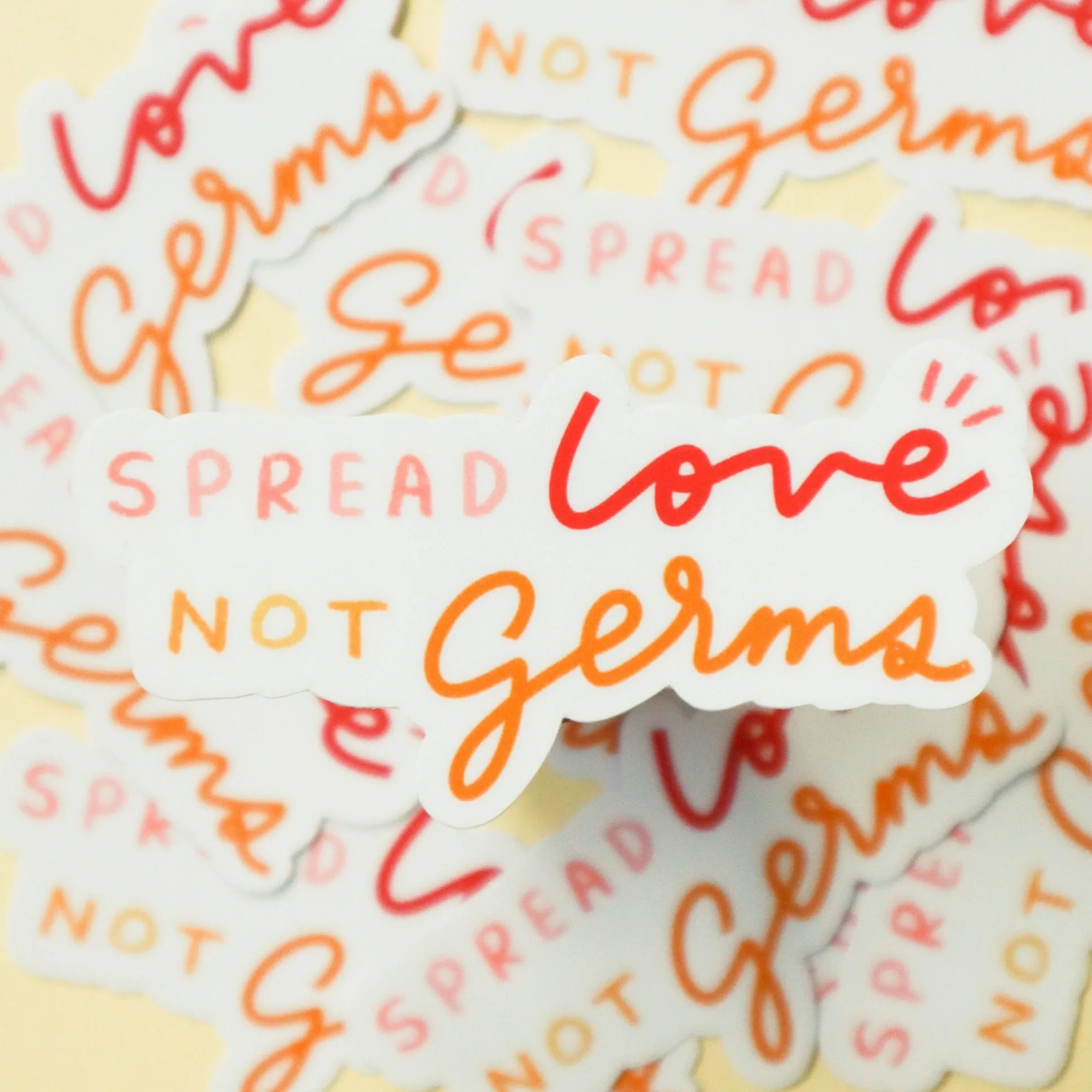
Spread Love Not Germs Sticker