Quick answer
To attach or swap an Apple Watch strap, press the band release button on the back of the watch case, slide the old band out sideways, then slide the new band in until it clicks. Always match the band size to your watch case size (38/40/41mm or 42/44/45/49mm). Test the fit with a gentle tug before wearing.
Understand band sizes before you buy or swap
Apple Watch bands come in two case-size families: smaller (38mm, 40mm, 41mm) and larger (42mm, 44mm, 45mm, 49mm). A band made for one family will not fit the other because the connector width differs. Within a family, band length varies by style — solo loops and sport bands come in S/M or M/L, while link bracelets use removable links. If you are between sizes, choose the smaller length for a snug fit; a loose band can slide over your hand or fail to keep the watch flat on your wrist for heart-rate readings.
Step-by-step: remove and attach a watch strap
These steps work for most Apple Watch bands, including sport bands, nylon loops, and leather straps. For link bracelets, you may need a small tool to push the connector pin, but the release mechanism is the same.
- Place the watch face-down on a soft cloth to avoid scratching the screen or case.
- Press and hold the band release button (the oval button next to the band slot on the back of the case).
- While holding the button, slide the old band out sideways toward the edge of the case. Do not pull upward — that can bend the connector.
- Slide the new band into the slot until you feel a click. The band should sit flush with the case edge.
- Gently tug the band away from the case to confirm it is locked. If it slides out, reinsert it until it clicks.
- Repeat for the other side if you are replacing both bands.
- Try the watch on and adjust the fit. For sport bands, the pin should sit in a hole that leaves the watch snug but not tight. For solo loops, roll the loop over your hand — it should not slide down your wrist when you shake your arm.
Common mistakes and how to avoid them
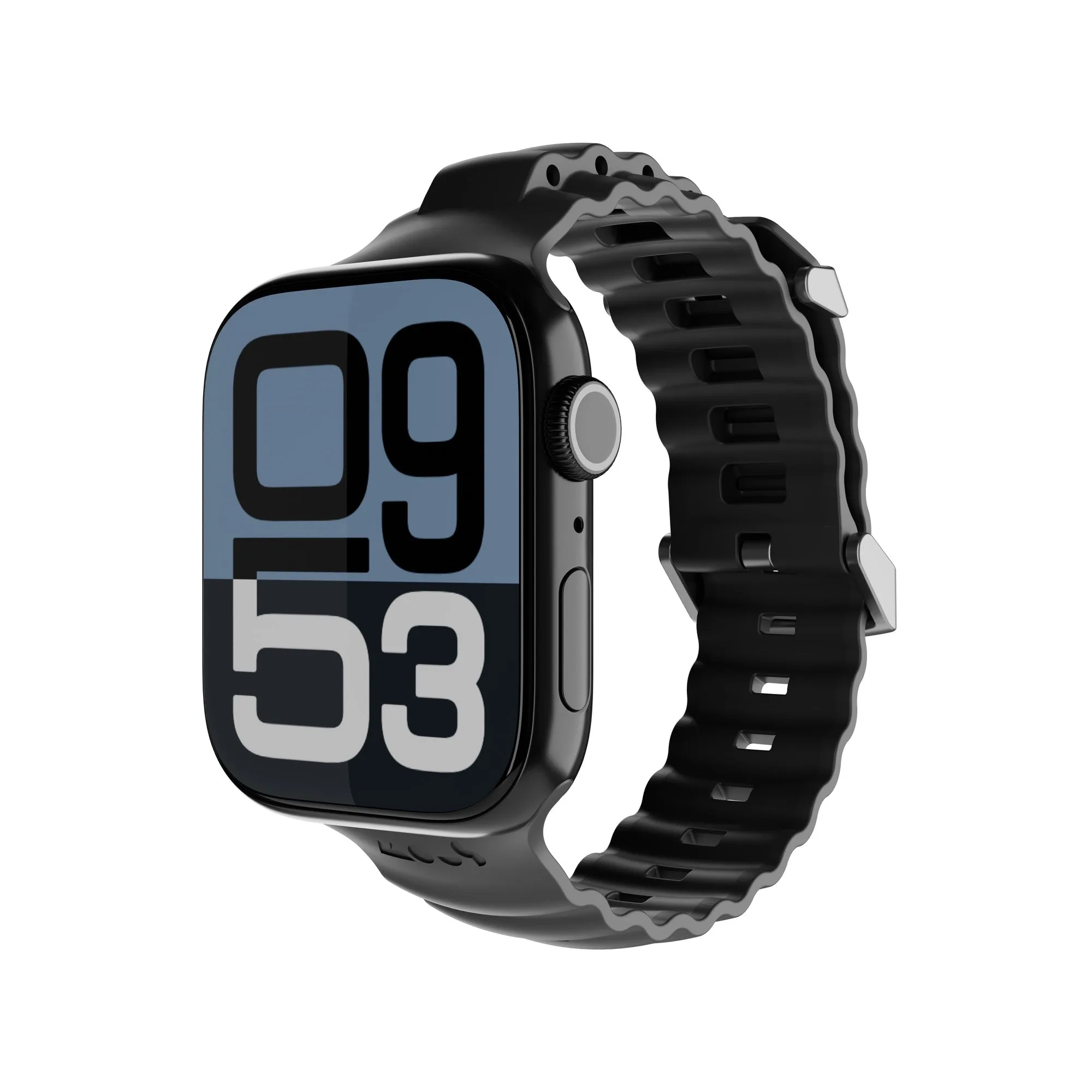
Most strap problems come from forcing the band or ignoring the click. If the band does not slide in easily, check that the connector is oriented correctly — the curved side faces the watch case. Never use tools to pry a band into place; that can damage the release mechanism. Also, avoid pulling the band upward when removing it, as this can bend the connector and make future swaps difficult. If you have a leather band, keep it away from water and sweat to prevent stiffness and cracking; a matte black wireless charger like the Matte Black Wireless Apple Watch Charger can top up your watch without removing the band, which reduces wear on the connectors.
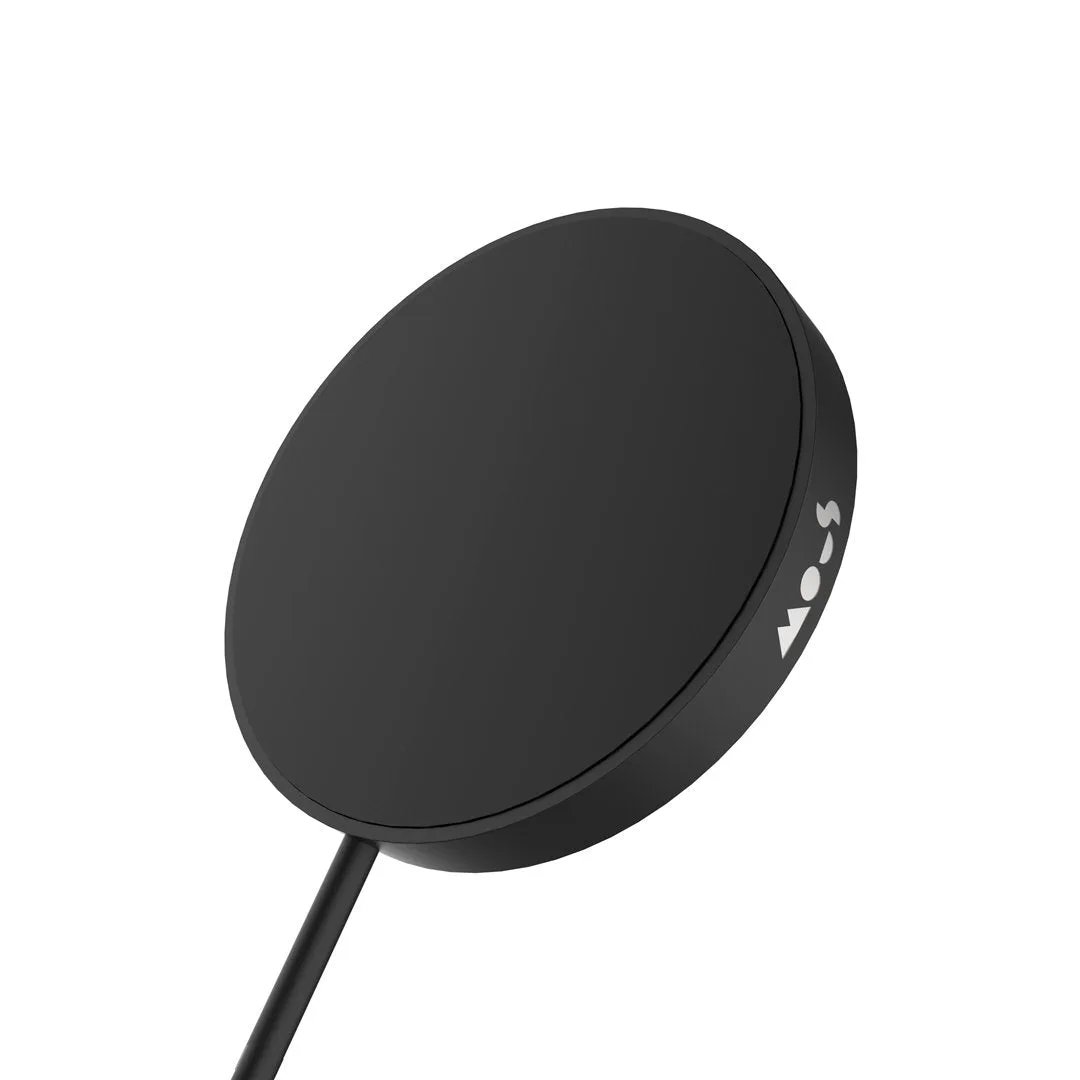
matte black wireless charger
Step-by-step: attach and use your watch strap
- Prepare your workspace: Lay a soft cloth on a flat surface and place the watch face-down. This prevents scratches and keeps the release button accessible. Checkpoint: the watch should not wobble or slide while you work.
- Release the old band: Press and hold the band release button, then slide the band out sideways. Do not pull upward. Common mistake: pulling upward can bend the connector and make the new band hard to insert.
- Insert the new band: Slide the new band into the slot until it clicks. The connector should sit flush with the case edge. Checkpoint: tug gently — if it moves, reinsert until it locks.
- Adjust the fit: Try the watch on. For sport bands, use the pin hole that keeps the watch snug. For solo loops, roll the loop over your hand and shake your arm — it should not slide down. A loose band can affect heart-rate readings and may slip off during activity.
- Test before daily wear: Wear the watch for a few minutes and rotate your wrist. If the band rubs or pinches, try a different size or style. Next step: if the band feels uncomfortable, consider a different material or length rather than forcing the fit.
Product facts
- Matte Black Wireless Apple Watch® Charger: Matte Black Wireless Apple Watch Charger is made with official Apple Watch technology and offers up to 33% faster charging for Apple Watch. You can charge your watch without removing the strap, which reduces wear on the band connectors and keeps your swap routine simple.