Quick Answer
To build a themed keyboard around your favorite game series, start by choosing a color palette and keycap set that reflects the series' aesthetic. Then, add a matching deskpad and switches to complete the look. Focus on cohesive colors and practical compatibility to avoid a mismatched build.
Building a themed keyboard around your favorite game series is a fun way to personalize your setup. Whether you're a fan of a specific anime, game, or franchise, the right keycaps, deskpad, and switches can transform your keyboard into a statement piece. This guide walks you through the process step by step, from choosing a theme to final assembly.
We'll cover how to pick a cohesive color scheme, select compatible components, and avoid common pitfalls like mismatched profiles or poor lighting. By the end, you'll have a clear plan to create a keyboard that looks great and feels even better to type on.
Choosing Your Theme and Color Palette
The first step is to define your theme. Think about the game series you love: what are its signature colors, symbols, or moods? For example, a game with a dark, gritty aesthetic might call for black and red keycaps, while a bright, anime-inspired series could use pastel or vibrant colors. Write down 2-3 primary colors that represent the series.
Once you have your palette, look for keycap sets that match. For instance, the CYL Creme offers a soft, neutral look that could work for a minimalist or elegant theme, while the CYL Colorchrome adds a bold pop of color for a more energetic vibe. If your series has a specific pattern, like the CYL Tribal with its intricate designs, that can be a great centerpiece.
- Stick to 2-3 main colors to keep the theme cohesive.
- Consider the mood of the series: dark, bright, playful, or serious.
Picking Compatible Keycaps
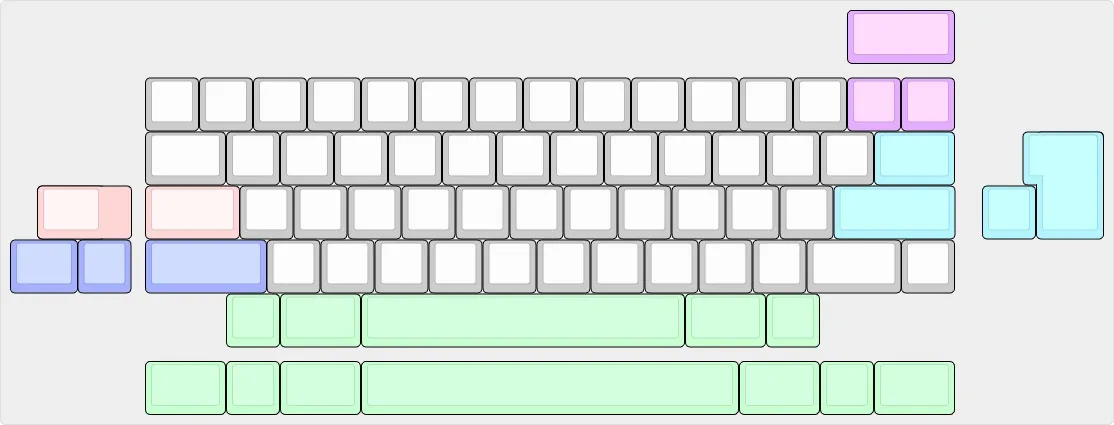
Keycaps are the most visible part of your themed build, so choose a set that matches your theme and fits your keyboard. Check the layout of your keyboard (e.g., 60%, TKL, full-size) and ensure the keycap set includes the right sizes. Most standard sets cover common layouts, but you may need an add-on for non-standard keys.
For example, the CYL Beige Addon is designed to complement existing CYL sets, so if you're mixing and matching, it can help you expand your layout options. Also, consider the profile (shape) of the keycaps. CYL profile keycaps are cylindrical, which many typists find comfortable. Mixing profiles can affect typing feel, so try to stick to one profile for consistency.
- Verify your keyboard's layout before buying keycaps.
- If you're mixing sets, use add-ons designed to work together.
Adding Matching Accessories
To complete your themed setup, add accessories that reinforce the theme without overwhelming it. A deskpad is a great way to add a large visual element. For example, the Hatsune Miku Deskpad brings an anime-inspired look to your desk, perfect for a series with similar aesthetics. It also provides a smooth surface for your mouse.
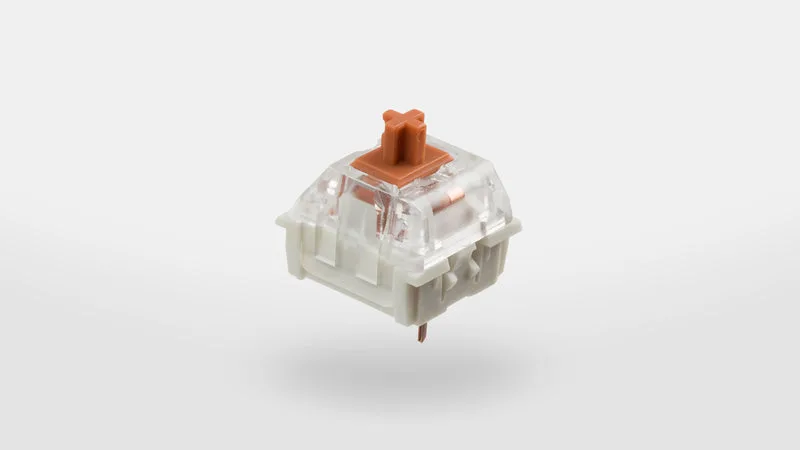
Switches are another way to match your theme, though they're less visible. If your theme is about smooth, fast gameplay, you might choose linear switches like the Gateron Ink Switches, known for their smooth keystrokes. While you can't see them, they affect the feel and sound of your keyboard, so pick a switch type that matches your preference.
- Use a deskpad to tie the theme together visually.
- Choose switches based on feel (linear, tactile, clicky) rather than color.
Assembling and Testing Your Build
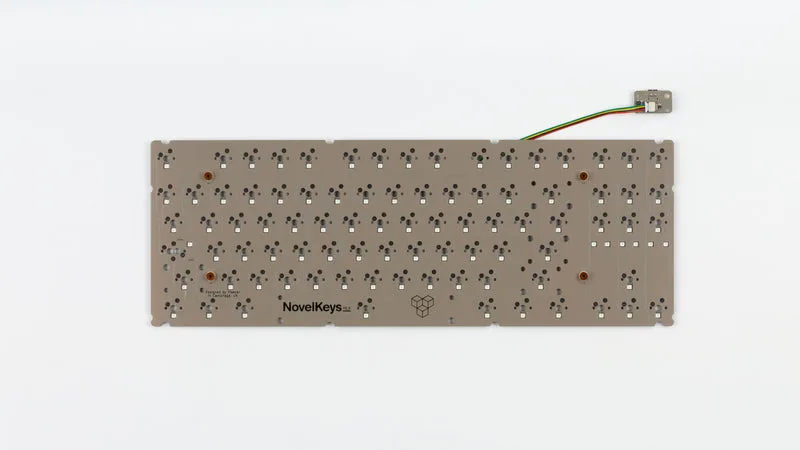
Once you have all your components, it's time to assemble. Start by installing the switches into the keyboard's PCB, then place the keycaps on top. Make sure each keycap is seated properly and aligned. If you have a hot-swappable keyboard, you can easily change switches later if you want a different feel.
After assembly, test every key to ensure it registers correctly. Check that the keycaps are uniform in height and that the deskpad lies flat. If something looks off, don't be afraid to adjust the layout or swap a keycap. The goal is a build that looks intentional and works flawlessly.
- Test all keys after assembly to catch any misalignments.
- Keep spare keycaps in case you want to make changes later.
Step-by-Step Build Process
- Define your theme and color palette: Choose 2-3 colors and a mood that represent your favorite game series. This will guide all your component choices. Checkpoint: Write down your palette and keep it handy when shopping.
- Select a keycap set that matches: Pick a keycap set that fits your keyboard layout and matches your palette. Consider the profile and material for comfort. Common mistake: Buying keycaps without checking layout compatibility. Always verify sizes.
- Add a deskpad to reinforce the theme: Choose a deskpad with artwork or colors that complement your keycaps. It anchors the theme on your desk. Checkpoint: Ensure the deskpad size fits your desk space.
- Choose switches that feel right: Select switches based on your preferred feel (linear, tactile, clicky). They affect typing and gaming performance. Common mistake: Ignoring switch type. If you're unsure, start with a linear switch for smoothness.
- Assemble and test your build: Install switches and keycaps, then test every key. Make adjustments as needed for alignment and feel. Final check: Ensure all keys register and the theme looks cohesive.
Key Products for Your Themed Build
- CYL Creme: CYL Creme from Novelkeys is a clean, versatile keycap set designed to bring a soft, neutral look to your keyboard. The Creme colorway offers a subtle, understated aesthetic that pairs well with a variety of setups. If your game series has a minimalist or elegant vibe, this set provides a neutral base that won't clash with other themed accessories.
- CYL Colorchrome: Introducing the CYL Colorchrome keycap set from Novelkeys, designed to bring a vibrant and modern look to your mechanical keyboard. This set features a striking color scheme that adds a bold pop of color to any setup. For a series with bright, energetic colors, this set can be the centerpiece of your theme, making your keyboard stand out.
- CYL Beige Addon: The CYL Beige Addon from Novelkeys is a keycap set add-on designed to complement your existing CYL collection. With a classic beige colorway, this addon brings a clean, understated look to your keyboard setup. If you need extra keys for a non-standard layout, this addon helps you expand while keeping a cohesive look with other CYL sets.
- CYL Tribal: The CYL Tribal keycap set from Novelkeys brings a distinctive, cultural-inspired aesthetic to your mechanical keyboard. Designed as a cylindrical profile (CYL), these keycaps offer a classic typing feel while adding a bold visual statement. If your game series features intricate patterns or cultural motifs, this set can add a unique visual element that matches the theme.
Building a themed keyboard around your favorite game series is a rewarding project that lets you express your fandom. By choosing a cohesive palette, compatible keycaps, and matching accessories, you can create a setup that's both functional and visually striking. Start with a clear plan, and don't be afraid to tweak as you go. Happy building!