Quick answer
To keep your Polaroid instant camera reliable, clean the rollers regularly, handle the battery correctly, avoid extreme temperatures, and store it properly when not in use.
Why cleaning matters more than you think
Instant film cameras push the developing film through a set of rollers to spread the chemicals. If those rollers have dust, dried chemicals, or residue, your prints can come out with streaks, white spots, or uneven development. This is especially common with high-use models like the Polaroid Now Gen 3, which tends to see lots of party and travel action.
The battery trap many owners miss
Most Polaroid instant cameras use a rechargeable battery. Leaving it plugged in for days or letting it drain to zero regularly shortens its lifespan. The Polaroid Flip, for example, uses a built-in rechargeable battery that is not user-replaceable. If the battery dies prematurely, the whole camera is affected. Partial charges and avoiding full drains help the battery stay healthy longer.
Heat, cold, and humidity are silent killers
Instant film and the camera itself both hate extremes. Hot car interiors can warp the plastic housing and damage the battery. Freezing temperatures slow the chemical reaction in the film, leading to dark or blank prints. Humidity encourages mold inside the lens and roller area. Storing the camera in a dry spot at room temperature avoids most weather-related problems.
7 steps to maintain your Polaroid instant camera
- 1. Clean the rollers after every pack: After finishing a pack of film, open the film door and gently rotate the two rollers with your finger. Wipe them with a dry microfiber cloth in one direction. If you see dried chemical residue, dampen the cloth slightly with distilled water (never alcohol or solvents). Rotate again until the cloth comes away clean. Common mistake: pressing too hard can misalign the rollers, causing future jams.
- 2. Charge the battery correctly: Use the original USB cable and a 5V/1A charger (a standard phone block works). Charge until the light turns solid, then unplug. Do not leave it plugged overnight or for days. Aim to keep the battery between 20% and 80% for longest life. Common mistake: leaving the camera plugged in constantly can reduce battery capacity over time.
- 3. Store film in the fridge, not the camera: Unopened film packs stay freshest in the refrigerator (not freezer). Let a pack warm to room temperature for at least one hour before loading. Never store opened film in the fridge. In the camera, avoid leaving film loaded for more than a few weeks. Common mistake: loading cold film directly leads to dark or blank prints.
- 4. Protect the lens from scratches: Keep the camera in a soft pouch or case when not in use. Use a microfiber cloth to gently remove smudges or dust before shooting. Do not use rough fabrics or paper tissues. Common mistake: wiping a dry lens with a dirty cloth causes small scratches that fog images.
- 5. Avoid temperature swings: Keep the camera between 40°F and 90°F (4°C and 32°C) while in use or storage. Never leave it in a parked car on a hot or freezing day. If moving between extreme temperatures, give the camera 30 minutes to acclimate. Common mistake: taking the camera from a cold car into a warm room creates condensation inside the lens.
- 6. Eject stuck film the right way: If a print gets stuck, do not yank it. Turn off the camera, open the film door in total darkness (or a changing bag), and gently remove the jammed sheet. Close the door, turn the camera on, and let it eject the dark slide automatically. Common mistake: pulling a stuck print can tear the film and jam the rollers permanently.
- 7. Run a blank shot if the camera has been idle: If you have not used the camera for a month or more, load a fresh pack and press the shutter with the lens cap on (or in a dark room). That one blank shot clears any dried residue from the rollers and primes the film ejection mechanism. Common mistake: skipping this step wastes the first real shot because residue can streak it.
Products referenced in this guide
-
Polaroid Now GEN 3 | Instant Film Camera: The Polaroid Now Generation 3 is designed for moments like birthdays, trips, and parties — the exact situations where quick cleaning and proper storage matter most. If you use your Now Gen 3 frequently in social settings, dust and chemical residue build up faster, so you will need to clean the rollers and store it protected more often.
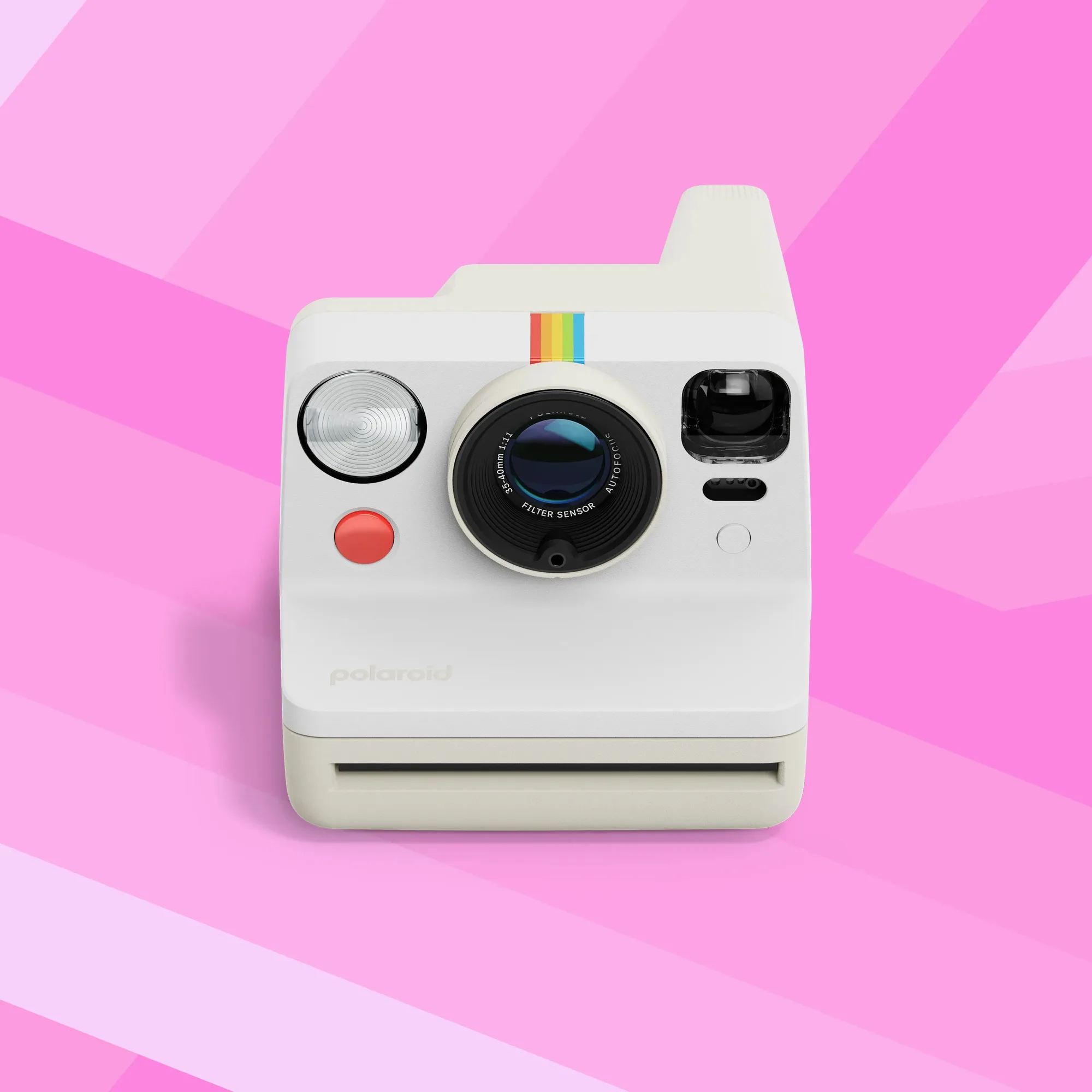
Polaroid Now GEN 3 | Instant Film Camera
-
Polaroid Flip | Instant Film Camera: The Polaroid Flip has a built-in rechargeable battery and is made for memories you want to hold and keep forever. Because the battery is built in and not user swappable, battery care habits directly affect how long the camera stays usable.
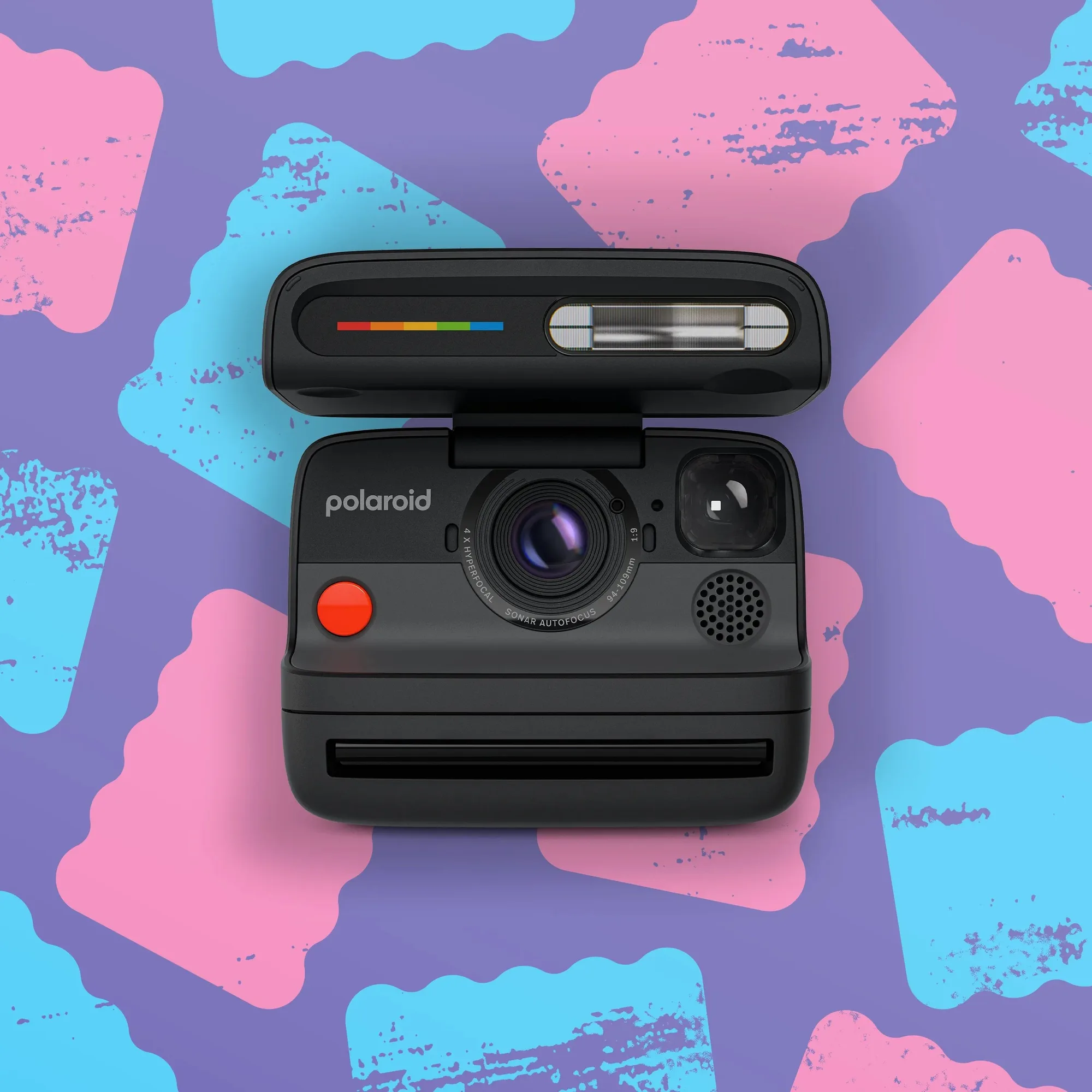
Polaroid Flip | Instant Film Camera