Quick Answer
To charge faster with a 2-in-1 wireless charger stand, place your phone and earbuds correctly on the charging pads, ensure your devices are MagSafe-compatible or use a MagGo case, and avoid thick cases or metal objects. For the best results, choose a stand with AirCool technology, like the Anker Prime Wireless Car Charger, which helps manage heat and maintain charging speed.
If you're tired of fumbling with cables and want a cleaner way to keep your phone and earbuds powered, a 2-in-1 wireless charger stand is a practical upgrade. But simply placing your devices on the stand doesn't guarantee fast charging. How you position them, what case you use, and even the temperature of the room can affect charging speed.

cables
In this guide, we'll walk you through the exact steps to get the fastest wireless charging from a 2-in-1 stand, point out common mistakes that slow things down, and help you decide if a MagGo stand is the right fit for your daily routine.
Why a 2-in-1 Wireless Charger Stand Can Be Faster Than You Think
A 2-in-1 wireless charger stand lets you charge your phone and earbuds at the same time, but speed isn't automatic. The key is alignment. Most stands use magnetic alignment (like MagSafe) to ensure your phone's charging coil lines up perfectly with the stand's coil. When alignment is off, charging slows down significantly, and your phone may even stop charging intermittently.
Another factor is heat. Wireless charging generates heat, and if your stand lacks proper ventilation or cooling technology, the charger will reduce power to protect your battery. That's why many modern stands, like the Anker Prime Wireless Car Charger (MagGo, AirCool, Pad), include AirCool technology to actively manage heat. This keeps charging speeds consistent, even during longer sessions.
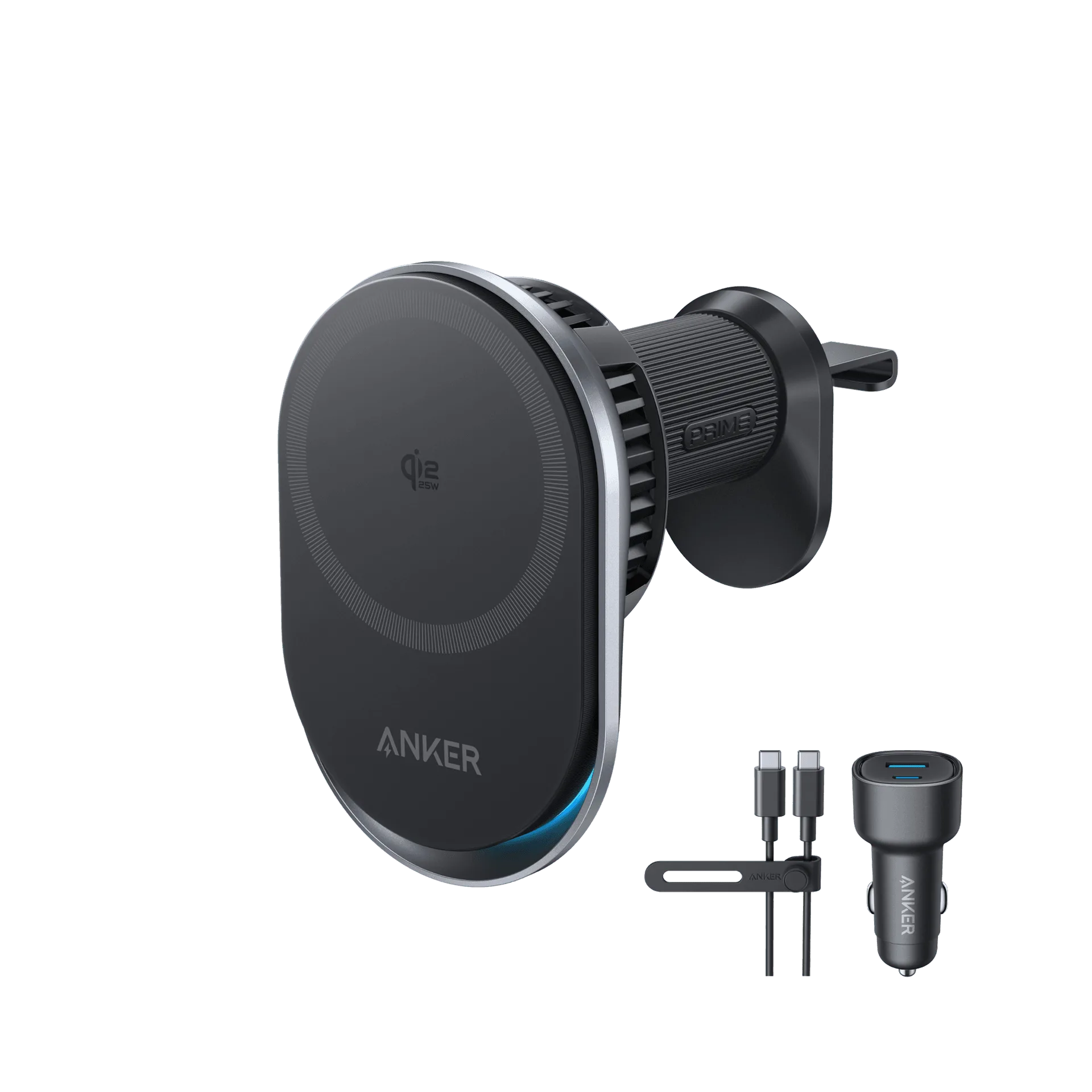
Prime Wireless Car Charger (MagGo, AirCool, Pad)
- Check if your phone supports MagSafe or Qi wireless charging. If not, you'll need a compatible case or a different charging method.
- Look for stands with built-in cooling features like AirCool to maintain faster charging speeds.
Step-by-Step: How to Charge Faster with a 2-in-1 Wireless Charger Stand
Follow these steps to maximize charging speed with your 2-in-1 wireless charger stand. Each step includes a common mistake to avoid, so you can get the most out of your setup.
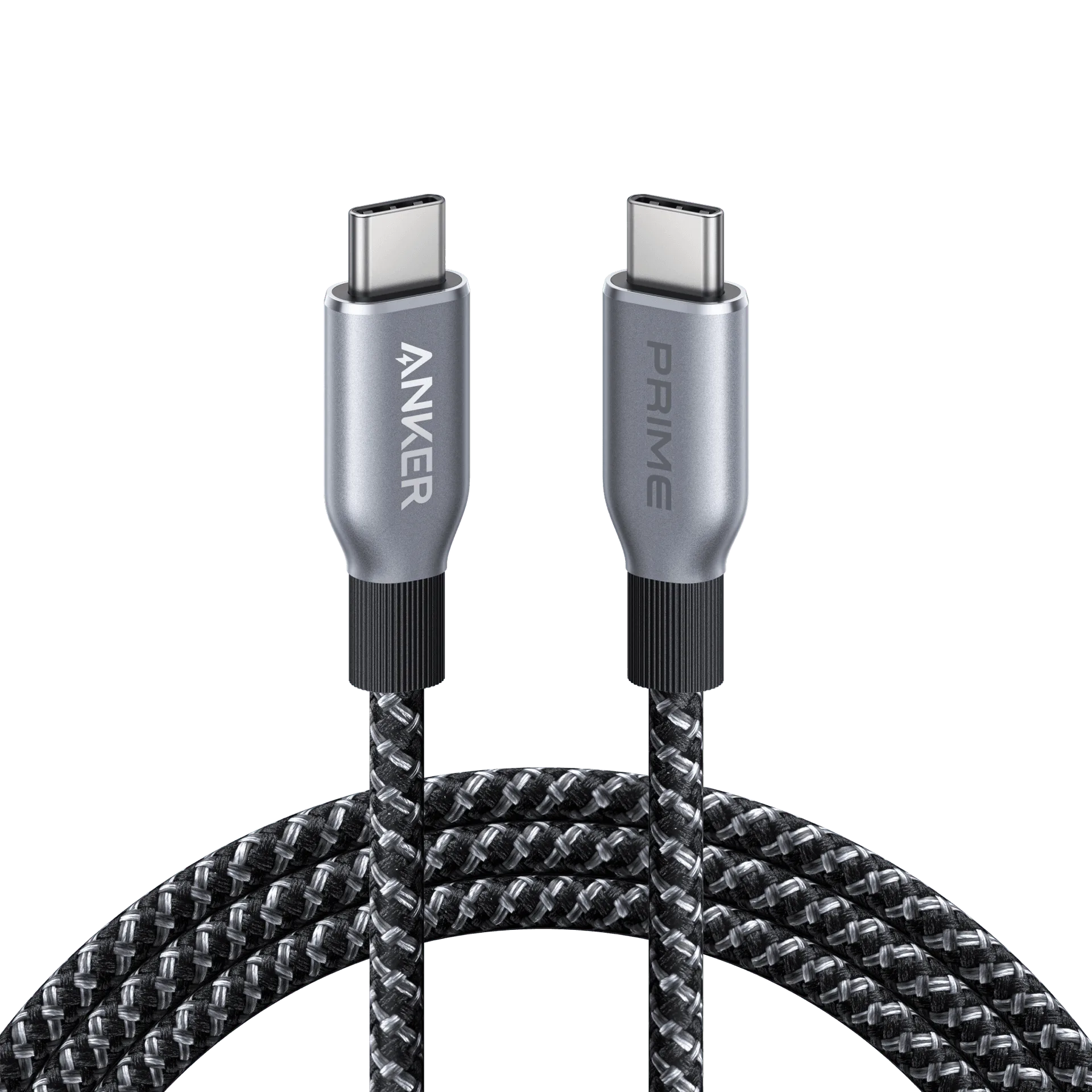
Remember, the exact charging speed depends on your phone model, the stand's power output, and the cable you use. Always use the cable that came with the stand or a high-quality USB-C cable that supports fast charging.
Choosing the Right 2-in-1 Wireless Charger Stand
Not all 2-in-1 stands are equal. Some only charge at 5W, while others support 15W or more. For faster wireless charging, look for stands that advertise MagSafe compatibility or higher wattage. Also, consider the design: a stand that holds your phone upright lets you use Face ID or see notifications while charging, which is more convenient than a flat pad.
If you're often on the road, a car-mounted wireless charger like the Anker Prime Wireless Car Charger (MagGo, AirCool, Pad) is a great choice. It keeps your phone charged and accessible during drives, and its AirCool technology helps prevent overheating on sunny days. For home or office, a desktop stand might be more suitable, but the same principles of alignment and heat management apply.
- Check the stand's wattage. Higher wattage (15W+) generally means faster charging, but your phone must support it.
- Consider the stand's angle. An adjustable stand lets you find the perfect viewing angle while charging.
- If you use a thick case, test whether it interferes with magnetic alignment. You may need a MagSafe-compatible case.
5 Steps to Faster Wireless Charging
- Check compatibility: Ensure your phone supports MagSafe or Qi wireless charging. If not, you'll need a compatible case or a different charging method. Common mistake: assuming all phones charge wirelessly at the same speed. Check your phone's specs to know its maximum wireless charging wattage.
- Position your devices correctly: Place your phone on the stand so that the charging coil aligns with the stand's coil. For earbuds, make sure they sit flat in the designated spot. Common mistake: misalignment leads to slow charging or no charging at all. If your phone has a MagSafe ring, use it as a guide for perfect alignment.
- Remove thick cases or metal objects: Thick cases, popsockets, or metal plates can interfere with magnetic alignment and reduce charging speed. Common mistake: leaving a thick case on and wondering why charging is slow. Use a MagSafe-compatible case or remove the case before charging.
- Keep the stand cool: Place the stand in a well-ventilated area, away from direct sunlight or heat sources. If your stand has AirCool technology, ensure the vents are not blocked. Common mistake: placing the stand near a window where it heats up. A cooler environment helps maintain faster charging speeds.
- Use the right cable and adapter: Connect the stand to a power adapter that supports at least the stand's wattage. Use the cable that came with the stand or a high-quality USB-C cable. Common mistake: using a low-wattage adapter, which limits charging speed. Check the adapter's output to ensure it matches the stand's requirements.
Product Facts
- Prime Wireless Car Charger (MagGo, AirCool, Pad): This wireless charging pad from Anker offers a convenient, cable-free solution for powering your compatible devices on the go. It features AirCool technology to help manage heat during charging, and the MagGo design is optimized for magnetic alignment. AirCool technology helps maintain consistent charging speeds by reducing heat buildup, which is especially important in a car where temperatures can rise. The MagGo design ensures your phone aligns perfectly for efficient power transfer.
- Nano 75W Car Charger: The Anker Nano 75W Car Charger delivers 75W total output for quick charging of smartphones, tablets, and other USB-C devices. Its compact Nano design fits easily into your car's cigarette lighter socket. If you prefer wired fast charging in the car, this charger provides high wattage to quickly top up your phone or tablet. It's a reliable alternative to wireless charging when you need maximum speed.
A 2-in-1 wireless charger stand can simplify your charging routine and, with the right setup, deliver faster speeds. By checking compatibility, aligning your devices properly, and managing heat, you'll get the most out of your stand. If you're often on the move, consider a MagGo car charger with AirCool technology to keep your phone powered during drives. For home or office, apply the same principles to any stand you choose.