Quick Answer
To charge both your phone and laptop with one power bank, choose a model that delivers at least 60W through a USB-C Power Delivery (PD) port, has enough capacity (e.g., 20,000mAh) to top up both devices, and supports simultaneous output. Then connect your laptop first, verify the wattage, and add your phone once the laptop is charging.
Traveling with both a phone and a laptop often means carrying two chargers and hunting for multiple wall outlets. A single high-capacity power bank can replace that clutter, but only if you pick the right one and use it correctly. This guide walks you through the practical steps to charge both devices from one battery pack, whether you're at an airport, in a coffee shop, or working remotely.
chargers
The key is matching the power bank's output to your laptop's requirements. While most phones accept any USB-C charger, laptops are pickier. If the power bank can't deliver enough wattage, your laptop may charge slowly or not at all. We'll cover what to look for and how to set up your devices for efficient multi-device charging.
Understand Your Laptop's Charging Requirements
Before buying or using a power bank, check your laptop's charging requirements. Look at the original charger's output, usually printed on the adapter (e.g., 45W, 60W, 65W, or 100W). Your power bank must be able to deliver at least that wattage through its USB-C PD port. If the power bank outputs less, your laptop may charge slowly or even drain while in use.
Also note the connector type. Most modern laptops use USB-C, but some older models may require a proprietary connector. If your laptop uses USB-C, a power bank with a USB-C PD port will work. If not, you may need a special cable or adapter, which could limit your options.
- Check your laptop charger's output wattage—match or exceed it with the power bank's USB-C PD output.
- Ensure your laptop charges via USB-C; if not, look for a power bank with the appropriate cable or adapter.
Choose the Right Capacity and Wattage
Capacity (measured in mAh) determines how many full charges you get. A 10,000mAh power bank can charge a typical phone once or twice but may only give a laptop a partial boost. For charging both a phone and a laptop, aim for at least 20,000mAh. This capacity can charge a phone several times and provide a meaningful laptop top-up.
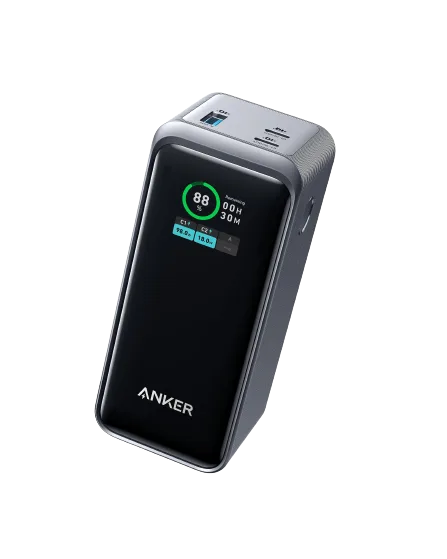
Wattage is equally important. Look for a power bank with at least 60W output from a single USB-C port. Some models, like the Anker Prime 20,000mAh Power Bank (200W), deliver up to 200W total, allowing you to charge a laptop and phone simultaneously without slowing down. However, even a 60W power bank can handle many ultrabooks and phones at the same time.
- For a phone and laptop, choose a power bank with at least 20,000mAh and 60W USB-C PD output.
- If you need to charge multiple devices quickly, consider a higher-wattage model like the Anker Prime 20,000mAh Power Bank (200W).
Connect Your Devices in the Right Order
When charging both devices from one power bank, connect the laptop first. This ensures the power bank prioritizes the higher-power device and negotiates the correct wattage. Once the laptop is charging, plug in your phone. Most power banks with multiple ports can handle simultaneous output, but the total wattage is shared, so the laptop may charge slightly slower if the phone is also drawing power.
If your power bank has multiple USB-C ports, use the one labeled for the highest output for your laptop. Some power banks have a dedicated port for laptops and another for phones. Check the port labels or the manual to ensure you're using the right one.
- Connect the laptop first, then the phone, to ensure the laptop gets priority power.
- Use the highest-wattage USB-C port for your laptop to maximize charging speed.
Monitor Charging and Manage Heat
While charging, keep an eye on the power bank's temperature. Charging a laptop draws a lot of current, which can generate heat. If the power bank gets hot, it may reduce output to protect itself, slowing charging. Place the power bank on a flat, ventilated surface and avoid covering it with clothing or bags.
Also, avoid using your laptop for heavy tasks like gaming or video editing while it's charging from a power bank. This can cause the laptop to draw more power than the bank can supply, leading to a net drain. For best results, close unused apps and lower screen brightness to reduce power consumption.
- Keep the power bank in a well-ventilated area to prevent overheating.
- Avoid heavy laptop use while charging from a power bank to ensure efficient charging.
Step-by-Step: Charge Both Devices from One Power Bank
- Check your laptop's power requirements: Look at the wattage on your laptop's original charger (e.g., 45W, 60W, 65W). This tells you the minimum output your power bank must provide. Also confirm your laptop charges via USB-C. If your laptop needs more than 100W, a standard power bank won't work; consider a higher-capacity model or a wall charger.
- Select a power bank with sufficient wattage and capacity: Choose a power bank that offers at least the wattage your laptop requires from a USB-C PD port, and has a capacity of 20,000mAh or more to charge both devices. For example, the Anker Prime 20,000mAh Power Bank (200W) provides ample power for most laptops and phones. Don't rely on a low-wattage power bank; it may charge your phone but not your laptop effectively.
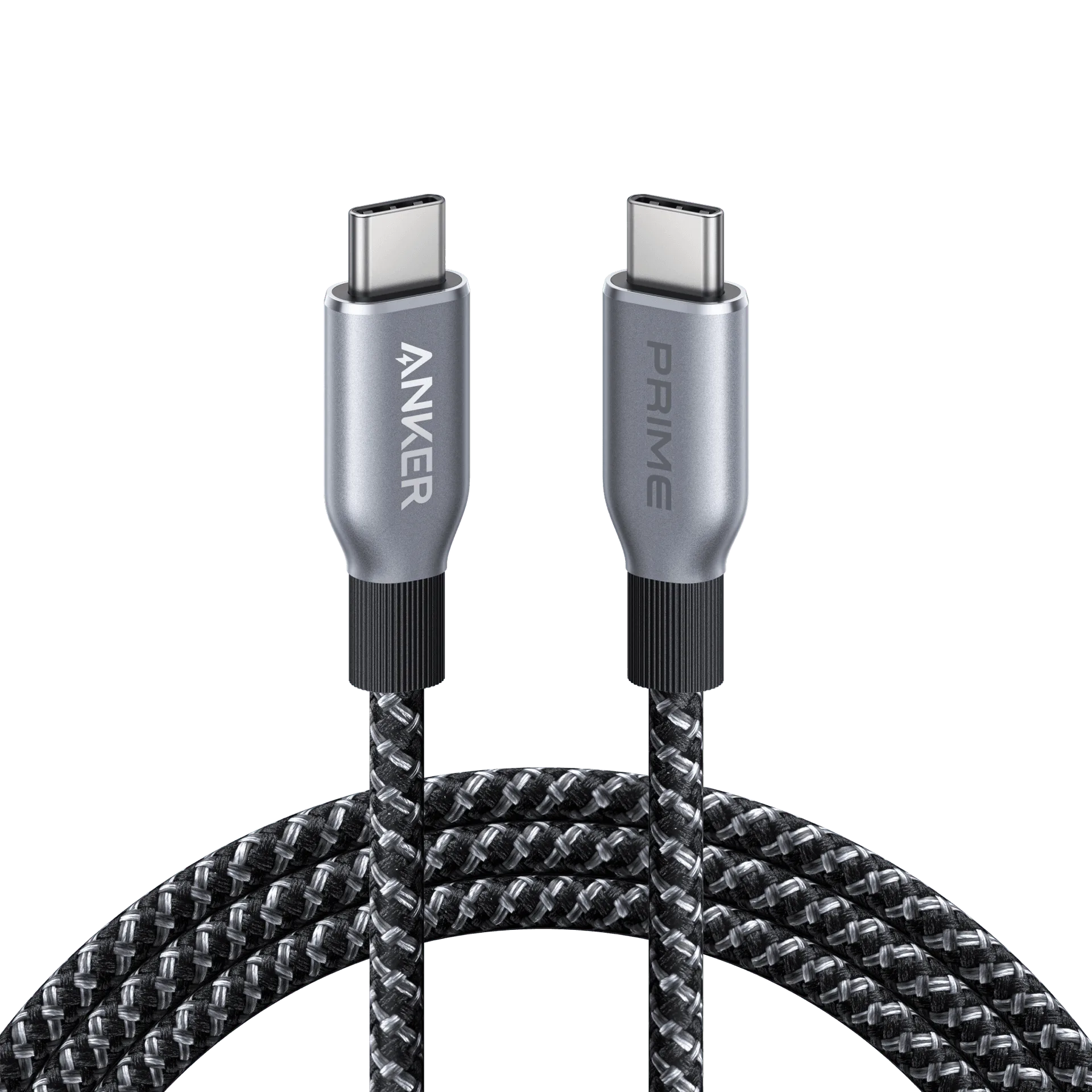
- Connect your laptop first: Plug your laptop into the highest-wattage USB-C port on the power bank. Ensure the cable is rated for the wattage (e.g., a 100W cable). Wait a few seconds to see if the laptop indicates charging. If your laptop doesn't charge, try a different port or check if the power bank needs to be turned on.
- Connect your phone second: Once your laptop is charging, plug your phone into another USB-C port or use a USB-C to Lightning cable for iPhones. The power bank will share its total output between the devices. Charging both simultaneously may slow the laptop's charging speed, but it's usually acceptable for overnight or low-use periods.
- Monitor the charging process: Keep an eye on the power bank's LED indicators to see how much battery remains. Avoid using your laptop for resource-heavy tasks while charging from the power bank, as this can drain the bank faster. If the power bank runs low, prioritize charging your laptop first, then your phone, to ensure your work device stays powered.
Products That Help
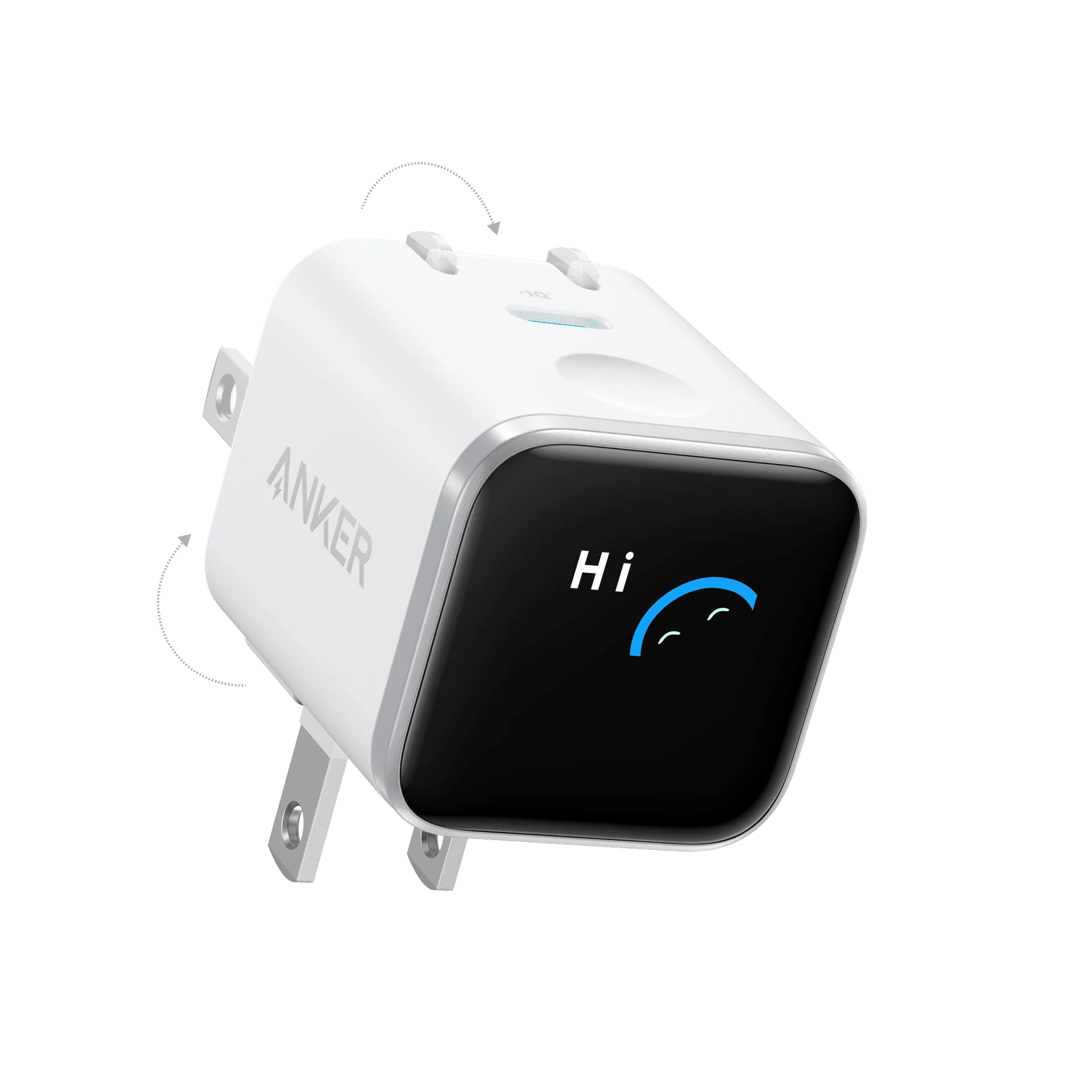
- https://ankermn.com/products/prime-charger-100w-3-ports-gan-292003Prime Charger (100W, 3 Ports, GaN): The Anker Prime Charger delivers fast, efficient power for your everyday devices. With 100W of total output and three ports, it's designed to handle multiple gadgets at once, keeping your workspace or travel kit streamlined. 100W maximum power output for rapid charging of compatible smartphones, tablets, and laptops. Three ports let you charge multiple devices simultaneously without sacrificing performance. This wall charger is a great companion to your power bank. Use it to recharge your power bank quickly overnight or top up your laptop and phone at a desk, so you start your day with everything fully charged.
- Prime 20,000mAh Power Bank (200W): The Anker Prime 20,000mAh Power Bank (200W) is designed for high-capacity, high-speed charging. It can deliver up to 200W total output, making it suitable for charging laptops, tablets, and phones simultaneously. Its 20,000mAh capacity provides multiple charges for phones and a significant boost for laptops. This power bank is the ideal solution for charging both your phone and laptop on the go. With 200W output, it can handle even demanding laptops while still powering your phone, and its high capacity ensures you have enough juice for a full day of work.
- 641 USB-C to Lightning Cable (Flow, Silicone): The Anker 641 USB-C to Lightning Cable (Flow, Silicone) is a reliable charging accessory designed for everyday use. Its silicone finish provides a soft, flexible feel, making it easy to handle and store. Compatible with USB-C and Lightning devices for versatile charging. Durable construction for long-lasting performance. Flexible silicone material enhances portability and reduces tangles. If you have an iPhone, this cable lets you connect it to your power bank's USB-C port, ensuring fast and reliable charging. The silicone material is travel-friendly and won't tangle in your bag, making it a perfect companion for your power bank.
Charging your phone and laptop with a single power bank is a smart way to lighten your travel load. By choosing a model with the right wattage and capacity, connecting devices in the correct order, and monitoring the process, you can keep both devices powered anywhere. Whether you opt for a high-output model like the Anker Prime 20,000mAh Power Bank (200W) or a smaller unit, the key is to match the power bank to your laptop's needs. With the right setup, you'll never scramble for a wall outlet again.