Quick Answer
Before buying a 360 camera, prioritize resolution, sensor size, stabilization, and stitching quality. For most creators, an 8K model like the DJI Osmo 360 II or Insta360 X6 offers the best balance of quality and ease.
Why Resolution Matters More Than You Think
In 360 video, the full frame is spread across a sphere, so the effective resolution per direction is lower than what the spec suggests. A camera that shoots 8K captures more detail, giving you sharper footage when you reframe in post. If you plan to export standard 1080p or 4K videos, an 8K source provides more cropping flexibility without visible pixelation.
Sensor Quality Affects Low-Light Performance
Larger sensors capture more light, which directly impacts dynamic range and noise in dim conditions. The Insta360 X6 uses dual custom Sony sensors that deliver 1-inch-equivalent 360 imaging, improving low-light performance and image detail. If you shoot indoors, at dusk, or in other challenging light, sensor size should be a top consideration.
Stitching and Software Are Part of the Package
A 360 camera is only as good as its stitching software. Seamless stitching hides the transition between the two lenses, and good software makes editing and reframing intuitive. Check how the camera handles stitching in-camera or in the companion app, and whether the app offers the features you need for your workflow.
Decision Rules for Choosing Your 360 Camera
- Resolution: Choose 8K if you want maximum detail and flexibility for cropping and reframing in post. If you only share to social media, 5.7K might suffice, but 8K future-proofs your footage. Check the actual sensor resolution, not just the marketing label.
- Sensor Size: If you shoot in low light, prioritize a larger sensor. The Insta360 X6's 1-inch-equivalent sensors offer better dynamic range and detail in dim conditions compared to smaller sensors. Review sample footage shot at night or indoors before deciding.
- Stabilization: Look for built-in stabilization if you plan to shoot action or handheld footage. Both the DJI Osmo 360 II and Insta360 X6 include advanced stabilization, but verify it meets your specific needs. Test stabilization with a quick handheld walk if possible.
- Stitching and Software: Ensure the stitching is seamless and the companion app offers the editing features you need. Read reviews or watch sample clips to see how well the camera handles stitching in real-world shots. Check if the app supports your preferred editing workflow (mobile vs desktop).
- Ecosystem and Bundles: If you already own DJI accessories, the Osmo 360 II's ecosystem integration may save you money. If you want color or bundle options, the Insta360 X6 offers more choices. List the accessories you already own and see which camera works with them.
Key Models Compared
-
DJI Osmo 360 II – 8K 360° Camera: The DJI Osmo 360 II captures true 8K resolution across a full 360-degree field of view and integrates seamlessly with DJI’s Osmo ecosystem. If you already use DJI gear, this camera fits your existing workflow and gives you high-resolution footage for flexible editing.
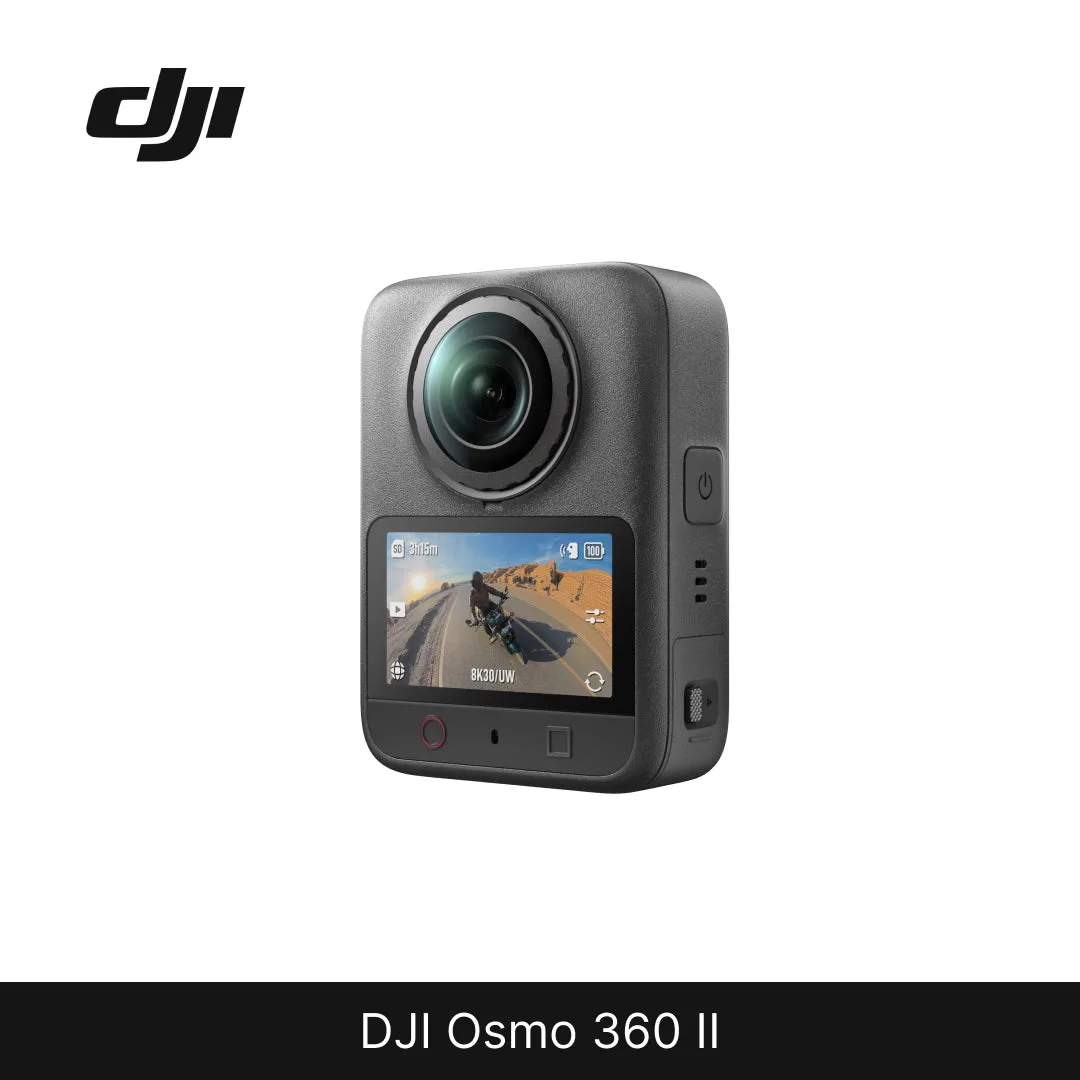
DJI Osmo 360 II – 8K 360° Camera
-
Insta360 X6 8K 360° Camera: The Insta360 X6 uses dual custom Sony sensors delivering 1-inch-equivalent 360 imaging for improved light capture, dynamic range, and detail in low light. For shooting in challenging lighting, this camera offers better image quality when the sun goes down.
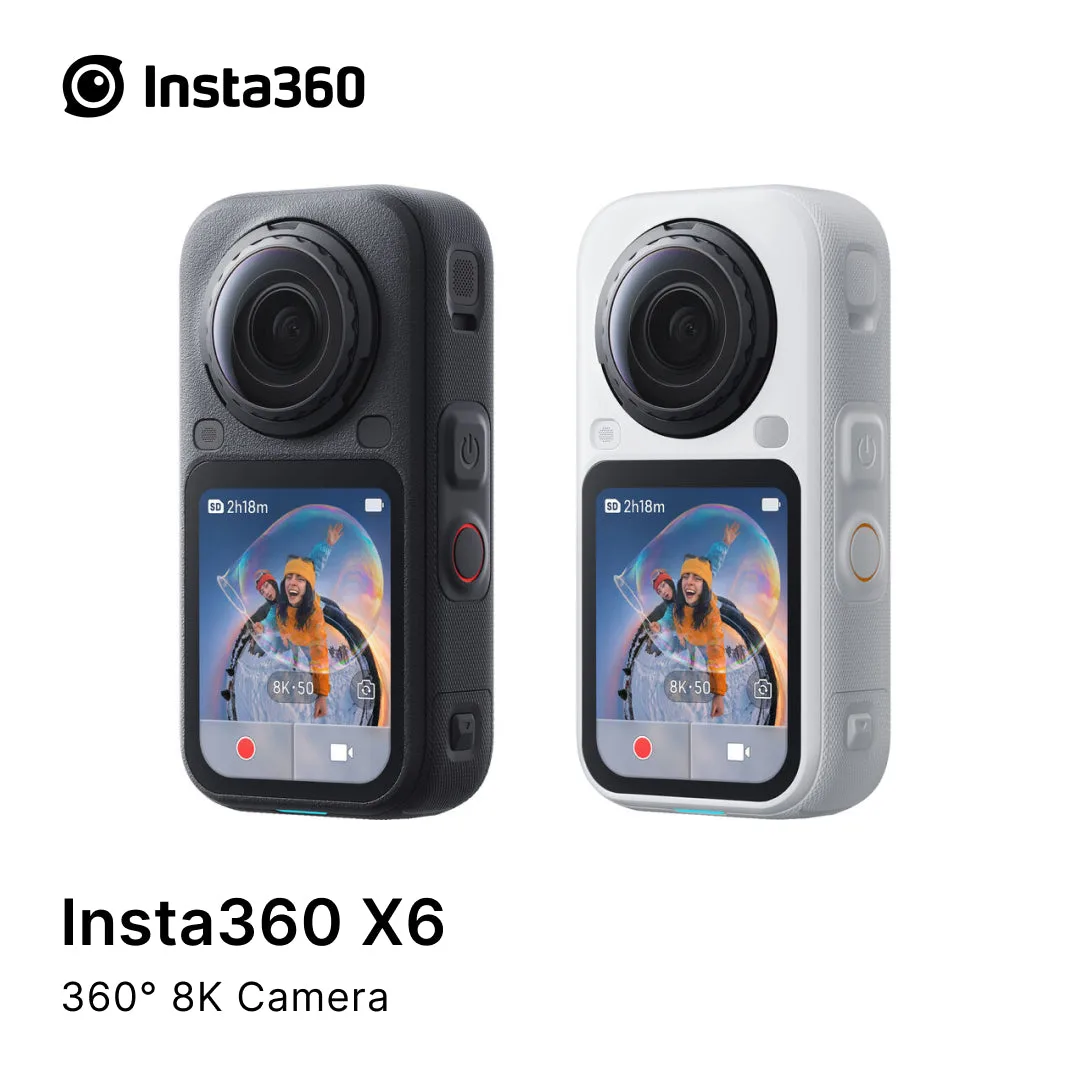
Insta360 X6 8K 360° Camera
Which Camera Fits You?
Best For
- Creators who want maximum resolution and editing flexibility with DJI Osmo 360 II
- Travelers and low-light shooters who need superior sensor performance with Insta360 X6
Not For
- Budget buyers who don't need 8K and prefer a simpler, cheaper 360 camera
- Professionals requiring interchangeable lenses or manual controls beyond what these models offer