Quick Answer
For reliable fast charging and data sync, look for a USB-C cable with a braided nylon exterior, 2.4A current support, and transfer speeds of at least 480Mbps. A multi-pack like the Deco Essentials 4-Pack offers better value if you need cables for multiple locations.
Why Braided Cables Matter for Daily Use
Standard rubber USB-C cables can fray and split at the connector after months of bending. A nylon fiber braided jacket resists wear from daily plugging, twisting, and travel. The Deco Essentials 6FT Braided Type-C Cable uses this construction, which adds durability without making the cable stiff or bulky.
Speed vs. Charging: What 480Mbps and 2.4A Mean
Transfer speed (480Mbps) and charging current (2.4A) are two separate specs. 480Mbps is the USB 2.0 standard—fast enough for syncing photos, music, and documents, but slower than USB 3.0 for large video files. The 2.4A rating means the cable can deliver enough power for rapid charging on most phones and tablets. If you need faster file transfers, you would need a USB 3.1 or Thunderbolt cable, which costs more.
Single Cable or Multi-Pack: Which Saves More?
Buying a single 6FT cable covers one use case—your nightstand or desk. A 4-pack of the same cable lets you keep one at home, one in the car, one at the office, and one in a bag. The Deco Essentials 4-Pack costs USD 59.99 compared to USD 13.99 for a single cable, so the per-cable price drops from USD 13.99 to about USD 15.00. The multi-pack is cheaper per cable only if you actually need all four; otherwise, buy singles.
How to Choose Your USB-C Cable
- Check your device's charging spec: Most modern phones and tablets support up to 2.4A or higher. A cable rated for 2.4A will charge at the maximum speed your device allows. If you have a laptop that requires 3A or more, look for a higher-rated cable.
- Decide between speed and cost: For everyday syncing of photos, music, and documents, 480Mbps (USB 2.0) is sufficient. If you regularly transfer large video files or backups, upgrade to a USB 3.0 (5Gbps) or higher cable. Know your typical file size before choosing a speed tier.
- Choose length and quantity based on usage: A 6FT cable is versatile for desks, nightstands, and cars. If you need cables in multiple fixed locations, a multi-pack saves money and avoids constantly moving one cable. Count your actual daily-use spots before buying a pack.
Featured Cables
-
Deco Essentials 6FT Braided Type-C Charge & Sync USB Cable | Transfer Speeds Up to 480Mbps: Nylon fiber braided fast charging USB Type-C Cable with transfer speeds up to 480Mbps (2.4A). The braided jacket resists fraying from daily use, and the 2.4A rating ensures your phone charges at its fastest supported speed.
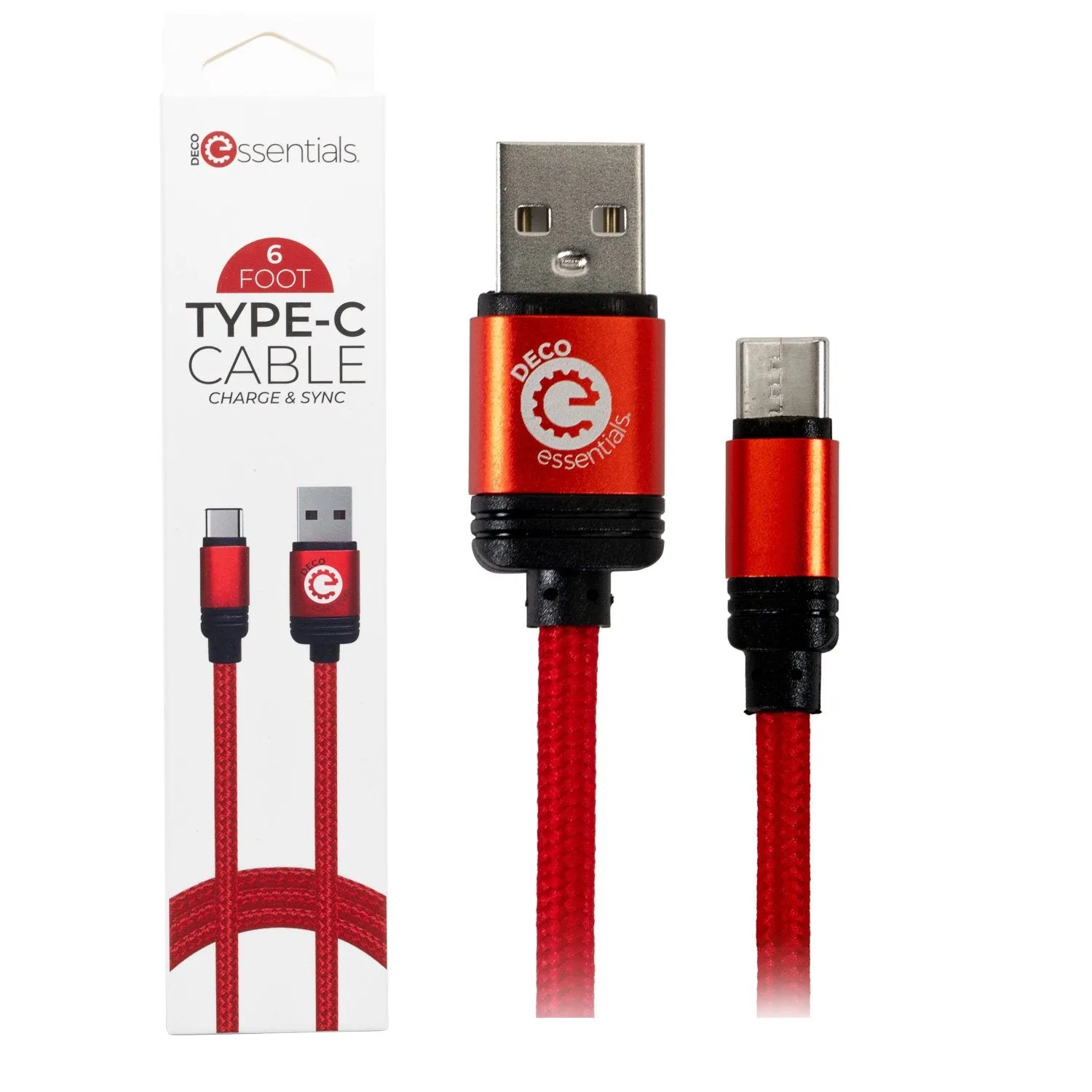
Deco Essentials 6FT Braided Type-C Charge & Sync USB Cable | Transfer Speeds Up to 480Mbps
-
Deco Essentials 6FT USB Type-C Charge & Sync Cable | Transfer Speeds Up to 480Mbps (4-Pack): 4-pack of the same nylon fiber braided USB Type-C cable with 480Mbps transfer and 2.4A charging. Buying a 4-pack lowers the per-cable cost, making it a smart choice if you need cables for multiple rooms, bags, or vehicles.
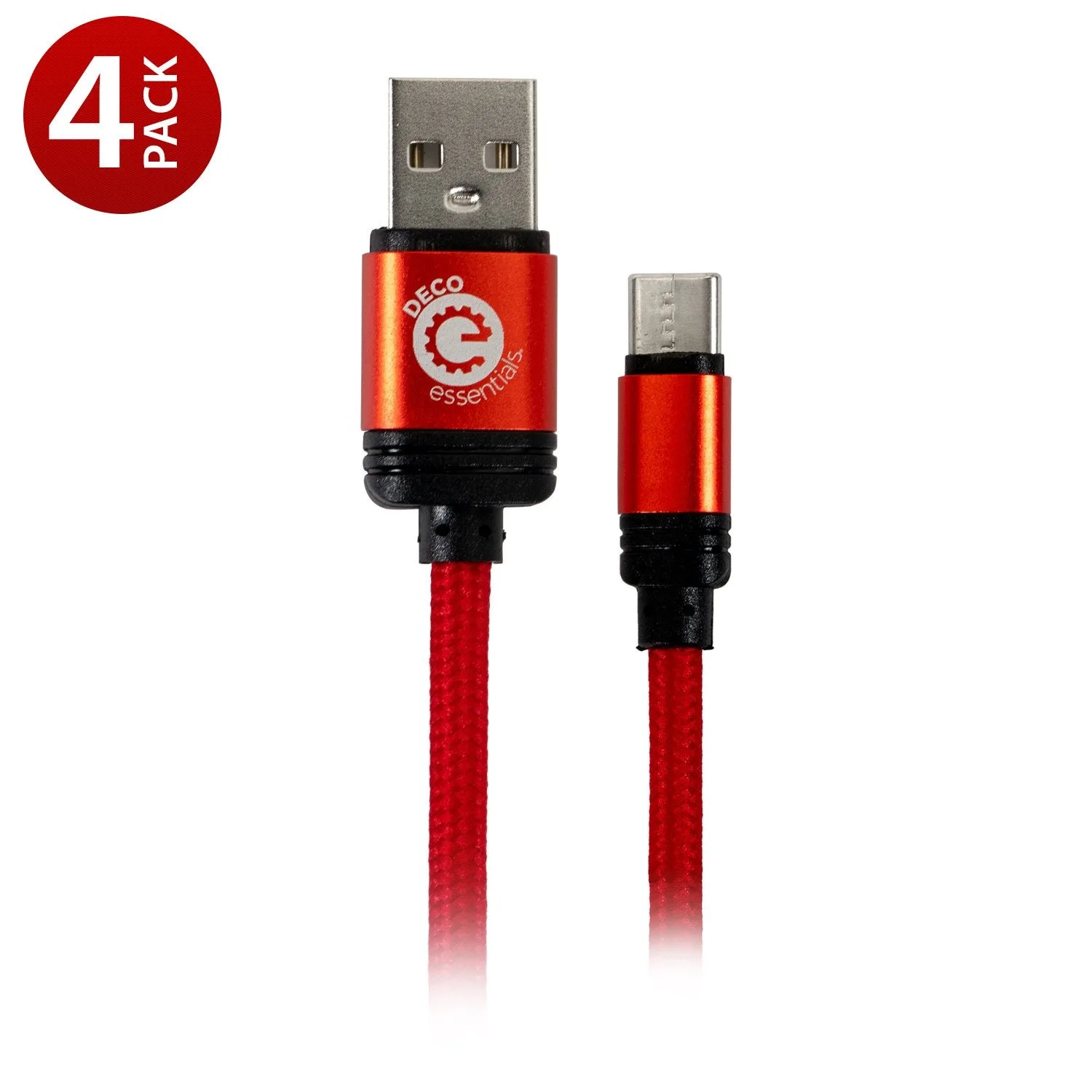
Deco Essentials 6FT USB Type-C Charge & Sync Cable | Transfer Speeds Up to 480Mbps (4-Pack)
Which Cable Is Right for You?
Best For
- Everyday phone and tablet charging with basic data sync
- Users who want a durable, fray-resistant cable for travel or daily use
- Buying cables for multiple rooms or bags (multi-pack)
Not For
- High-speed file transfers (video editing, large backups) where USB 3.0 or Thunderbolt is needed
- Laptops that require 3A+ charging current