Quick answer
Prioritize shape and grip fit first, then weight, then sensor and wireless reliability, and treat battery life as a convenience spec rather than a performance one. If you play claw or palm and want a proven symmetrical shape, the STA-X Medium Gaming Mouse [Pro Series] is the safest starting point. If you want a lighter, anime-themed option with a lower entry price, the Pulsar X2V2 Tanjiro Gaming Mouse is a strong alternative.
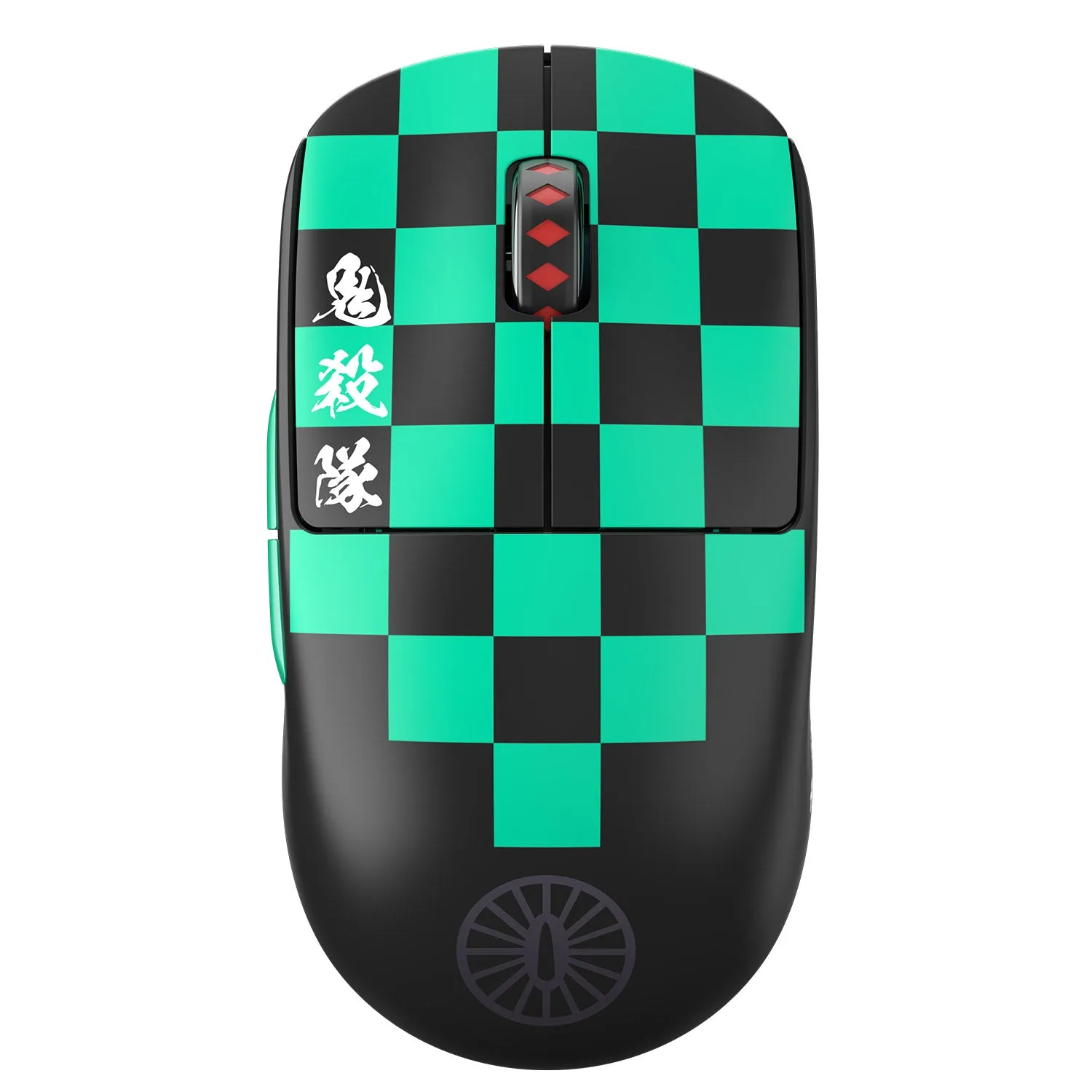
Pulsar X2V2 Tanjiro Gaming Mouse
Most wireless gaming mice sold today are fast enough for competitive play, so the deciding factors are rarely the ones on the front of the box. Shape, weight, and how the mouse feels in your hand during a long session matter more than a small sensor number difference you will never notice.
This guide walks through the wireless mouse factors that actually change your aim, then gives decision rules you can apply before checkout. It also flags where a wired mouse or a different accessory, such as new skates or a bungee, solves the problem for less money.
Start with shape and grip, not specs
Your grip style decides which shapes work. Claw and palm players usually want a fuller, symmetrical shell that supports the base of the palm and gives a stable platform for micro-adjustments. Finger-tip players often prefer a shorter, lower-profile mouse they can steer with fingertips alone. If a shape fights your natural grip, no sensor or wireless upgrade will fix it.
The STA-X Medium Gaming Mouse [Pro Series] is a useful reference point because it was engineered around a claw and palm grip style with a refined symmetrical shape for stability under pressure. Use that as a benchmark: if you claw or palm and want a shape built for that, it fits the brief. If you fingertip, look for something shorter and flatter instead.
- Measure your hand length and width before comparing mice; a mouse that is too long forces you into a grip you do not use.
- If you are between sizes, size down for fingertip control and size up for palm stability.
Weight: lighter is not automatically better
Lighter mice reduce fatigue and make quick flicks easier, but they also amplify shaky aim if you rely on the mouse's inertia to stabilize your hand. Players coming from heavier wired mice often aim better after a gradual step down rather than jumping straight to the lightest option available.
Weight also interacts with your mousepad. A light mouse on a fast cloth surface can feel uncontrollable, while the same mouse on a control-oriented pad feels precise. If you are unsure, keep your current pad and change one variable at a time.
- Change either mouse weight or pad speed first, not both in the same week.
- Give any new weight at least a few days of play before judging it.
Sensor, polling, and wireless latency
Modern wireless gaming mice use sensors and wireless links that are effectively indistinguishable from wired for human reaction times. Chasing the highest polling rate or DPI number is usually a waste of budget unless your specific game and setup already benefit from it. What matters more is a stable connection with no dropouts in your room.
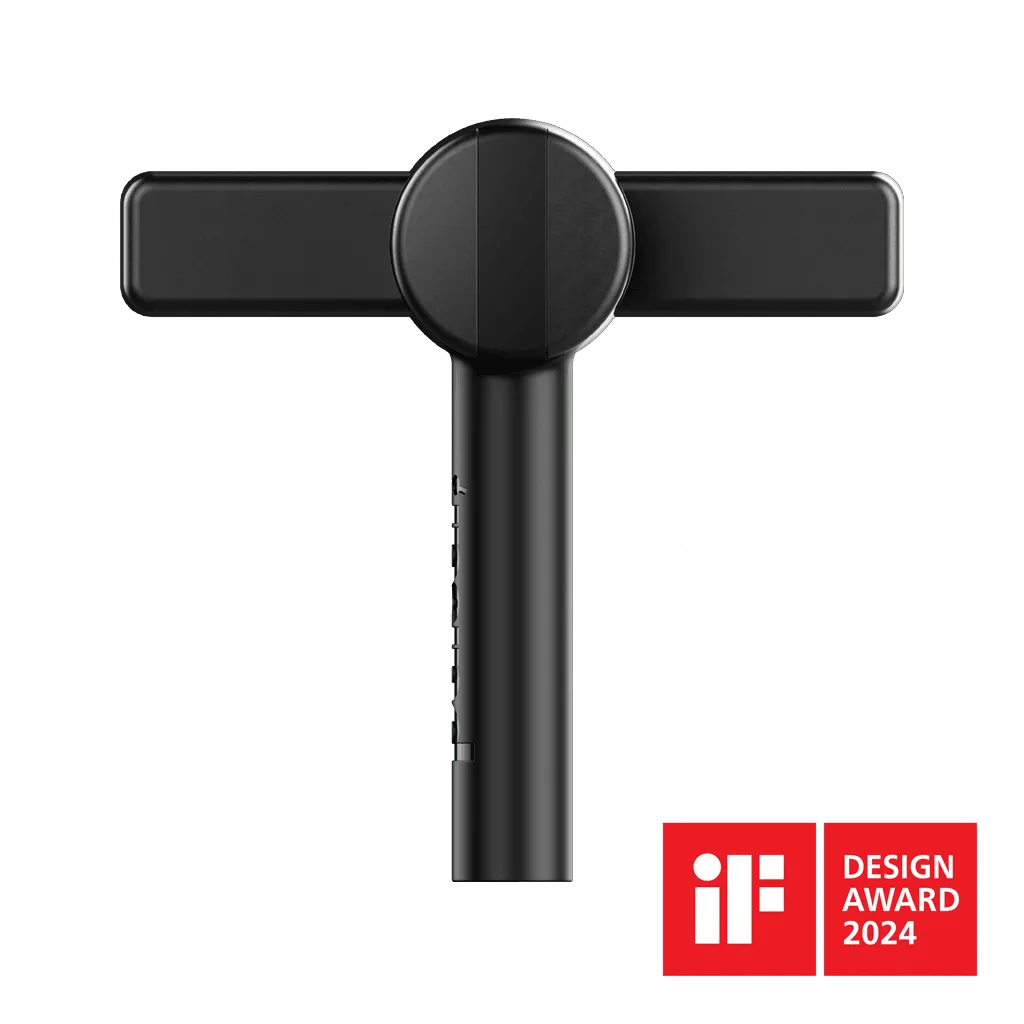
If you already own a wired mouse you like, a cheap accessory can solve cable drag without buying a new mouse. The Micro Bungee ES is a small bungee that attaches anywhere, keeps your desk clean, and removes cable drag so you get smooth gliding in a bigger space. That is often the better first purchase if your only complaint is the cable.
- Test wireless stability in your actual room; dense Wi-Fi or USB 3.0 hubs nearby can cause interference.
- Keep the receiver on an extension or the front of the case, not buried behind the PC.
Battery, charging, and daily routine
Battery life is a convenience spec. A mouse that lasts a week between charges is fine if you charge it on a schedule; a mouse with a dock or USB-C port is easier to top up than one with a proprietary cable. The trade-off is that built-in batteries age, while a mouse that takes a replaceable battery never becomes a paperweight.
Decide your charging routine before you buy. If you game in long sessions and forget to charge, prioritize a mouse with a visible low-battery warning and a standard charging cable. If you travel with your setup, a replaceable-battery design is more forgiving.
- Charge on a fixed day each week so a low battery never decides a match.
- Keep a spare cable at your desk if the mouse uses USB-C.
Skates, pad, and the parts you can upgrade later
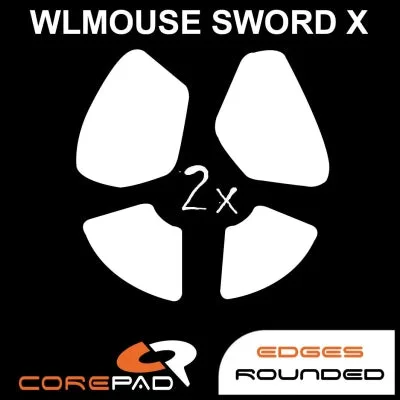
The mouse is only part of the glide equation. Skates and mousepad change how the same mouse feels, and they are far cheaper to swap than a whole mouse. Corepad Skatez - WLmouse SWORD X 8K Wireless comes as one pack containing two sets of 100% pure PTFE skates with high-quality 3M adhesive and a 0.85mm thickness, so you get a spare set and a known material for consistent glide.
On the pad side, the JX2 [White Flames] eSports Cloth Mousepad is an esports-style cloth pad offered in a Standard variant under SKU MSTRPC-JX2-WF, and the MASTERPIECE V2 Cloth Mousepad from GHOSTGLIDES is a Standard cloth pad listed under SKU GG-MPV2-CM. Neither listing states a specific surface speed rating, so treat them as cloth pads and judge speed by feel rather than a spec sheet.
- Replace skates before replacing the mouse if glide feels scratchy or inconsistent.
- Keep one spare set of skates so a worn set never forces a mouse upgrade.
Where the money actually goes
Wireless mice carry a premium for the wireless link and battery, not for aim. If your budget is tight, a wired mouse plus a bungee and fresh skates can outperform a cheap wireless mouse with a shape you do not like. Spend on shape and build quality first, then wireless convenience.
If you do go wireless, buy the shape that matches your grip and accept the battery routine that comes with it. Everything else, including skates and pads, can be tuned later for a few dollars.
- Set a budget for the mouse, then reserve a small amount for skates or a pad swap.
- Avoid paying extra for specs you cannot feel in your game.
Decision rules for buying a wireless gaming mouse
- If you claw or palm grip: Choose a fuller symmetrical shape with palm support, like the STA-X Medium Gaming Mouse [Pro Series], which was engineered around claw and palm grip styles. Shape fit first; ignore sensor marketing.
- If you fingertip grip: Look for a shorter, lower-profile mouse you can steer with fingertips, and size down rather than up. A mouse that is too long will force a grip you do not use.
- If cable drag is your only problem: Buy the Micro Bungee ES instead of a new mouse; it attaches anywhere and removes cable drag so you get smooth gliding in a bigger space. Solve the actual problem before upgrading.
- If glide feels worn or scratchy: Replace skates first. Corepad Skatez - WLmouse SWORD X 8K Wireless gives you two sets of 100% pure PTFE skates with 3M adhesive at 0.85mm thickness. Skates are the cheapest performance refresh.
- If you want a themed setup: The Pulsar X2V2 Tanjiro Gaming Mouse is part of the Pulsar x Demon Slayer collaboration and is a legitimate option if the shape suits you. Theme is fine as long as the shape still fits your grip.
Products worth comparing
- STA-X Medium Gaming Mouse [Pro Series]: Specially engineered to match stax's claw and palm grip style, with a refined symmetrical shape for enhanced stability and comfort in high-pressure competition. If you claw or palm and want a shape designed around that grip, this is the most direct fit in the catalog.
- Pulsar X2V2 Tanjiro Gaming Mouse: Part of the Pulsar Gaming Gears x Demon Slayer collaboration, with exclusive gear inspired by the anime's world. A themed option for players who want a Demon Slayer setup and are choosing a wireless mouse at the same time.
- Corepad Skatez - WLmouse SWORD X 8K Wireless: One pack contains two sets of 100% pure PTFE skates with high-quality 3M adhesive and a 0.85mm thickness. A cheap way to refresh glide on a compatible mouse and keep a spare set instead of buying a new mouse.
- Micro Bungee ES: A small bungee that attaches anywhere, creates more space, keeps the desk clean, and frees movement from tangled cables. If cable drag is your only complaint, this solves it for far less than a new wireless mouse.
Who should buy which
Best for
- Claw and palm players who want a proven symmetrical shape with stability under pressure
- Players who want a Demon Slayer themed wireless mouse and will accept the shape as-is
- Anyone whose only complaint is cable drag and who wants a cheap fix before upgrading
Not for
- Fingertip players who need a shorter, flatter mouse than a full-size symmetrical shape
- Players who refuse to manage a battery charging routine
- Buyers who expect a new mouse to fix aim problems caused by pad or skates
Choose the shape that matches your grip, set a realistic budget, and treat wireless, sensor, and battery as secondary. If a cheap bungee or a fresh set of skates solves your current problem, do that first and put the savings toward a mouse you will actually keep.
![STA-X Medium Gaming Mouse [Pro Series]](https://xilands.com/api/media/sync/e9/e9d4a75c4ca8e232a5e2adc8dbc03005eb53b75030ed8bc51ddc8ad4e16061c1.webp)
![JX2 [White Flames] eSports Cloth Mousepad](https://xilands.com/api/media/sync/c1/c1d004141cc0e1cc2c4b1fdbfe729069638ee9a636bb28306015c001e18f3ee7.webp)