Quick answer
To choose the right laptop sleeve for your daily commute, measure your device first, then prioritize a snug fit, adequate padding, and a style that matches how you carry it.
Why a dedicated sleeve beats a bare laptop in your bag
A laptop sleeve adds a protective layer that keeps your device safe from scratches, bumps, and minor drops while you move between home, office, and transit. Unlike a backpack or tote with a padded compartment, a sleeve gives you the flexibility to carry your laptop separately or slip it into any bag you already own.
The trade-off is that a sleeve adds bulk and weight. A heavily padded sleeve offers more protection but takes up more space in your bag and can feel cumbersome. A slim sleeve is lighter and easier to slide into a bag, but it offers less impact resistance. Decide which trade-off matters more for your commute before you buy.
5 steps to pick your commuter laptop sleeve
- Measure your laptop's dimensions: Use a ruler or tape measure to get the length, width, and thickness of your laptop in inches or centimeters. Do not rely on the screen size alone, as the overall dimensions vary by model. Write down the exact measurements and keep them handy when comparing sleeves.
- Check the sleeve's internal dimensions: Look at the product listing for the internal dimensions of the sleeve. Your laptop should fit snugly with a little room for the zipper or closure, but not so much that it slides around. A sleeve that is too loose offers less protection and can let your laptop shift during transit.
- Assess the padding level: Consider how much padding you need based on your commute. If you carry your laptop in a crowded bag or on public transport, look for thicker padding. For a short walk to the office, a lighter sleeve may be enough. More padding means more bulk, so balance protection with portability.
- Choose a closure that fits your routine: Pick between a zipper, flap, or magnetic closure based on how quickly you need to access your laptop. A zipper is secure but takes a second to open, while a flap can be quicker but may not seal out dust as well. Think about how often you take your laptop out during the day and choose accordingly.
- Match the sleeve to your bag or carry style: Decide whether you'll carry the sleeve on its own or inside another bag. A universal sleeve with a slim profile works well for slipping into a backpack or tote, while a standalone sleeve needs a handle or strap for easy carrying. If you plan to use it inside a bag, make sure the sleeve's dimensions fit your bag's main compartment.
Product spotlight
-
Midnight Universal Sleeve: Designed to fit a wide range of laptops and tablets, the Universal Laptop Sleeve combines versatile compatibility with light protection. If you switch between devices or own a less common laptop size, this sleeve can adapt without needing a custom fit.
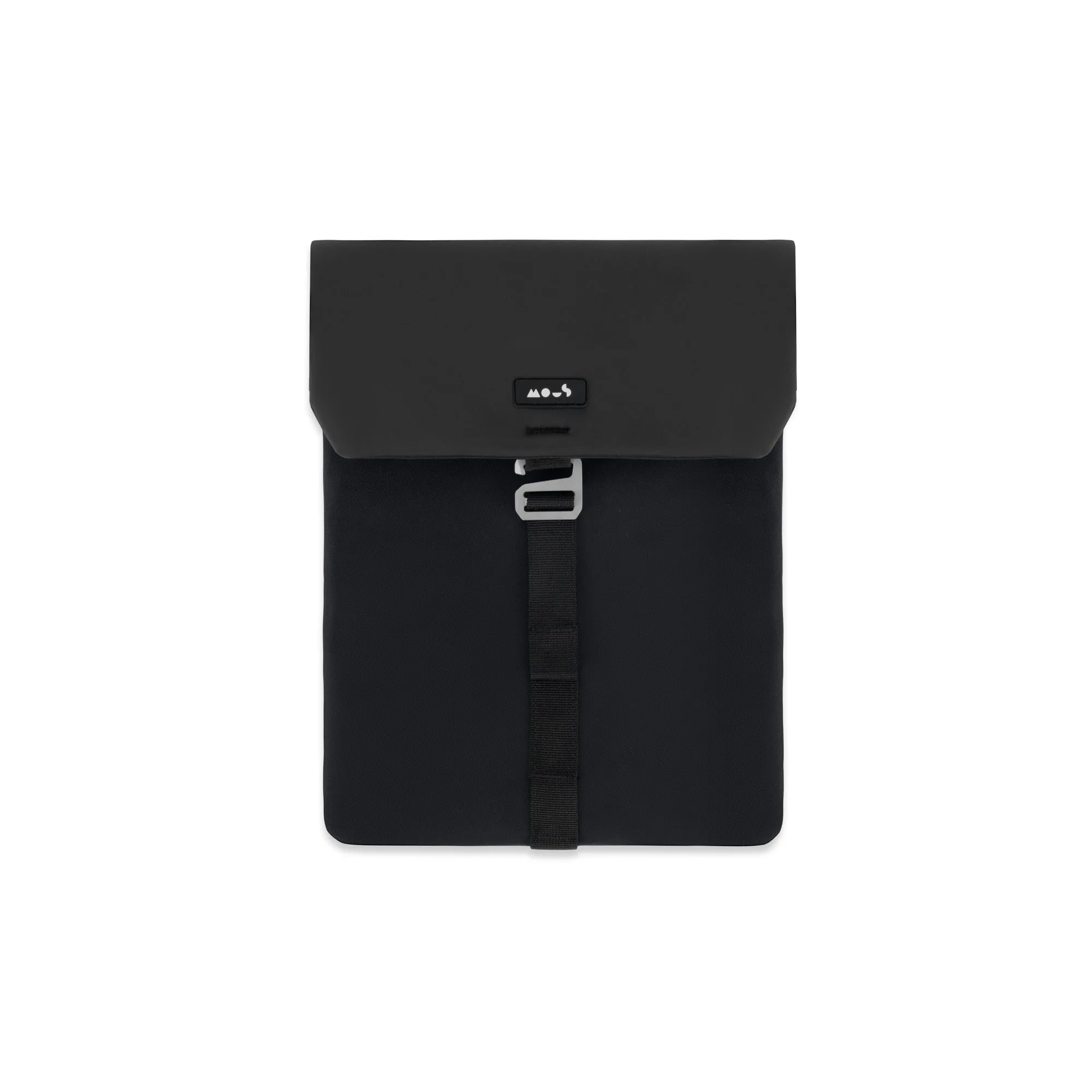
Midnight Universal Sleeve
