Quick answer
Measure your laptop's width, depth, and height, then compare those numbers to the sleeve's internal dimensions—not the advertised screen size. For commuters who carry a charger and mouse, a padded sleeve with a separate tech pouch keeps the laptop protected and the accessories organized. For travelers, a sleeve that fits inside a backpack is lighter than a hard case.
Measure your laptop, not the screen
Screen size is a marketing label, not a fit specification. A 14-inch laptop from one brand can be wider or deeper than a 14-inch model from another. Use a tape measure or a ruler to record the width, depth, and height (thickness) of the closed laptop. Write those numbers down. Then look for a sleeve listing that publishes internal dimensions. If internal dimensions are missing, treat that as a decision limitation—you cannot confirm the fit without them.
- Width: measure across the front edge, hinge to hinge.
- Depth: measure from the front edge to the back edge.
- Height: measure the thickest part when closed, including any feet or camera bump.
Match internal dimensions with a little breathing room
A sleeve should be slightly larger than your laptop—about 0.5 to 1 inch (1.3 to 2.5 cm) of total slack—so you can slide the device in and out without forcing it. Too tight and you risk scratching the finish or stressing the zipper. Too loose and the laptop shifts inside, which reduces drop protection. If you use a shell case on your laptop, measure with the case on. The same applies if you store a stylus or dongle in the same compartment.
- Add 0.25 inch (0.6 cm) to width and depth for a snug fit.
- Add 0.5 inch (1.3 cm) to width and depth for easy access.
- If the sleeve has a front pocket, check whether a charger will bulge into the laptop compartment.
Sleeve vs case: pick based on how you carry
A sleeve is a soft or semi-rigid pouch that protects against scratches, dust, and light bumps. It usually goes inside another bag. A hard case or rugged case stays on the laptop during use and protects against drops, but it adds bulk and weight. For daily commuting where the laptop travels in a backpack, a padded sleeve plus a separate tech pouch for cables and chargers is often the most practical setup. For travel where the laptop is handled roughly or packed tightly, a sleeve with reinforced corners or a hard-shell case offers more impact protection.
- Choose a sleeve if you already carry a backpack or messenger bag.
- Choose a case if you frequently use the laptop on uneven surfaces or in crowded spaces.
- Choose both if you want drop protection during use and scratch protection in transit.
Check the closure and access
Zippers can scratch a laptop if they are not covered or reversed. Look for a sleeve with a padded zipper guard or a flap closure. A top-loading sleeve is faster to use; a side-loading sleeve can be easier to pack in a tight bag. If you charge your laptop inside the sleeve, confirm there is a cable opening or enough room for the plug without bending the connector.
- Prefer zippers with fabric backing or a protective lip.
- Top-loading sleeves work well in backpacks with a dedicated laptop compartment.
- Side-loading sleeves can be awkward if the bag is already full.
Protection materials that matter
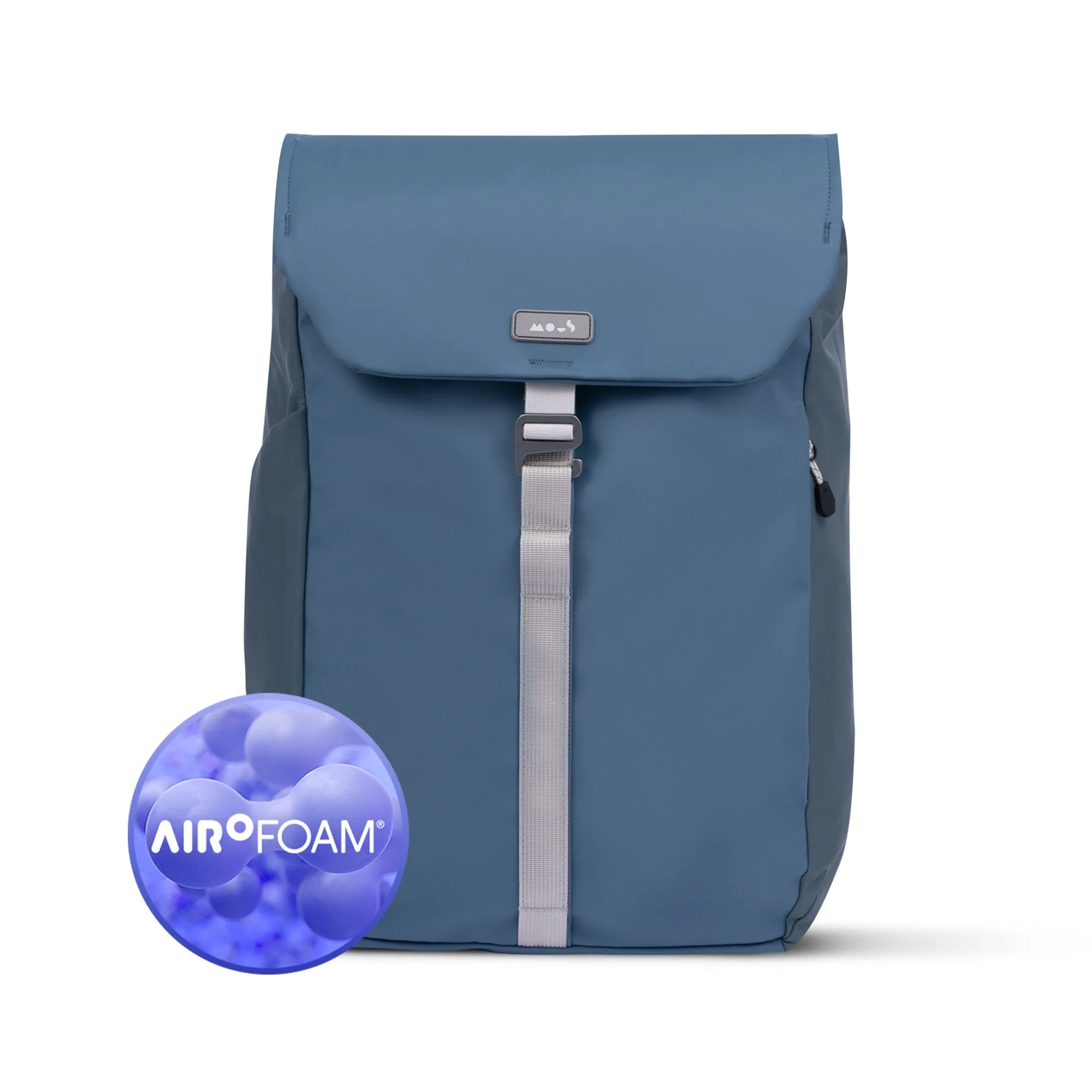
Closed-cell foam, EVA foam, and impact-absorbing materials like AiroFoam® are common in padded sleeves. Thicker foam adds protection but also bulk. For commuting, 5–10 mm of foam is usually enough. For travel, look for 10–15 mm or reinforced corners. If the sleeve is too thick, it may not fit in your bag's laptop compartment. Measure the compartment opening as well.
- 5–10 mm foam: light protection for office commutes.
- 10–15 mm foam: better for travel and daily wear.
- Reinforced corners: helpful if you drop your bag regularly.
Decision rules for laptop sleeve fit
- If your laptop has a shell case: Measure the laptop with the case on, then add 0.25 inch (0.6 cm) to width and depth for a snug fit. A sleeve that fits without the case may be too tight with it.
- If you carry a charger and mouse daily: Choose a sleeve with a separate front pocket or pair it with a tech pouch. Do not stuff accessories into the laptop compartment. Bulging pockets can press on the screen and reduce protection.
- If you travel by air: Pick a sleeve that fits inside your carry-on's laptop compartment. Check the compartment's internal width and depth, not just the sleeve's. A sleeve that fits your laptop may still not fit your bag.
- If you drop your bag often: Look for reinforced corners and at least 10 mm of foam. A hard-shell case offers more drop protection but adds bulk. No sleeve is drop-proof; pair it with careful handling.
Products that solve common fit and carry problems
- Marine Flap Backpack with AiroFoam® - Day: Marine Flap Backpack with AiroFoam® - Day blends minimalist style with exceptional functionality, featuring AiroFoam® impact materials for tech protection and a full-access zip for effortless convenience. A commuter backpack with impact materials can hold a laptop sleeve and protect your tech without a separate hard case.
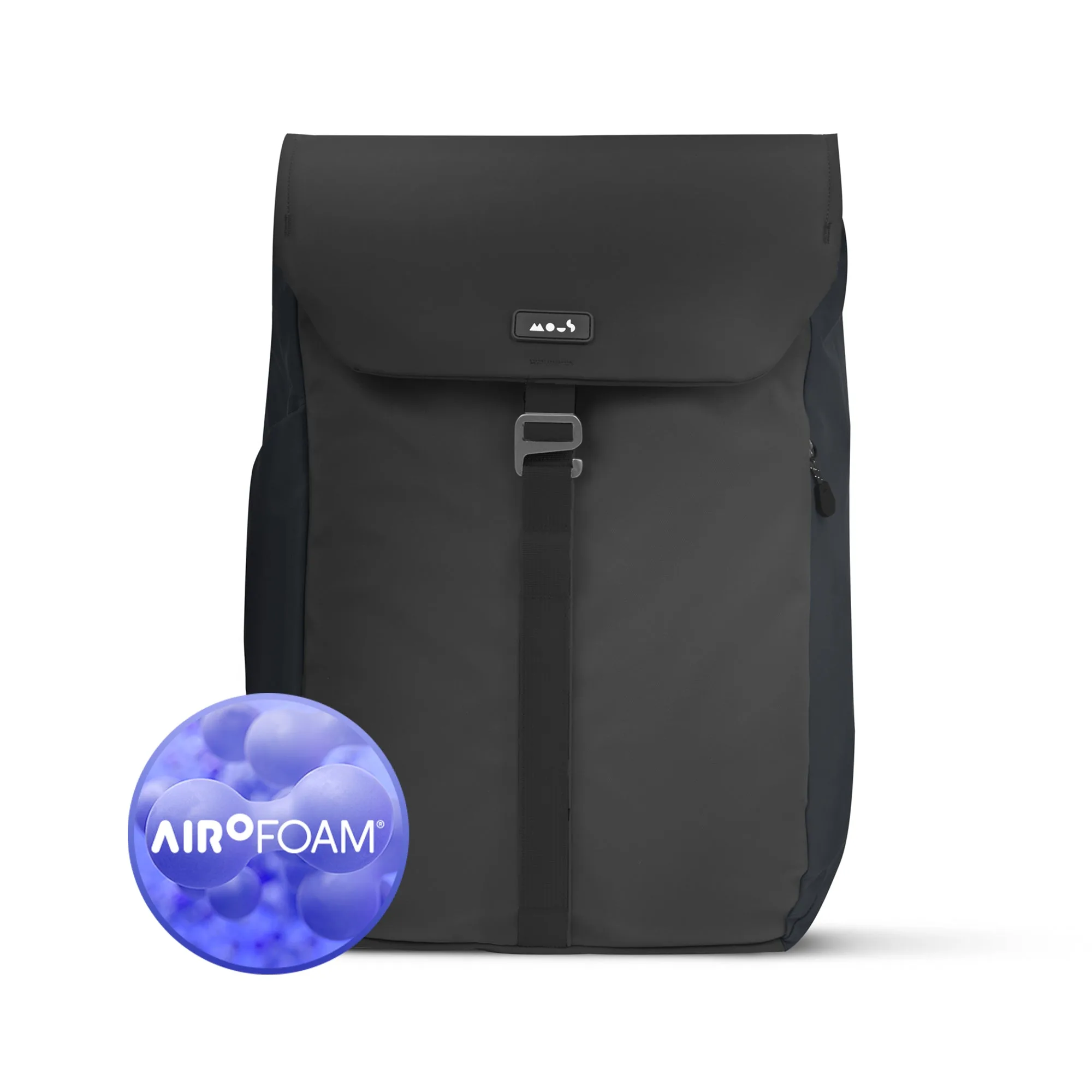
Flap Backpack with AiroFoam® - Day
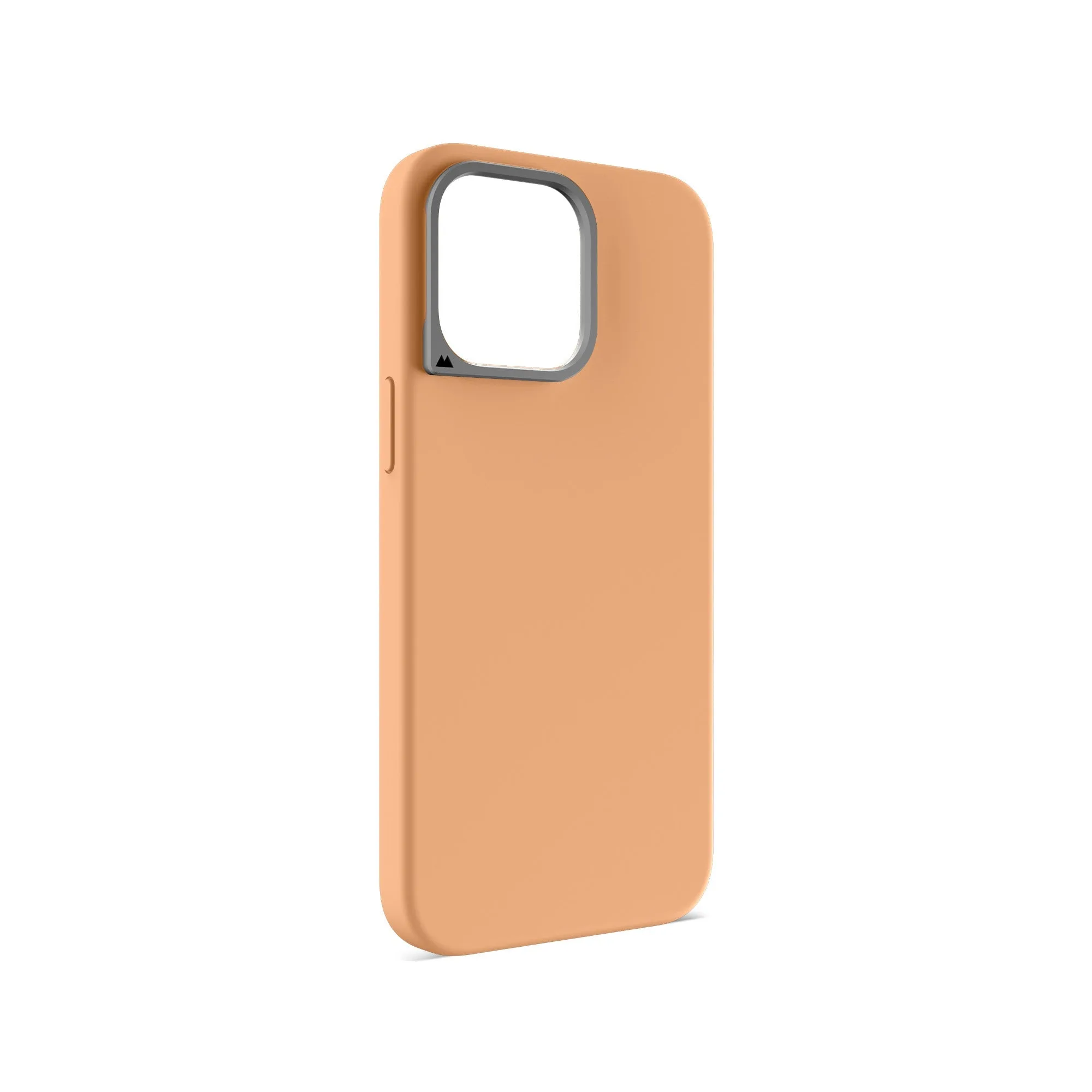
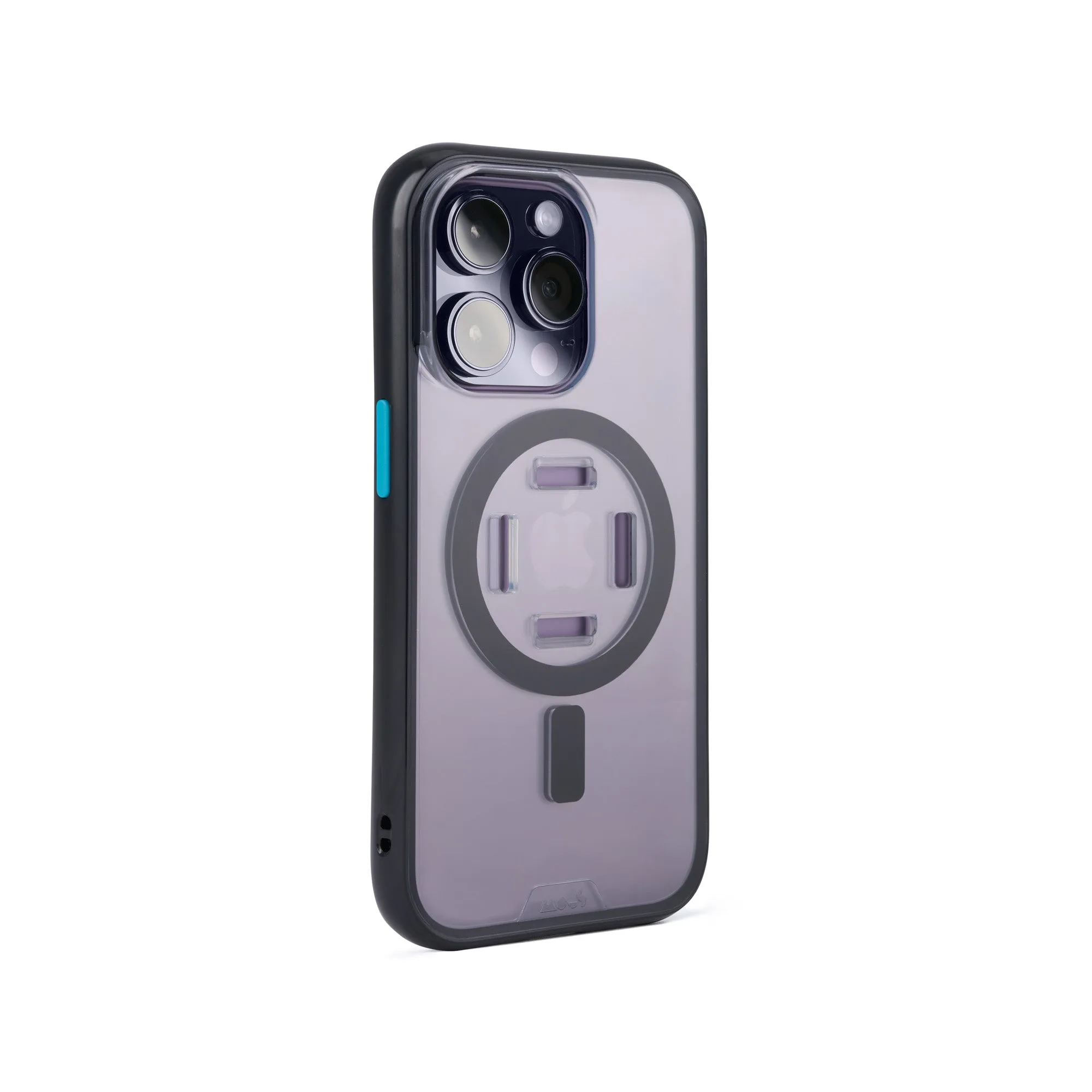
- Stone Protective Phone Case - Limitless: Stone Protective Phone Case - Limitless has impact-absorbing AiroShock®, MagSafe®/Qi2 compatibility, and a Camera Control Button with triple-shot surround for stiffness, alignment and lasting durability. A protective phone case keeps your phone safe in the same bag as your laptop, so you do not need a separate pouch for it.
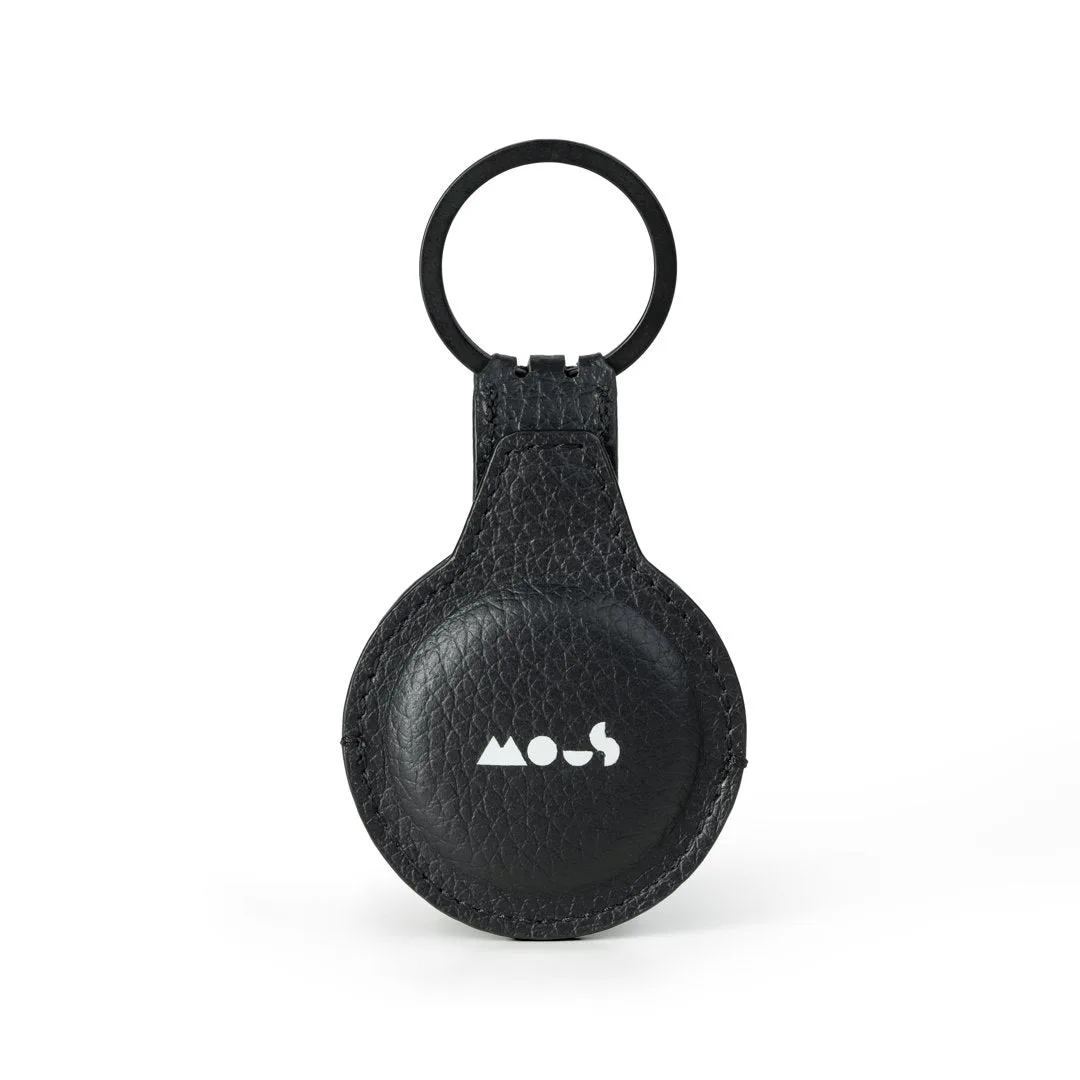
- Tech Pouch - Extreme: Tech Pouch - Extreme can be used as a pouch, bum bag or sling, and is designed to keep all your essentials organised and together. A separate tech pouch keeps chargers, cables, and dongles out of the laptop sleeve, so the sleeve stays slim and the laptop fit stays true.
Who should buy which
Best for
- Commuters who carry a laptop in a backpack and want scratch and light bump protection.
- Travelers who need a slim sleeve that fits inside a carry-on or daypack.
- Students who want to organize a charger and cables separately from the laptop.
Not for
- People who need drop protection while using the laptop—choose a rugged case instead.
- Anyone who cannot measure their laptop and the sleeve's internal dimensions before buying.