Quick answer
For most security cameras, choose a micro SD card with at least 64 GB capacity, a Class 10 or UHS-I speed rating, and high endurance for continuous recording.
Capacity: How much storage do you need?
The amount of footage you can store depends on the camera's resolution, frame rate, and compression. A 64 GB card is a good starting point for most home security setups, offering several days of recording before overwriting. If you need longer retention, consider a higher-capacity card, but check your camera's maximum supported capacity first.
Keep in mind that higher resolutions like 4K produce larger files. A 64 GB card may hold only a day or two of continuous 4K footage, while a 1080p camera could store several days. For motion-triggered recording, the same card lasts much longer because the camera only saves when activity is detected.
Speed class: Why it matters for video
The speed class on a micro SD card indicates the minimum sustained write speed. For security cameras, a Class 10 or UHS-I rating is recommended because it can handle the continuous data stream from high-resolution video. Slower cards may drop frames or cause recording interruptions.
If you plan to use a 4K camera, look for a card with a UHS Speed Class 3 (U3) rating, which guarantees a minimum write speed of 30 MB/s. This ensures smooth recording without buffering issues.
Endurance: Built for continuous recording
Security cameras often record 24/7, which puts heavy wear on a micro SD card. Standard cards are not designed for constant writing and may fail prematurely. High-endurance cards are engineered to withstand continuous use, making them a safer choice for long-term surveillance.
If you only record on motion events, a standard card may suffice, but for always-on recording, investing in an endurance-rated card is worth the extra cost.
Decision rules for choosing a micro SD card
- Check camera compatibility: Review your camera's specifications to confirm the maximum supported micro SD capacity and required speed class. Some cameras may not support cards above 64 GB or may require a specific format (e.g., FAT32). If your camera supports higher capacities, you can extend recording time without sacrificing quality.
- Match capacity to recording needs: Estimate your daily storage usage based on resolution and recording mode. For continuous 4K recording, choose at least 64 GB; for 1080p motion-triggered, 32 GB may suffice. When in doubt, choose a larger capacity to avoid frequent overwrites.
- Prioritize speed class for high-res video: For 4K cameras, select a card with UHS Speed Class 3 (U3) or higher. For 1080p, Class 10 is usually adequate. A faster card prevents recording drops and ensures smooth playback.
- Consider endurance for 24/7 recording: If your camera records continuously, choose a high-endurance card designed for constant writes. For motion-only recording, a standard card may be sufficient. High-endurance cards cost more but can last significantly longer in continuous use.
Product spotlight
-
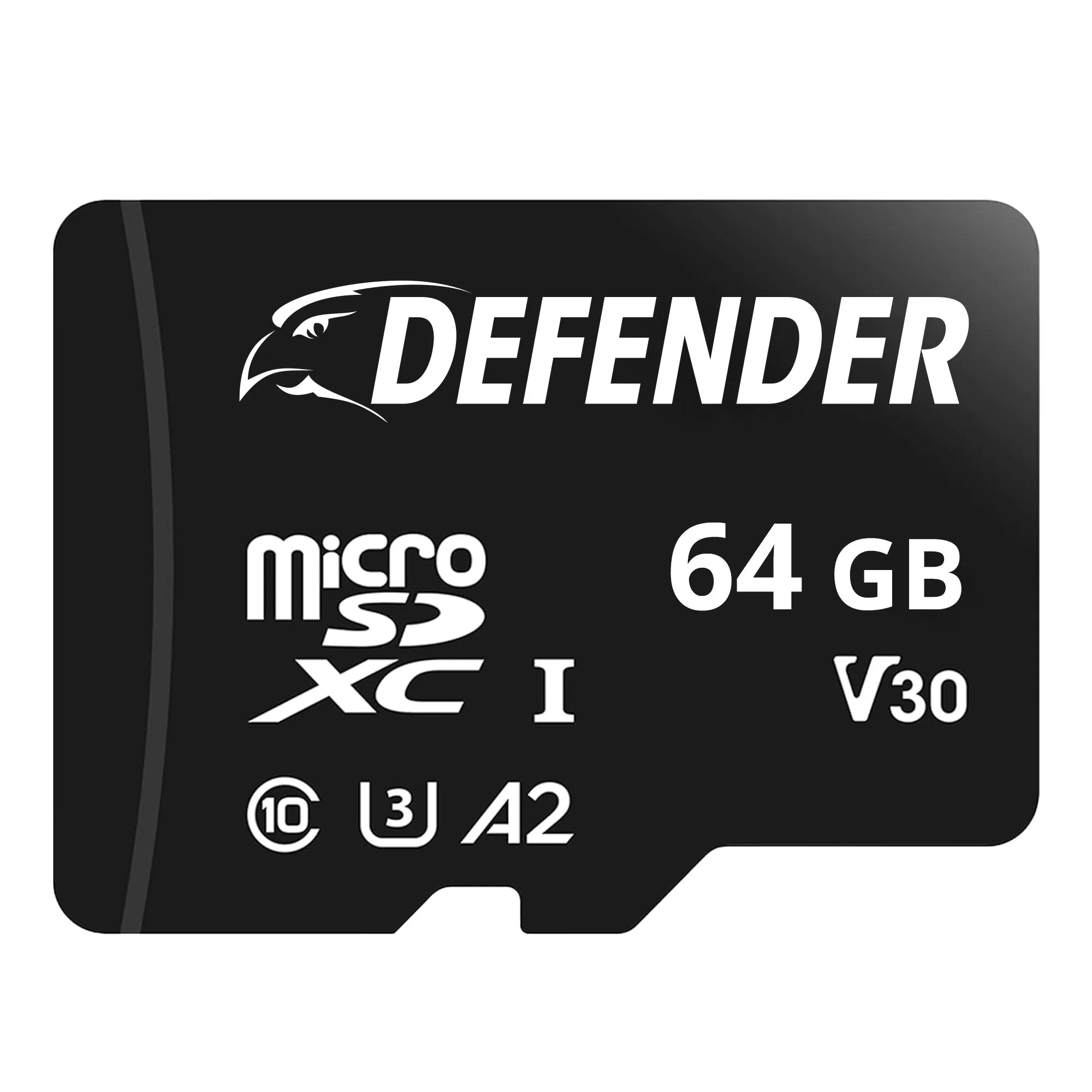
64 GB Micro SD Card: The 64 GB Micro SD Card from Defender provides reliable storage for your security camera footage, with 64 GB capacity for extended recording. This card offers a solid balance of capacity and reliability for most home security setups, allowing several days of motion-triggered or continuous recording before overwriting.
64 GB Micro SD Card
Who should choose what
Best for
- Homeowners with a 1080p security camera who want reliable local storage without frequent overwrites
- Users who record mostly motion-triggered events and want a cost-effective storage solution
Not for
- Users with 4K cameras recording continuously who need maximum endurance and capacity
- Those who require very long retention periods (weeks) without manual management