Quick answer
To choose a padded laptop sleeve for travel, match the sleeve size to your laptop's exact dimensions, prioritize thick padding and durable fabric, and pick a closure that stays secure in a bag.
Why a padded sleeve works for travel
A padded laptop sleeve is lighter and more compact than a full laptop backpack, making it easy to slip into a carry-on or daypack. It adds a dedicated layer of shock and scratch protection without adding bulk. The trade-off is that a sleeve alone offers no space for cables, documents, or other gear, so it works best when you already have a main bag.
Sleeve vs backpack for travel
If you carry only a laptop and a few small items, a padded sleeve inside a personal item bag is often enough. For longer trips or when you need to carry a change of clothes, a laptop backpack with a built-in compartment may be more practical. A sleeve gives you flexibility to use any bag you already own, while a backpack is a self-contained solution.
How to choose a padded laptop sleeve for travel
- Measure your laptop first: Check the exact length, width, and thickness of your laptop. Sleeve sizes are nominal; a 16-inch sleeve may not fit a 15.6-inch laptop if the chassis is unusually thick or wide. Compare your measurements against the sleeve's internal dimensions. A common mistake is assuming the screen size matches the sleeve size. Always measure.
- Check padding thickness and edge protection: Look for at least 5-8 mm of padding on all sides, and a reinforced or baffled interior edge. This extra cushioning around the perimeter protects corners and edges from drops. Without edge reinforcement, a sleeve offers mostly scratch protection. Thin sleeves are fine for daily commutes but not for checked luggage or crowded overhead bins.
- Choose a durable, weather-resistant material: Ballistic nylon or polyester resists punctures and abrasions better than standard nylon or neoprene. If you travel in rain, look for a water-resistant coating or carry the sleeve inside a dry compartment. Fabric durability directly affects how long the sleeve lasts on the road. Neoprene sleeves are soft but offer little abrasion resistance against rough surfaces.
- Pick a closure that stays shut in transit: Zippered closures are the most secure for travel; they won't pop open when the sleeve is jostled. Velcro or magnetic flaps are quieter and faster to open but can come undone if the sleeve is squeezed inside a full bag. Test the closure tension before relying on it. A zipper that snags on fabric is a travel frustration. Check that it glides smoothly.
- Consider how you'll carry it: If you plan to slide the sleeve into another bag, choose a slim profile without extra handles or straps. If you want to carry the sleeve alone, look for a padded handle or removable shoulder strap. Some sleeves also have a front pocket for a charger or phone, which adds convenience but also bulk. Extra features are useful only if they match your travel style. A bare sleeve is often the most versatile.
Padded laptop sleeves we recommend
-
SWISSGEAR Ballistic 16" Padded Laptop Sleeve: Made with double-knit stretch nylon and generous padding with a wrap-around, baffled interior edge. The reinforced edge helps absorb shock from accidental drops, which is especially useful when your sleeve shifts inside a packed travel bag.
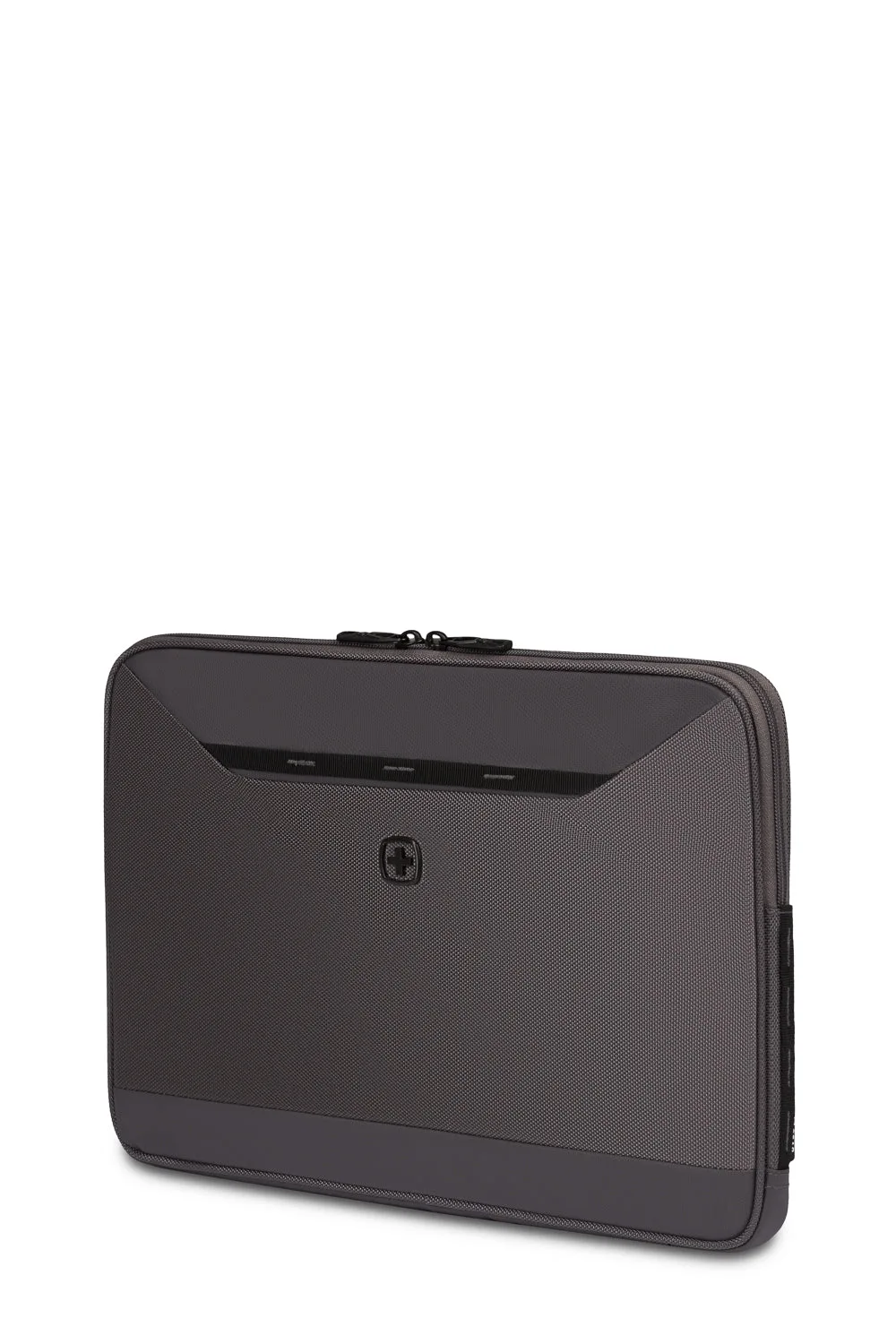
SWISSGEAR Ballistic 16" Padded Laptop Sleeve
-
SWISSGEAR Ballistic 13" Padded Laptop Sleeve: Ballistic fabric exterior resists punctures and abrasions, with an ultra-soft fleece interior. The tough outer fabric stands up to rough handling during travel, while the fleece lining prevents scratches when sliding the laptop in and out.
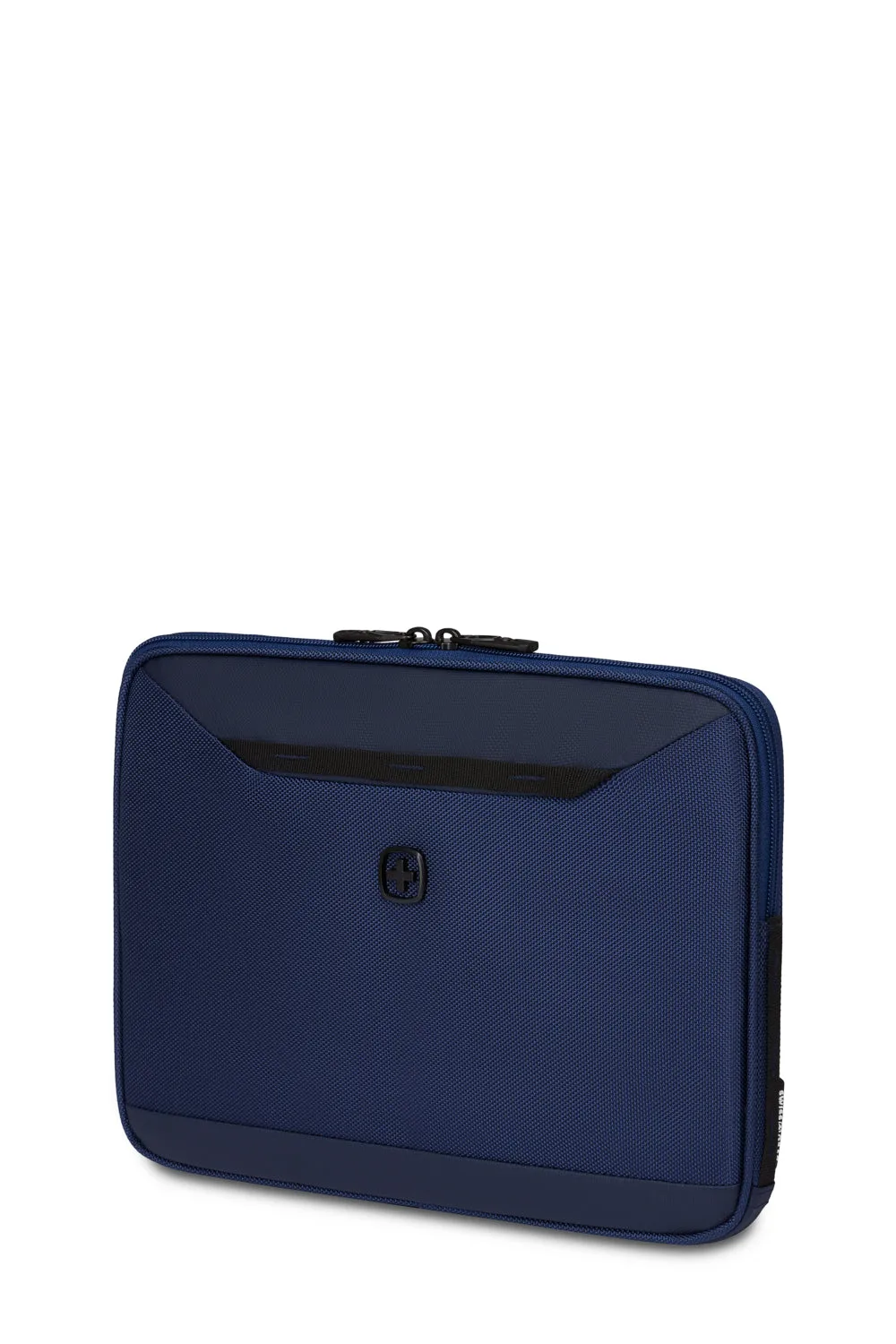
SWISSGEAR Ballistic 13" Padded Laptop Sleeve