Quick answer
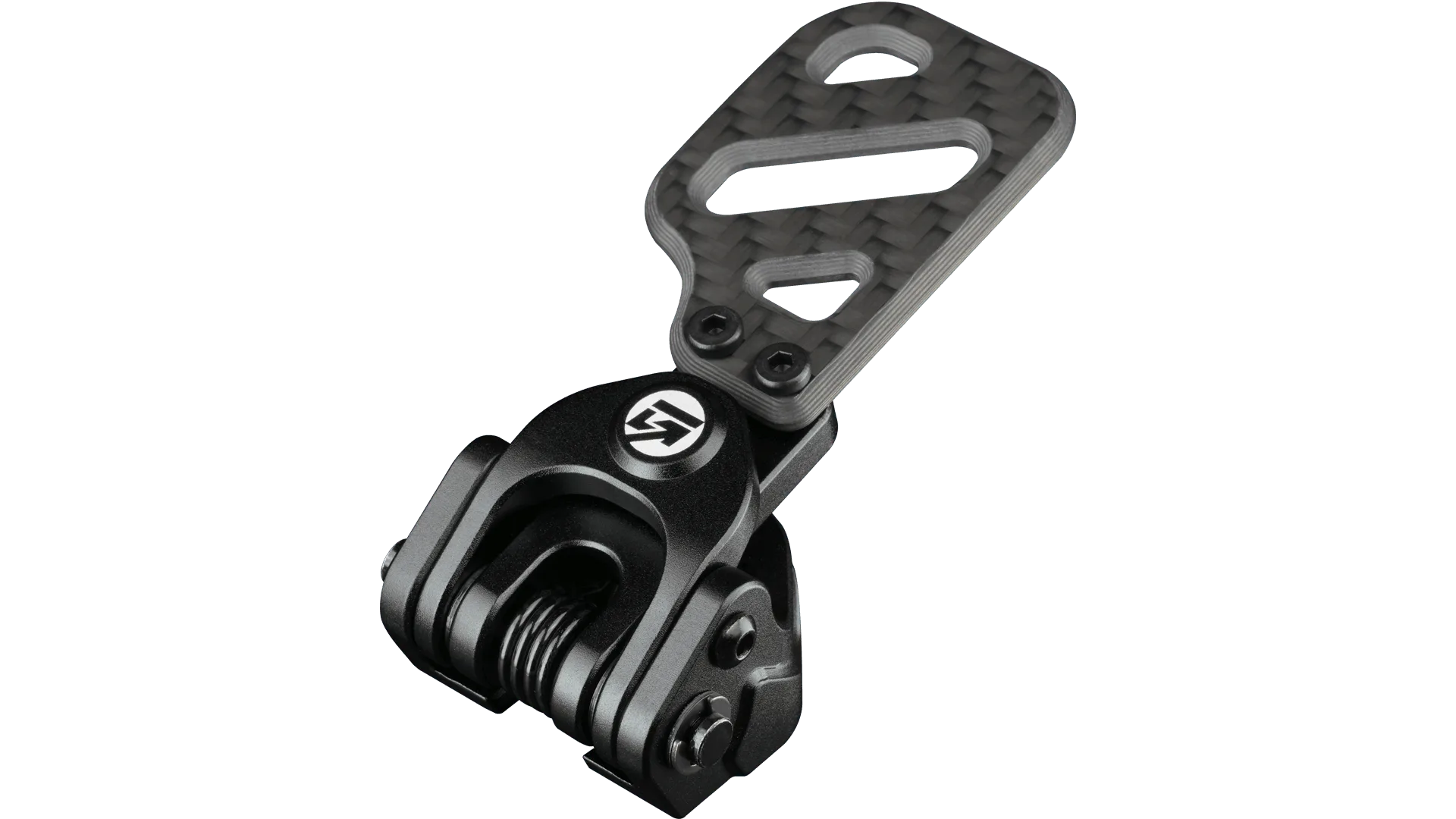
Choose a multi switch knob when you need many distinct, repeatable inputs without looking away from the screen, and choose a rotary knob when you want smooth, continuous adjustment such as brake bias or traction control. If you drive formula-style cars and adjust settings mid-corner, the MSK2 is usually the better fit. If you mostly need incremental changes in one direction, the RKR is simpler and often enough.
A sim racing knob is one of the smallest parts of your rig, but it changes how often you take your hands off the wheel. The right control lets you change brake bias, engine maps, or pit settings by feel. The wrong one leaves you hunting for a dial while you should be braking.
This guide explains the practical differences between rotary and multi switch knobs, how to match them to your wheel and base, and when a bundle makes more sense than buying parts separately. It focuses on what you can actually feel and reach during a stint.
Rotary knob vs multi switch: what each one does well
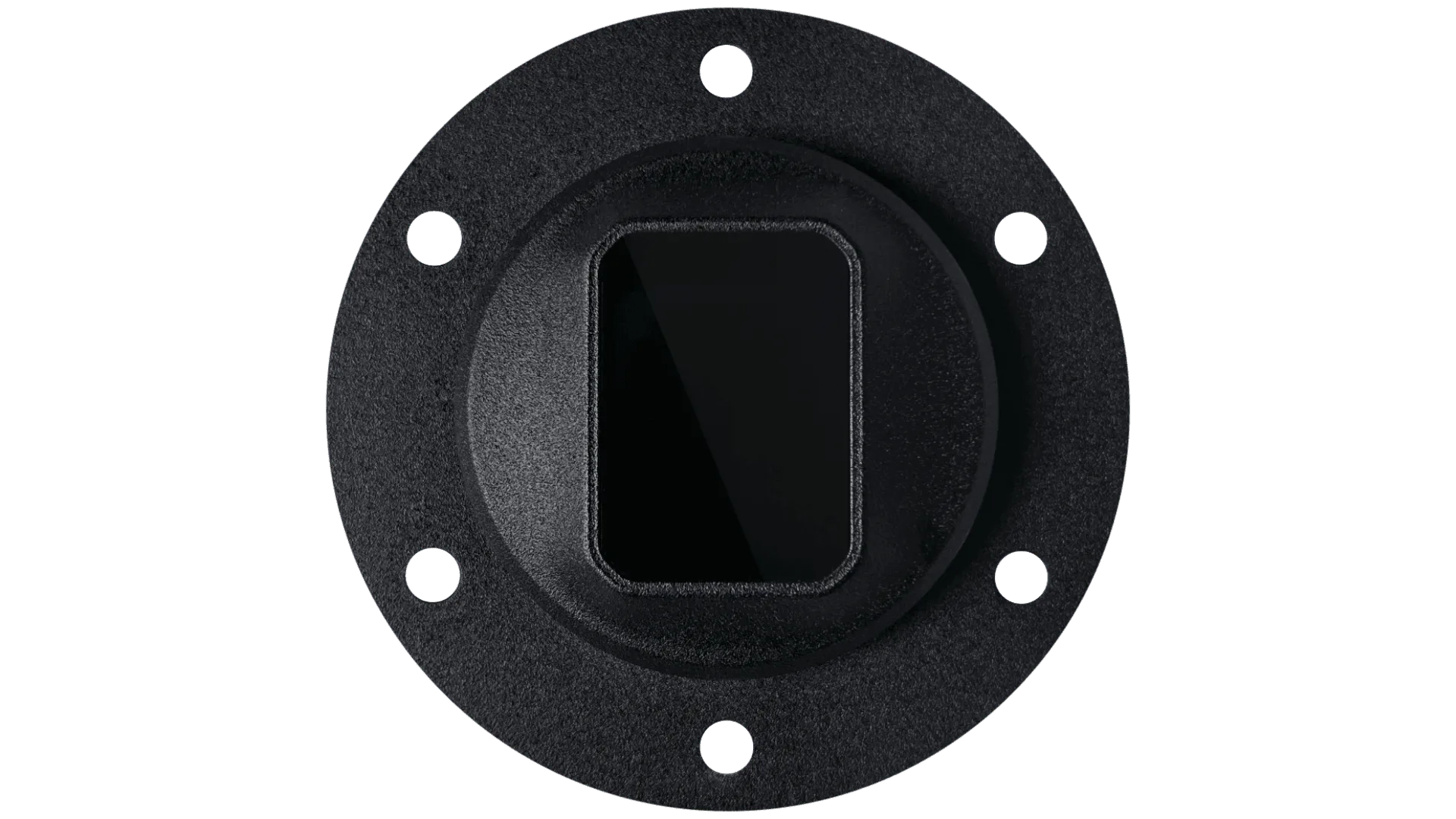
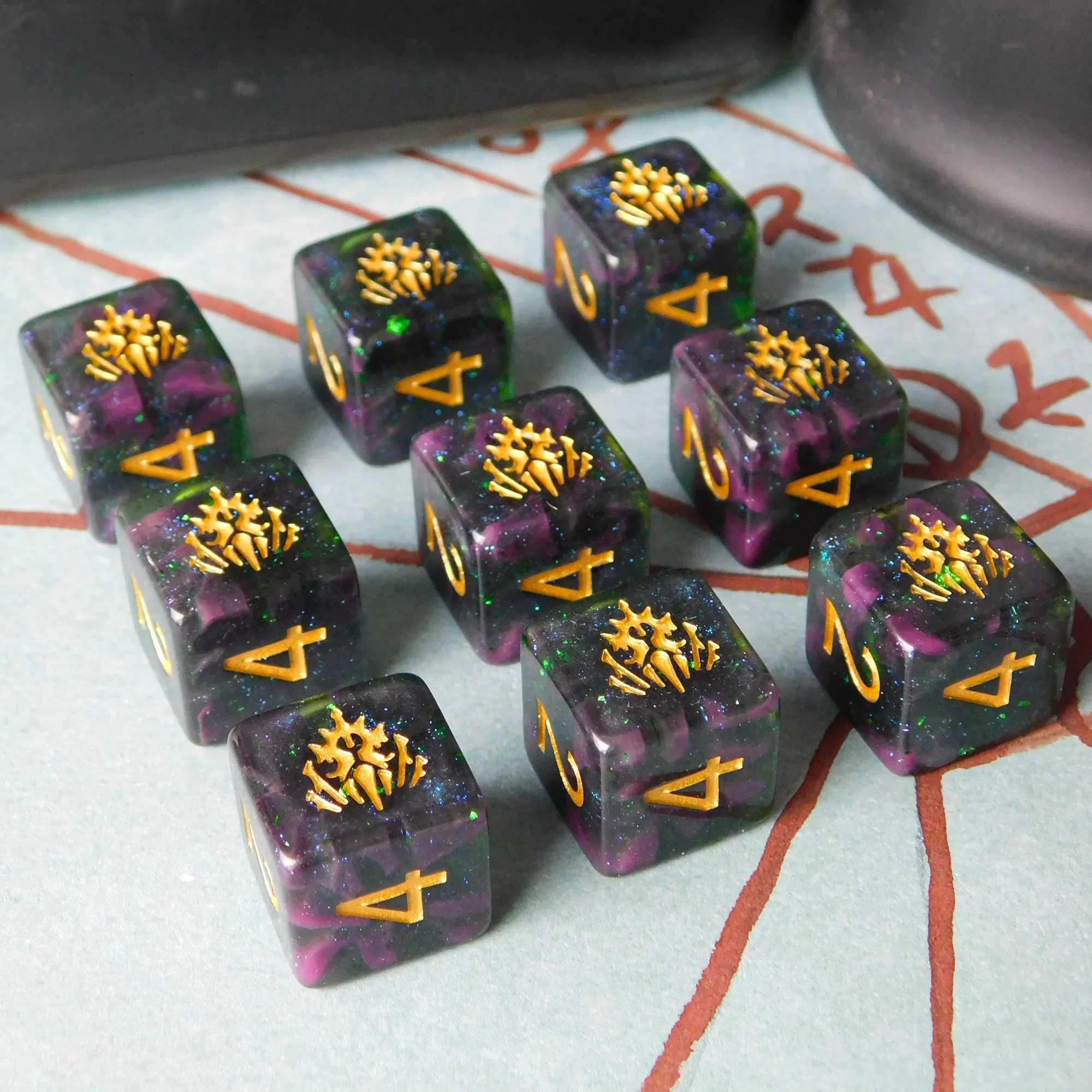
A rotary knob turns continuously or in detents and is best for values that move along a range, such as brake bias, traction control, or fuel mixture. You can make small corrections without cycling through a menu. A multi switch knob gives you several distinct positions or functions in one compact housing, so each press or turn maps to a specific action you can learn by muscle memory.
The trade-off is precision versus variety. Rotary knobs are excellent when you adjust one value often and need fine control. Multi switch knobs are better when you need many separate commands, like pit limiter, radio, and display pages, from a single location on the wheel.
- Pick rotary if you adjust one or two values repeatedly during a lap.
- Pick multi switch if you need several separate commands within thumb reach.
MSK2 vs RKR: how to decide
The MSK2 Multi Switch Knob is designed for drivers who want multiple functions from one control. It suits formula and prototype driving where your hands stay on the wheel and you need quick access to several inputs. The RKR rotary knob is the more focused option: it does one job, continuous adjustment, and does it without extra complexity.
If your race involves frequent small changes to a single setting, the RKR keeps that action simple. If your race involves switching between several settings or pages, the MSK2 reduces the number of separate controls you need. Neither is universally better; the deciding factor is how many distinct actions you perform per lap.
- Count how many separate wheel-mounted actions you use in a typical lap before choosing.
- If that number is three or more, a multi switch knob usually earns its space.
Match the knob to your wheel and base
Knobs do not exist in isolation. They mount to a specific wheel or module, and the wheel must connect to your base. GSI wheels such as the Hyper P1 and Hyper SL are built around premium materials and precision construction, and they pair with Simucube 2 Pro bundles that include the base and wheel together. That matters because buying a bundle avoids guessing whether a wheel, quick release, and base will work as a set.
If you already own a direct drive base, check the wheel side of the connection first. If you are starting fresh, a bundle removes most compatibility questions. The Interlock Base Module + Rim / Prime is the most straightforward way to start with Interlock, and it accepts paddle shifters, clutches, or the LED Matrix as your setup grows.
- Confirm the wheel-to-base connection before buying any control that mounts to the wheel.
- Buying a bundle is usually cheaper and safer than matching parts individually.
Budget and upgrade path
Controls are rarely the most expensive part of a rig, but they are easy to overbuy. A driver who only adjusts brake bias once per stint does not need a multi switch array. A driver who manages fuel maps, differential, and pit commands every few laps will feel the benefit immediately.
The smarter approach is to buy for the next year of driving, not the next five. Start with the control you will use every session, then add modules as your racecraft grows. The X-29 is GSI's entry-level sim racing wheel and offers strong price to performance for drivers who want to add controls without rebuilding the whole rig.
- Buy the control you will touch every lap first.
- Add secondary controls only when you notice yourself reaching for the keyboard.
Decision rules for buying a sim racing knob
- You adjust one value constantly: Choose a rotary knob such as the RKR so small corrections stay simple and repeatable. Rotary wins when precision on a single setting matters more than variety.
- You need several commands within thumb reach: Choose a multi switch knob such as the MSK2 so pit limiter, radio, and display changes do not require separate buttons. Multi switch wins when your lap includes multiple distinct actions.
- You are unsure what you will need in a year: Start with a modular platform like the Interlock Base Module + Rim, which accepts paddle shifters, clutches, or the LED Matrix as your needs change. Modularity costs a little more upfront and saves a full replacement later.
- You are buying your first direct drive setup: A bundle such as the Hyper P1 + Simucube 2 Pro or Hyper SL + Simucube 2 Pro removes compatibility guesswork between wheel and base. Bundles are the lower-risk path when you have no existing hardware to match.
Product facts that affect your choice
- Hyper P1 + Simucube 2 Pro Bundle: The Hyper P1 is described by GSI as a culmination of community requests, with a motorsport-driven design language and top-tier materials and construction. If you want a wheel that already reflects years of sim racing feedback and pairs with a direct drive base, this bundle reduces the risk of mismatched parts.
- Interlock Base Module + Rim / Prime + Simucube 2 Pro Bundle: The Interlock Base Module + Rim is the most straightforward way to start with Interlock, and you can add paddle shifters, clutches, or the LED Matrix later. This is the clearest upgrade path if you expect your control needs to change. You are not locked into one configuration on day one.
- X-29: The GSI X-29 is the entry-level sim racing wheel and is positioned around exceptional price to performance. If you are testing whether you actually use wheel-mounted controls before investing in a premium wheel, the X-29 keeps the entry cost lower.
Who should buy which
Best for
- Formula and prototype drivers who keep both hands on the wheel and adjust several settings per lap
- Drivers building a modular rig who want to add paddle shifters, clutches, or an LED Matrix over time
- Buyers who want a wheel and direct drive base matched as a bundle rather than sourced separately
Not for
- Drivers who only change one setting per stint and would rarely touch a multi switch knob
- Buyers who already own a compatible wheel and base and only need a single replacement control
- Anyone shopping purely on price without considering how many controls they will actually use
The right sim racing knob is the one you can reach and operate without thinking. Count your per-lap actions, decide between continuous adjustment and multiple distinct commands, and then match the control to your wheel and base. If you are starting fresh, a bundle removes the guesswork; if you are upgrading, a modular platform lets your controls grow with you.