Quick answer
For comfortable daily typing, focus on key switch type, backlight adjustability, and whether you prefer a wireless or wired connection. The SM1 Slim Mechanical Backlit Bluetooth Keyboard offers tactile switches and customizable backlights, while the Slim W1 Wired Backlit Keyboard provides a reliable wired option with adjustable backlighting.
Wireless vs Wired: What Matters for Typing
Wireless keyboards like the SM1 give you freedom to move and a cleaner desk. Bluetooth connections work well for most setups, but you'll need to keep the battery charged or replace it over time.
Wired keyboards like the Slim W1 eliminate battery concerns and offer instant, lag-free connection. The built-in USB-C cable means no extra setup—just plug and type. If you never want to think about pairing or charging, wired is the simpler choice.
Backlighting: More Than Just Looks
A backlit keyboard helps you type accurately in low light. The SM1 features a white backlight with 14 different patterns, so you can choose a look that suits your mood or reduces eye strain.
The Slim W1 also has adjustable backlit keys. While it doesn't offer multiple patterns, its consistent brightness is enough for most typing environments. Decide whether you value pattern variety or a straightforward, no-frills backlight.
Switch Feel: Tactile vs Linear Trade-offs
The SM1 uses high-quality tactile switches that give a noticeable bump when pressed. This feedback helps you know when a key registers, which many typists prefer for accuracy and rhythm.
If you need a quieter typing experience or prefer a smoother keypress, a linear switch might suit you better. However, the SM1's tactile switches are a solid choice for most typing-heavy tasks. The Slim W1 uses a different mechanism—its membrane-style keys are quieter and softer, which can reduce finger fatigue during long sessions.
Your decision rules for a slim mechanical backlit keyboard
- Connection preference: If you want desk freedom and wireless convenience, choose the SM1 Bluetooth keyboard. If you prefer a permanent, lag-free connection, choose the Slim W1 wired keyboard.
- Switch type: If you like a tactile bump and audible click for typing accuracy, the SM1's mechanical tactile switches are a great fit. If you want quieter, softer keystrokes, the Slim W1's membrane keys reduce noise and fatigue.
- Backlight complexity: If you enjoy customizing your keyboard's look with multiple patterns, the SM1 offers 14 white backlight patterns. If you just need a simple adjustable backlight for low-light typing, the Slim W1 covers that need without extra options. Match backlight features to how much you value personalization versus simplicity.
Key product differences at a glance
-
SM1 Slim Mechanical Backlit Bluetooth Keyboard: First Satechi wireless mechanical keyboard designed for both Mac and Windows, with white backlight and 14 backlight patterns. You get tactile switch feedback and customizable lighting, ideal for typists who want a responsive, personalized typing experience.
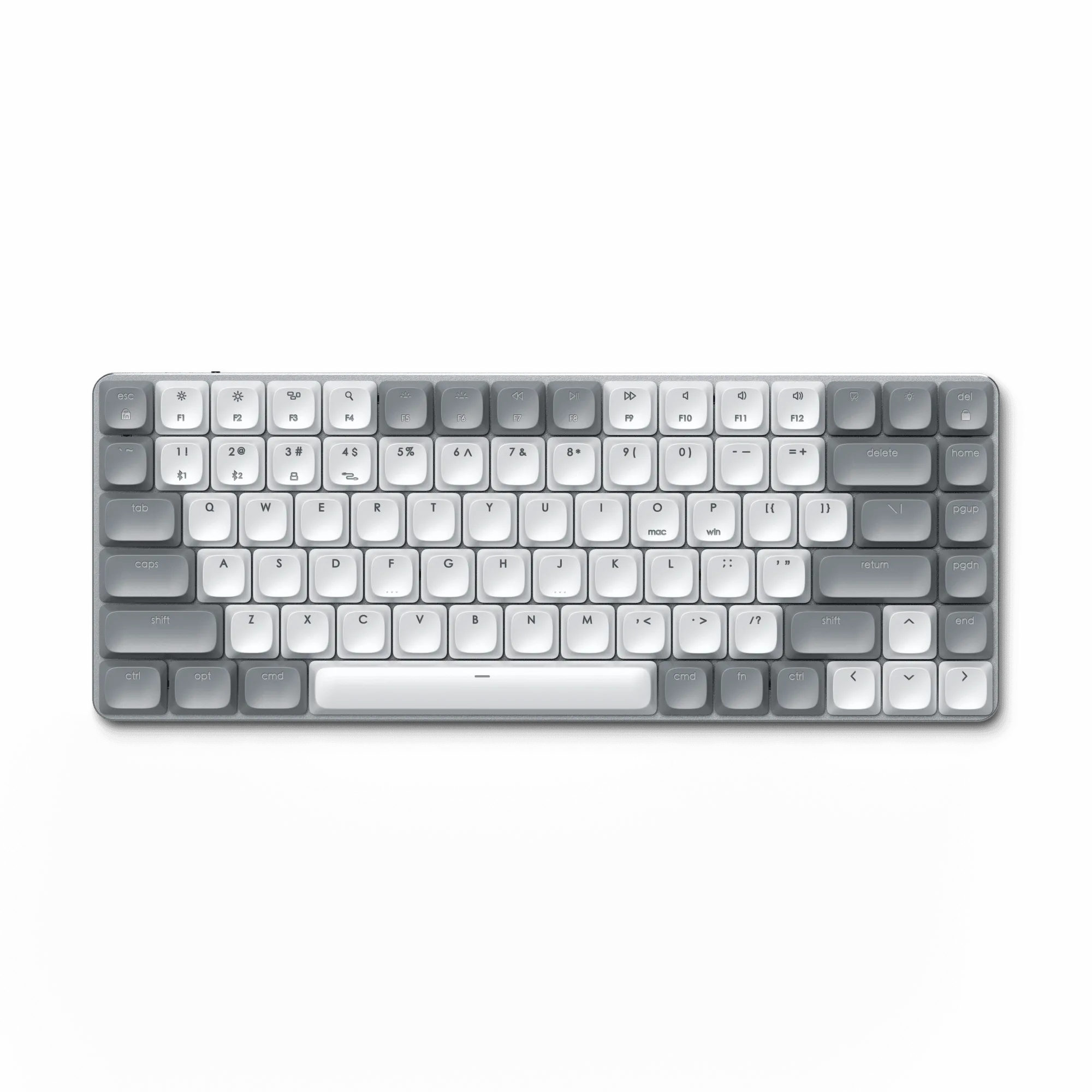
SM1 Slim Mechanical Backlit Bluetooth Keyboard
-
Slim W1 Wired Backlit Keyboard: Compact wired keyboard with full QWERTY layout, adjustable backlit keys, and built-in USB-C cable for instant setup. No pairing or battery worries—just plug in and type, making it a reliable choice for a stationary desk setup.
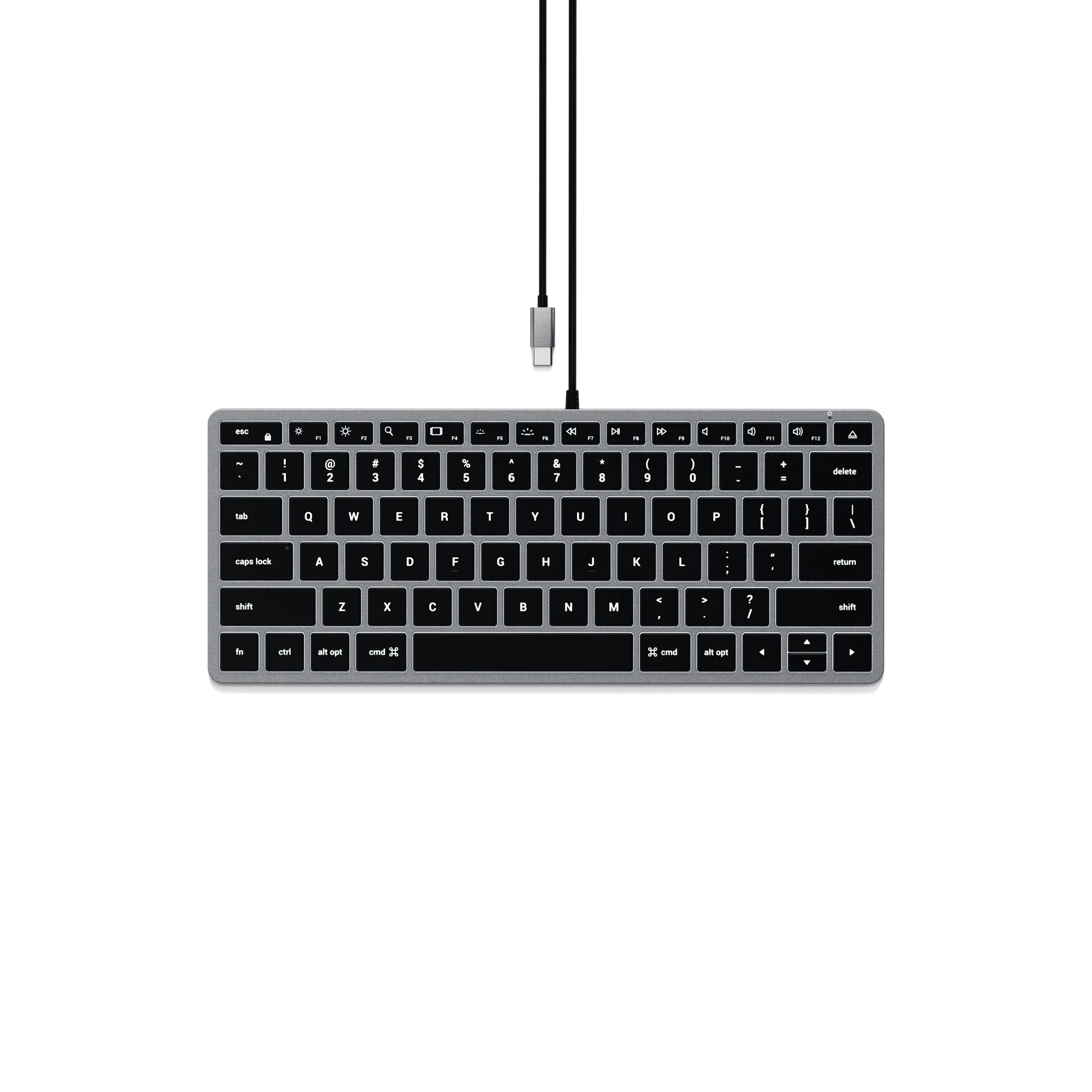
Slim W1 Wired Backlit Keyboard
Which keyboard fits your typing style?
Best for
- Typists who want tactile feedback and wireless flexibility: SM1 Slim Mechanical Backlit Bluetooth Keyboard
- Users who prefer a quiet, low-maintenance wired setup: Slim W1 Wired Backlit Keyboard
Not for
- Gamers who need linear switches and high polling rates (consider a dedicated gaming keyboard)
- Users who require a full numeric keypad (both models are compact layouts)