If you spend any time behind the wheel of a truck, you know how important it is to keep your phone secure, visible, and within reach. Whether you're navigating off-road trails, hauling gear to a job site, or just commuting, a reliable mount can make all the difference. Quad Lock offers a range of mounting solutions designed to handle the toughest conditions, and choosing the right one for your truck is easier than you might think.
In this guide, we'll break down the key factors to consider when selecting a Quad Lock mount for your truck. From handlebar mounts that work on roll bars to MAG cases that snap on with a twist, we'll help you find the perfect setup for your driving style and needs.
Consider Your Truck's Interior and Mounting Points
The first step in choosing a Quad Lock mount for your truck is to assess where you want to place your phone. Trucks have a variety of mounting points, including the dashboard, windshield, air vents, and even the center console. Quad Lock offers adapters and mounts that can attach to most of these locations, but the best spot depends on your personal preference and the layout of your truck.
For example, if you drive a truck with a sturdy roll bar or a headache rack, a handlebar-style mount might be the perfect solution. The Motorcycle - Handlebar Clamp Bolt Mounts are designed to clamp onto cylindrical bars, making them ideal for roll bars or other tubular structures in your truck. Alternatively, if you prefer a mount on your dashboard or windshield, you'll want to look at Quad Lock's suction mounts or vent mounts, which can be paired with the appropriate adapter.
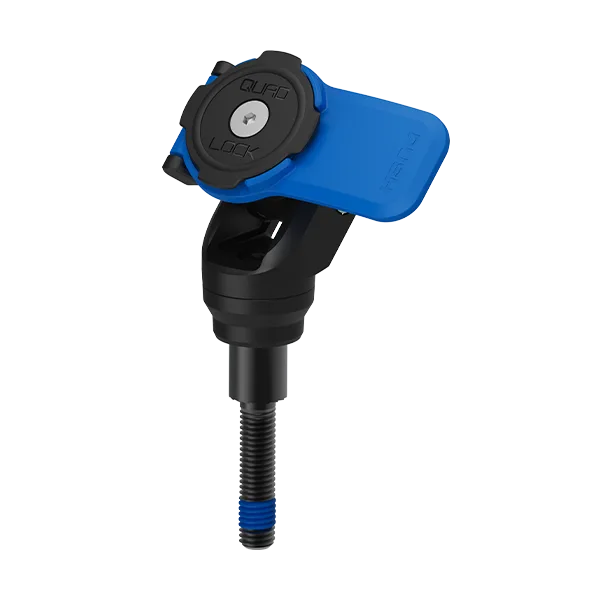
Motorcycle - Handlebar Clamp Bolt Mounts
- Measure the diameter of the bar or surface where you plan to mount your phone.
- Consider the viewing angle: you want your phone at eye level without obstructing your view of the road.
- Think about reach: the mount should be within easy reach of the driver without causing distraction.
Choose the Right Mount Head: Standard, MAG, or 360
Quad Lock offers different mount heads that affect how your phone attaches and rotates. The standard head uses a twist-and-lock mechanism, while the MAG head uses magnets for an even quicker attachment. The 360 head allows for 360-degree rotation, giving you maximum flexibility in positioning your phone.
For truck drivers, the 360 head is often a great choice because it lets you switch between portrait and landscape orientation effortlessly, whether you're using GPS, streaming music, or taking calls. If you already own a MAG case, you might prefer the MAG head for its magnetic convenience. However, if you're starting fresh, the standard head is a reliable and cost-effective option.
- If you frequently switch between landscape and portrait, opt for a 360 head.
- MAG heads are great for quick one-handed attachment, but ensure your phone case is MAG-compatible.
- Standard heads are universally compatible with all Quad Lock cases and are a solid choice for most users.
Match Your Phone Case: MAG vs. Standard
Your phone case is just as important as the mount itself. Quad Lock cases come in two main types: MAG and standard. MAG cases have built-in magnets that align with MAG heads for a secure, quick connection. Standard cases use the classic twist-and-lock mechanism, which is proven and reliable.
If you're a truck driver who values speed and convenience, a MAG case might be the way to go. For instance, the MAG Cases - Ducati 100 Years Edition offer a stylish design with the same magnetic functionality. On the other hand, if you prefer a more traditional approach or want to use a case with a built-in kickstand, a standard case could be a better fit.
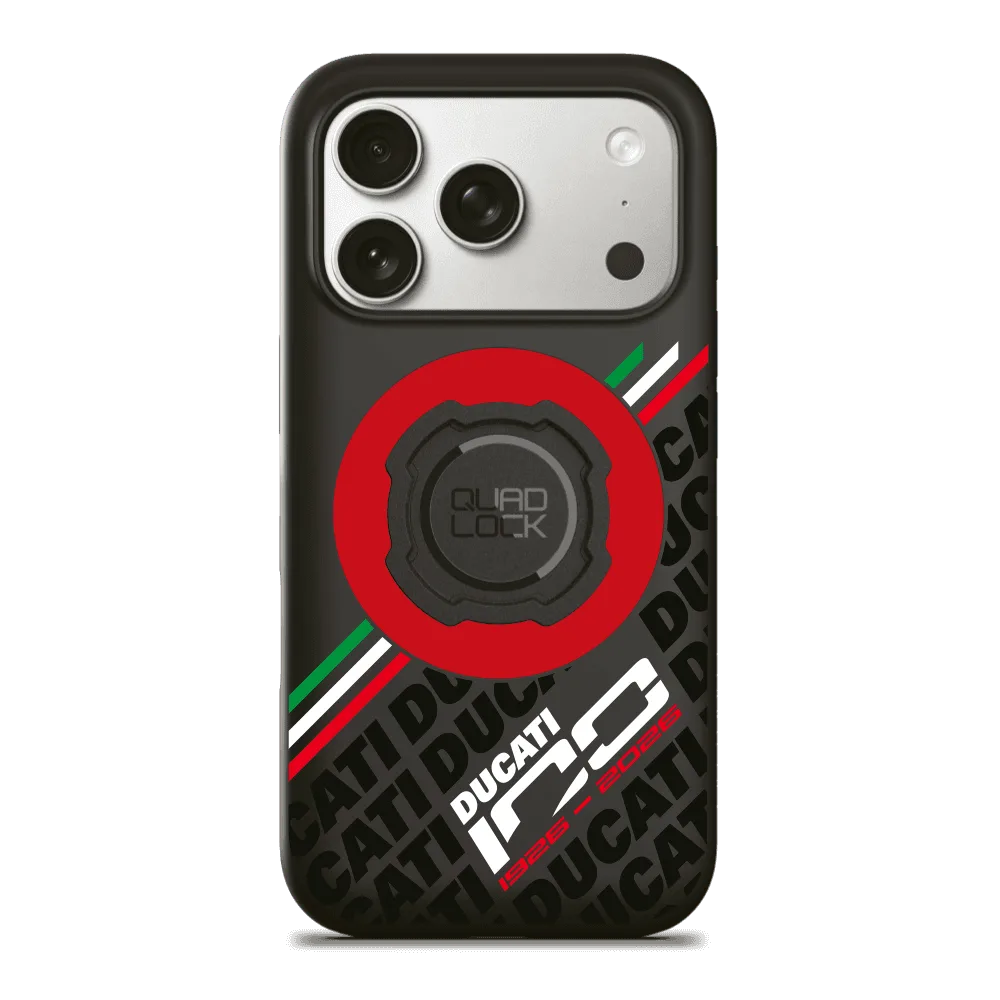
MAG Cases - Ducati 100 Years Edition
- MAG cases are ideal for quick mounting and unmounting, especially when you're in a hurry.
- Standard cases are often more affordable and come in a wider variety of styles.
- Consider your phone model: Quad Lock offers cases for iPhone, Samsung, and other popular brands.
Think About Power: Charging While You Drive
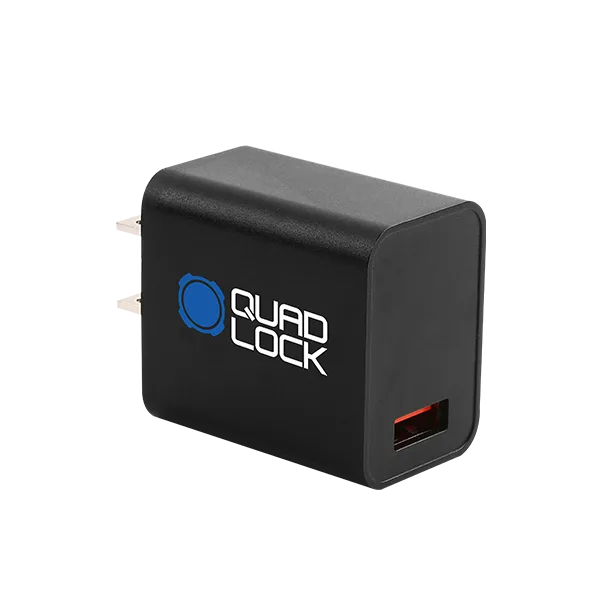
Long drives can drain your phone battery, especially if you're using GPS and streaming music. Quad Lock offers wireless charging heads and power adaptors that keep your phone topped up while it's mounted. The Charging - Power Adaptors are designed to work with your truck's 12V outlet, providing a steady power supply to your phone.
If you're using a MAG head, you can pair it with a wireless charging pad to eliminate the need for cables altogether. This is particularly handy for truck drivers who want a clean, clutter-free cabin. Just make sure your phone supports wireless charging and that your case is compatible with the charging head.
- Wireless charging heads are convenient, but they may generate more heat than wired charging.
- Consider a power adaptor with multiple USB ports if you need to charge other devices.
- If you use a wired connection, make sure the cable is long enough to reach your mount comfortably.
Consider Additional Accessories for Your Truck
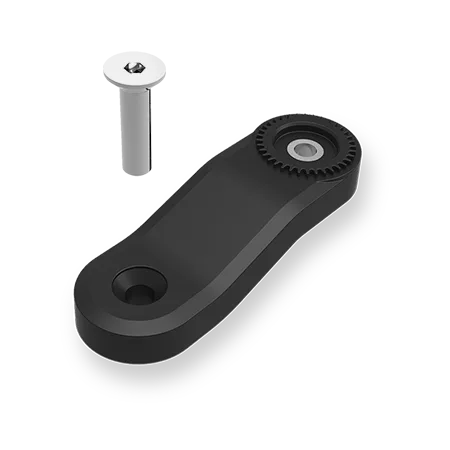
Quad Lock offers a range of accessories that can enhance your truck mounting experience. For example, the Quad Lock 360 Arm - Extension Arm (50mm) is perfect for bringing your phone closer to you or adjusting the angle for better visibility. This is especially useful if your truck has a deep dashboard or a high-mounted phone position.
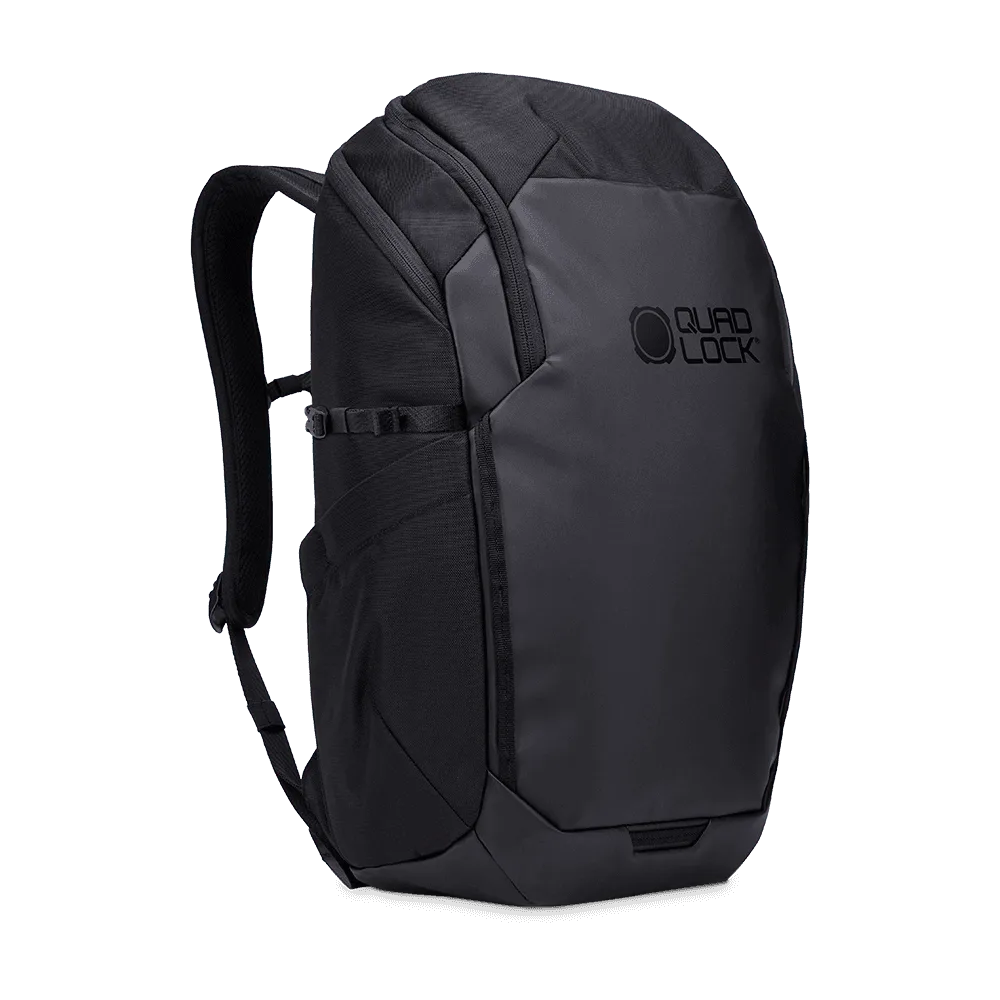
Another handy accessory is the Motorcycle - Traverse Backpack, which is great for storing your phone and other essentials when you're not driving. While it's designed for motorcyclists, it can be equally useful for truck drivers who want a versatile carry solution. Additionally, the Accessory - Neck Gaiter can be useful for off-road adventures, though it's not directly related to mounting.
- Extension arms are great for adjusting the distance between your phone and the mount base.
- A backpack or storage solution can keep your gear organized during road trips.
- Always check compatibility between accessories and your mount head.
Installation Tips for a Secure Mount
Once you've chosen your Quad Lock mount, proper installation is key to ensuring it stays put, even on rough terrain. Start by cleaning the mounting surface to remove any dirt or grease. If you're using a suction mount, press it firmly against the surface and flip the lever to lock it in place. For handlebar mounts, tighten the clamp securely but avoid over-tightening, which could damage the bar.
If you're using a ball mount, like the Quad Lock Ball Mount, make sure the ball is seated correctly in the socket and tighten the locking mechanism. Test the mount by applying gentle pressure to ensure it doesn't move. Once installed, you can enjoy the confidence that your phone is secure, no matter where the road takes you.
- Use a microfiber cloth to clean the surface before attaching a suction mount.
- For handlebar mounts, use a torque wrench if available to avoid over-tightening.
- Periodically check the tightness of your mount, especially after off-road driving.
Choosing the right Quad Lock mount for your truck doesn't have to be complicated. By considering your truck's interior, your phone case, and your driving habits, you can find a mount that keeps your phone secure and accessible. Whether you opt for a handlebar mount, a MAG case, or a 360 head, Quad Lock has a solution that fits your needs. Explore the full range of Quad Lock mounts and accessories to enhance your truck driving experience.