Why a Vertical Stand Saves Desk Space
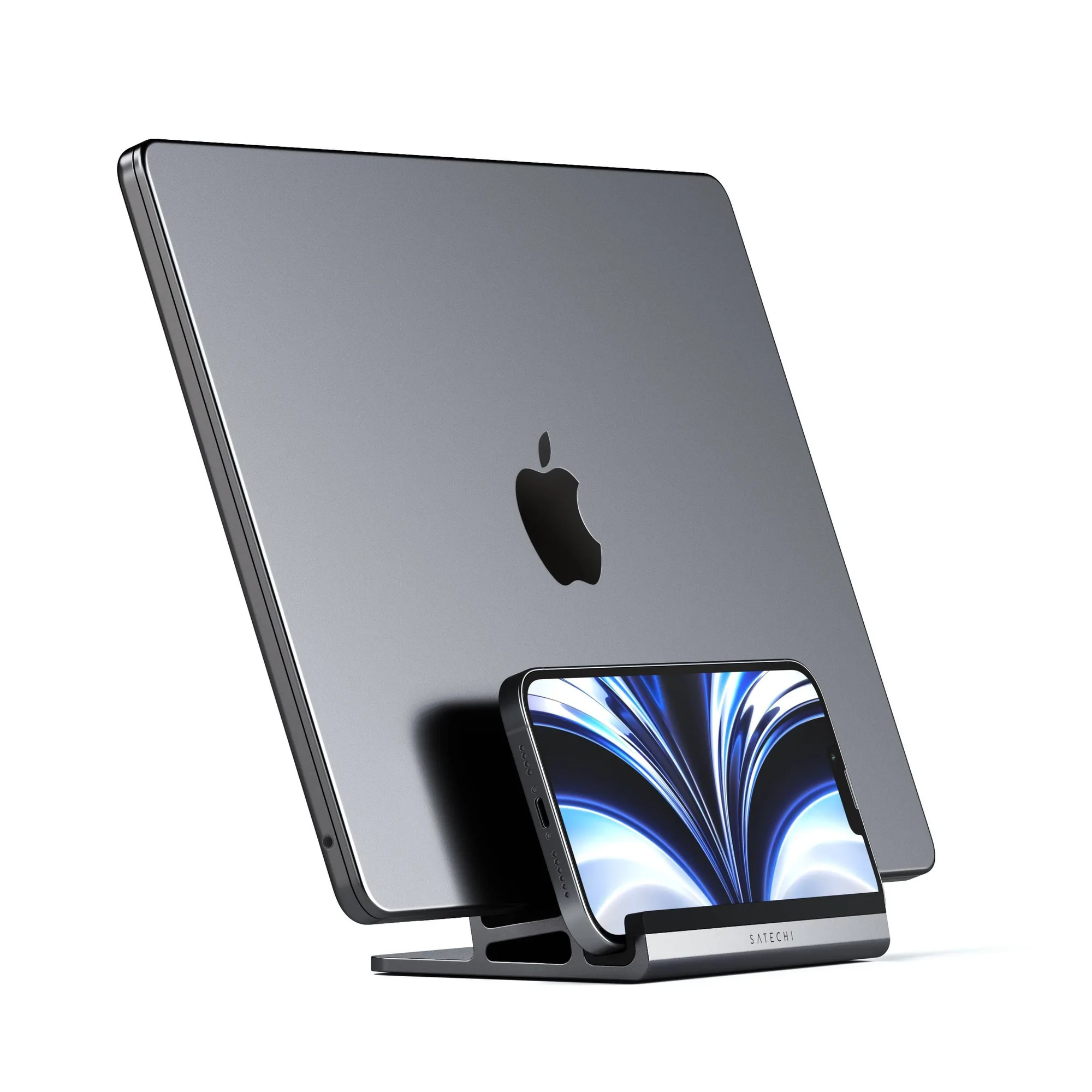
If your desk feels cramped with a laptop, monitor, and keyboard, a vertical laptop stand can free up significant space. By storing your laptop upright, you reclaim the area it would normally occupy flat on the desk. This is especially useful when you use an external monitor and keyboard, turning your laptop into a secondary screen or a closed tower.
Key Specs That Affect Your Choice
-
TECKNET Vertical Laptop Stand, Adjustable Aluminum Holder (Fits up to 17.3"), Space-Saving with Non-Slip Silicone, for MacBook Pro/Air, Dell, HP: Width adjusts from 0.59" to 1.3" to fit laptops up to 17.3" – MacBook, Dell, HP, and more. The adjustable width ensures a snug fit for different laptop thicknesses, from thin ultrabooks to thicker gaming laptops.
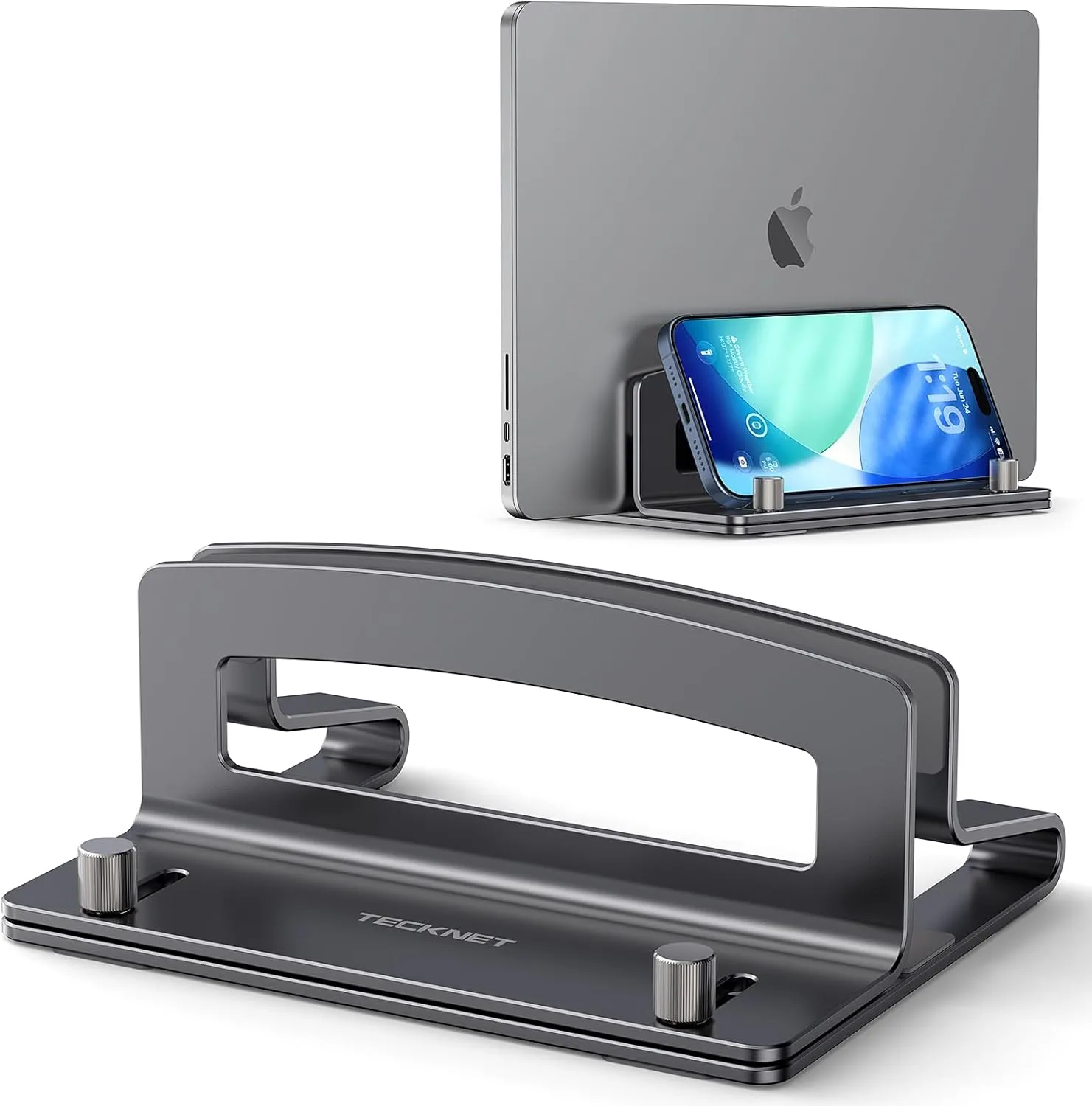
TECKNET Vertical Laptop Stand, Adjustable Aluminum Holder (Fits up to 17.3"), Space-Saving with Non-Slip Silicone, for MacBook Pro/Air, Dell, HP
-
TECKNET Vertical Laptop Stand, Adjustable Aluminum Holder (Fits up to 17.3"), Space-Saving with Non-Slip Silicone, for MacBook Pro/Air, Dell, HP: Made of premium aluminum for rock-solid stability. Metal material acts as a heat sink, improving airflow and cooling for your laptop during extended use. Aluminum not only provides stability but also helps dissipate heat, which can be beneficial if your laptop runs warm under load.
-
TECKNET Vertical Laptop Stand, Adjustable Aluminum Holder (Fits up to 17.3"), Space-Saving with Non-Slip Silicone, for MacBook Pro/Air, Dell, HP: Silicone pads on slots and base prevent slips and scratches. Every contact point is covered with anti-scratch silicone for full protection. Non-slip silicone keeps your laptop secure and prevents scratches on the device's finish, a common concern with metal stands.
How to Choose the Right Vertical Laptop Stand
Follow these checkpoints to match a stand to your setup.
- Check laptop thickness and width: Measure your laptop's closed height (thickness). Most vertical stands have an adjustable slot; for example, the TECKNET stand fits thicknesses from 0.59" to 1.3". Also confirm the stand's depth can accommodate your laptop's width (up to 17.3" diagonal).
- Consider material for stability and cooling: Aluminum stands are sturdy and act as a heat sink, potentially lowering laptop temperatures during extended use. Plastic stands are lighter but may not offer the same cooling benefit.
- Look for non-slip and scratch protection: Silicone pads on the slot and base prevent the laptop from sliding and protect its surface. This is important if you frequently insert and remove the laptop.
- Evaluate desk footprint: A compact base (e.g., 5.9" × 4.3") takes up minimal space. Measure your desk area to ensure the stand fits beside your monitor or keyboard without crowding.
- Check ease of adjustment: Some stands require a screw adjustment to change width. The TECKNET stand uses a simple screw mechanism: 'Simply turn the screw for a perfect fit.' Ensure you're comfortable with the adjustment method.
What the Evidence Doesn't Cover
The supplied information does not specify maximum weight capacity, compatibility with specific laptop models beyond size ranges, or whether the stand works with laptops in a clamshell mode (closed lid). If you plan to use your laptop closed with an external monitor, verify that the stand allows airflow to the closed lid's vents. Also, check your laptop's port placement—some vertical stands may block access to ports on the side.