Quick answer
Focus on connectivity compatibility (Bluetooth vs. 2.4GHz receiver), multi-device switching, and ergonomic design. For Mac and PC users who move between devices, a mouse with dual Bluetooth channels and a USB-C receiver offers the most flexibility.
Why connectivity matters for Mac and PC users
Not all wireless mice work seamlessly across Mac and PC. Some rely solely on Bluetooth, which can introduce pairing delays when switching devices. Others use a dedicated USB receiver, which may not be compatible with newer Macs that lack USB-A ports. If you frequently switch between a MacBook and a Windows desktop, look for a mouse that offers both Bluetooth and a USB-C receiver for plug-and-play flexibility without re-pairing.
Ergonomics and build quality trade-offs
A lightweight, portable mouse is great for travel but may feel less stable during extended desktop use. Conversely, a heavier metal mouse provides a premium feel but adds weight to your bag. Consider your primary workspace: if you work from a desk, prioritize a solid build and quiet clicks; if you're mobile, choose a slim profile with a soft-touch finish.
Decision rules for choosing a wireless mouse
- Check connectivity type: If you use a MacBook without USB-A ports, a mouse with a USB-C receiver (like the Slim EX Wireless Mouse) avoids the need for an adapter. If you only use Bluetooth, ensure your computer supports Bluetooth 4.0 or higher.
- Evaluate multi-device switching: If you switch between a Mac and a PC daily, choose a mouse with dual Bluetooth channels or a 2.4GHz receiver. This lets you toggle between devices without re-pairing each time. For a seamless multi-device workflow, a mouse with a dedicated USB-C receiver is the most reliable.
- Consider ergonomics and portability: For a stationary desk setup, opt for a mouse with an anodized aluminum build and precision scroll wheel. For travel, a compact mouse with a soft-touch top is lighter and easier to pack.
Product facts
-
Slim EX Wireless Mouse: The Satechi Slim EX Wireless Mouse features dual Bluetooth channels and a 2.4GHz USB-C receiver, allowing instant switching across MacBook, desktops, laptops, and tablets with no re-pairing. This means you can move from a MacBook to a Windows PC without losing time to Bluetooth pairing, ideal for multi-device setups.
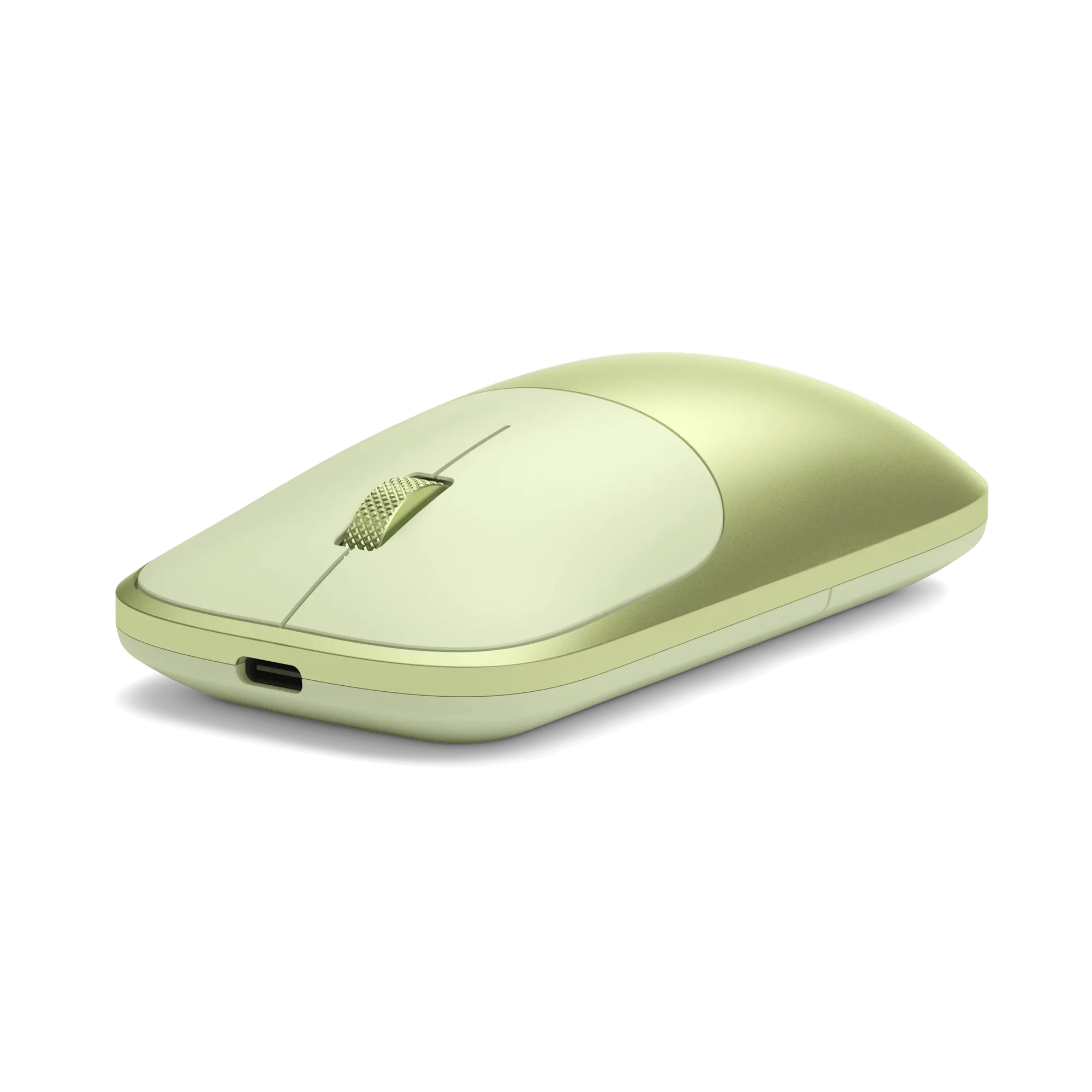
Slim EX Wireless Mouse
-
OntheGo™ Bluetooth Mouse: The OntheGo Bluetooth Mouse has a soft-touch top made from premium materials and seamless multi-device connectivity in a compact package. It's designed for travelers who need a reliable, stylish mouse that fits in a bag and works with both Mac and PC without extra dongles.
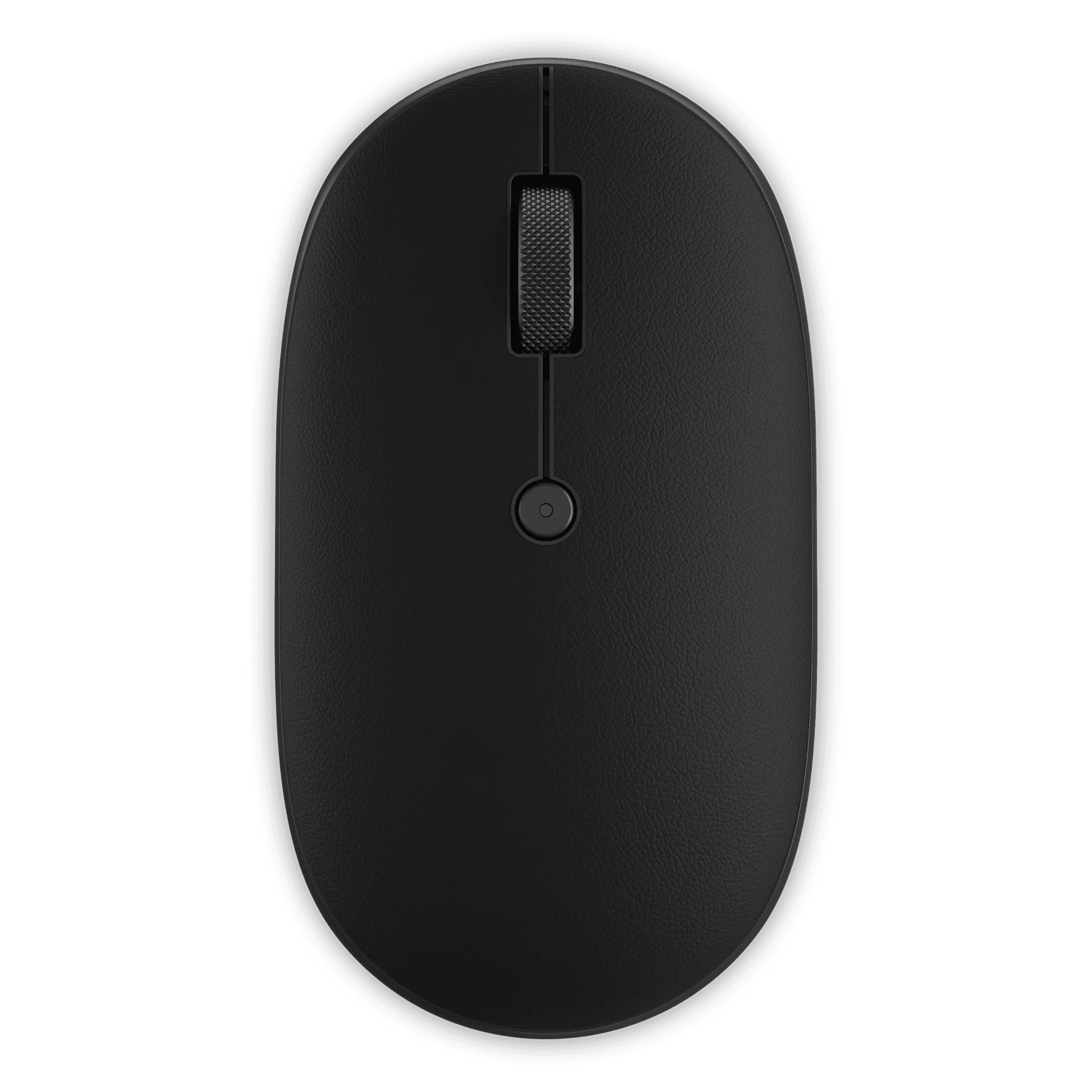
OntheGo™ Bluetooth Mouse
Who should buy which?
Best for
- Professionals who switch between a MacBook and a Windows PC throughout the day
- Travelers who need a lightweight, compact mouse that pairs easily with both Mac and PC
Not for
- Gamers who require high-DPI gaming mice with customizable buttons and high polling rates