Quick answer
Use a dedicated screen cleaning kit like CleanScreen, and follow a gentle, dry-first method to avoid streaks and damage.
Why regular cleaners damage screens
Ordinary glass and window cleaners often contain chemicals—like ammonia or alcohol—that can strip anti-reflective coatings or cause discoloration on laptop and tablet screens. A safe screen cleaner uses proprietary solvents designed to remove dust, haze, and fingerprints without harming delicate surfaces.
Steps to clean your laptop screen
-
1. Turn off and unplug your laptop: Power down the device and disconnect the charger. This prevents electrical issues and makes smudges easier to see on a dark screen. Never clean a screen while it is powered on.
-
2. Dust with a dry microfiber cloth: Use a clean, soft microfiber cloth (like the one included in CleanScreen Spray Pen and Cloth 12-Pack) to gently wipe away loose dust and particles. Work in one direction to avoid spreading debris. Skipping this step can grind grit into the screen, causing scratches.
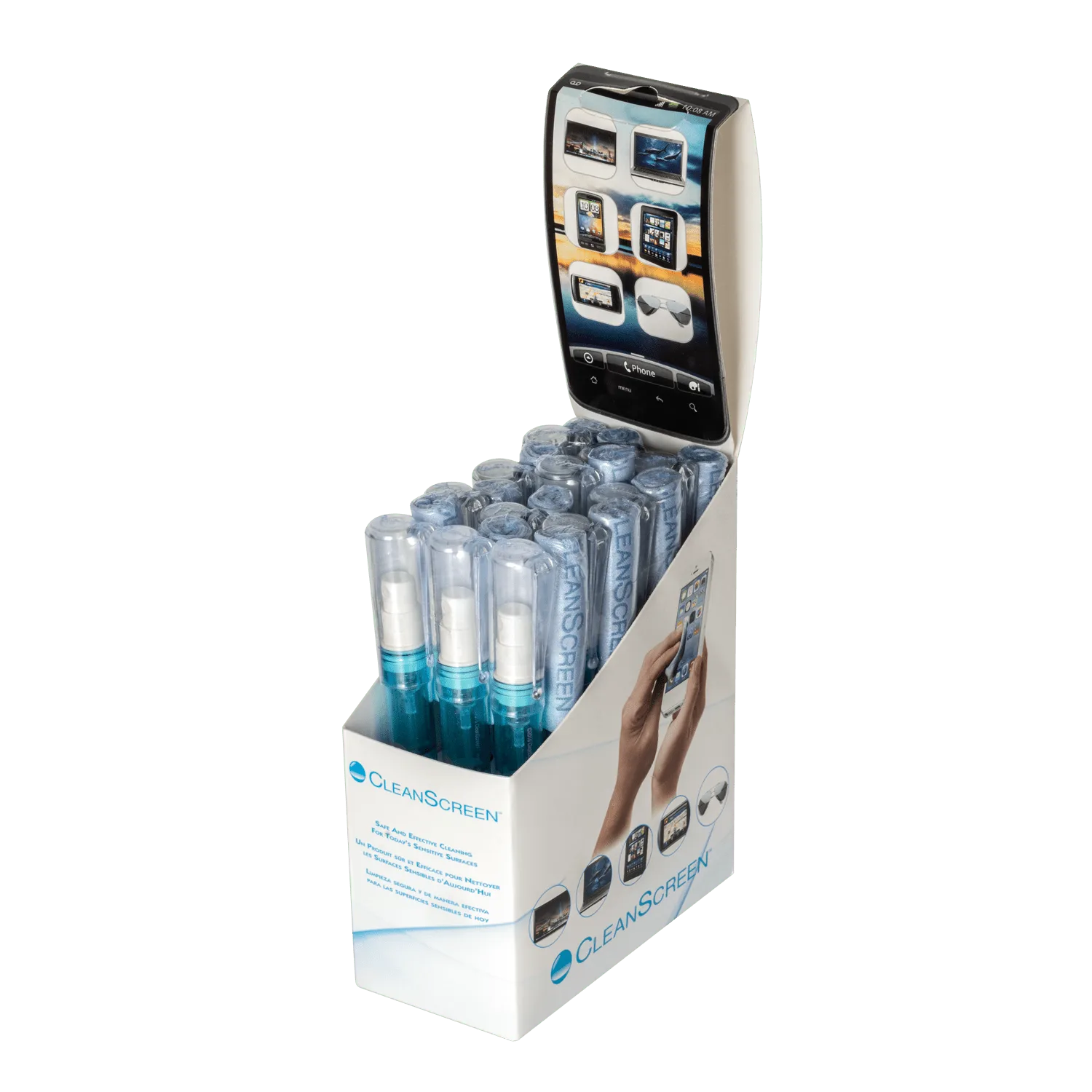
CleanScreen Spray Pen and Cloth 12-Pack
-
3. Apply cleaner to the cloth, not the screen: Lightly spray a small amount of CleanScreen Laptop & Tablet Cleaner onto the cloth. Never spray directly onto the screen—liquid can seep into edges and damage internal components. Less is more: a single spray is usually enough for a 15-inch screen.
-
4. Wipe gently in circles or side-to-side: Using the dampened cloth, wipe the screen in gentle circular motions or straight horizontal passes. Apply light pressure—pressing hard can damage the LCD or OLED panel. If streaks remain, the cloth may be too wet; let it air dry slightly and repeat.
-
5. Let the screen air dry completely: Leave the laptop open for a minute or two to let any residual moisture evaporate. Close the lid only when the screen is fully dry to avoid trapping moisture. Rushing this step can lead to fogging or moisture damage over time.
Product facts
-
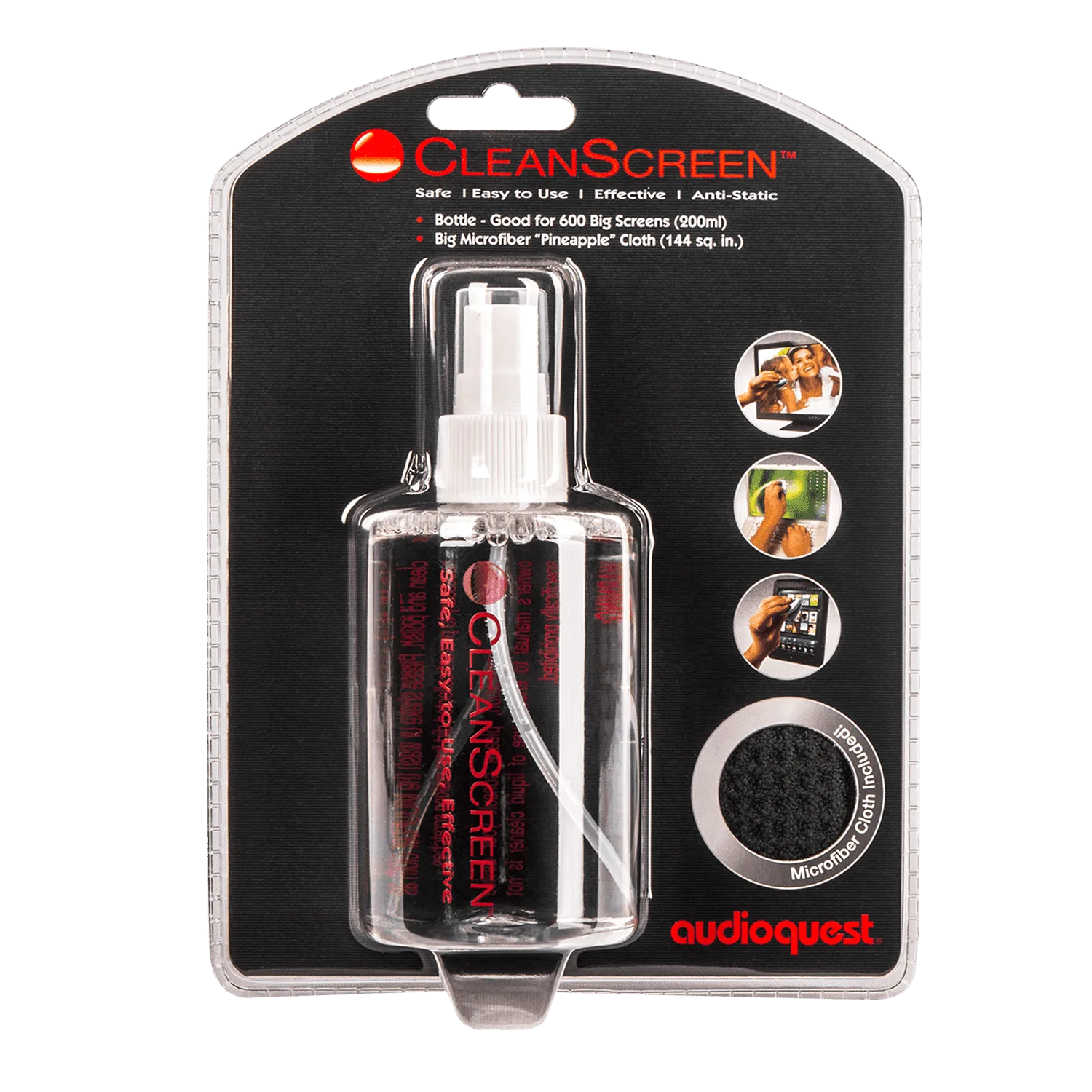
CleanScreen Laptop & Tablet Cleaner: CleanScreen Laptop & Tablet Cleaner uses proprietary solvents to eliminate dust, haze, fingerprints, dirt, and static while polishing the viewing surface. It is safe for all delicate surfaces, including TV screens, monitors, glasses, laptops, and tablets, so you can use one product across devices without worry.
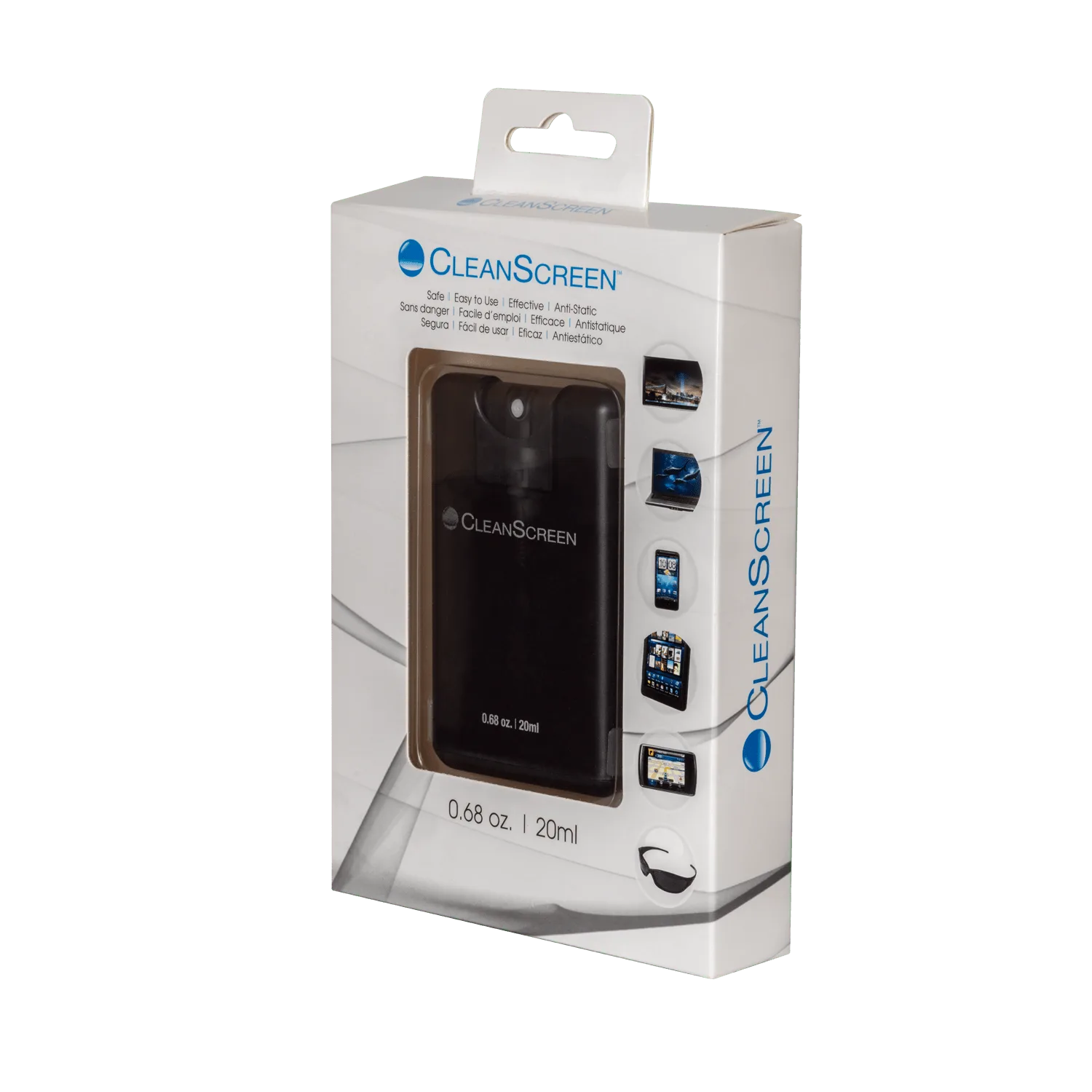
CleanScreen Laptop & Tablet Cleaner