Quick answer
Clean your AirPods and charging case every one to two weeks with a dry, soft-bristle brush and a dry microfiber cloth. Avoid liquids, sharp tools, and household cleaners. If you want a ready-made set of safe tools, an AirPods cleaning kit removes the guesswork and helps you clean the speaker mesh and case contacts without scratching them.
Earwax, skin oils, and pocket lint build up on AirPods faster than most people expect. That buildup does not just look bad; it can block speaker mesh, interfere with charging contacts, and make the fit feel different over time.
The good news is that you do not need a chemistry set. A consistent five-minute routine with the right tools keeps your AirPods and charging case working and looking new, without risking the delicate mesh or the case finish.
Why regular cleaning matters more than deep cleaning
Small amounts of earwax and oil are normal, but they harden over time. Once wax reaches the speaker mesh or the microphone ports, sound can drop and the fit can feel loose. Cleaning little and often prevents that hardening, which is why a quick weekly pass beats an aggressive monthly scrub.
The charging case needs attention too. Debris on the metal contacts inside the case can stop AirPods from charging even when the case battery is full. A dry brush and a dry cloth handle both problems without introducing moisture near the battery.
- Clean AirPods weekly if you wear them daily; clean the case at the same time.
- Never use water, alcohol sprays, or household cleaners on AirPods.
- If you use a case cover, remove it periodically so debris does not collect underneath.
Tools that are safe for AirPods and the charging case
A dry, soft-bristle brush is the workhorse. It lifts wax from the speaker mesh without pushing it deeper. A dry microfiber cloth handles the stems and the outside of the case, and a wooden toothpick can gently lift a visible wax edge without scratching plastic.
If you would rather not assemble your own tools, an AirPods cleaning kit bundles a brush, a soft tip, and a cloth sized for the job. That matters because cotton swabs and metal tools can push wax into the mesh or scratch the case, which is a common and avoidable mistake.
- Use a dry brush and a dry microfiber cloth as your default tools.
- Avoid cotton swabs, paper clips, and metal picks near the speaker mesh.
- Keep a cleaning kit with your charging cable so you actually use it.
How to disinfect AirPods without damaging them
Disinfecting is different from cleaning. To disinfect AirPods, wipe the hard plastic surfaces with a dry cloth first, then use a slightly damp cloth with a small amount of mild soap on the outer surfaces only. Wring it out so it is barely damp, and never let liquid enter the speaker mesh or microphone ports.
Do not submerge AirPods or the charging case, and do not pour or spray cleaner directly onto them. If you use a case for your AirPods, clean that separately with the same dry-first approach so you are not trapping moisture against the AirPods themselves.
- Clean first, disinfect second; a damp cloth on a wax-covered surface just spreads residue.
- Keep liquid away from the mesh, ports, and the charging contacts inside the case.
- Let everything air-dry completely before putting AirPods back in the case.
AirPods Pro 3 maintenance and fit checks
For AirPods Pro 3 maintenance, add one extra step: remove the silicone ear tips and rinse them separately with water, then let them dry fully before reattaching. The ear tips collect the most wax, and cleaning them away from the AirPods keeps debris out of the mesh.
While the tips are off, check the mesh underneath with a dry brush. This is also a good time to confirm the tips are not stretched or torn; a worn tip changes the seal and can make noise canceling feel weaker even when the AirPods themselves are clean.
- Remove ear tips before cleaning the AirPods body.
- Rinse tips with water only and dry them completely before reinstalling.
- Replace tips that look stretched, cracked, or no longer seal comfortably.
AirPods case cleaning tips that protect charging
The inside of the charging case is where small habits pay off. Use a dry brush to sweep the contact pins and the hinge area, then wipe the outside with a dry microfiber cloth. Do not insert anything metal into the case, and do not use compressed air, which can drive debris further into tight spaces.
If your AirPods stop charging reliably, clean the contacts on both the AirPods stems and inside the case before assuming the battery is failing. Debris on those contacts is a common cause of intermittent charging, and it is the easiest thing to rule out first.
- Brush the case contacts dry; never wet them.
- Skip compressed air, which pushes debris deeper into the case.
- If charging is inconsistent, clean both sets of contacts before troubleshooting further.
Your weekly AirPods cleaning steps
- Step 1: Dry-brush the speaker mesh: Hold each AirPod with the speaker facing down and brush gently with a dry, soft-bristle brush. Let gravity pull debris out instead of pushing it in. Checkpoint: if wax is still visible, brush again rather than reaching for a pick.
- Step 2: Remove and rinse the ear tips (Pro models): Pull the silicone tips off, rinse them with water only, and set them aside to dry completely while you clean the AirPods body. Common mistake: reinstalling damp tips, which traps moisture against the mesh.
- Step 3: Wipe the stems and body: Use a dry microfiber cloth on the stems, sensors, and outer surfaces. For disinfection, follow with a barely damp cloth and mild soap on the hard plastic only. Checkpoint: the cloth should feel almost dry, never dripping.
- Step 4: Clean the charging case contacts: Brush the metal contacts and hinge area dry, then wipe the outside of the case with a dry cloth. Do not use compressed air or metal tools inside the case. Common mistake: wetting the contacts, which can cause charging problems.
- Step 5: Dry everything fully before reassembly: Let the AirPods, ear tips, and case air-dry completely, then reassemble and test the fit and charging. Next step: if charging is still inconsistent after cleaning, test with a different cable and power source.
Products that support a clean routine
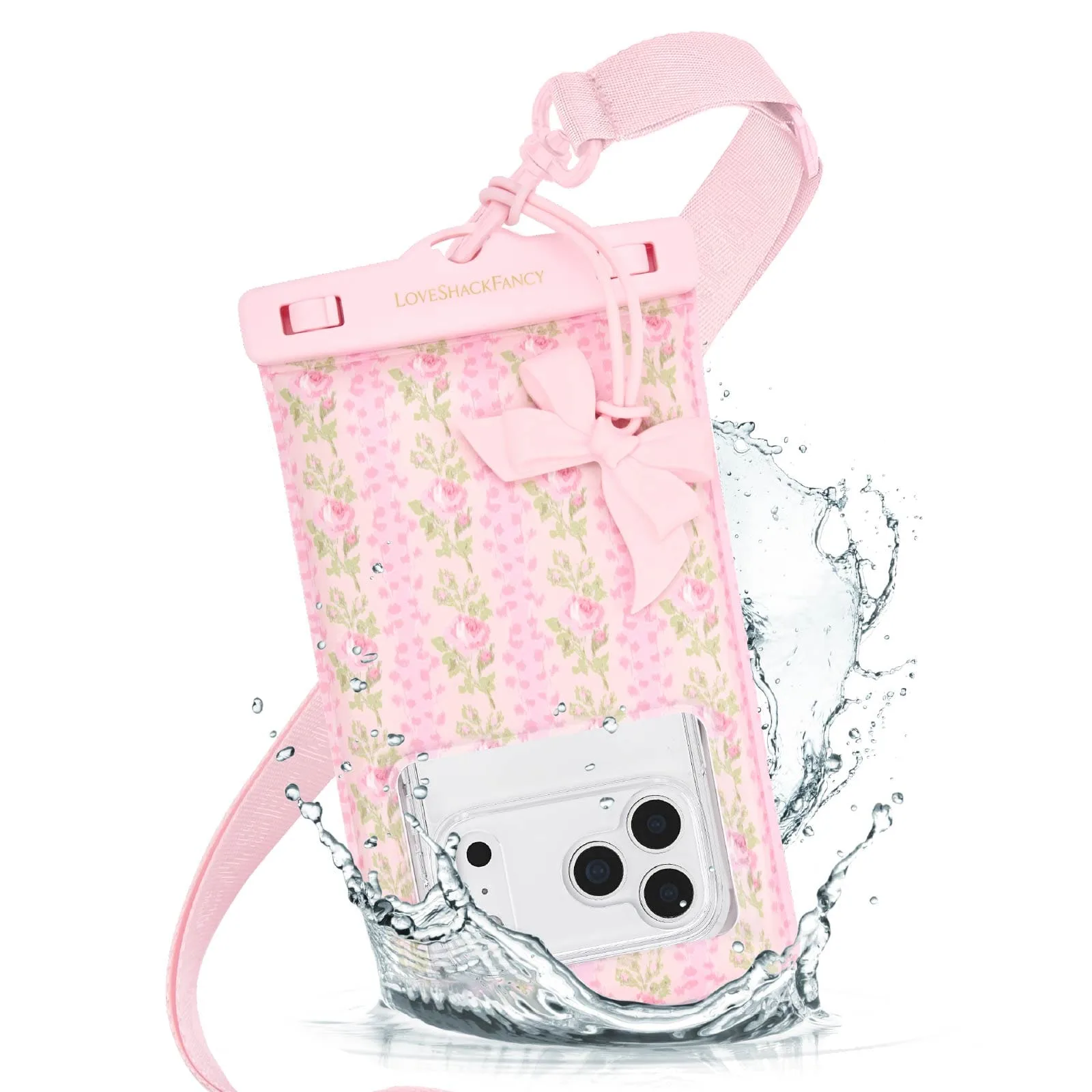
- Case-Mate x LoveShackFancy Waterproof Floating Phone Pouch: IP68-certified waterproof, this pouch keeps your phone safe and dry at the beach, in the pool, and more, with an adjustable lanyard for neck, shoulder, or crossbody wear. If you clean or rinse gear outdoors or near water, this pouch keeps your phone dry so your cleaning routine does not put your phone at risk.
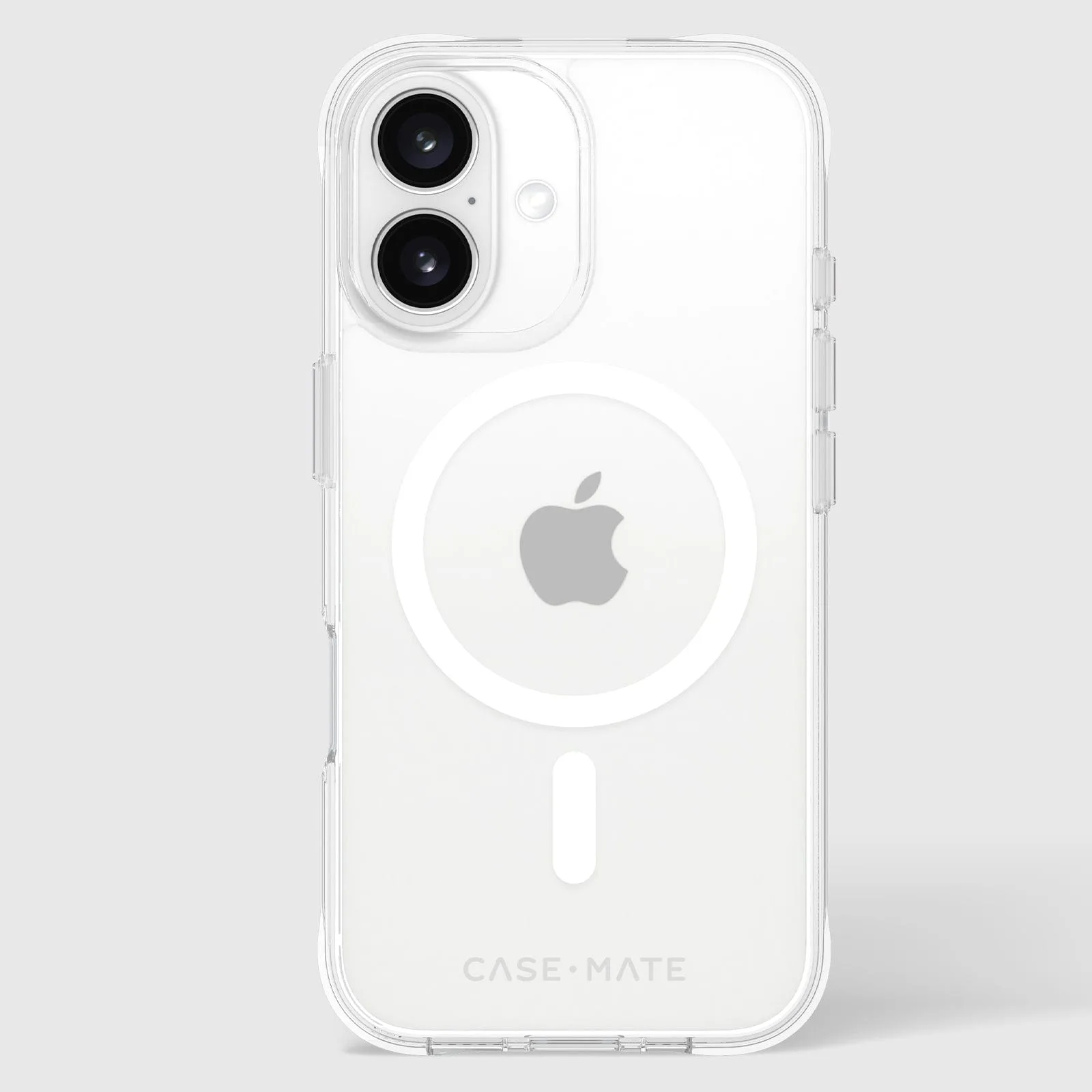
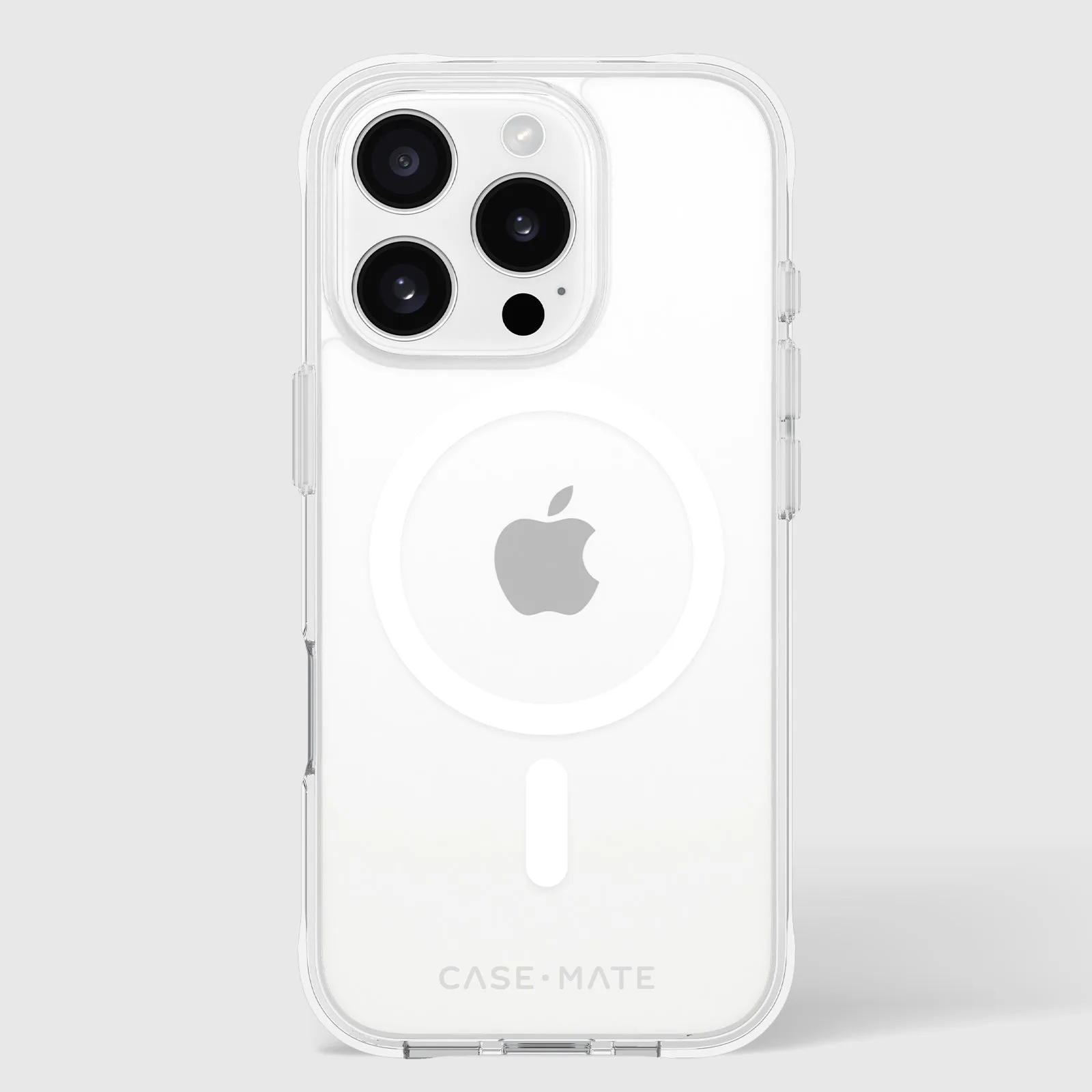
- https://case-matemiu.com/products/tough-clear-magsafe-iphone-16-pro-d3888d66d66b0a9e645d35f9-1353849Tough Clear MagSafe - iPhone 16 Pro: The Tough Clear MagSafe Phone Case for iPhone 16 Pro offers 12-foot drop protection with strong built-in magnets for easy MagSafe accessorizing and charging. A case that is easy to remove and reattach makes it simple to wipe down your phone and case separately, which keeps dust and residue from getting trapped between them.
- Pelican Protector AirTag Case Variety Pack (Black) - AirTag Case: The heavy-duty loop strap and impact-absorbing outer shell let you secure your AirTag onto keys, bags, backpacks, or anything else you want to keep track of, and the stick-on mounts attach to hard surfaces like bikes and electronics. Keeping track of small accessories is easier when they have a fixed home, so your cleaning kit and charging cable are less likely to go missing.
A five-minute weekly routine with dry tools is the most reliable way to keep AirPods and their charging case working and looking new. Clean first, disinfect lightly, keep liquids away from the mesh and contacts, and replace ear tips when they stop sealing well.