Quick answer
Clean your CALPAK backpack by hand with lukewarm water and a mild detergent, using a soft cloth or brush on stains and a damp cloth for the interior. Never machine wash or tumble dry it, because heat and agitation can warp the structure and damage zippers. Spot-clean monthly and do a full hand wash once or twice a year, or sooner if it is visibly dirty.
Why hand washing beats the washing machine
A washing machine can crush the padding, distort the shape, and snag zippers or straps. Hand washing gives you control over water temperature and pressure, which protects the fabric and any coated or recycled materials. It also lets you avoid soaking hardware like buckles and clips that can corrode or scratch. If your backpack has a padded laptop sleeve, hand washing is the only safe method because the padding can clump or break down in a machine.
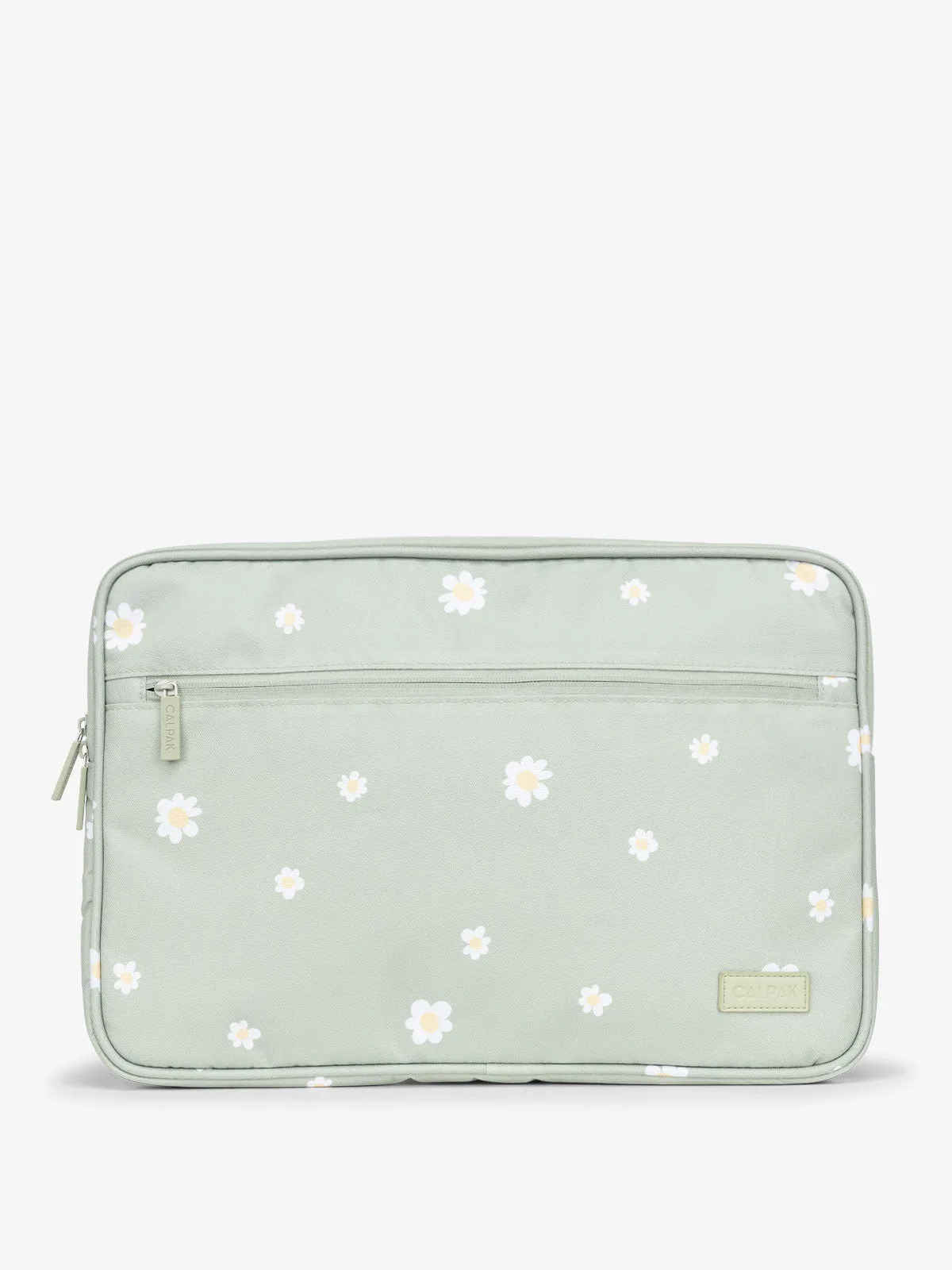
padded laptop sleeve
How often should you clean your backpack?
A quick spot clean every few weeks keeps everyday dirt from grinding into the fabric. Do a deeper hand wash at the end of each season, or immediately after spills, sweat, or exposure to salt and sand. If you use your backpack for commuting or campus, check the bottom and straps monthly, since those areas collect the most grime.
Tools and supplies to gather first
You do not need a specialty kit. A soft-bristled brush (an old toothbrush works), two microfiber cloths, mild liquid detergent, and lukewarm water cover most situations. For grease stains, add a drop of dish soap. Avoid bleach, vinegar, and abrasive cleaners, which can fade color and break down water-resistant coatings.
Step-by-step backpack cleaning and care
- Empty and shake out your backpack: Remove everything from every pocket, including the laptop sleeve and any hidden compartments. Turn the backpack upside down and shake it over a trash can to dislodge crumbs, sand, and debris. Check the zipper tracks for grit before you add water. Common mistake: leaving small items in pockets. They can rust, leak ink, or scratch the interior.
- Pre-treat stains with a mild solution: Mix a few drops of mild detergent with lukewarm water. Dip a soft cloth or brush into the solution and gently work it into stains, moving from the outside of the stain toward the center to avoid spreading. For grease, use a tiny amount of dish soap. Let it sit for 5 minutes. Checkpoint: test the solution on a hidden area first, especially on dark or brightly colored fabric.
- Hand wash the main body and straps: Dampen a microfiber cloth with the soapy water and wipe down the entire exterior, including the bottom and straps. Use the soft brush for textured areas or stubborn spots. Do not soak the backpack in a sink or tub, and do not scrub aggressively, which can pill the fabric. Common mistake: using hot water. It can shrink fabric and weaken adhesives.
- Clean the interior and laptop sleeve: Wipe the inside with a clean, damp cloth. If the laptop sleeve is padded, use only a lightly damp cloth and avoid saturating it. For odors, sprinkle baking soda inside, let it sit for a few hours, then vacuum or shake it out. Checkpoint: never submerge a padded laptop sleeve, as the foam can hold moisture and grow mildew.
- Rinse with a clean damp cloth: Wipe away all soap residue using a fresh cloth dampened with plain water. Soap left behind can attract dirt and leave a sticky film. Rinse the cloth often and repeat until no suds appear. Common mistake: skipping the rinse. Residue can cause discoloration over time.
- Air dry away from heat: Stuff the backpack lightly with clean towels to help it hold its shape, then hang or lay it in a well-ventilated area away from direct sunlight and radiators. It may take 24 to 48 hours to dry completely. Do not use a dryer or hair dryer. Checkpoint: make sure the zippers, straps, and padding are bone dry before storing or using it again.
- Care for zippers and hardware: After drying, run a zipper along its track to check for smoothness. If it sticks, apply a small amount of zipper lubricant or a dab of paraffin wax to the teeth, then work the zipper back and forth. Wipe metal hardware with a dry cloth to prevent rust. Common mistake: forcing a stuck zipper. Stop and clear debris first, or you may break the pull.
Product care notes
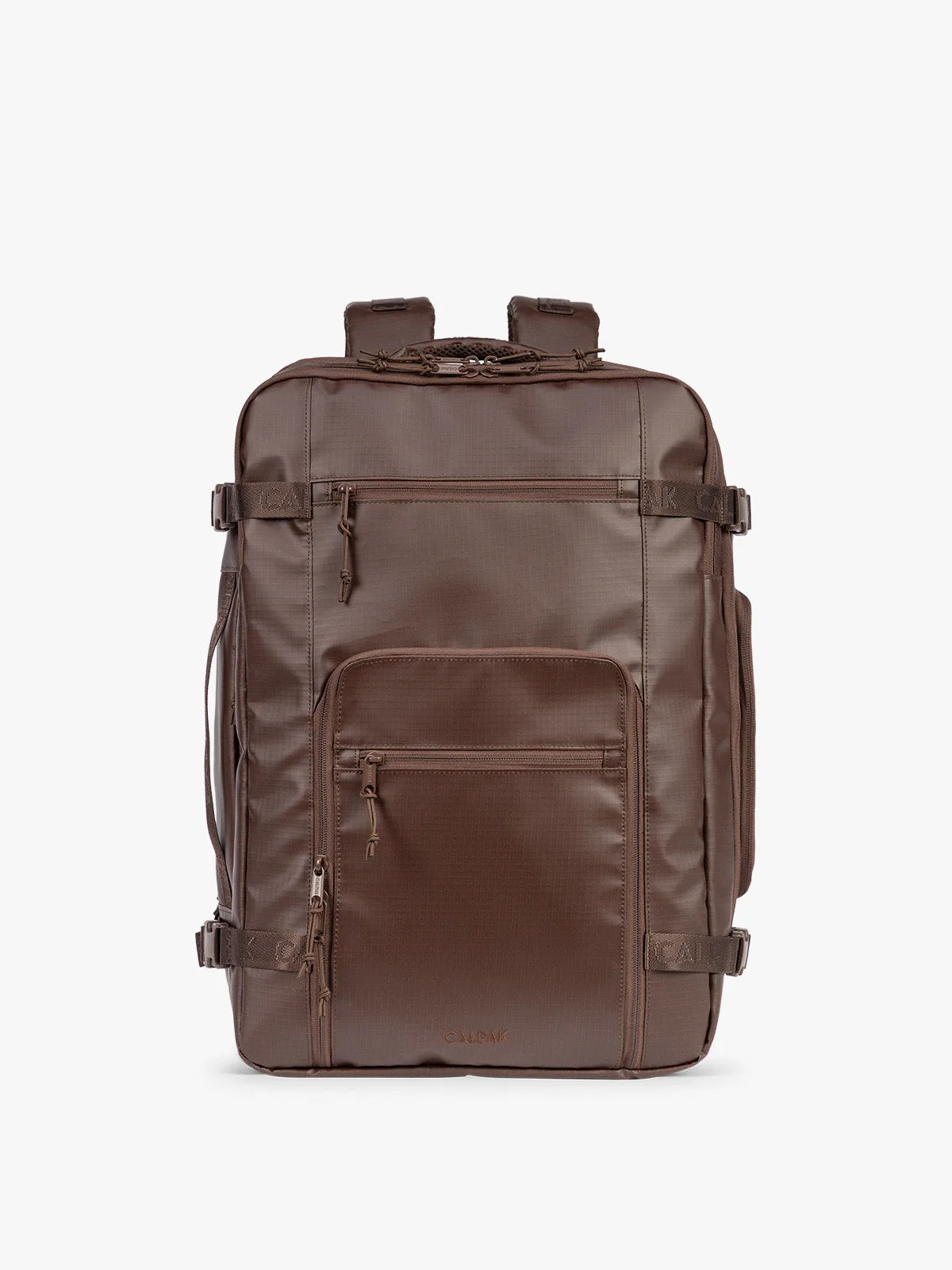
- Terra 35L Laptop Backpack: The Terra 35L Laptop Backpack has compression straps, a luggage trolley sleeve, and multiple interior and exterior pockets. Empty every pocket before washing, and fasten compression straps so they do not tangle or snag during cleaning.
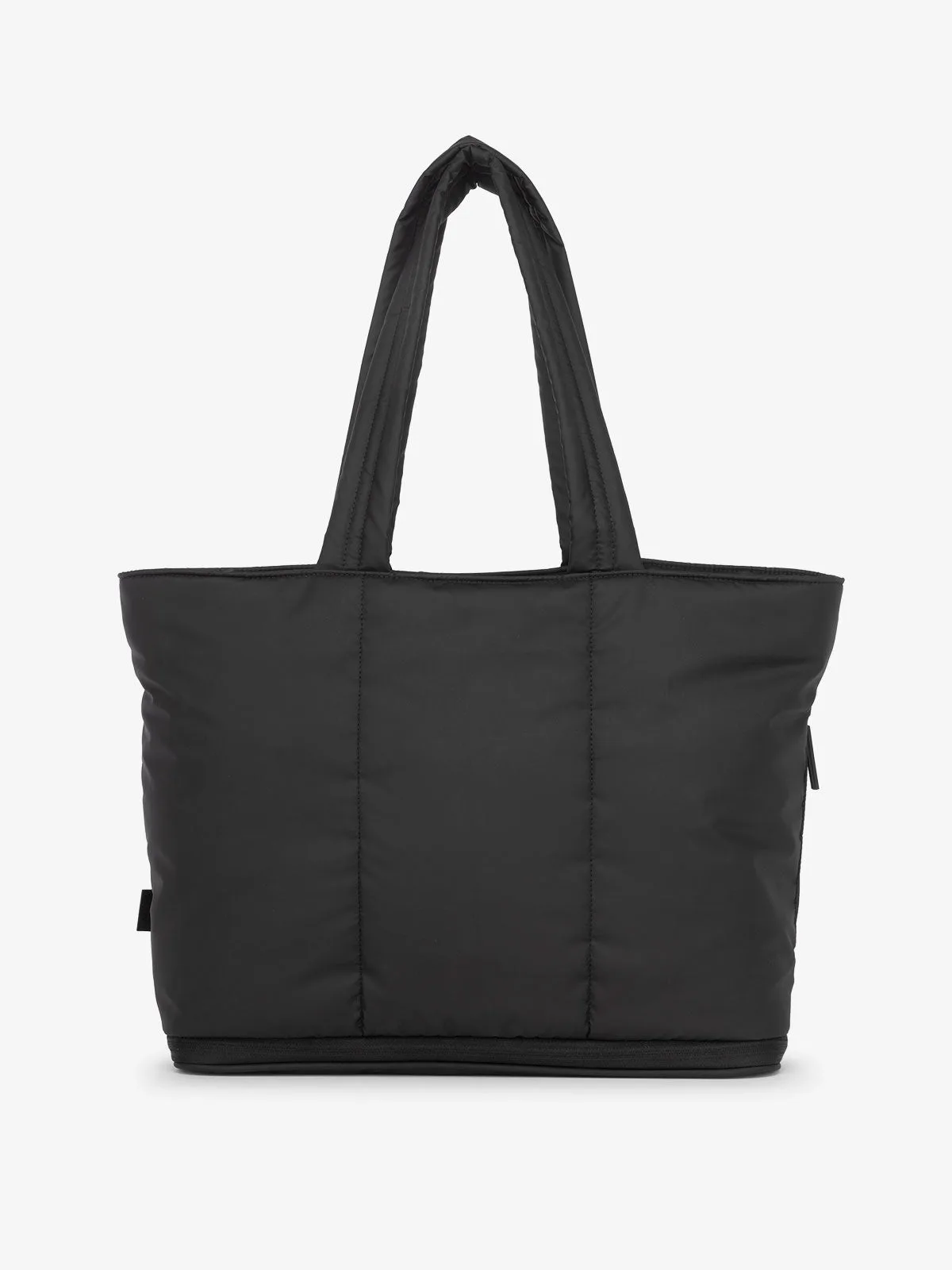
- Luka Expandable Laptop Tote: The Luka Expandable Laptop Tote has an expandable bottom, a padded laptop sleeve, and a luggage sleeve. If you also carry this tote, treat it the same way: hand wash only, and never submerge the padded sleeve longer than needed.