Quick answer
Clean your laptop backpack by emptying it completely, spot-treating stains with mild soap and a soft brush, and hand-washing in cool water only when needed. Remove the laptop and electronics first, never machine-wash or tumble-dry, and always air-dry away from direct heat. Check zippers and straps after every wash.
Your laptop backpack carries more than a laptop. It collects crumbs, sweat, rain, and the occasional coffee drip. A little routine care keeps it looking sharp and protects the zippers and fabric that hold your gear. You do not need special products or a lot of time.
This guide walks through a safe cleaning process that works for most fabric laptop backpacks, including models like the SWISSGEAR Fusion Pro Laptop Backpack and the SWISSGEAR Stride ScanSmart Laptop Backpack. Follow the steps in order, and pay attention to the checkpoints so you do not damage padding, coatings, or hardware.
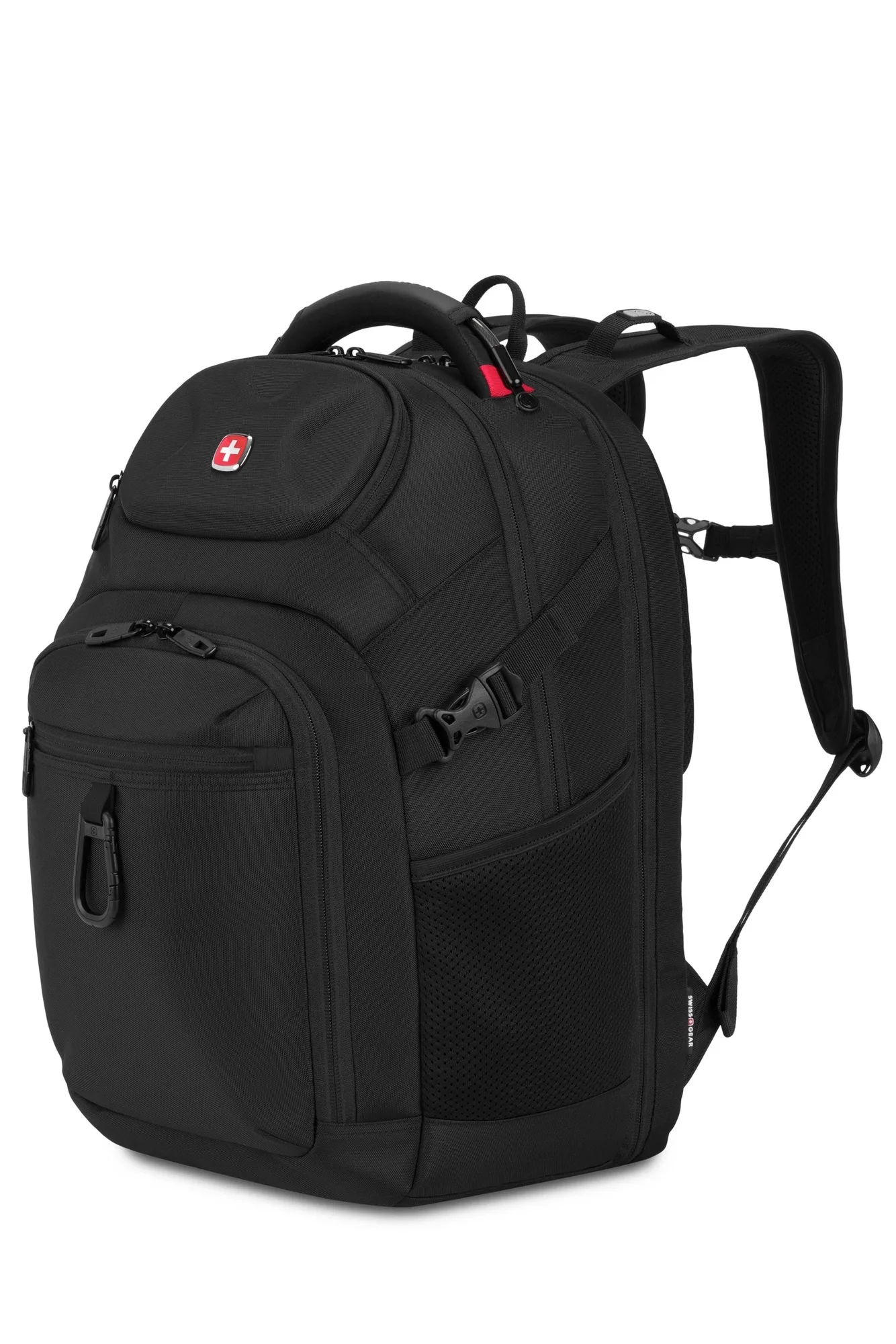
SWISSGEAR Stride ScanSmart Laptop Backpack
Before you start: empty, check, and read the label
Remove everything from every pocket, including pens, cables, and loose change. Turn the bag upside down and shake it over a trash can. Check the care label or any tag inside the main compartment for specific instructions. Most fabric backpacks can be spot-cleaned, but some coated or waterproof materials may need a gentler approach.
Look for damage before you add water. A small tear or a loose zipper pull can get worse during cleaning. If you find a broken zipper or a ripped seam, stop and consider repair first. Cleaning a damaged bag can push debris deeper into the lining and make the problem harder to fix.
- Take a photo of your bag before cleaning so you can reassemble everything correctly.
- Do not submerge a backpack that has a built-in USB port or battery pocket unless the manufacturer says it is safe.
Spot-clean stains and odors first
Mix a few drops of mild dish soap or gentle laundry detergent with cool water. Dip a soft cloth or soft-bristled brush into the solution and gently rub the stained area in a circular motion. Do not scrub hard, especially on printed logos or coated fabrics. Wipe away soap residue with a clean, damp cloth.
For odors, sprinkle baking soda inside the empty compartments and let it sit overnight. Shake it out the next morning. If the smell lingers, air the bag outside in the shade for a few hours. Avoid spraying perfume or harsh chemicals inside, as those can damage the lining and leave a strong scent on your laptop.
- Test any cleaning solution on a hidden area first, like the bottom of the bag.
- Never use bleach or ammonia-based cleaners on colored fabric.
Hand-wash the backpack in cool water
Fill a bathtub or large sink with cool water and a small amount of mild detergent. Submerge the backpack and gently squeeze the water through the fabric. Use a soft brush on stubborn spots. Do not wring or twist the bag, as that can bend frames, crease padding, or damage zipper tracks.
Rinse thoroughly with cool water until no soap bubbles remain. Soap left in the fabric can attract dirt and cause irritation. If your backpack has a padded laptop compartment, be extra careful not to soak it more than necessary. The padding takes longer to dry and can trap moisture.
- Checkpoint: if the water turns dark gray or brown, rinse and repeat until it runs clear.
- Do not machine-wash unless the care label explicitly allows it. Even then, use a gentle cycle in a pillowcase.
Clean zippers, straps, and hardware
Zippers collect lint, sand, and salt. Use a soft toothbrush or a can of compressed air to clear debris from the teeth. For sticky zippers, rub a graphite pencil or a tiny amount of zipper wax along the teeth, then work the zipper back and forth. Do not use oil or grease, which attracts dirt.
Wipe straps and hardware with a damp cloth. For metal buckles and adjusters, dry immediately with a towel to prevent rust. If your backpack has a trolley strap or a padded back panel, clean those areas gently. The SWISSGEAR Fusion Pro Laptop Backpack has a padded back and trolley strap, so keeping those clean helps the bag sit comfortably and securely on your luggage.
- Checkpoint: test every zipper after cleaning. If it catches, re-clean the teeth before forcing it.
- Do not soak leather trim or handles. Wipe them with a barely damp cloth and condition if needed.
Air-dry completely, inside and out
Hang the backpack upside down in a well-ventilated area away from direct sunlight and heat sources. Open all pockets and compartments so air can circulate. Stuff the main compartment with a clean towel or crumpled paper to help the bag hold its shape and absorb moisture. Change the paper if it becomes damp.
Drying can take 24 to 48 hours depending on humidity and padding thickness. Do not use a dryer, hair dryer, or radiator. High heat can shrink fabric, warp padding, and melt zipper coils. Make sure the bag is completely dry before you put your laptop back in.
- Checkpoint: feel inside every pocket, including the laptop sleeve, for any lingering dampness.
- If the bag still smells musty after drying, repeat the baking soda step and air it out again.
Protect and maintain your backpack between cleanings
Wipe down your backpack with a dry cloth once a week, and empty crumbs and receipts regularly. Keep pens capped and snacks in a sealed bag. For extra protection, apply a fabric guard spray made for backpacks, following the product instructions. Reapply it after a deep clean.
Store your backpack in a cool, dry place when not in use. Avoid hanging it by a single strap for long periods, which can stretch the strap and distort the shape. If you use your backpack daily, a quick monthly spot-clean will keep it presentable and extend its life.
- Rotate between two backpacks if you carry heavy loads every day, giving each bag time to recover.
- Keep a small microfiber cloth in your bag for quick wipe-downs of screens and fabrics.
Your 7-step backpack cleaning routine
- Empty every pocket: Remove all items, shake out debris, and check for damage before cleaning. Checkpoint: if you find a broken zipper, repair it before washing.
- Spot-treat stains: Use mild soap and a soft cloth on visible marks, then wipe with a damp cloth. Mistake to avoid: scrubbing hard on logos or coated fabrics.
- Hand-wash in cool water: Submerge in cool water with mild detergent and gently squeeze; do not wring. Checkpoint: rinse until the water runs clear.
- Clean zippers and hardware: Brush out debris and apply zipper wax or graphite to sticky teeth. Mistake to avoid: using oil or grease, which attracts dirt.
- Rinse thoroughly: Rinse again with cool water to remove all soap residue. Checkpoint: feel for slippery spots that indicate leftover soap.
- Air-dry upside down: Hang in a ventilated area away from heat and sun; stuff with towels to hold shape. Mistake to avoid: using a dryer or radiator.
- Recheck and store: Ensure the bag is completely dry, then store in a cool, dry place. Checkpoint: test all zippers before packing your laptop again.
Backpacks built for real life
- SWISSGEAR Fusion Pro Laptop Backpack: Features multiple compartments for a laptop, tablet, files, books, keys, and other essentials, plus a felt-lined, hard-shell exterior pocket for eyewear. More compartments mean more places for crumbs and dust to hide, so empty and wipe each pocket during cleaning. The hard-shell eyewear pocket should be wiped, not soaked.
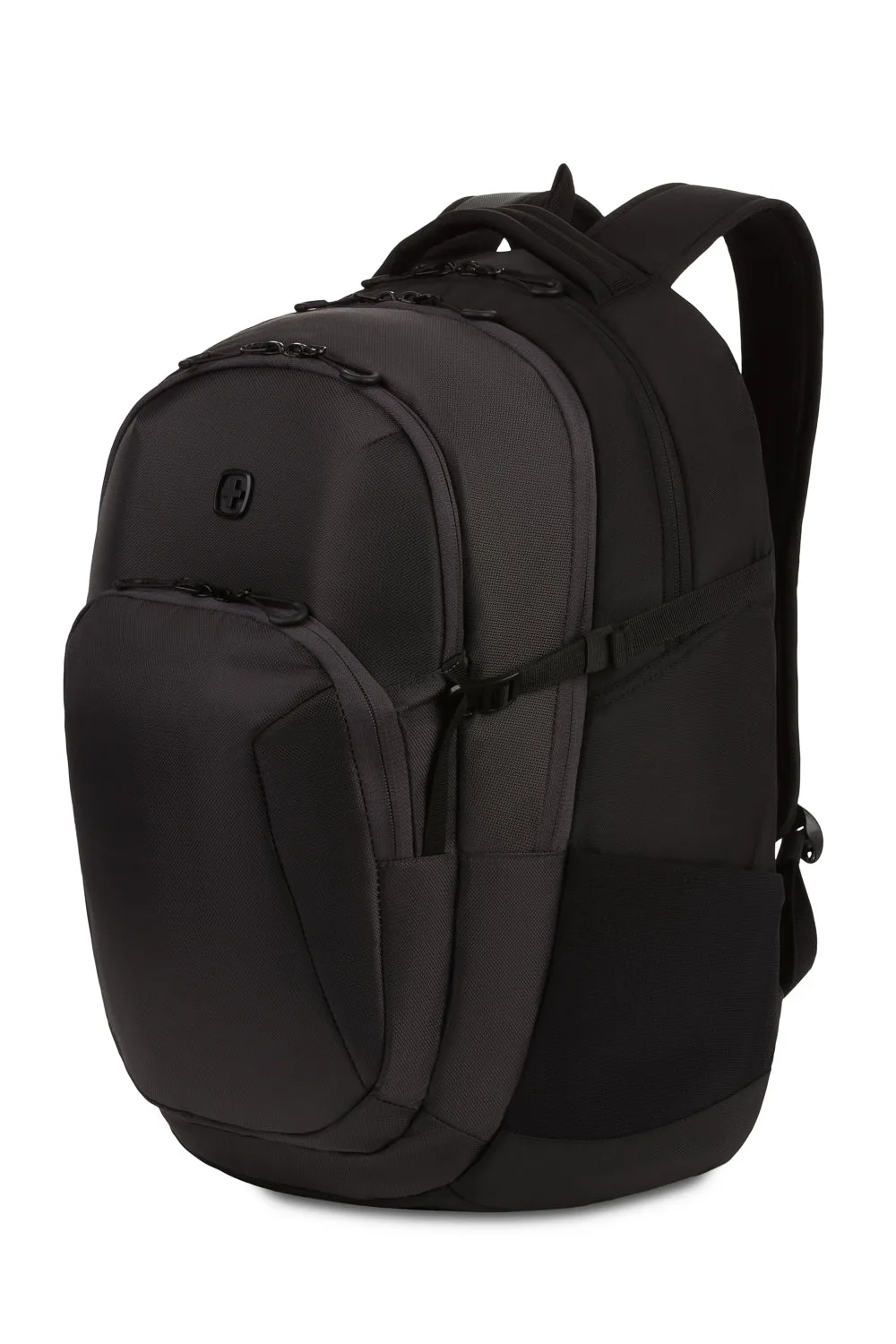
- SWISSGEAR Stride ScanSmart Laptop Backpack: Offers dedicated laptop and tablet pockets, room for cables and adapters, and a gusseted organizer. The organizer and cable areas collect lint and small debris. Use a soft brush or compressed air to clean them without snagging the fabric.
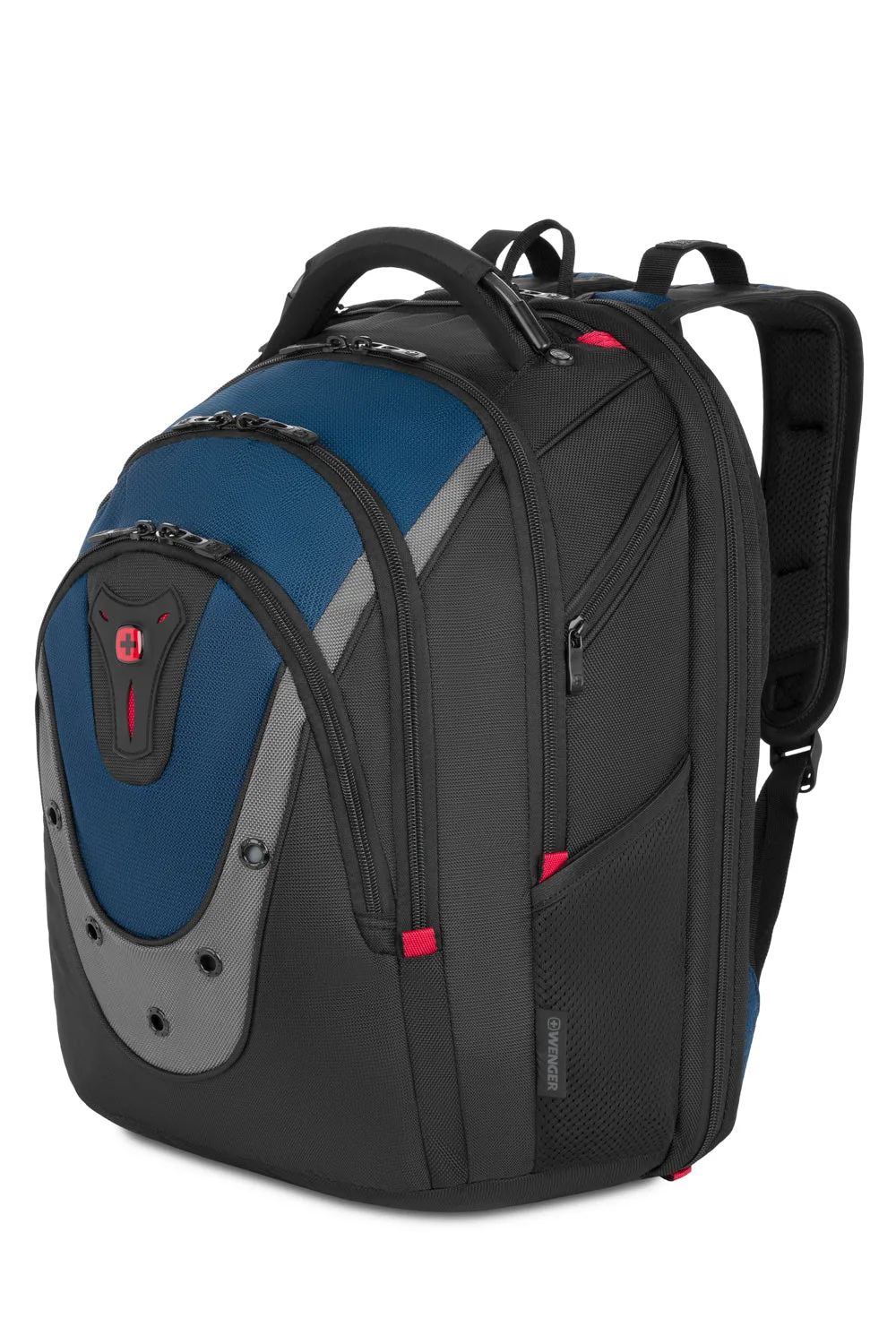
- Wenger Ibex ScanSmart Laptop Backpack: Crafted from durable ballistic polyester with a Triple Protect padded laptop compartment and a stabilizing base. Ballistic polyester is tough but can still be spot-cleaned. The padded compartment and stabilizing base need thorough drying to avoid moisture buildup.
A clean backpack is easier to carry and lasts longer. Set a monthly reminder to empty, wipe, and air out your bag, and treat stains as soon as you notice them. With these backpack cleaning tips, your laptop backpack will stay ready for work, travel, and everything in between.