Your Lorex wired security cameras work around the clock to protect your home or business. But like any outdoor equipment, they accumulate dust, dirt, cobwebs, and moisture over time. Regular cleaning and maintenance not only keep video quality sharp but also extend the life of your investment. In this guide, we'll walk you through a simple routine to maintain your wired security cameras, focusing on lens cleaning, housing care, cable inspection, and firmware updates.
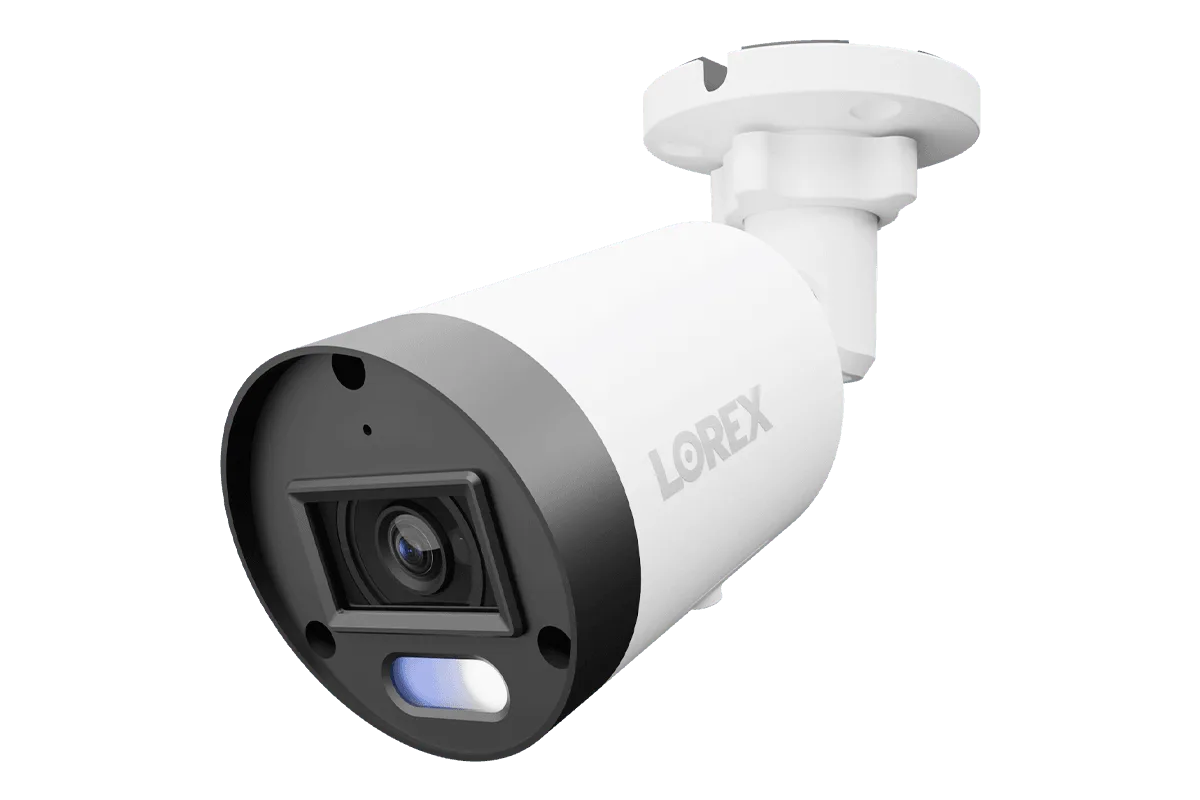
Whether you own a https://gadgetguardai.shop/products/lorex-a14-4k-ip-wired-bullet-security-camera-with-listen-in-audio-and-smart-218088Lorex A14 4K IP Wired Bullet Security Camera with Listen-In Audio and Smart Motion Detection or a Lorex Connect X5 4K PoE Turret Camera with AI Color Night Vision, these tips apply to all wired models. A little care goes a long way in preventing foggy footage, false motion alerts, and premature hardware failure.
Why Regular Maintenance Matters for Wired Security Cameras
Outdoor cameras face harsh elements: rain, snow, direct sunlight, pollen, and even insects. A dirty lens can reduce image clarity, making it difficult to identify faces or license plates. Dust on the IR LEDs can cause glare or reduce night vision range. Additionally, loose cables or corroded connections can lead to intermittent power loss or signal issues. By scheduling a simple cleaning every three months, you ensure your system remains reliable.
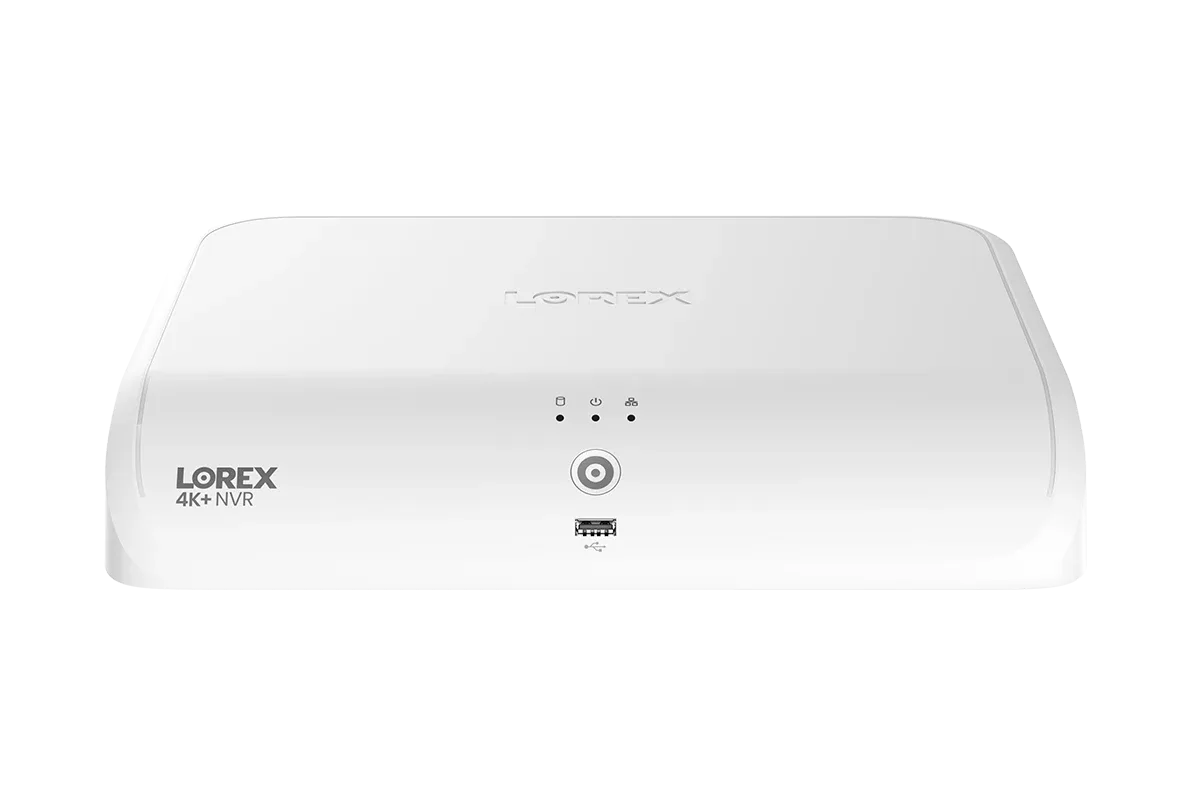
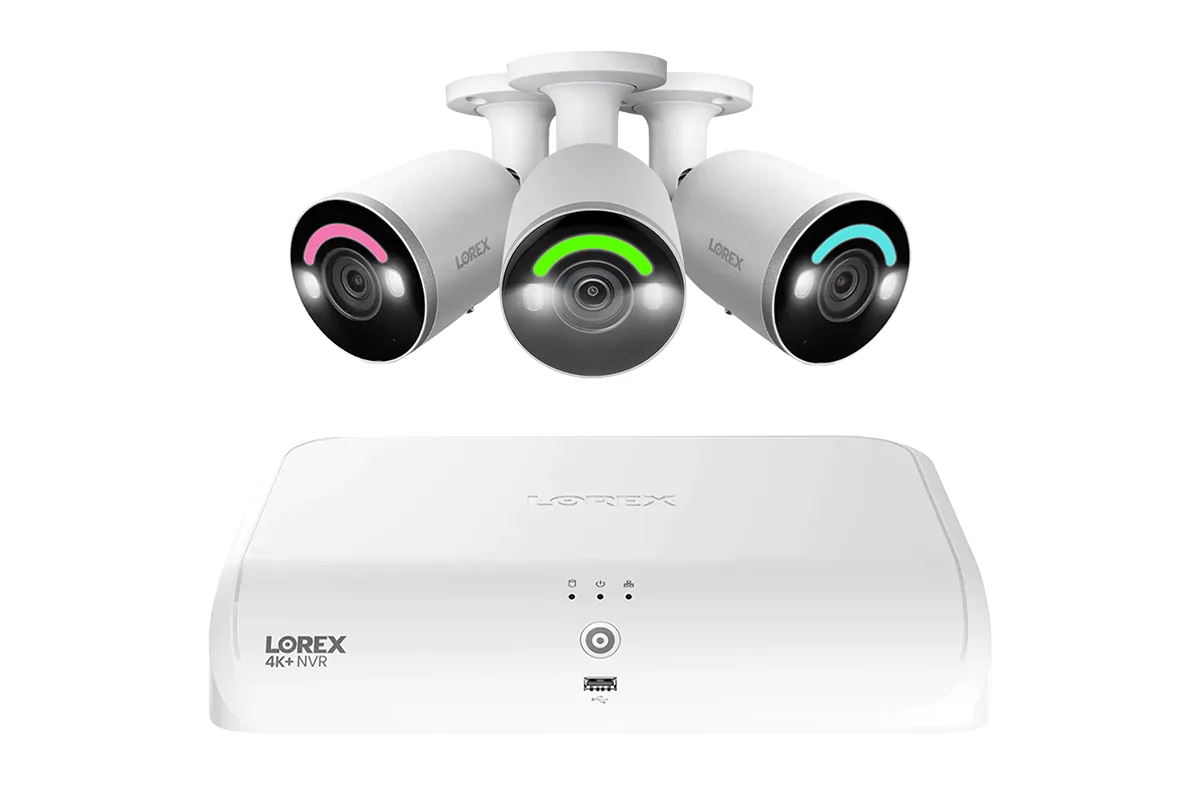
For cameras like the Lorex Fusion 4K 12 Camera Capable (8 Wired + 4 Wi-Fi) 2TB Wired DVR System with Three Active Deterrence Bullet Cameras, maintaining each camera is key to system-wide performance. A clean lens paired with a secure cable connection means your DVR receives the best possible video feed for recording and remote viewing.
- Improves video clarity for identification and evidence
- Prevents false motion alerts caused by spider webs or debris
- Extends the lifespan of seals, gaskets, and IR components
Step-by-Step Lens Cleaning for Crystal-Clear Video
The lens is the most critical part of your camera. To clean it safely, start by turning off the camera via your Lorex app or NVR interface. Use a soft, lint-free microfiber cloth — never paper towels or rough fabrics, as they can scratch the coating. For stubborn dirt, lightly dampen the cloth with distilled water or a lens cleaning solution (isopropyl alcohol diluted 50:50 works too). Gently wipe in a circular motion from the center outward.
Avoid spraying any liquid directly onto the camera. Always apply to the cloth first. For cameras with a dome or turret design, such as the Lorex Connect X5 4K PoE Turret Camera, pay extra attention to the dome cover. If it's scratched or hazy, consider replacing the dome to restore clarity. After cleaning, dry the lens with a dry portion of the cloth to prevent streaks.
- Use only microfiber cloths to avoid scratches
- Never spray cleaner directly on the camera
- Check for condensation inside the dome and reseal if needed
Inspecting Camera Housing, Seals, and Cables
The housing protects internal electronics from weather. Over time, rubber gaskets and seals can dry out or crack, allowing moisture to enter. Inspect the housing for any gaps, cracks, or discoloration. For bullet cameras, ensure the sun shield is intact and not blocking the lens. For turret cameras, verify that the base is tightly sealed against the mounting surface.
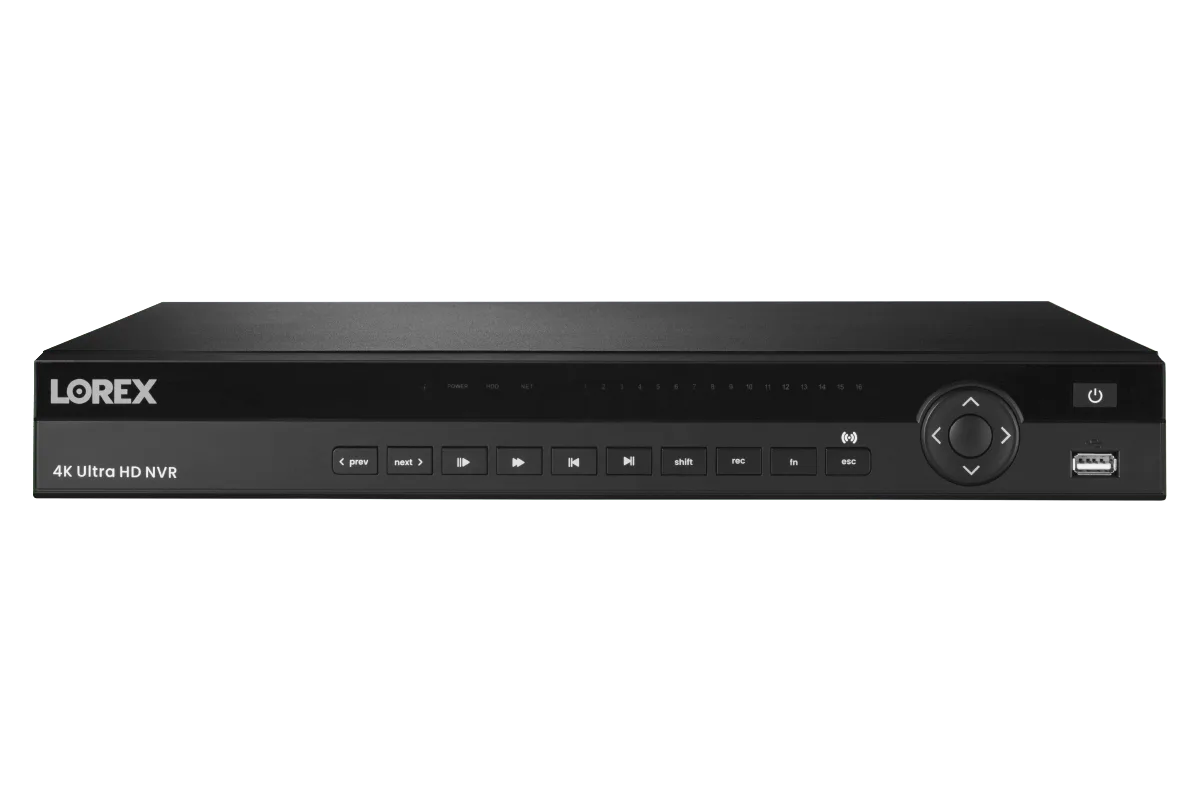
Cables are another common failure point. Check for frayed insulation, exposed wires, or corrosion at the connector. If your camera uses a PoE connection, ensure the Ethernet cable is securely plugged in and the weatherproof cap is in place. For systems with multiple cameras, like the Lorex Fusion Series 4K 16 Channel (8 Wired + 8 Fusion Wi-Fi) 2TB Wired System with H12 Wired 4K IP Bullet Cameras, inspect each cable run, especially where cables enter the building.
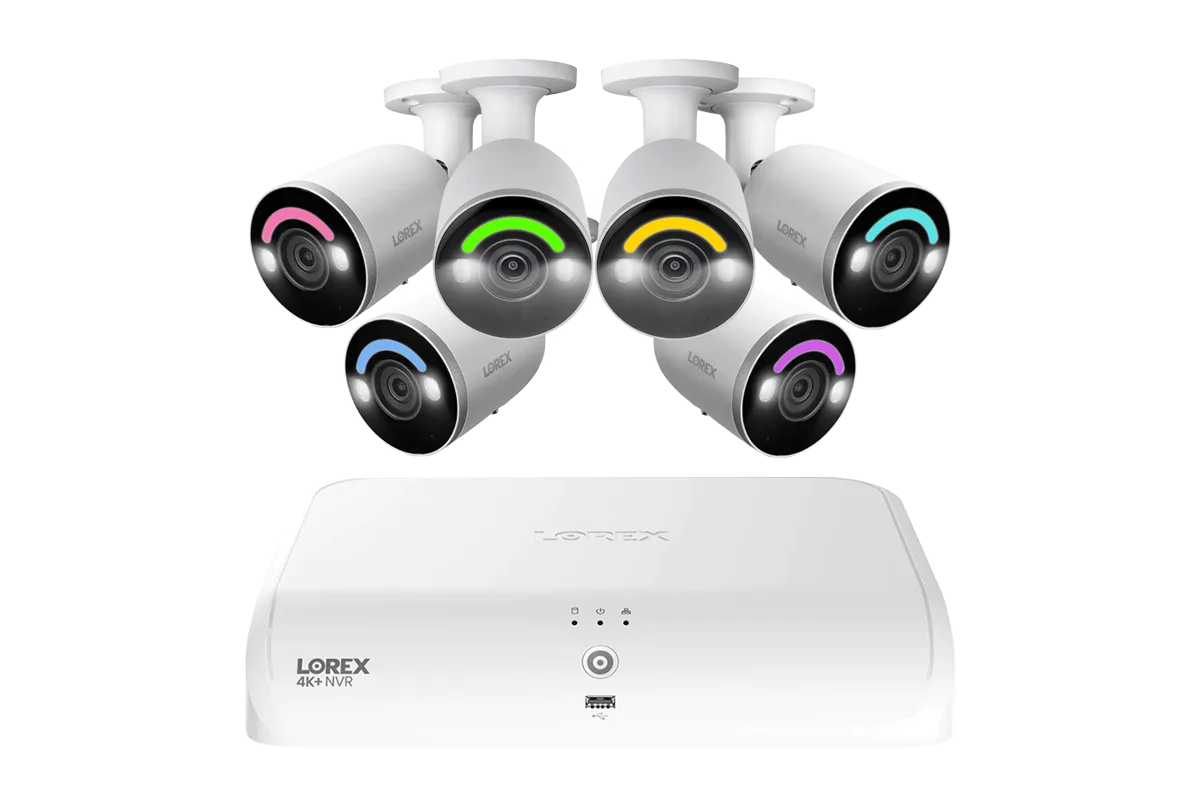
Lorex Fusion Series 4K 16 Channel (8 Wired + 8 Fusion Wi-Fi) 2TB Wired System with H12 Wired 4K IP Bullet Cameras
- Replace cracked gaskets immediately to prevent water damage
- Use dielectric grease on connectors to prevent corrosion
- Secure loose cables with cable ties or conduit to avoid strain
Firmware Updates and System Checks
Cleaning the hardware is only half the job. Keeping your camera firmware and NVR software up to date ensures optimal performance and security. Log into your Lorex system and check for firmware updates in the settings menu. Updates often improve motion detection algorithms, fix bugs, and enhance night vision processing.
While you're in the system, review your recording schedule, motion zones, and alert settings. Overgrown foliage or new structures may require adjusting camera angles or motion sensitivity. For cameras with smart detection, like the Lorex A14, verify that the smart motion detection is still calibrated correctly. A quick test of remote viewing and playback ensures everything is functioning as expected.
- Check for firmware updates every 3-6 months
- Test remote viewing and playback after updates
- Adjust motion zones seasonally to reduce false alerts
Regular cleaning and maintenance of your Lorex wired security cameras will keep your property protected with crisp video and reliable operation. By following this simple routine — cleaning the lens, inspecting seals and cables, and updating firmware — you'll maximize your system's lifespan. Ready to upgrade or expand your setup? Explore the Lorex A14 4K IP Wired Bullet Security Camera with Listen-In Audio and Smart Motion Detection for advanced features and durable performance.