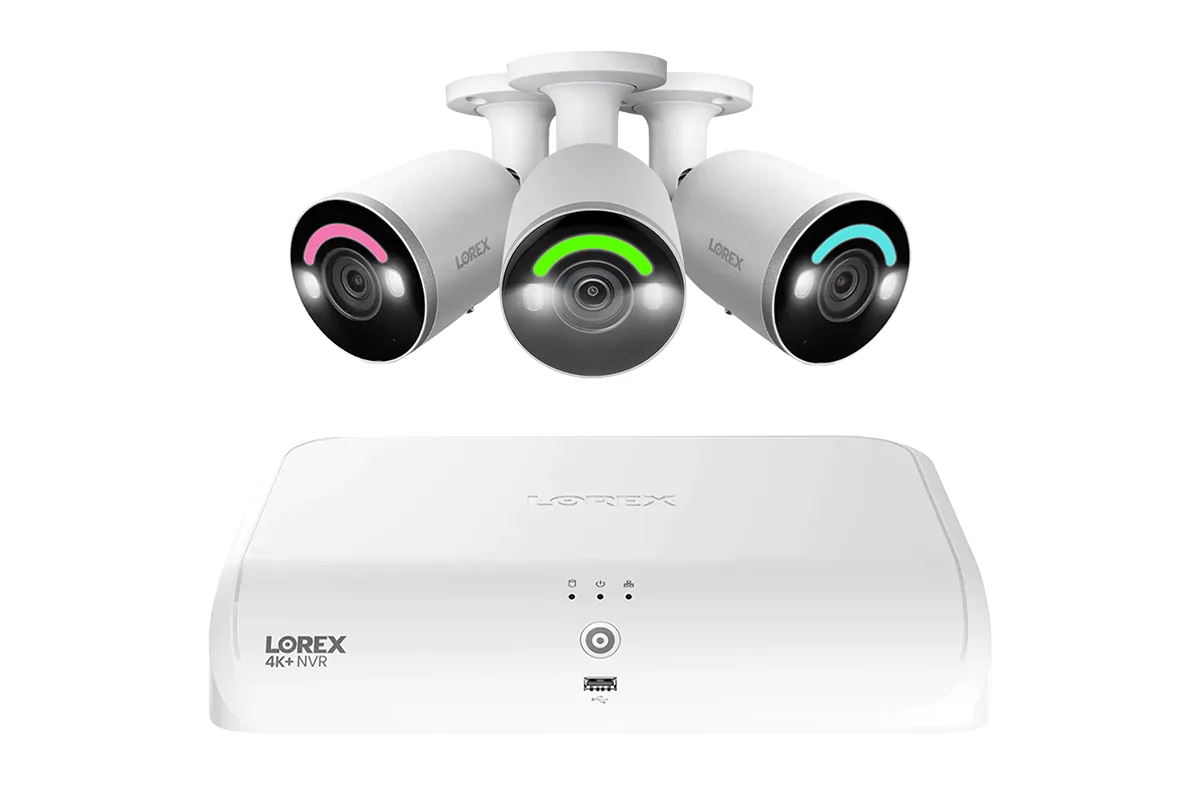
Having a high-resolution security camera system is only half the battle – maintaining clear video quality over time requires regular care. Even the most advanced cameras, like those in the Lorex Fusion series, can suffer from degraded footage if lenses become dirty or firmware falls out of date.
In this guide, we’ll cover two essential maintenance tasks: cleaning camera lenses to remove dust, dirt, and moisture, and updating firmware on your cameras and NVR to ensure optimal performance and security. These simple steps can dramatically improve the clarity and reliability of your surveillance footage.
Why Clear Video Quality Matters for Security
Clear video quality is not just about aesthetics – it’s critical for identifying faces, license plates, and other important details. A smudge on the lens or outdated software can turn a potential security asset into a useless blur. Regular maintenance ensures your investment in high-definition cameras pays off when you need it most.
Many homeowners and business owners overlook the simple acts of cleaning and updating, assuming that modern cameras are self-maintaining. However, environmental factors like pollen, rain, spider webs, and temperature changes all impact lens clarity. Similarly, firmware updates fix bugs, improve motion detection algorithms, and patch security vulnerabilities.
How to Properly Clean Your Lorex Camera Lenses
Start by turning off the camera or covering it to prevent glare while cleaning. Use a soft, lint-free microfiber cloth – never paper towels or rough fabrics that can scratch the lens. For stubborn grime, slightly dampen the cloth with distilled water or a lens cleaning solution. Gently wipe in circular motions, starting from the center outward.
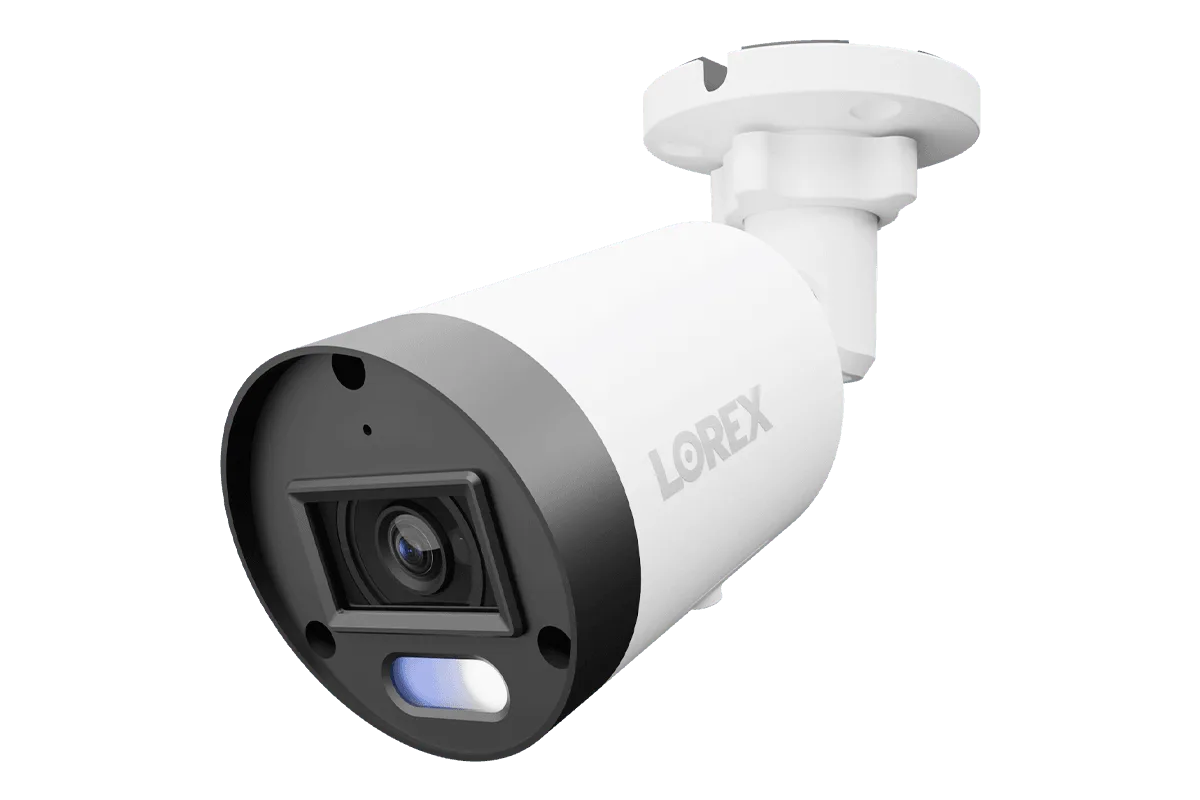
Pay special attention to the housing and seal around the lens, as dirt can accumulate in crevices. For cameras like the Lorex A14 4K IP Wired Bullet Security Camera, which are often installed under eaves or in exposed locations, seasonal cleaning is recommended. Avoid using ammonia-based cleaners that can damage coatings. If your camera has a protective glass cover, clean that as well.
- Check the lens for condensation inside the housing – if moisture appears, inspect the seal and consider repositioning the camera away from sprinklers or roof runoff.
The Importance of Firmware Updates for Cameras and NVR
Firmware updates are essential for maintaining video quality and system security. Manufacturers like Lorex release updates that improve image processing, enhance night vision, and fix bugs that could cause lag or pixelation. Neglecting updates can leave your system vulnerable to cyber threats and reduce overall performance.
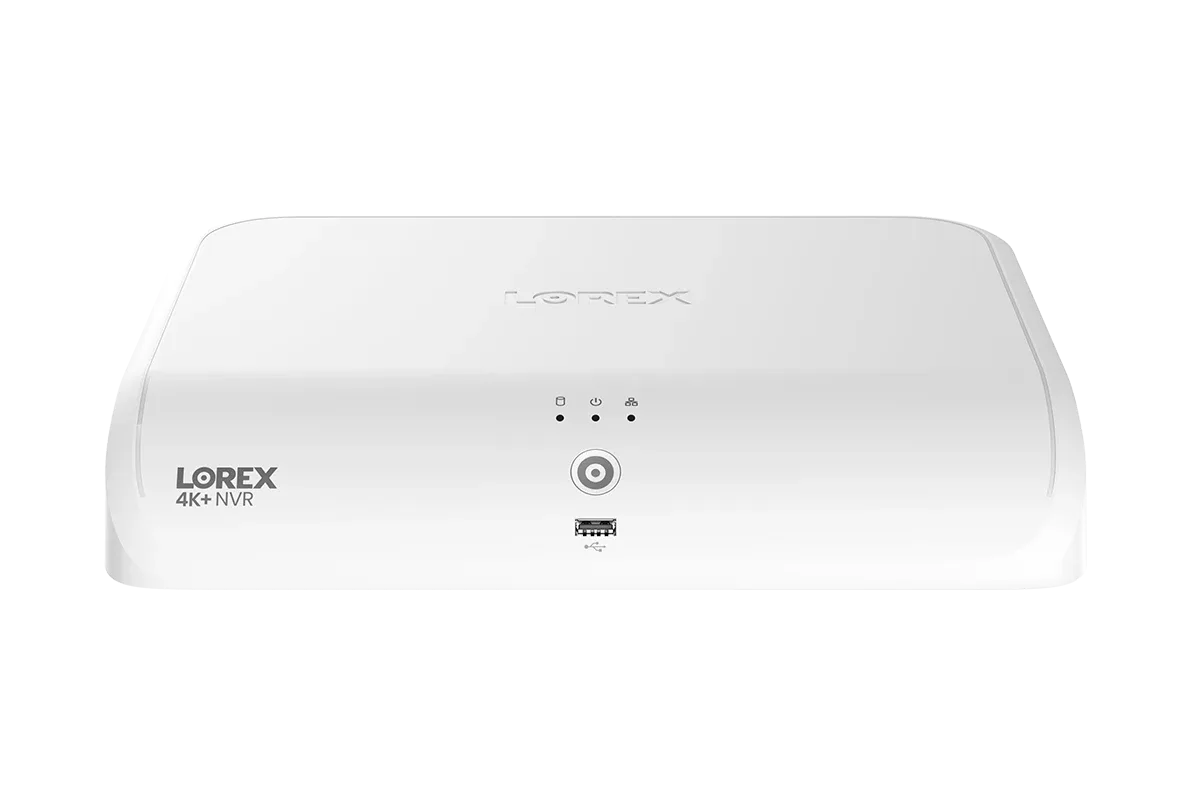
To update, log in to your NVR or camera interface and check for available updates under system settings. For hybrid systems like the Lorex Fusion 4K+ Ultra HD 12MP 16 Camera Capable (8 Wired + 8 Fusion Wi-Fi) 2TB Network Video Recorder, ensure both the NVR and connected cameras are updated. Some models allow automatic updates – enable this feature if available. Always back up your configuration before updating.
- After updating, reboot the entire system and test each camera’s video feed to confirm successful installation.
Additional Tips to Maintain Optimal Lorex Video Quality
Beyond cleaning and firmware, consider your camera positioning. Avoid aiming cameras at bright light sources or into reflective surfaces, which can cause glare or backlight issues. Adjust the camera’s angle to maximize field of view while minimizing obstructions like tree branches or overhangs.
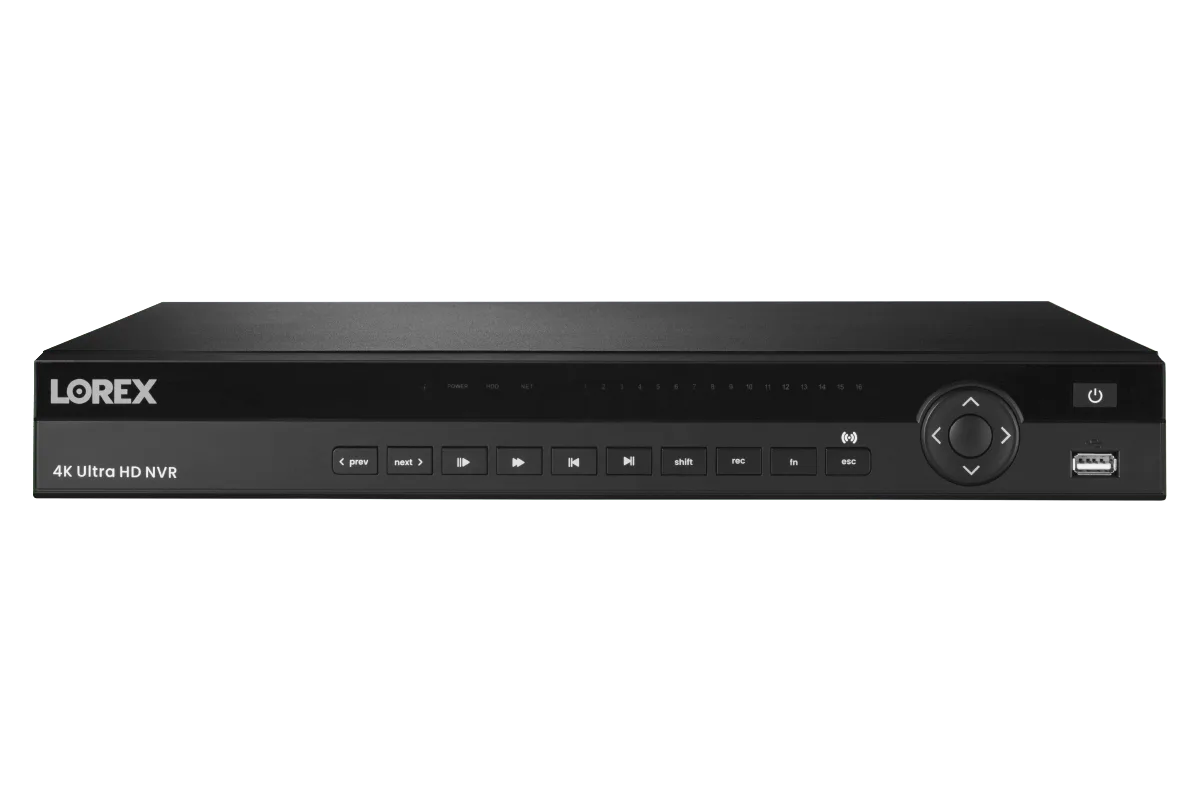
Regularly check your NVR storage health. A failing hard drive can lead to corrupted footage. For systems like the Lorex Connect XC 4K 32-Channel Commercial NVR with 8TB, monitor drive status via the dashboard. Also, ensure adequate ventilation around the NVR to prevent overheating, which can degrade performance.
- Replace worn or damaged Ethernet cables and use surge protectors to safeguard your equipment from power spikes.
Regular maintenance – from lens cleaning to firmware updates – is the key to long-lasting, clear security footage. By taking a few minutes each season, you can ensure your Lorex system continues to perform at its best. For a reliable, high-resolution camera that benefits greatly from these practices, explore the https://gadgetguardai.shop/products/lorex-a14-4k-ip-wired-bullet-security-camera-with-listen-in-audio-and-smart-218088Lorex A14 4K IP Wired Bullet Security Camera with Listen-In Audio and Smart Motion Detection – a great addition to any home or business security setup.