Your Oral-B iO toothbrush is a sophisticated piece of dental technology, but like any device, it needs regular care to perform at its best. Proper cleaning and maintenance not only keep your handle hygienic but also extend its lifespan, ensuring you get the most out of your investment. In this guide, we'll walk you through the best practices for cleaning and caring for your Oral-B iO handle.
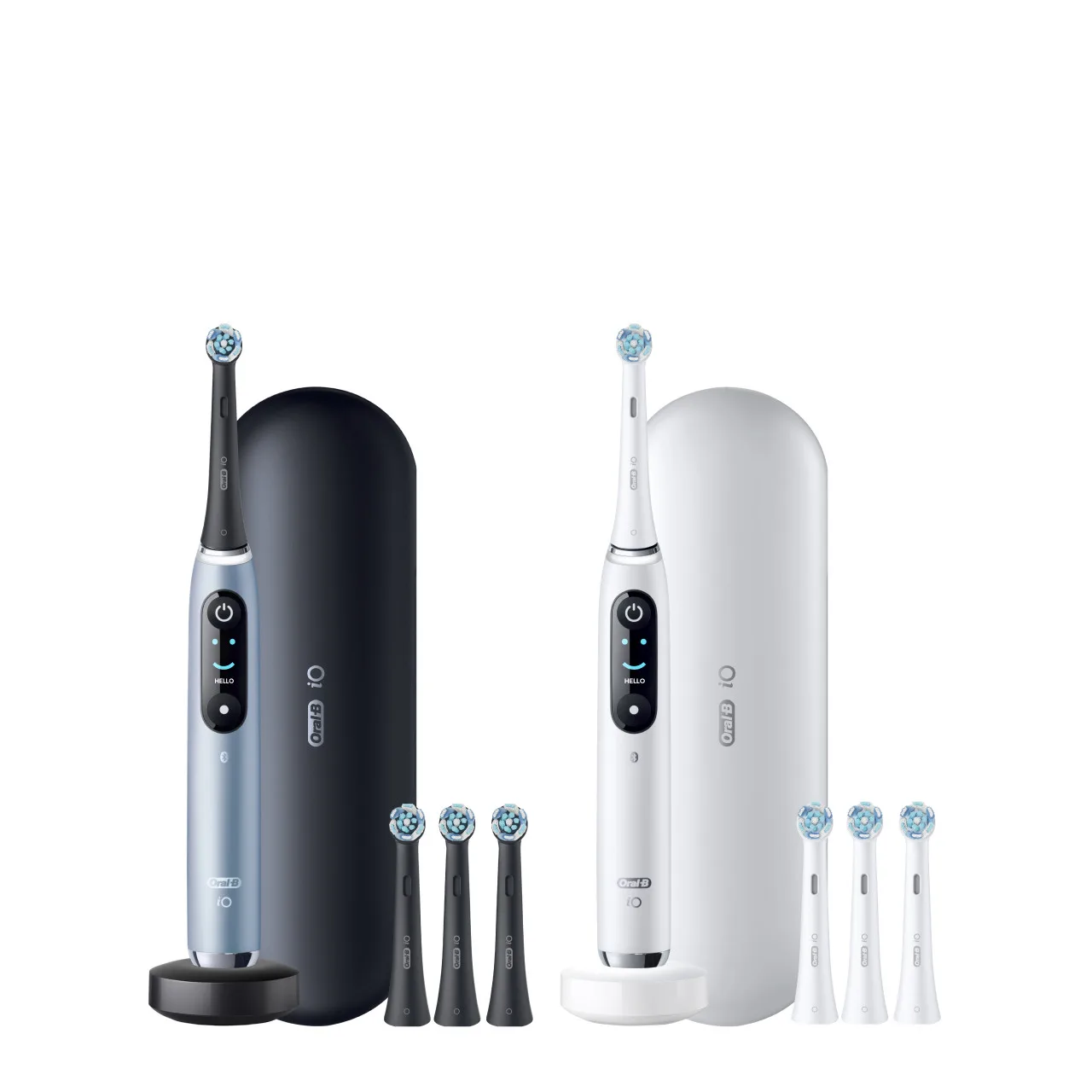
From daily rinsing to deep cleaning, we'll cover everything you need to know. Whether you own the Oral-B iO Series 9 Rechargeable Electric Toothbrush, Rose Quartz or the Oral-B iO Series 6 Electric Toothbrush, Grey Opal, these tips apply to all iO models. Let's dive in!
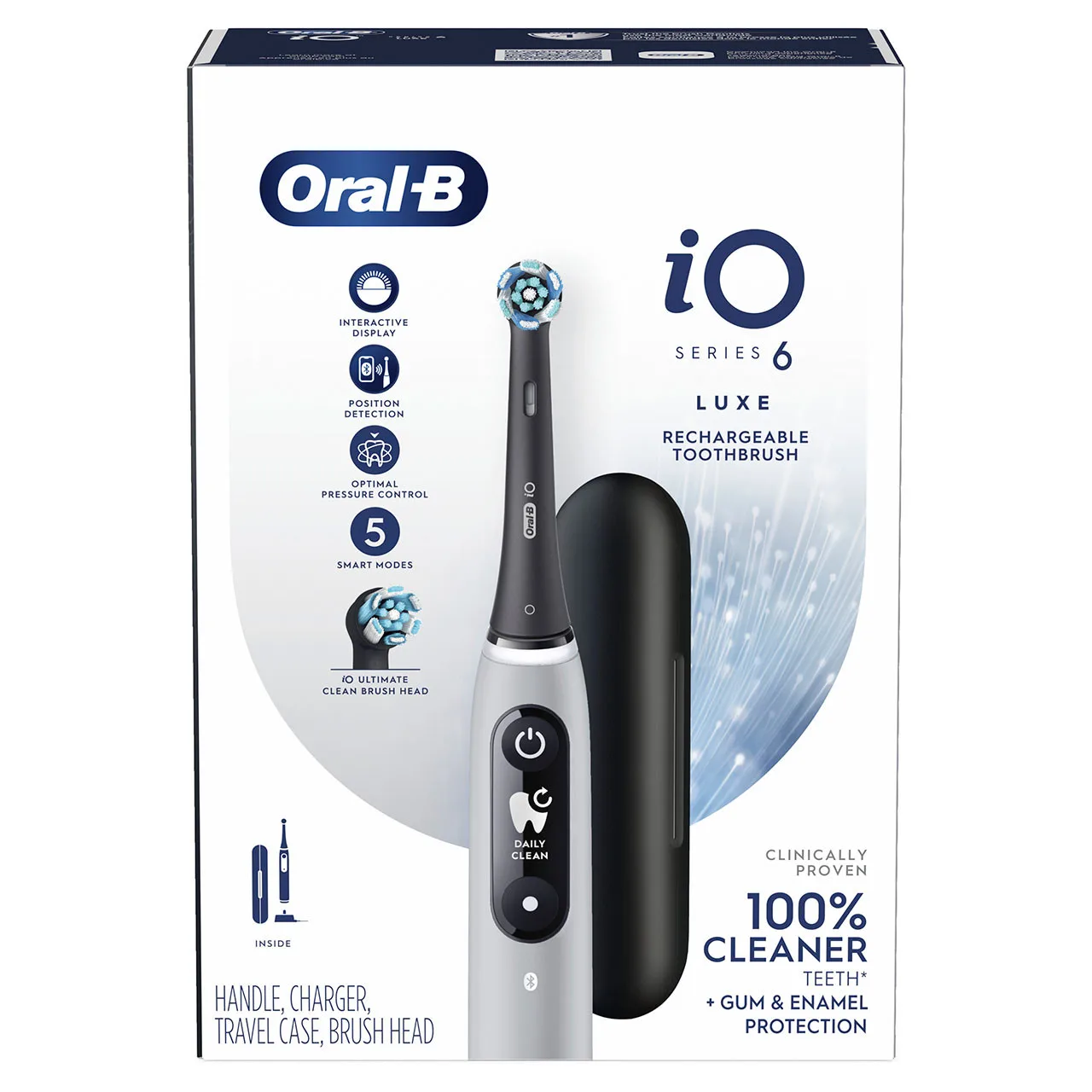
Oral-B iO Series 6 Electric Toothbrush, Grey Opal
Why Cleaning Your Oral-B iO Handle Matters
Your toothbrush handle comes into contact with water, toothpaste, and bacteria every time you brush. Over time, residue can build up on the handle, especially around the brush head connection and buttons. This buildup not only looks unsightly but can also harbor harmful bacteria, which may transfer to your mouth during brushing.
Regular cleaning prevents the accumulation of grime and keeps the handle's surface smooth and hygienic. Moreover, a well-maintained handle ensures that the magnetic charging contacts remain clean, allowing for efficient charging and consistent performance. By incorporating simple cleaning habits into your routine, you can protect your oral health and prolong the life of your device.
- Prevents bacterial growth and maintains hygiene
- Ensures optimal charging and performance
- Keeps the handle looking new and fresh
Daily Cleaning: Quick and Easy Steps
After each brushing session, it's essential to rinse the handle thoroughly. Remove the brush head and hold the handle under warm running water, using your fingers to gently wipe away any toothpaste residue. Pay special attention to the area where the brush head attaches, as toothpaste can accumulate there.
For the display and buttons, use a soft, damp cloth to wipe them down. Avoid using abrasive cleaners or submerging the handle in water, as this can damage the electronics. Once cleaned, dry the handle with a soft towel and let it air dry completely before placing it back on the charger.
- Rinse the handle and brush head connection after every use
- Wipe the display and buttons with a damp cloth
- Dry thoroughly before charging
Deep Cleaning: Weekly or Monthly Maintenance
While daily rinsing is sufficient for most days, a deeper clean once a week or month can help remove stubborn buildup. Start by detaching the brush head and wiping the metal shaft with a cotton swab dipped in rubbing alcohol. This removes any dried toothpaste or debris that might affect the connection.
For the handle body, mix a mild soap solution with warm water and use a soft cloth to gently scrub the surface. Be careful not to let any liquid enter the charging port or openings. After wiping, use a clean, damp cloth to remove any soap residue, then dry thoroughly. Avoid using harsh chemicals or bleach, as they can degrade the handle's finish.
- Use a cotton swab with alcohol to clean the metal shaft
- Wipe the handle with a mild soap solution
- Never submerge the handle in water or use abrasive cleaners
Caring for the Charger and Brush Heads
The charging base is another component that requires attention. Dust and toothpaste splatters can accumulate on the charger, affecting the connection. Periodically unplug the charger and wipe it with a dry or slightly damp cloth. Ensure it is completely dry before plugging it back in.
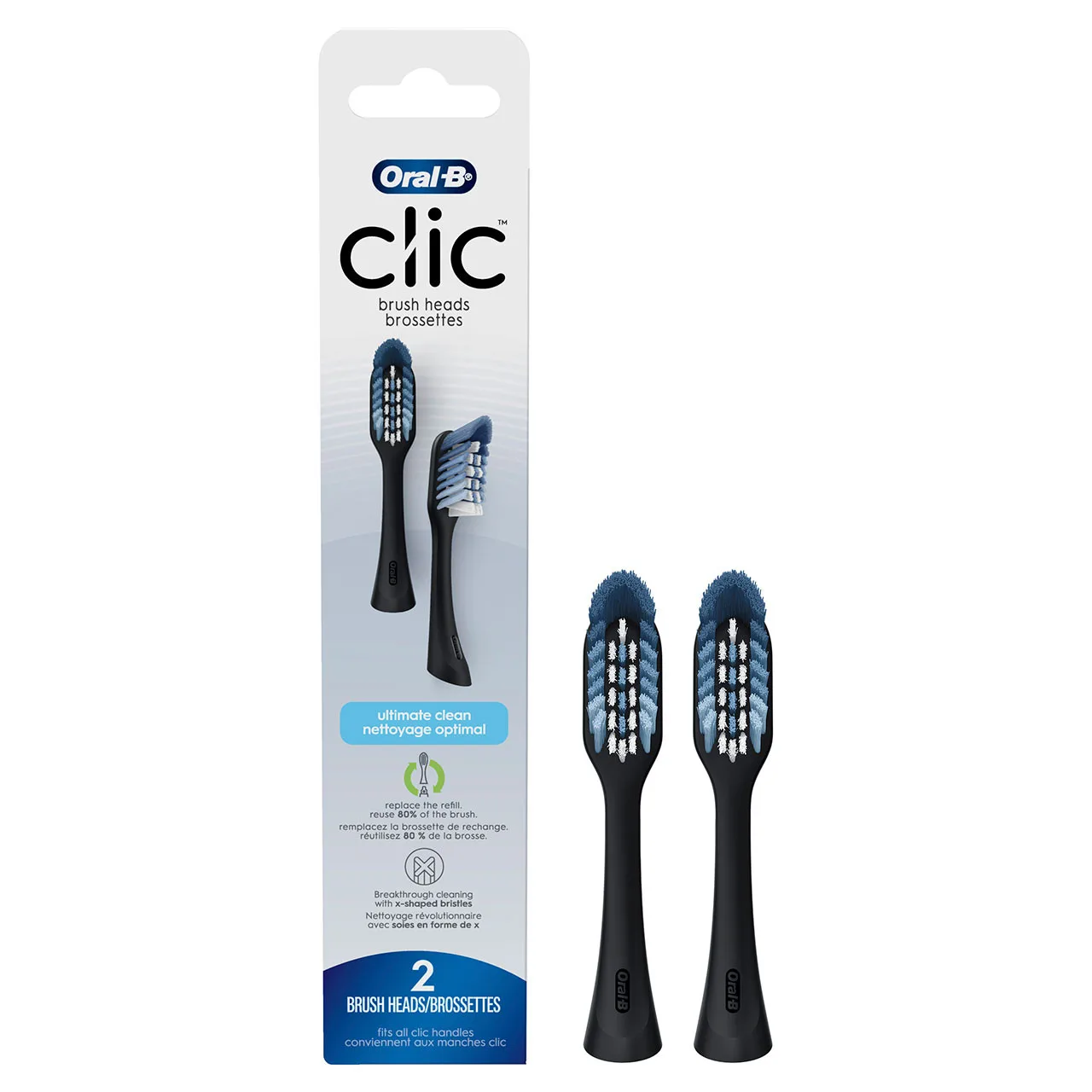
Additionally, remember that your brush head needs regular replacement. Over time, bristles become frayed and less effective. The Oral-B iO Ultimate Clean Replacement Brush Heads are designed to work seamlessly with your iO handle, and replacing them every three months is recommended. For a more budget-friendly option, consider the Oral-B CrossAction Replacement Brush Heads, which are compatible with many Oral-B handles.
- Clean the charging base regularly to ensure a good connection
- Replace brush heads every 3 months or sooner if bristles are frayed
- Use genuine Oral-B replacement heads for optimal performance
Storage and Travel Tips for Your iO Handle
How you store your toothbrush handle can significantly impact its longevity. Always store it upright in a well-ventilated area to allow it to dry completely between uses. Avoid storing it in closed containers or drawers, as moisture can lead to mold growth on the handle and brush head.
If you travel with your iO, invest in a protective travel case. When packing, remove the brush head and ensure the handle is dry before placing it in the case. This prevents moisture from getting trapped and keeps your handle clean and ready for use.
- Store upright in a ventilated area
- Use a travel case for trips to protect the handle
- Keep the handle dry before storing
Troubleshooting Common Issues
If you notice that your handle is not charging or the buttons are not responding, it might be due to dirt or residue on the contacts. Clean the metal contacts on the handle and the charger with a dry cloth or a cotton swab. Ensure they are completely dry before attempting to charge.
If the handle appears to have water damage, stop using it immediately and contact Oral-B customer support. Avoid using your toothbrush in the shower or submerging it in water, as this can void the warranty. Regular maintenance will help you avoid these issues altogether.
- Clean contacts if charging fails
- Do not use in the shower or submerge in water
- Contact support if you suspect water damage
Proper maintenance of your Oral-B iO handle is simple and essential for ensuring its longevity and your oral hygiene. By following these cleaning and care tips, you can keep your toothbrush in top condition. For a seamless experience, consider pairing your handle with the Oral-B iO Series 8 Electric Toothbrush, White Alabaster, which offers advanced features and a sleek design. Remember to replace your brush heads regularly and enjoy a fresh, clean smile every day.