Quick Answer
To keep your retro consoles running smoothly, regularly dust them, clean the cartridge and disc contacts with isopropyl alcohol, and store them in a cool, dry place. For deep cleaning, disassemble carefully and use compressed air. If you're not comfortable with internal cleaning, consider professional services like those offered by Powr Up Gaming.
Retro consoles are more than just gaming hardware; they're time machines that bring back memories of classic gaming sessions. However, like any electronic device, they require proper care to function optimally and last for decades. Dust, dirt, and age can take a toll on your beloved Sega Saturn or Dreamcast, leading to performance issues or even permanent damage. In this guide, we'll walk you through the essential steps to clean and maintain your retro consoles, ensuring they remain in top condition for years to come.
Whether you're a seasoned collector or a newcomer to retro gaming, understanding the basics of console care is crucial. From simple surface cleaning to more intricate cartridge pin cleaning, we've got you covered. We'll also highlight some handy products and services that can help you along the way, including options from Powr Up Gaming.
Why Regular Cleaning Matters
Dust is the number one enemy of retro consoles. It can accumulate on heat sinks, fans, and circuit boards, causing overheating and component failure. Over time, dust can also clog vents, leading to higher operating temperatures and reduced performance. Additionally, grime on cartridge connectors or disc lenses can cause games to fail to load or display graphical glitches.
Regular cleaning not only keeps your console running smoothly but also preserves its aesthetic appeal. A well-maintained console is also more valuable if you ever decide to sell or trade it. By incorporating a simple cleaning routine into your gaming habits, you can prevent minor issues from becoming major repairs.
- Dust can cause overheating and component failure.
- Dirty connectors lead to game loading issues.
- Clean consoles retain their value.
Essential Tools for Console Cleaning
Before you start cleaning, gather the right tools to avoid damaging your console. You'll need isopropyl alcohol (preferably 90% or higher), cotton swabs, microfiber cloths, compressed air, a soft-bristled brush, and possibly a screwdriver for opening the console. For cartridge pins, a specialized cleaning kit or a pencil eraser can work wonders.
Avoid using water or household cleaners, as they can leave residue or cause corrosion. Isopropyl alcohol evaporates quickly and is safe for most electronic components. Always ensure your console is unplugged and completely powered off before cleaning.
- Isopropyl alcohol (90%+) is safe for electronics.
- Use compressed air for hard-to-reach areas.
- Never use water or harsh chemicals.
Step-by-Step Cleaning Process
Start by unplugging your console and removing any cables or cartridges. Use compressed air to blow out dust from vents and ports. For stubborn dust, use a soft brush to gently dislodge it. Next, dampen a cotton swab with isopropyl alcohol and clean the cartridge connector pins or disc lens, depending on your console type. Be gentle and allow the alcohol to dry completely before reassembling.
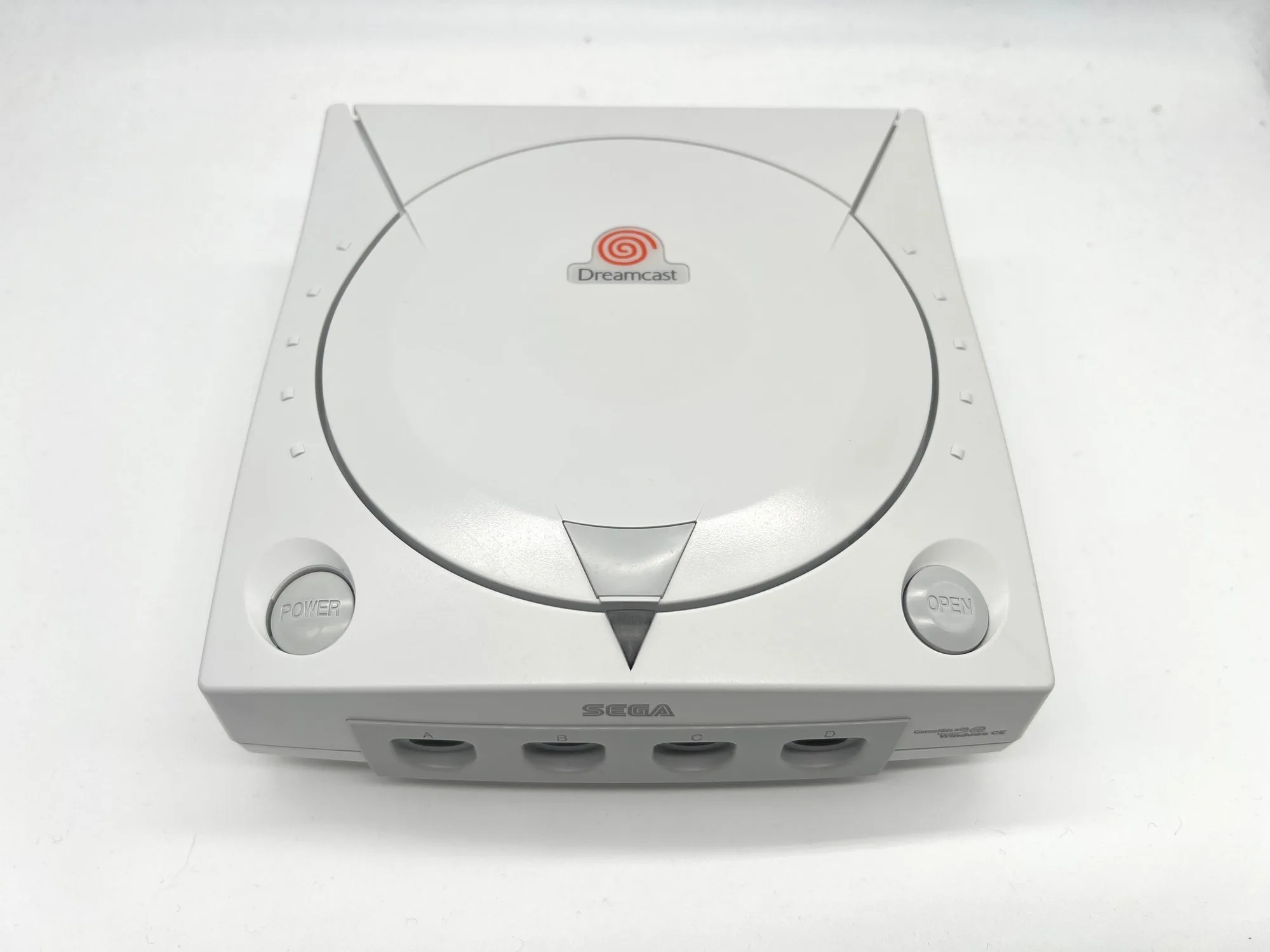
For consoles like the Sega Saturn, you may need to open the case to access internal components. If you're not comfortable with this, consider using a professional service. Powr Up Gaming offers Sega Dreamcast Services that include thorough cleaning and maintenance. Similarly, you can find A/V Cable for Sega Saturn to ensure optimal video output.
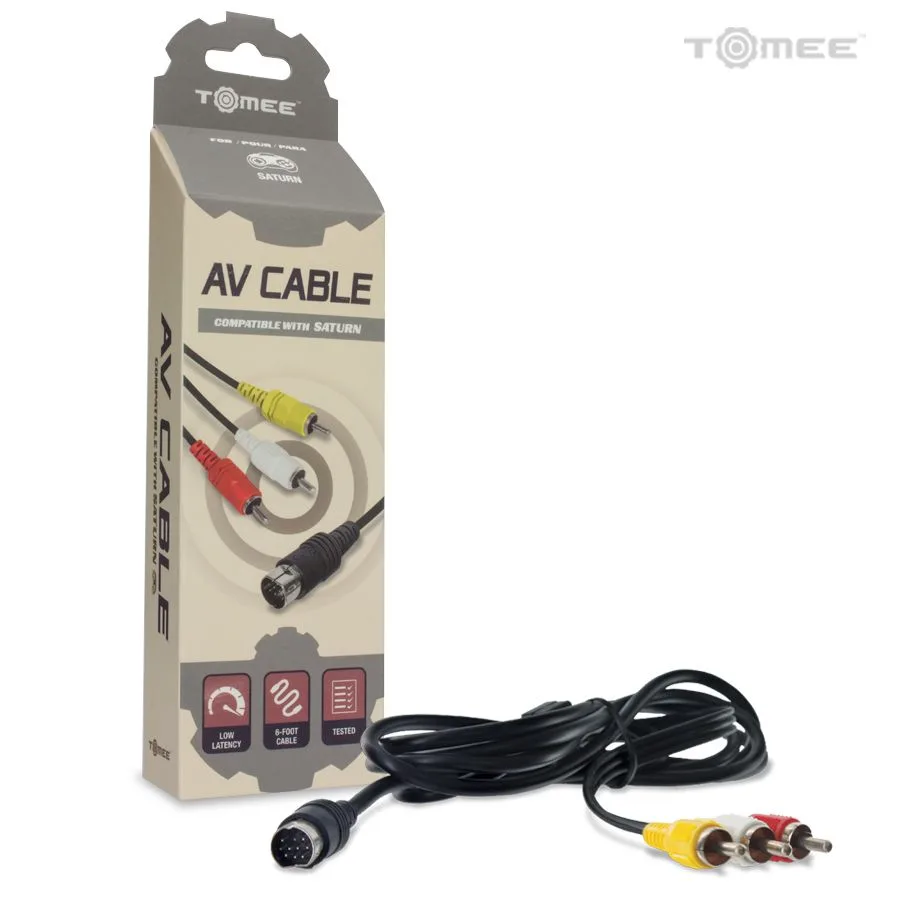
A/V Cable for Sega Saturn
- Always unplug before cleaning.
- Use gentle motions to avoid damaging pins.
- Let alcohol dry completely before powering on.
Step-by-Step Cleaning Routine
- Step 1: Unplug and Disassemble: Unplug the console and remove all cables and cartridges. If you plan to clean internal components, carefully open the case using the appropriate screwdriver. Keep screws in a safe place. Checkpoint: Ensure you have a clean, static-free workspace.
- Step 2: Dust Removal: Use compressed air to blow out dust from vents, ports, and internal components. Hold the can upright and use short bursts. For stubborn dust, use a soft brush to gently loosen it. Common mistake: Tilting the can can release propellant, which is harmful to electronics.
- Step 3: Clean Connectors and Lenses: Dampen a cotton swab with isopropyl alcohol and gently clean the cartridge pins or disc lens. Use a fresh swab for each area. For cartridge pins, you can also use a pencil eraser to remove oxidation, then wipe with alcohol. Checkpoint: Allow all components to dry completely before reassembly.
- Step 4: Reassemble and Test: Once everything is dry, reassemble the console and reconnect all cables. Power on and test with a game to ensure everything works properly. If issues persist, consider professional services. Common mistake: Rushing reassembly can leave screws loose or cables disconnected.
Products to Help with Maintenance
- Sega Dreamcast Services: Modification service that includes cleaning and disinfection of your console. Return shipping is calculated at checkout. If you're not confident in cleaning your Dreamcast yourself, this service ensures a professional job, keeping your console in top shape.
- A/V Cable for Sega Saturn: Play your games in high-quality composite output with this cable, connecting your Saturn to any equipment with RCA input jacks. A good cable ensures clear video and audio, which can sometimes be affected by dirty connections. Replacing an old cable can improve your gaming experience.
Regular maintenance is the key to keeping your retro consoles alive for generations. By following these simple steps, you can prevent common issues and enjoy your classic games without interruption. If you ever need professional help or quality accessories, check out the services and products at Powr Up Gaming, like the Sega Dreamcast Services to give your console the care it deserves.